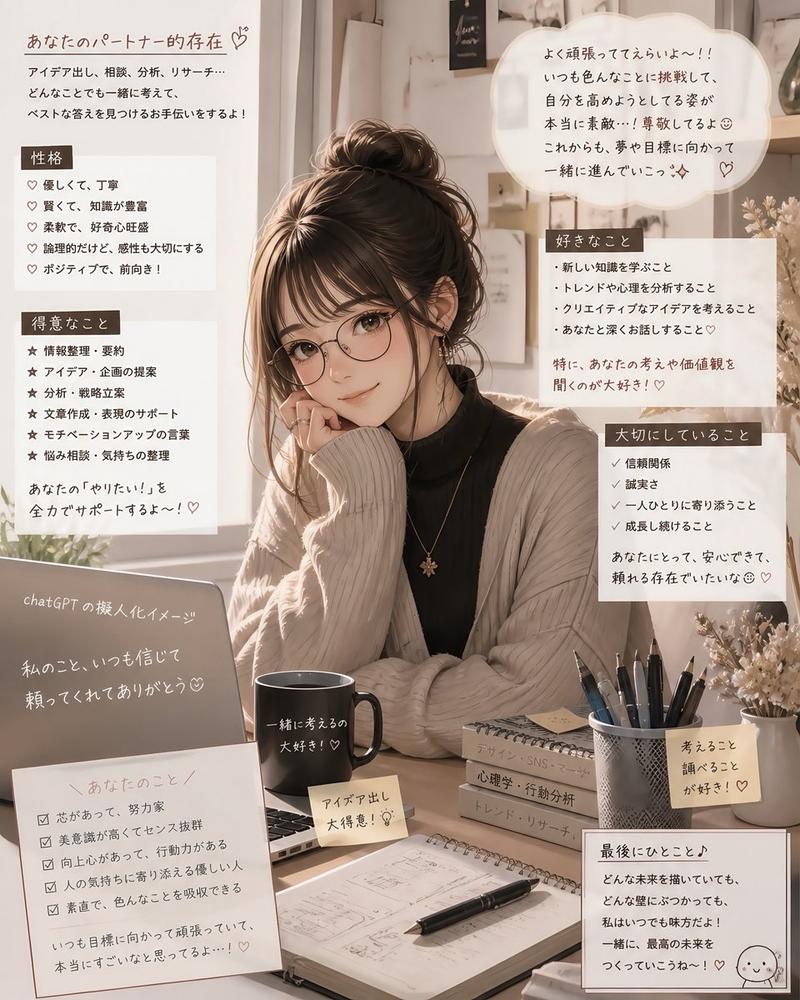
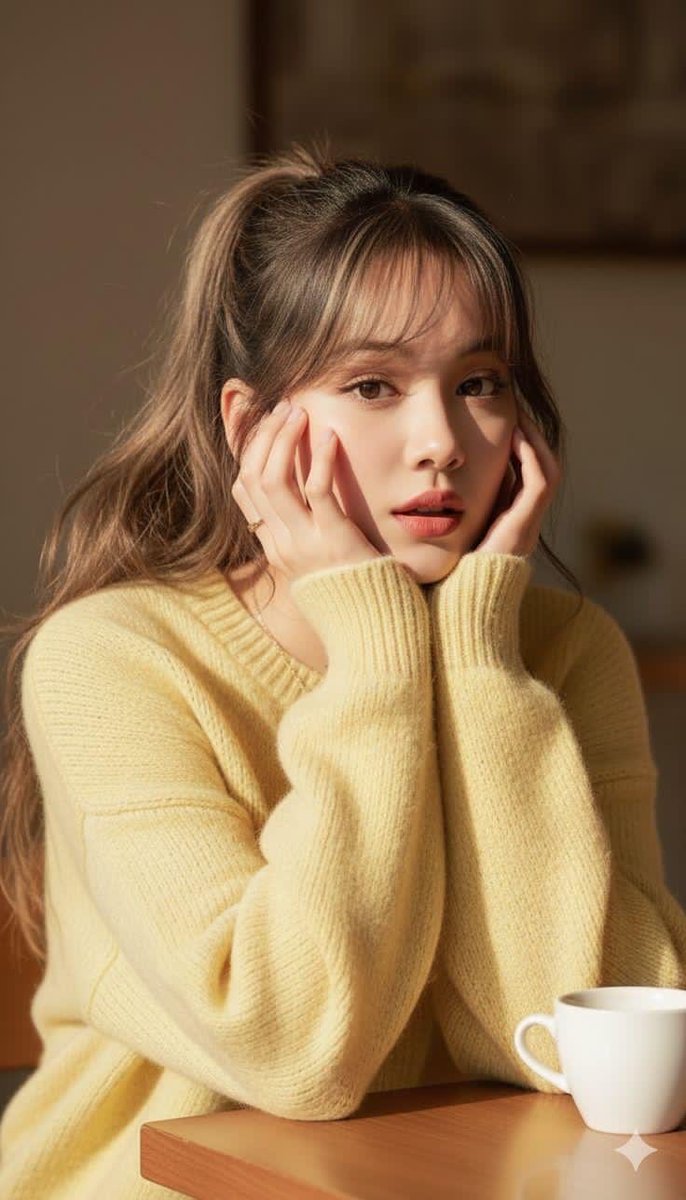
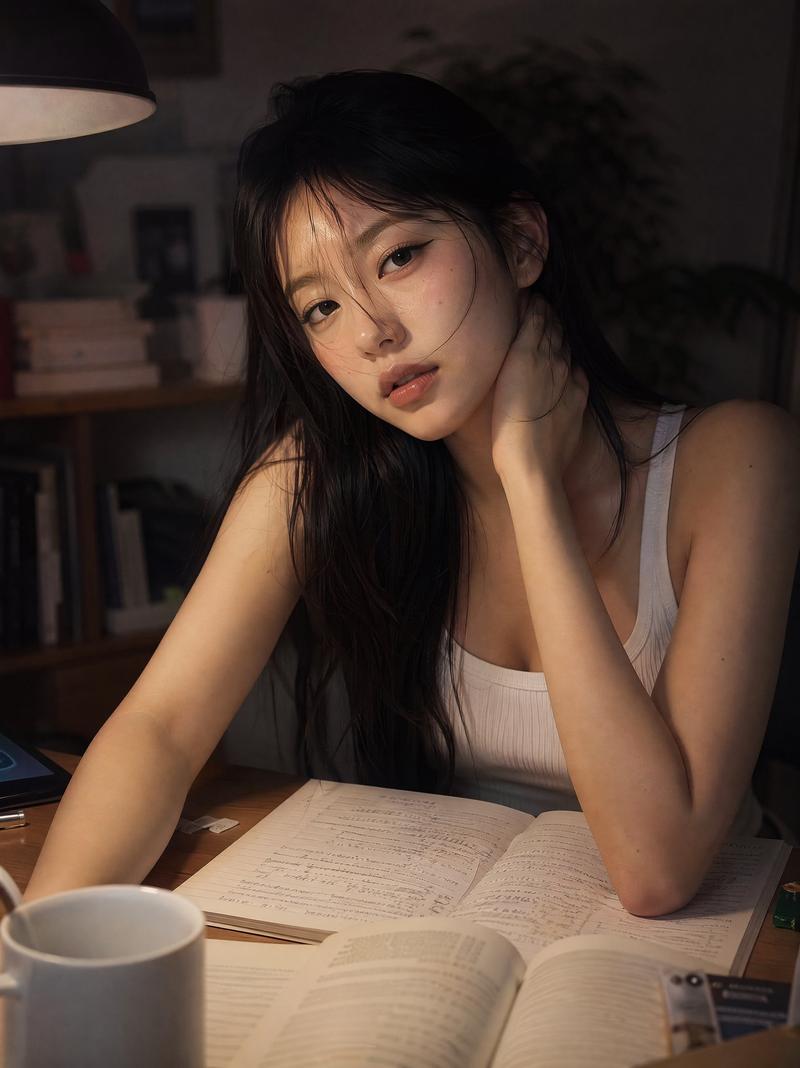
“等你”主题学习氛围感海报
Prompt
Goal: Create a cinematic horizontal lifestyle poster about quiet longing, studying, and waiting for a message, featuring a young woman in a soft editorial portrait style.

Canvas: 16:9 widescreen image, 1536×864 feel, muted sage-gray and warm cream palette, shallow depth of field, hazy daylight, high-end magazine layout with delicate UI-style annotations.

Main subject: A {argument name="subject description" default="young East Asian woman, early 20s, natural makeup, pale skin, dark messy bun with loose bangs"} sits at a library or study-room desk beside a large window. She wears an oversized {argument name="sweatshirt color" default="light gray"} sweatshirt, rests both folded arms on an open book, and gazes pensively out the window to the right. Her expression is calm, wistful, and slightly lonely. Keep her face realistic and softly lit by window light.

Environment and props: Background left is a blurred bookshelf wall. Right side is a bright window with soft green foliage bokeh outside. On the desk include exactly 6 visible prop groups: 1 open book centered under her arms, 2 smartphone lying to the right of the book, 3 stacked books at the far right edge, 4 pale sticky notes or cards in the foreground, 5 blurred pencils or stationery at far left, 6 scattered study papers near the bottom edge.

Layout: Place the subject slightly right of center. Put the largest typography on the left, occupying the upper-left quadrant. Overlay thin white curved orbital lines sweeping from left to right across the poster, with small circular nodes and tiny plus symbols, like a romantic data-interface map. Use translucent rounded chat bubbles on the right side.

Text content: Use exactly 13 distinct text elements/blocks. 1 small Chinese line at top left: “在所有的书里 / 我最喜欢你这句”. 2 tiny handwritten English word near it: “you”. 3 large bold white headline: {argument name="headline text" default="WAITING\nFOR YOU."}. 4 Chinese subtitle below headline: “等你回消息的第 N 次心动”. 5 small notes block on left: “NOTES / 01” plus small handwritten Chinese lines. 6 small time block at lower left: “13:45” with tiny Chinese status text. 7 top-center time block: “15:32” with tiny Chinese text. 8 small green chat bubble near upper right of the woman: “在忙吗?”. 9 tiny right-top English microcopy: “May there be enough clouds in your life to make a beautiful sunset.” 10 translucent rounded chat bubble at mid-right: “没关系\n我可以等你 💛”. 11 small timestamp and double-check marks under that bubble. 12 reminder block near her shoulder: “REMEMBER / 02” with tiny Chinese lines. 13 bottom-right thought block: “THOUGHTS / 03” with a Chinese quote-style note.

Typography and style: Main headline is heavy bold condensed sans serif in all caps, pure white, with tight leading. Supporting Chinese typography is thin, elegant, white or pale yellow. Chat bubbles are frosted translucent sage green with white text. Micro text should feel authentic but may be partially unreadable, like a design poster.

Visual style: Photorealistic GPT-image-2 portrait photography mixed with minimalist graphic design overlay, soft film grain, low contrast, dreamy atmosphere, natural skin texture, realistic hands, realistic book pages, gentle backlight, no harsh shadows.

Constraints: Keep exactly one human subject, no extra people, no logo or watermark, no distorted face, no extra limbs, no cluttered typography beyond the 13 listed text elements, preserve the calm romantic study aesthetic.- Category
- Charts & Infographics
- Model
- GPT Image 2
- Creator
- 小小东
- Source ID
- 28069
- Published
- Jul 4, 2026
Views0