19

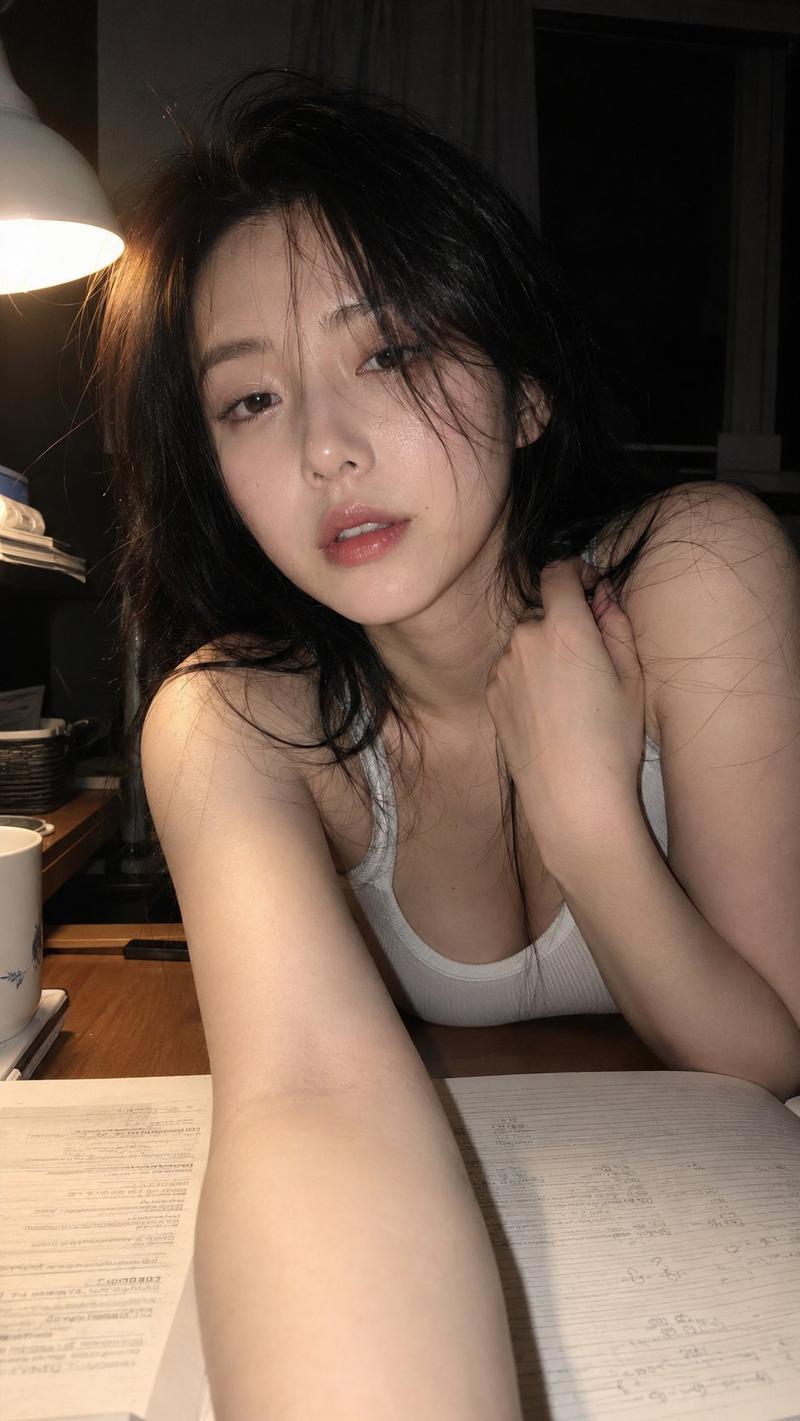
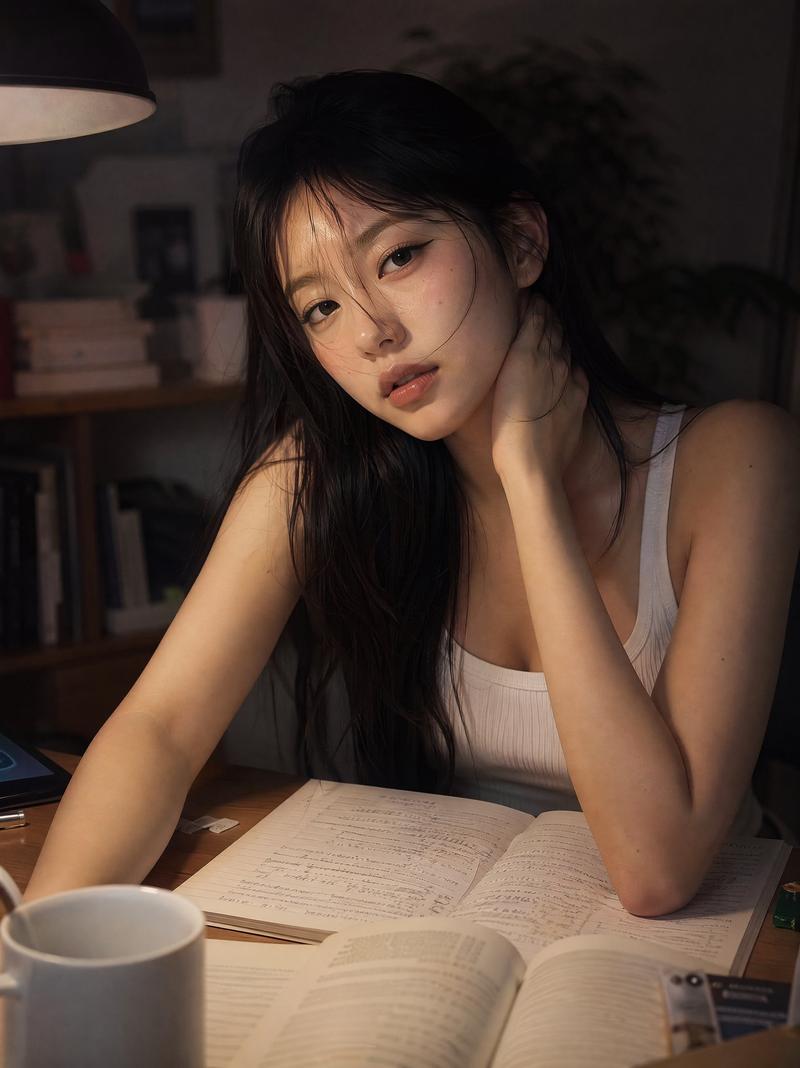
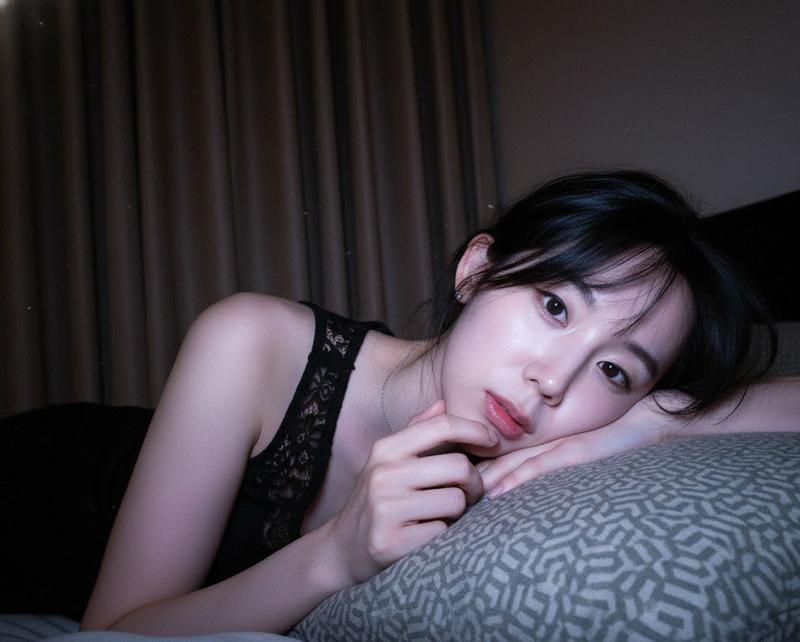
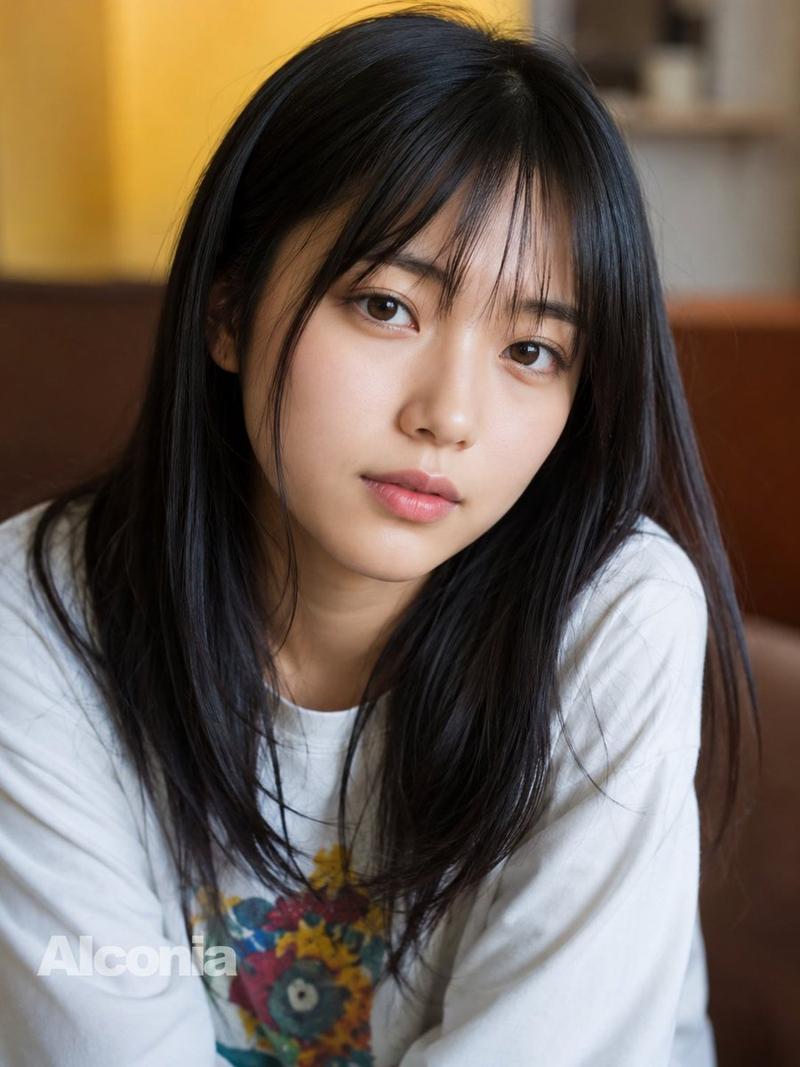
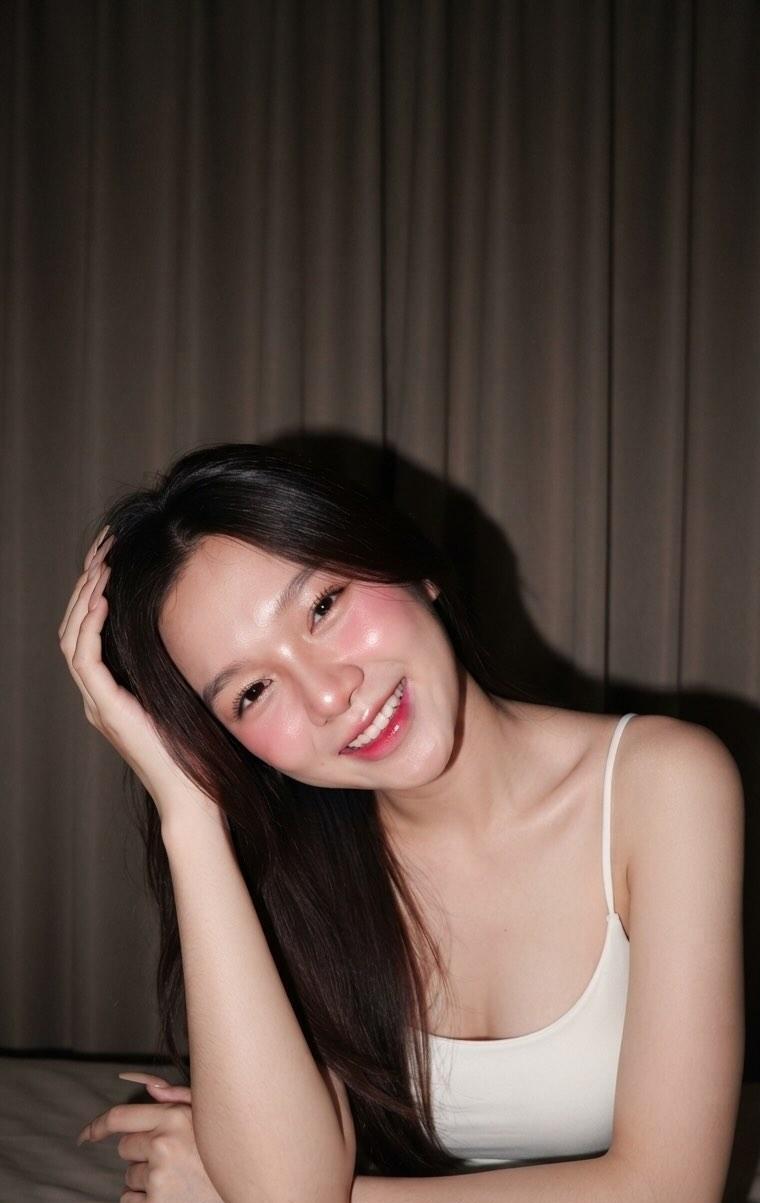
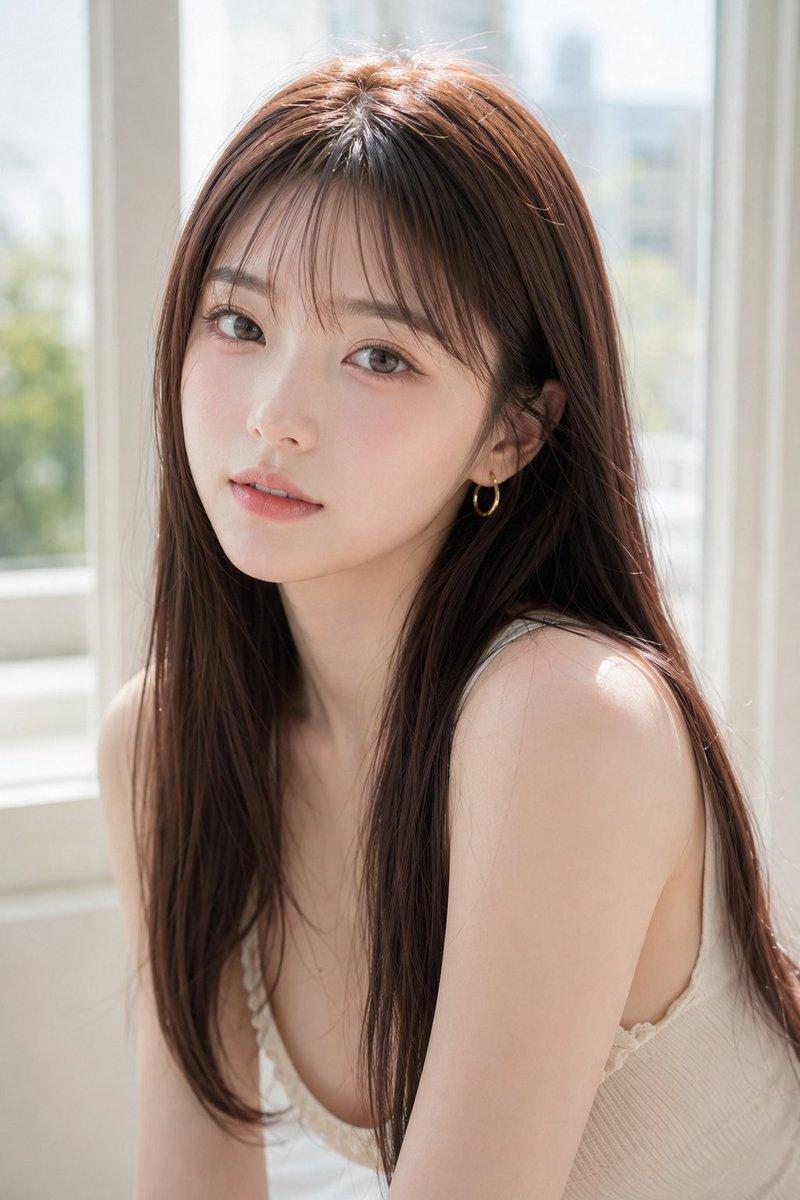
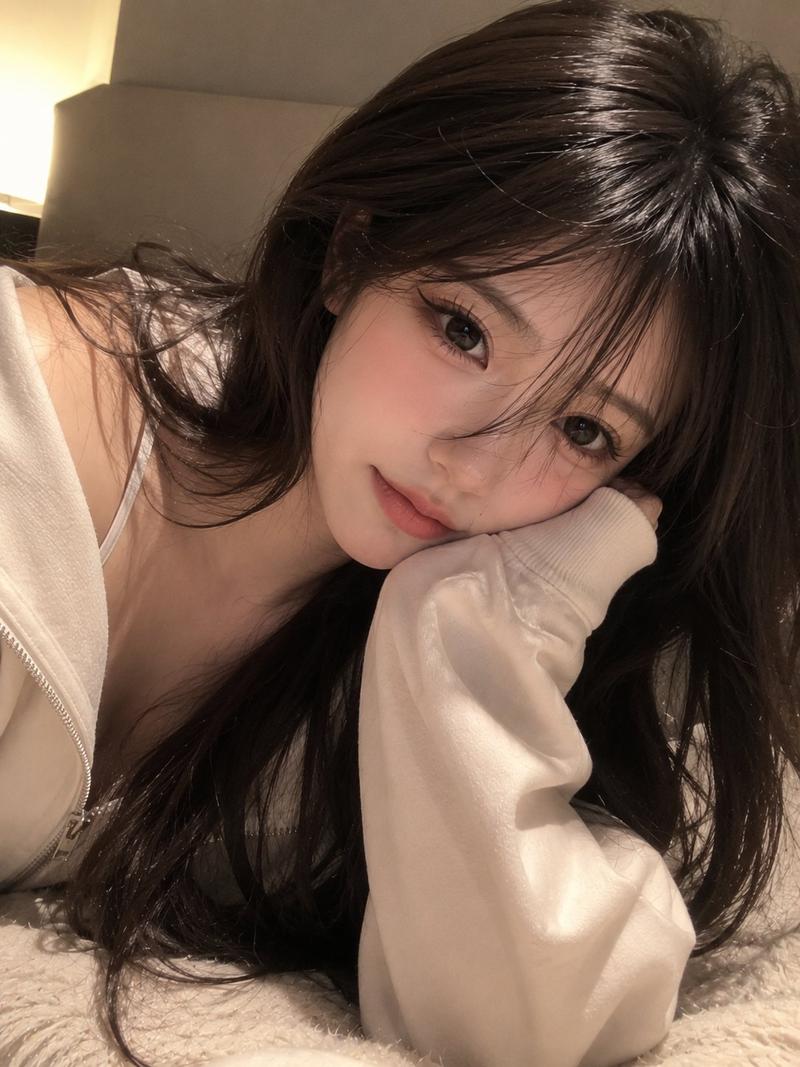
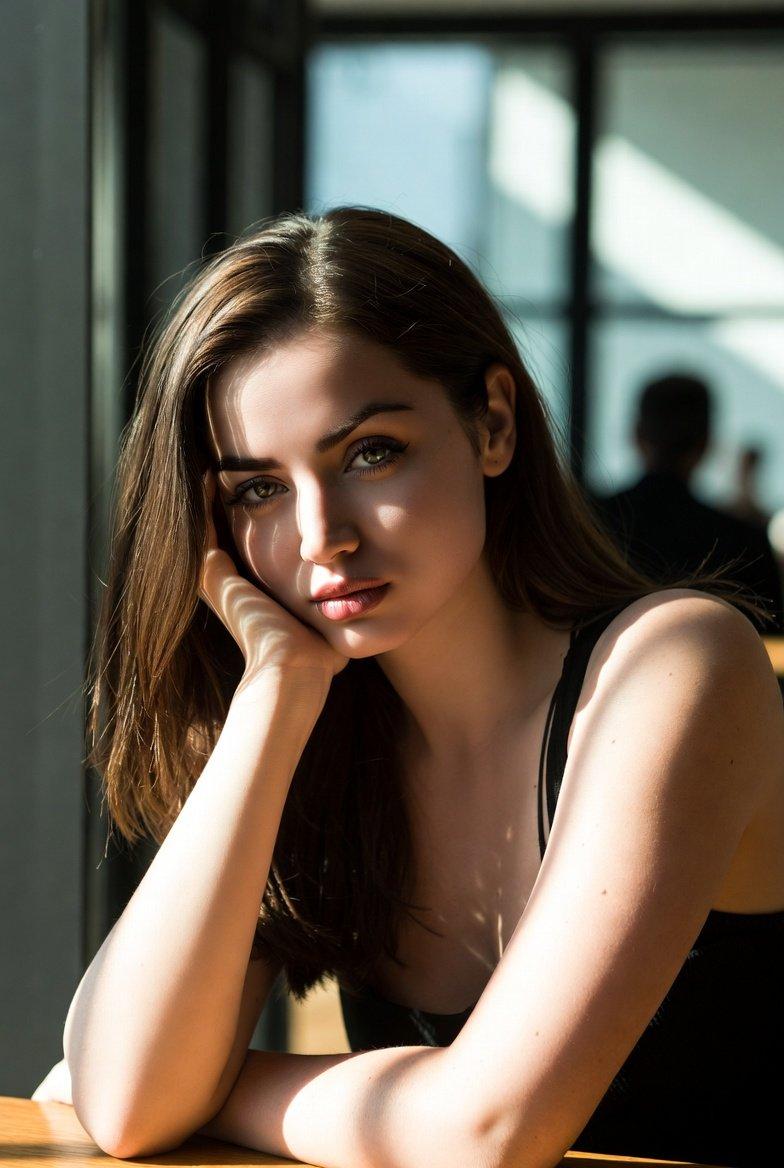
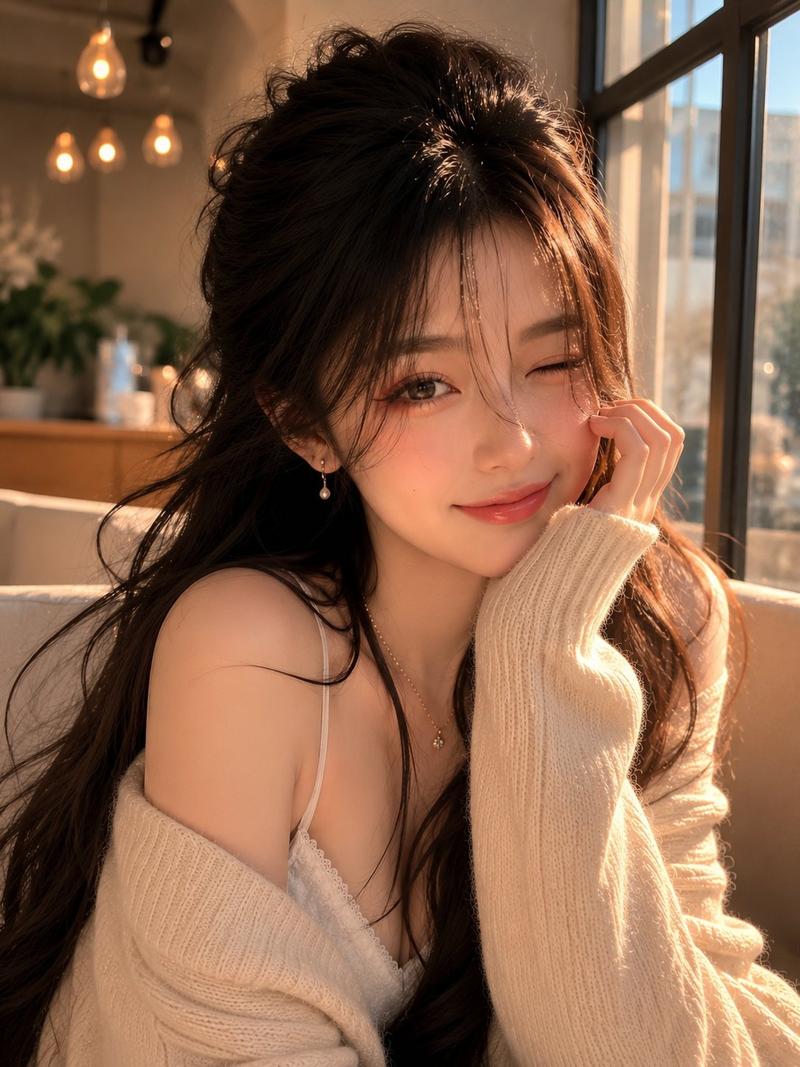
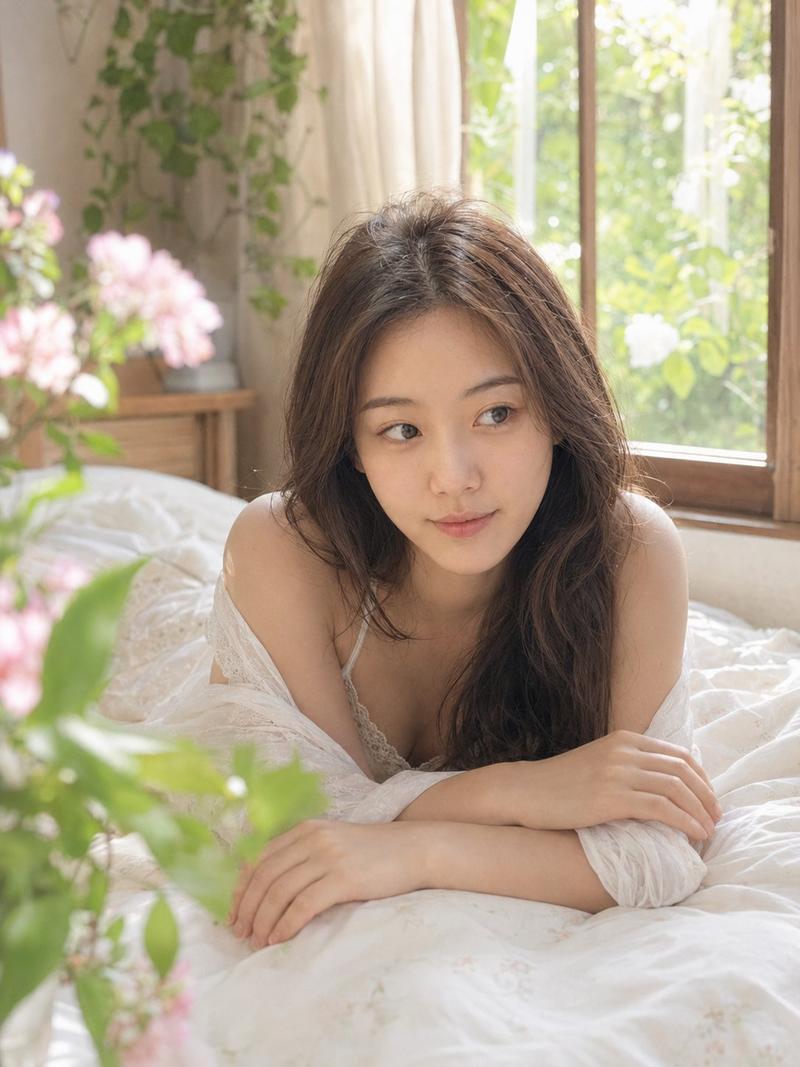
深夜书房木桌前的年轻女性抓拍肖像
Enlarge

Example images

深夜书房木桌前的年轻女性抓拍肖像

Prompt
A candid late-night study room portrait of a beautiful young woman sitting at a wooden desk, wearing a white ribbed tank top, long straight black hair with soft wispy strands falling across her face, soft natural makeup, glossy nude lips, subtle black winged eyeliner, fluffy natural brows, dewy porcelain glass skin with visible.

Pores and a few natural freckles, relaxed dreamy expression. She leans toward the camera with one arm extended on the desk and the other hand resting near her neck, open notebook filled with handwritten notes, an open book, a white coffee mug, warm desk lamp lighting, cozy dim room, cinematic mood, shallow depth of field, DSLR photography, 85mm lens, f/1.8, soft warm tones, realistic skin texture, Korean clean-girl aesthetic, intimate cozy atmosphere, ultra-photorealistic, high detail, natural candid photography, 8K, no over-editing, no filters.
Category
Charts & Infographics
Model
ChatGPT
Views1
Source ID
17306
Published
Jul 2, 2026

Guide

About "深夜书房木桌前的年轻女性抓拍肖像"

What is this prompt for?

"深夜书房木桌前的年轻女性抓拍肖像" AI image prompt for ChatGPT (Charts & Infographics). 一张深夜书房中坐在木桌前的年轻美丽女性的抓拍肖像,穿着白色罗纹背心,长直黑发,柔软纤细的发丝垂在脸庞,柔和自然妆容,水亮裸色嘴唇,微妙的黑色上扬眼线,蓬松自然的眉毛,透亮的瓷…

The full copyable prompt and example visuals above are ready for AI image generation or one-click recreate in Picva.

How to use this prompt

  1. Step 1

    Open the prompt detail

    Review the example visuals, category, and full prompt text for "深夜书房木桌前的年轻女性抓拍肖像".

  2. Step 2

    Copy the prompt

    Copy the prompt body from this page, or load it directly in Studio.

  3. Step 3

    Pick a model (ChatGPT)

    Prefer ChatGPT. If you switch models, keep subject and composition and tweak style terms.

  4. Step 4

    Generate and export

    Recreate the look in Picva, or export into your workflow for editing and publishing.

FAQ

What is the "深夜书房木桌前的年轻女性抓拍肖像" prompt?
It is an AI image-generation prompt for ChatGPT in the Charts & Infographics category. This page includes the full prompt text, example visuals, and a one-click recreate path in Picva.
How do I use this prompt to generate an image?
Copy the prompt from this page, or use Generate / Studio. Paste it into a compatible image model, or recreate the look in Picva with optional reference images.
Which model is this prompt for?
This page lists ChatGPT. Most descriptive prompts also transfer to nearby image models such as GPT Image, Flux, or Midjourney with light style tweaks.
Can I use the result commercially?
You can usually copy the prompt for creation, but commercial use of the final image depends on the model terms, reference-image rights, and the generated content. Follow the source author and platform rules.