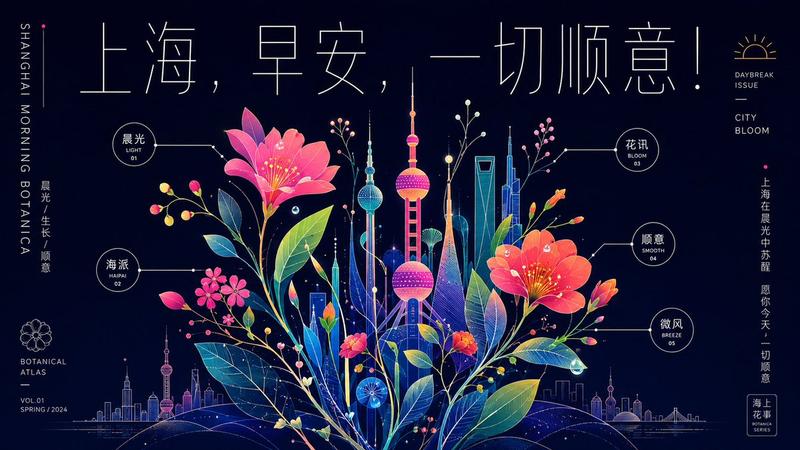
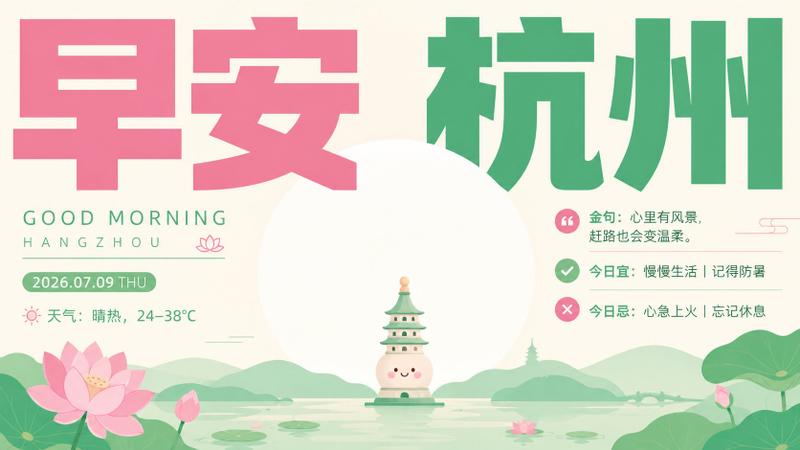
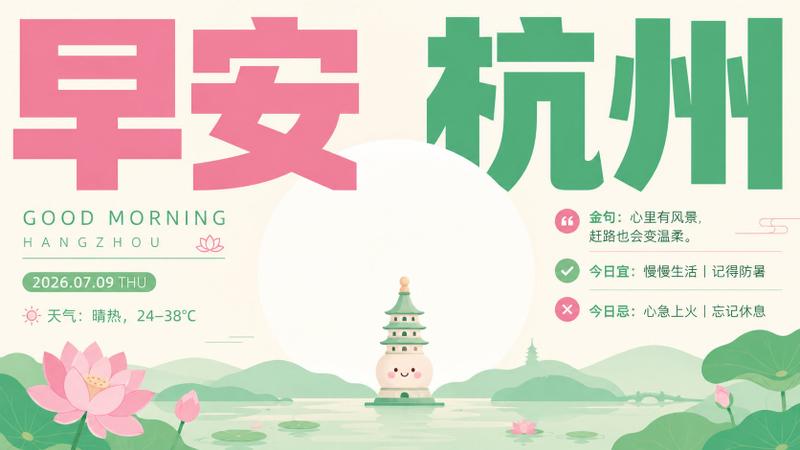
未来感“早安北京”海报
Prompt
Goal: Create a cinematic horizontal poster for a daily greeting card themed around Beijing, combining ancient Chinese architecture, futuristic data visualization, and elegant experimental typography.

Canvas: Wide 16:9 landscape composition, dark navy blueprint background with subtle paper texture, cracks, grid lines, tiny squares, vertical technical markings, and glowing circuit-like details. Use a refined high-contrast palette of deep blue, ivory, vermilion red, teal, and warm gold.

Main subject: Place a luminous pixel-art / mosaic silhouette of the Temple of Heaven at the top center, glowing white and warm gold, with a faint red halo behind it. Add thin vertical guide lines and scattered digital blocks around the building.

Typography: Across the center, create a broad flowing ivory ribbon shaped like a river or silk band. On it place the large headline {argument name="headline text" default="早安·北京"} in ultra-thin minimalist Chinese typography, widely spaced, geometric, elegant, and modern. The headline should dominate the poster while remaining airy and refined.

Flowing bands: Surround the headline with layered topographic contour waves. Use exactly 4 major wave systems: 1 red-and-gold wave crossing the upper left into the center, 1 teal-and-gold wave rising on the upper right, 1 teal wave sweeping along the lower left, and 1 red-and-gold wave sweeping along the lower right. The waves should be composed of many fine parallel contour lines, glowing nodes, small circles, and map-like measurement marks.

Information panel: At the lower center, add a dark translucent rounded rectangle card with thin gold borders and exactly 5 horizontal rows. Each row has a small gold icon on the left and Chinese text on the right:
1. Calendar icon: {argument name="date text" default="2026-07-06 星期一"}
2. Sun icon: {argument name="weather text" default="天气 | 晴 34°C"}
3. Location pin icon: {argument name="location text" default="地标 | 天坛"}
4. Quotation mark icon: {argument name="quote text" default="金句 | 愿你把沉稳留给内心,把锋芒留给行动。"}
5. Check and cross style icon row: "今日宜 | 开启新计划 见贵人 远眺" and "今日忌 | 纠结 懒散 拖沓" visually arranged as the final advice line.

Small labels: Add English and Chinese microtext in the corners and sides: upper left reads “GOOD MORNING BEIJING” plus “北京 / BEIJING / CHINA”; upper right reads “TEMPLE OF HEAVEN”; near the right side add vertical Chinese text “天坛 祈年殿”. Keep all microtext small, technical, and poster-like.

Visual style: Futuristic Chinese editorial design, data-art poster, luxurious cultural tech aesthetic, fine linework, glowing particles, layered map contours, digital mosaic texture, subtle distressed cracks, high detail, crisp typography, no people, no watermark, no extra logos.- Category
- Charts & Infographics
- Model
- GPT Image 2
- Creator
- 小小东
- Source ID
- 28070
- Published
- Jul 6, 2026
Views0