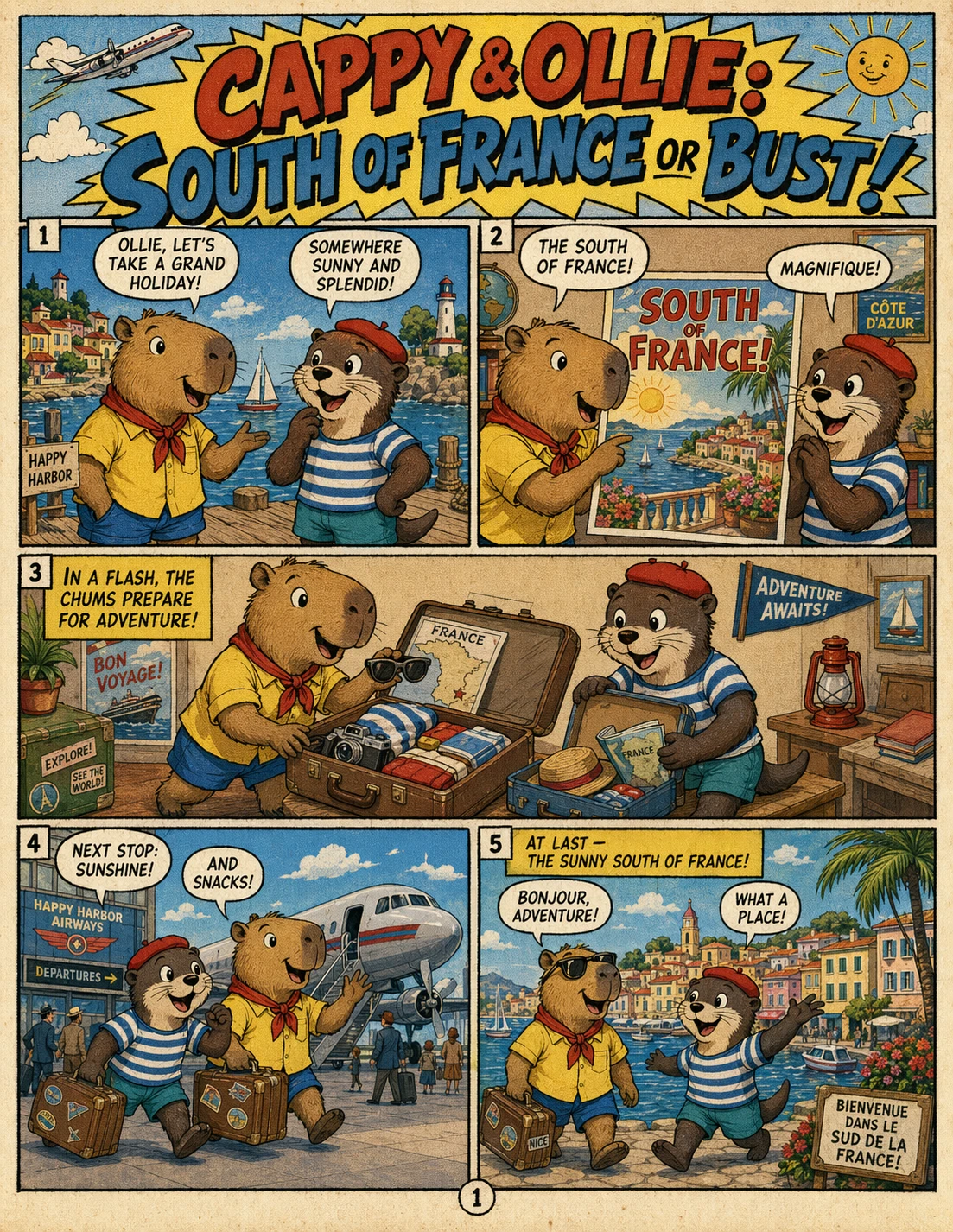
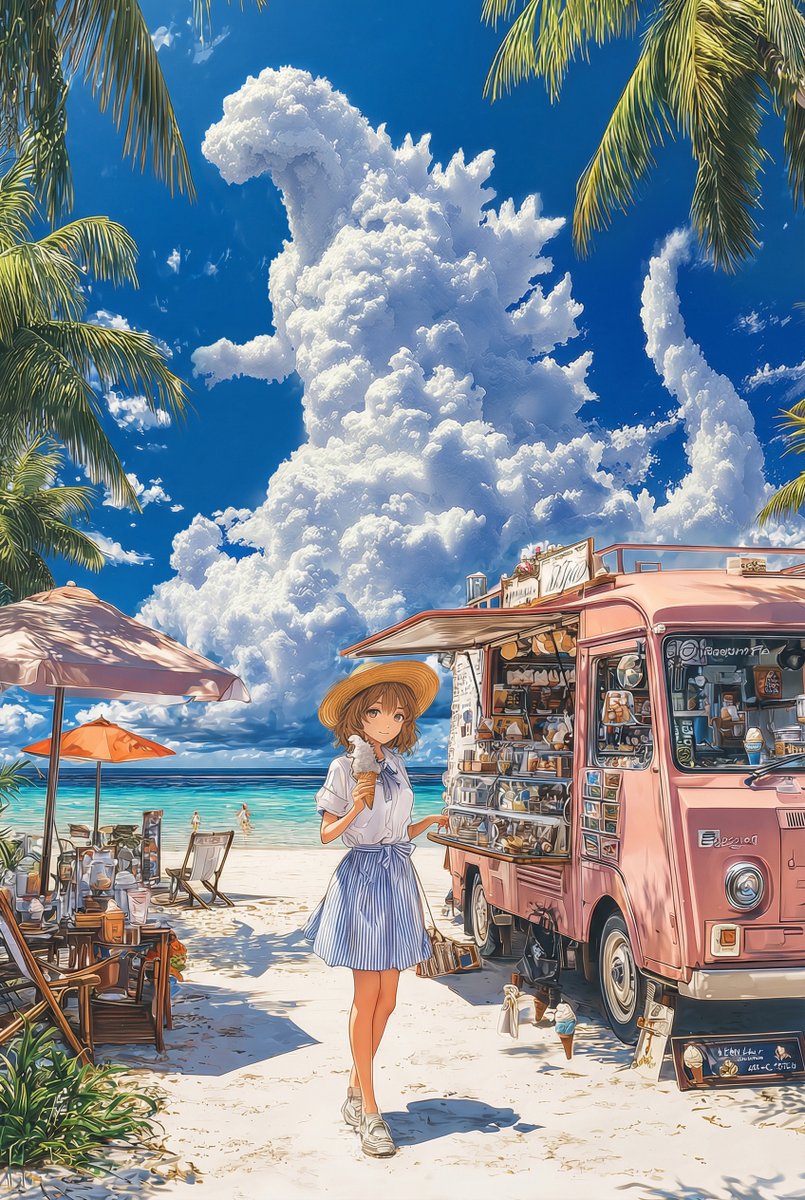
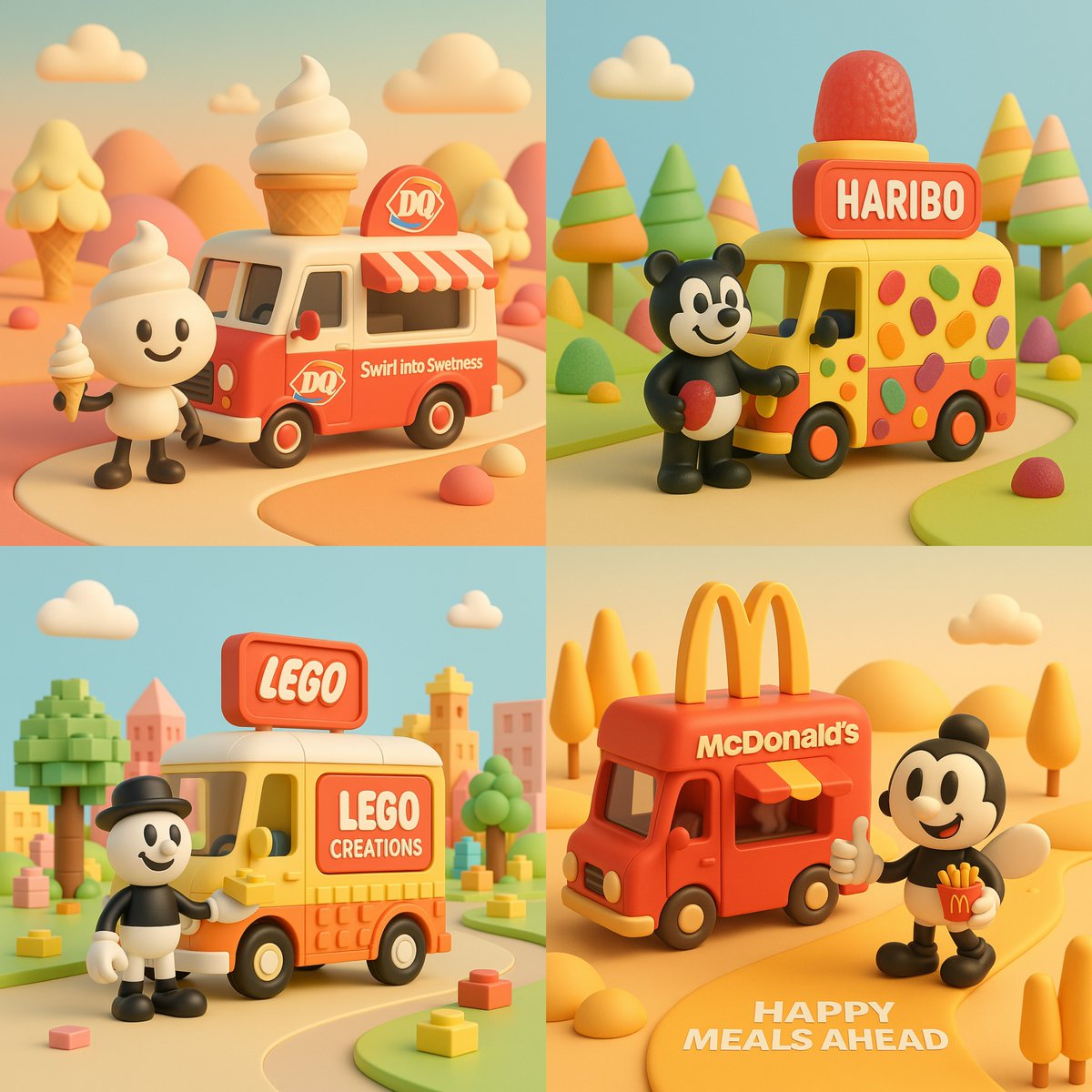
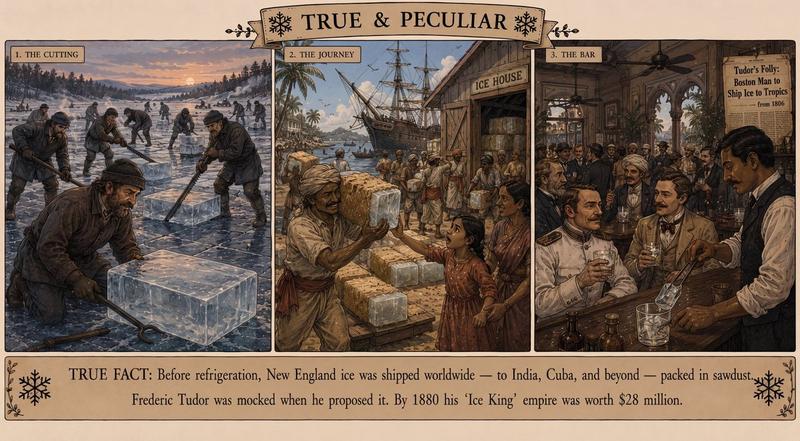
复古加州公路旅行生日海报
Prompt
Goal: Create a vintage illustrated travel-newspaper front page poster celebrating {argument name="character name" default="Alex"}'s 40th birthday and a family road trip to California.

Canvas: Vertical poster in a 3:4 ratio, aged cream paper background, dark green and warm ochre ink palette, screen-printed texture, hand-drawn editorial illustration style, crisp readable typography, thin black newspaper borders.

Top masthead: At the very top, draw a curved old-fashioned newspaper banner with mountains, pine trees, and a rising orange sun behind it. Large text reads “THE VOLKOV” above an oversized title “EXPEDITION TIMES.” Under it, place a golden ribbon reading “{argument name="edition text" default="Alex's 40th Birthday Edition"}.” Below the ribbon, add a small dateline row: “Wednesday, July 15, 2026 • Vol. 40, No. 1.”

Main illustration: A large framed scenic travel illustration fills the center. Show a cream-colored vintage RV with orange and teal stripes driving along a winding coastal/mountain road in California. The background includes Yosemite granite cliffs and waterfall, tall redwood trees, distant blue mountains, the Golden Gate Bridge and San Francisco skyline to the left, a flying passenger airplane in the sky, clouds, wildflowers, and a green California Highway 1 road sign.

Characters and counted subjects: Include exactly 4 explorers in the RV: 1 smiling adult man driving, wearing glasses and a blue party hat, with short brown hair and beard; 1 smiling adult woman in the passenger seat holding an unfolded road map, with long black hair; 1 blonde girl leaning out of the rear window waving; 1 curly-haired boy leaning out of another rear window smiling. Add exactly 1 gold balloon attached near the driver’s window with the number “40” printed large in black. Add exactly 1 playful sea otter splashing in blue water at the lower right foreground. Add exactly 1 wooden sign on the right reading “YOSEMITE NATIONAL PARK.”

Bottom headline and footer: Beneath the illustration, place a huge bold dark-green headline: “{argument name="main headline" default="CALIFORNIA OR BUST!"}” Under it, a red and dark-green trip summary line with exactly 4 items separated by dots: “9 DAYS • 4 EXPLORERS • 1,000 MILES • 40 CANDLES.” At the very bottom, add a footer line with green star icons at both ends: “July 15–23, 2026 • Volkov Family Press • Print Edition No. 1.”

Visual style: Retro National Parks travel poster mixed with vintage newspaper cover, engraved comic-book linework, warm nostalgic colors, slightly distressed paper grain, high detail, cheerful adventurous mood, clean readable text.

Constraints: Keep all visible text spelled exactly as specified, preserve the exact count of 4 explorers, 1 balloon, 1 otter, 1 Yosemite sign, 1 airplane, 1 Golden Gate Bridge, and 1 California Highway 1 sign. No extra people, no modern UI elements, no watermark.- Category
- Charts & Infographics
- Model
- GPT Image 2
- Creator
- Alex Volkov @ AI Engineer
- Source ID
- 28074
- Published
- Jul 8, 2026
Views0