19

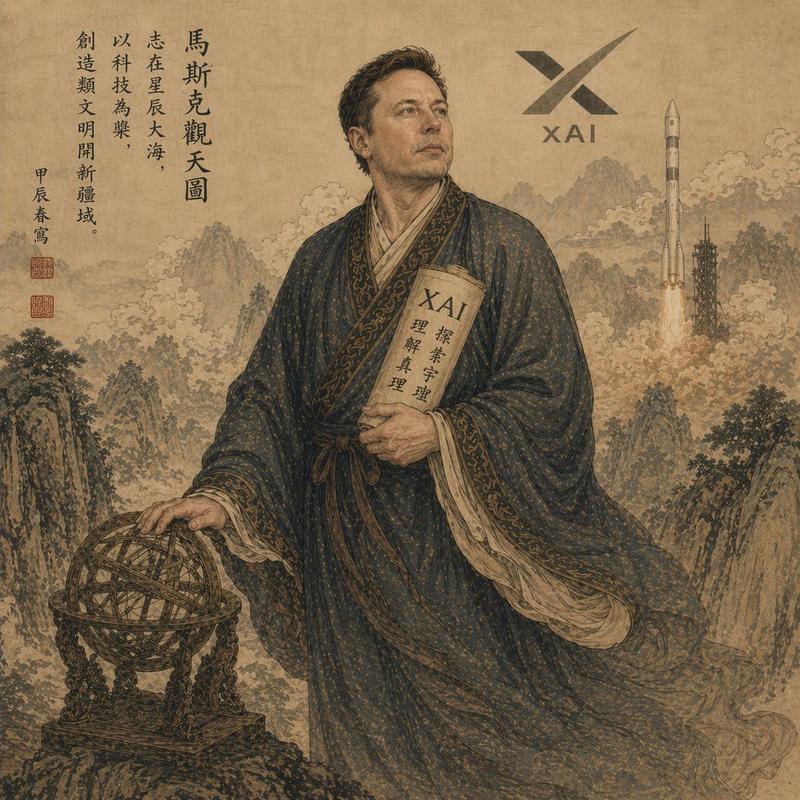
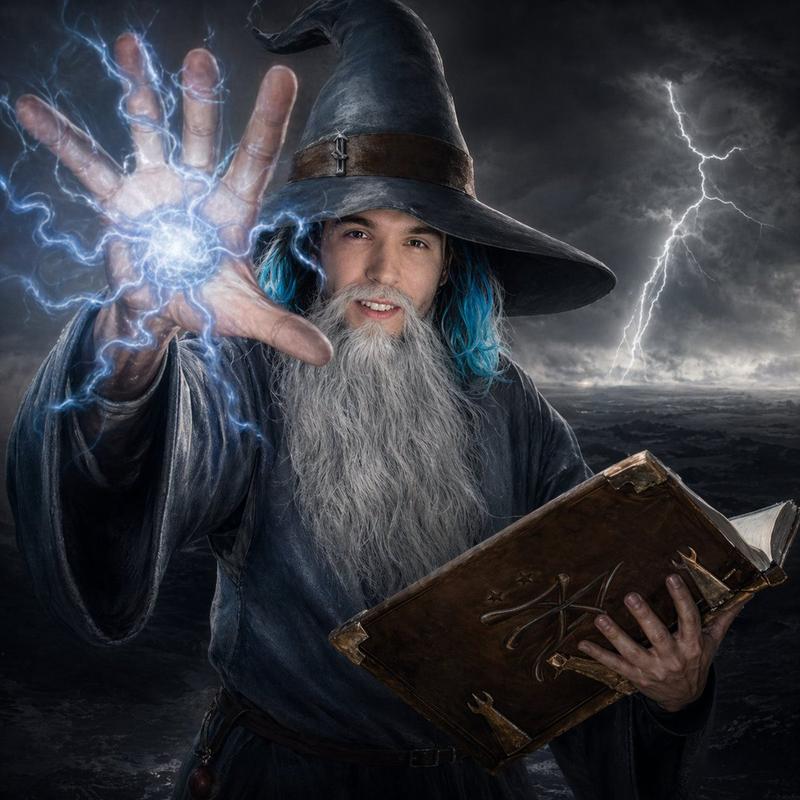
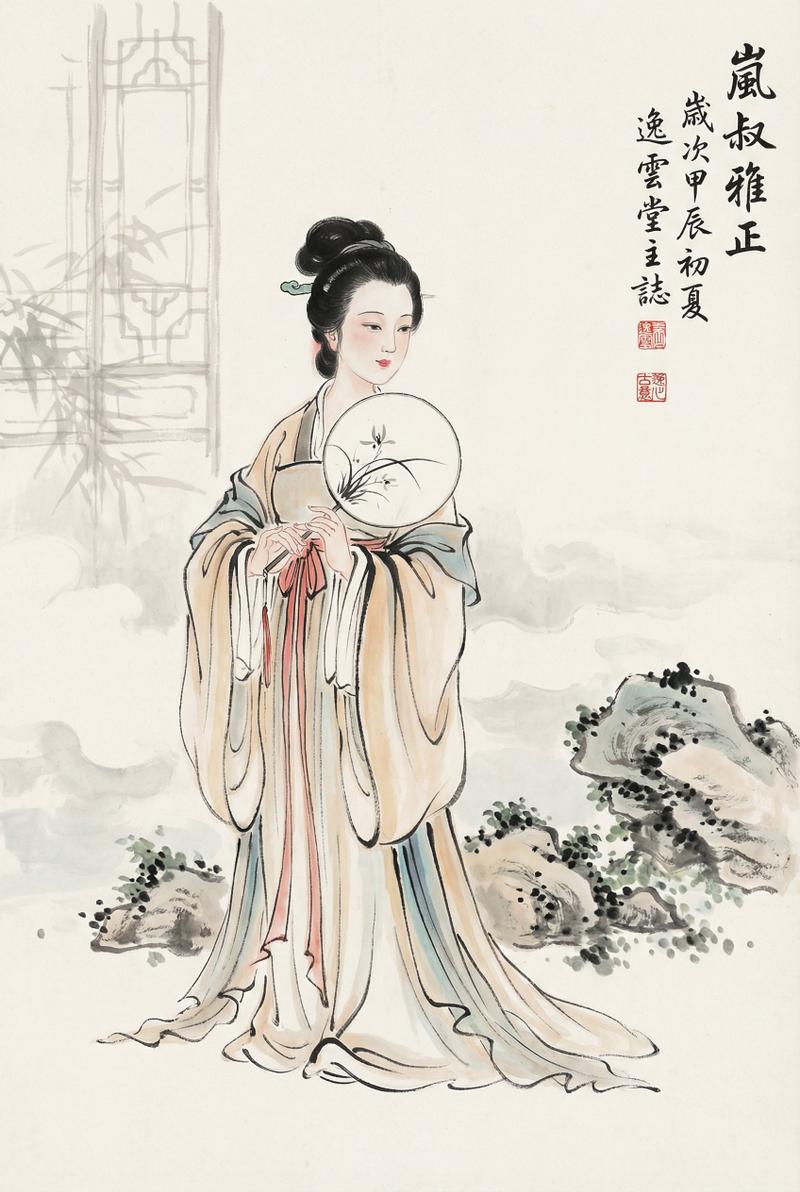
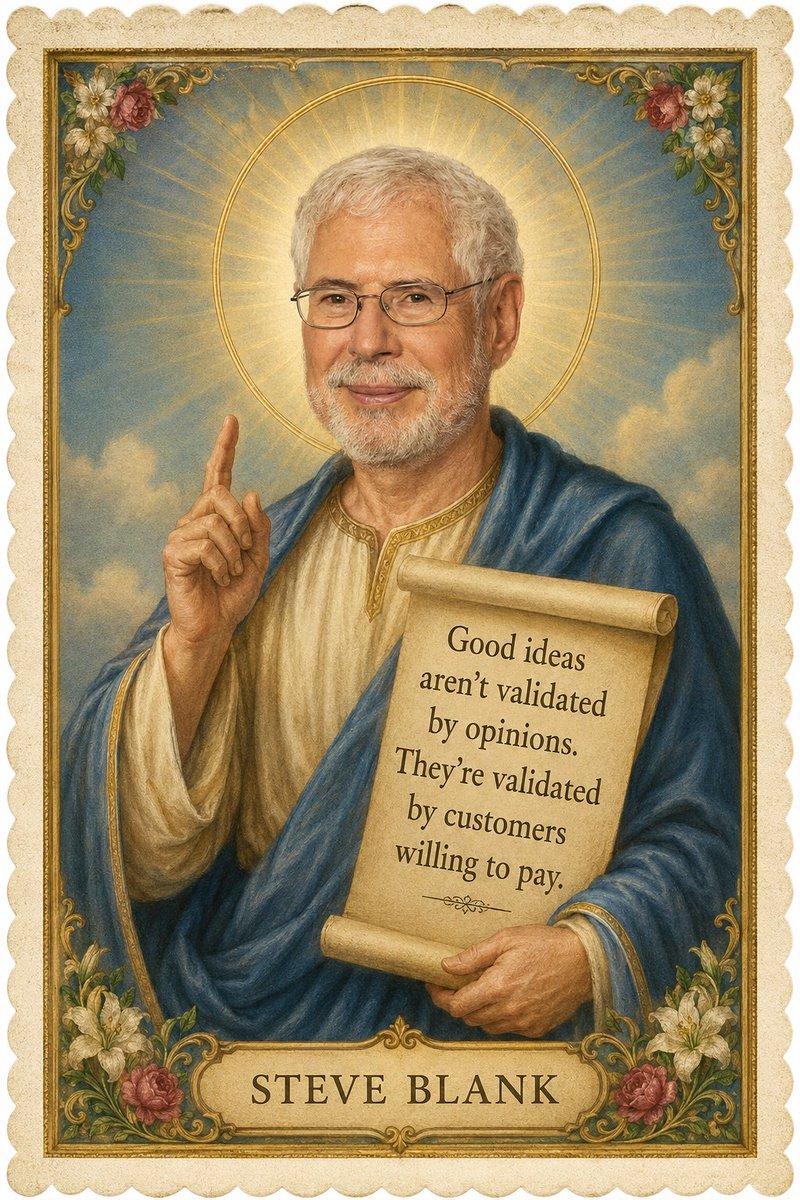
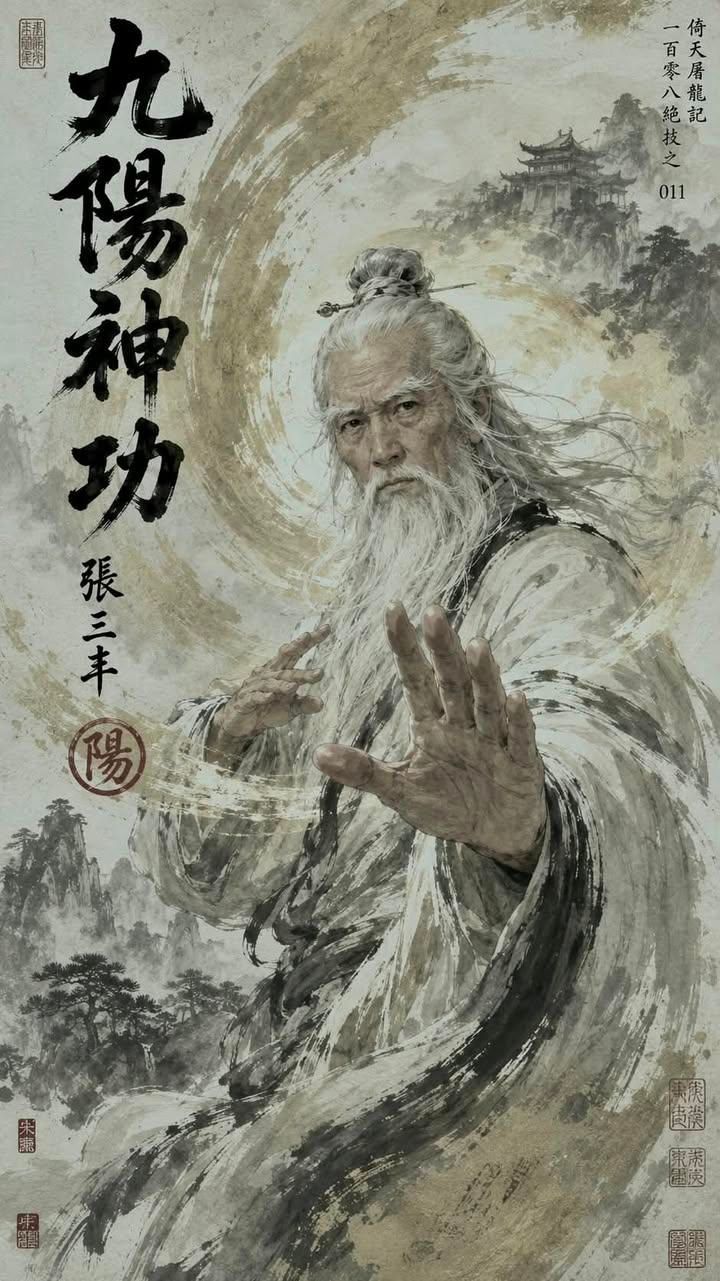
中国武侠大师海报
Enlarge

Example images

中国武侠大师海报

Prompt
Ancient Chinese wuxia master poster, inspired by Jin Yong / martial arts legend aesthetic, an {argument name="subject" default="elderly Taoist kung fu grandmaster"} with long flowing white beard and weathered face, wearing layered torn monk robes in {argument name="color palette" default="beige, gray and black ink-wash"} textures, standing in a powerful martial arts stance with one palm extended toward the viewer, dramatic swirling qi energy forming a large yin-yang vortex around him, ghostly palm imprints inside the vortex, smoke and ink splashes blending into his robes, {argument name="background scenery" default="Chinese shanshui mountains"} and distant temple architecture in the background, ultra-detailed traditional Chinese ink painting mixed with cinematic concept art, sepia parchment background, bold vertical black Chinese calligraphy title, red seal stamps, wuxia novel cover / martial arts manual poster layout, full-body heroic composition, dynamic brush strokes, flowing fabric, ancient legend atmosphere, high contrast ink textures, elegant negative space, masterpiece, highly detailed, collectible poster design, vertical composition --ar 2:3
Category
Posters & Typography
Model
GPT Image 2
Creator
Anissa
Views0
Source ID
28110
Published
Jul 9, 2026

Guide

About "中国武侠大师海报"

What is this prompt for?

"中国武侠大师海报" AI image prompt for GPT Image 2 (Posters & Typography). 一张传统中国水墨画风格的海报,描绘了一位拥有气功特效的强大道家功夫宗师。 Copy it on Picva and recreate the look in one click.

The full copyable prompt and example visuals above are ready for AI image generation or one-click recreate in Picva.

How to use this prompt

  1. Step 1

    Open the prompt detail

    Review the example visuals, category, and full prompt text for "中国武侠大师海报".

  2. Step 2

    Copy the prompt

    Copy the prompt body from this page, or load it directly in Studio.

  3. Step 3

    Pick a model (GPT Image 2)

    Prefer GPT Image 2. If you switch models, keep subject and composition and tweak style terms.

  4. Step 4

    Generate and export

    Recreate the look in Picva, or export into your workflow for editing and publishing.

FAQ

What is the "中国武侠大师海报" prompt?
It is an AI image-generation prompt for GPT Image 2 in the Posters & Typography category. This page includes the full prompt text, example visuals, and a one-click recreate path in Picva.
How do I use this prompt to generate an image?
Copy the prompt from this page, or use Generate / Studio. Paste it into a compatible image model, or recreate the look in Picva with optional reference images.
Which model is this prompt for?
This page lists GPT Image 2. Most descriptive prompts also transfer to nearby image models such as GPT Image, Flux, or Midjourney with light style tweaks.
Can I use the result commercially?
You can usually copy the prompt for creation, but commercial use of the final image depends on the model terms, reference-image rights, and the generated content. Follow the source author and platform rules.