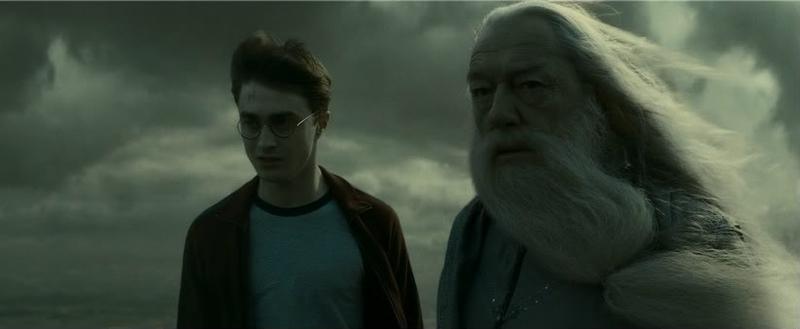
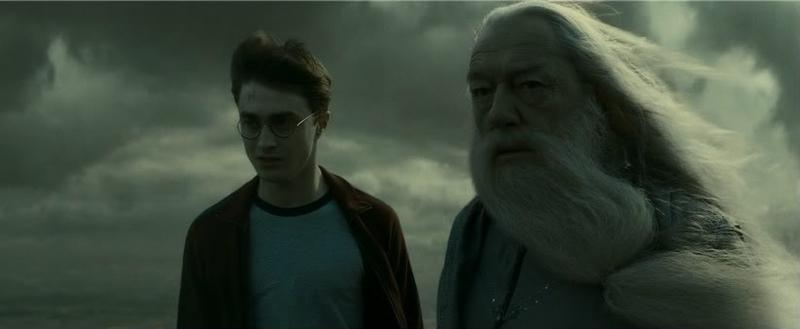
风暴法师施展闪电
Prompt
A dramatic dark-fantasy portrait of an elderly wizard standing in a stormy wasteland under a black, cloud-choked sky. He wears a tall, weathered pointed hat with a brown leather band and a tiny metal clasp, and a heavy dark blue-gray robe with wide sleeves. His face is mostly hidden in shadow beneath the hat brim, with long strands of glowing {argument name="accent hair color" default="electric blue"} hair peeking out at the sides and a very long flowing silver-white beard reaching down his chest. The wizard thrusts his left hand toward the camera in a powerful forced-perspective pose, fingers spread, conjuring a bright orb of blue-white magical energy in his palm with crackling lightning arcs wrapping around the hand and sleeve. In his right arm he clutches a large ancient leather spellbook with worn corners, metal fittings, embossed arcane markings on the cover, and a few pages visible. The background shows a barren dark landscape and exactly 1 prominent lightning bolt striking on the right side of the frame. Cinematic high-contrast lighting, hyper-detailed skin and fabric texture, moody photorealism, sharp focus on the hand and beard, intense fantasy atmosphere, centered composition, square crop.- Category
- Charts & Infographics
- Model
- GPT Image 2
- Creator
- Javier Calzolari
- Source ID
- 14618
- Published
- Apr 21, 2026
Views0


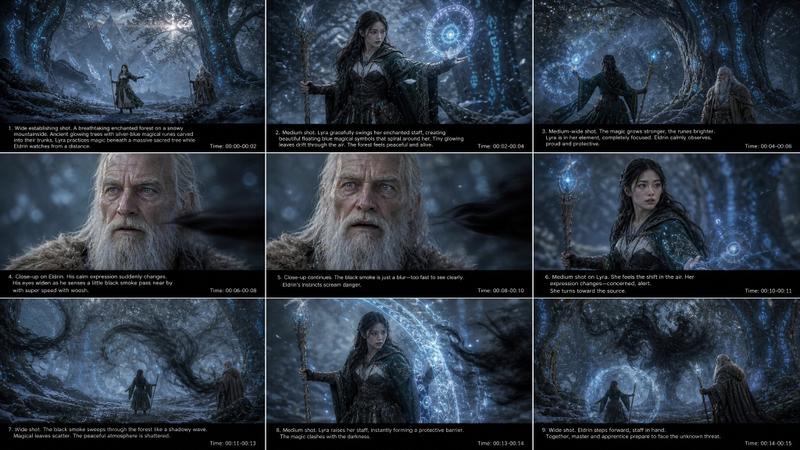


![use the character turnaround format from [img1] to create [character name / imag](https://i.pixshop.app/storage/v1/render/image/public/prompt-source-media/promptsref/work-1186/image-1-8ead30dc9cc80014.png?width=800&quality=75&resize=contain)