18

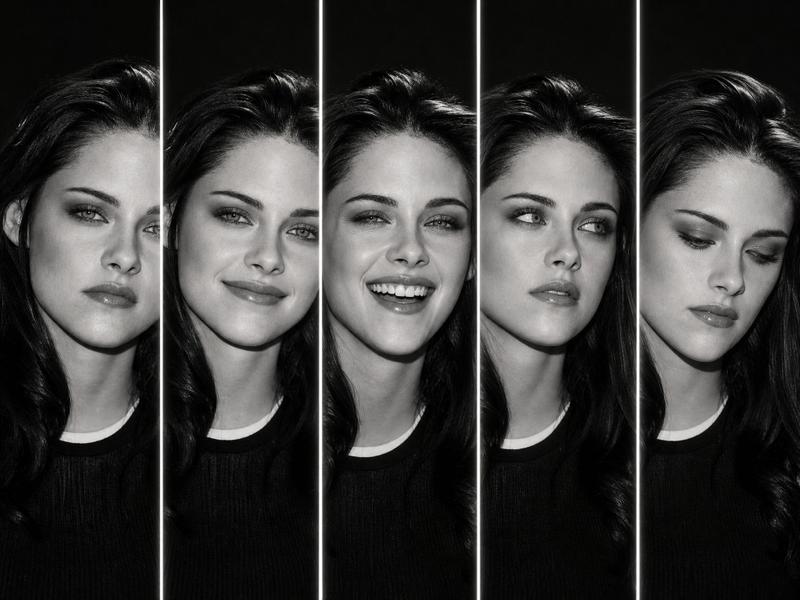
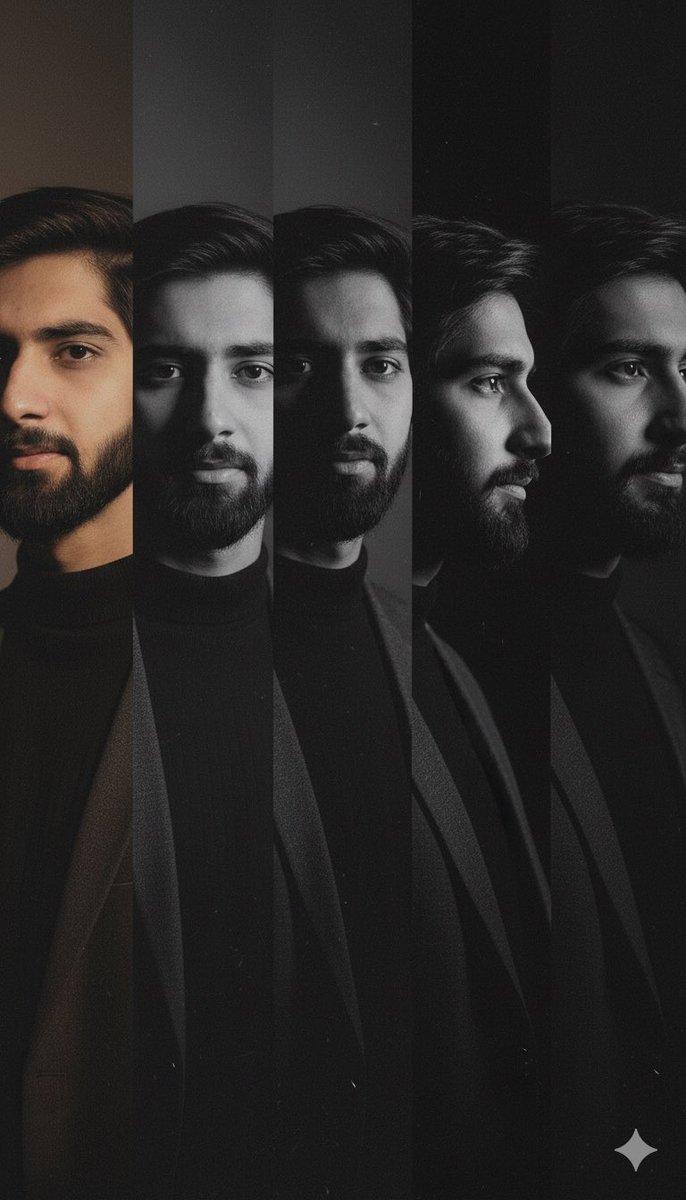
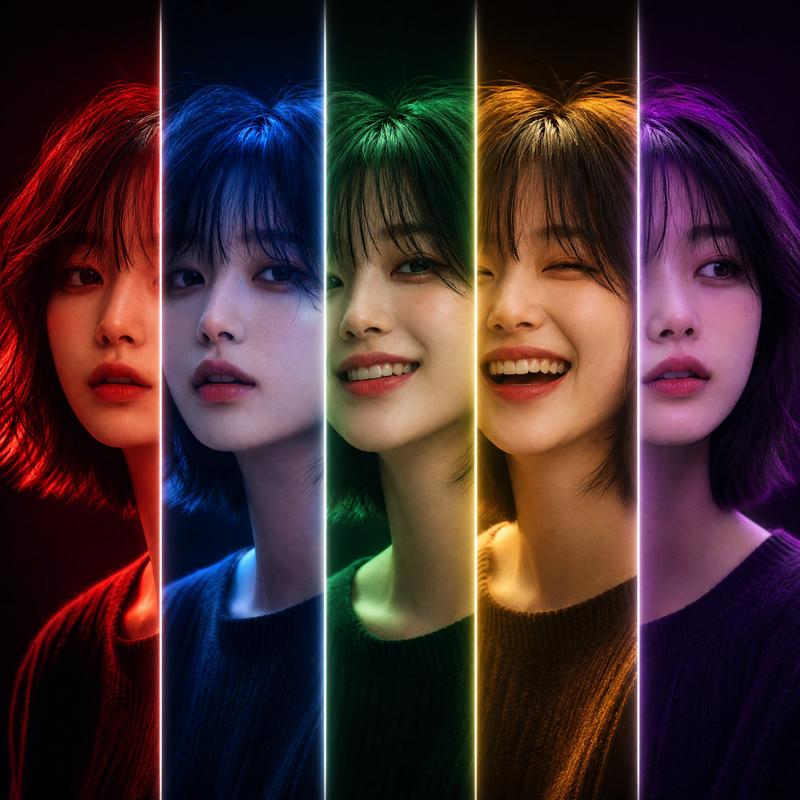
电影感五表情肖像
Enlarge

电影感五表情肖像

Prompt
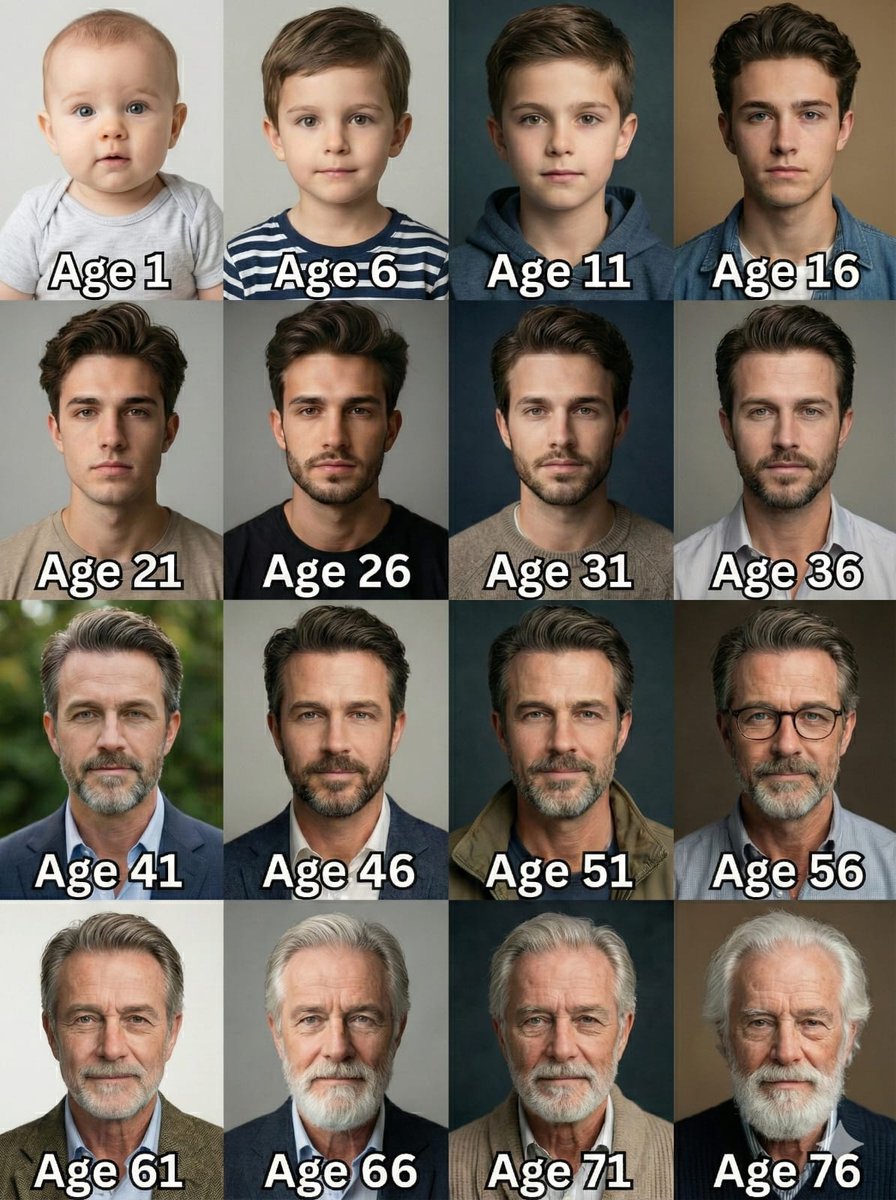
Create a dramatic black-and-white studio portrait collage of {argument name="character name" default="the same handsome young man"} shown in exactly 5 vertical panels, each panel separated by a thin glowing white divider line. Canvas is horizontal 4:3, dark charcoal-to-black background, high-contrast monochrome lighting, sharp editorial fashion photography, realistic skin texture, short dark styled hair, light stubble, black crew-neck shirt, tight head-and-shoulders crop. Layout: five equal narrow slices across the frame, all showing the same face from slightly different angles and expressions. Count and depict exactly 5 expressions from left to right: 1) intense stern glare with furrowed brow, 2) warm closed-mouth smile, 3) broad joyful laugh with teeth visible and eyes squinting, 4) thoughtful skeptical look gazing upward-left with one hand on chin, 5) calm neutral direct stare. Use moody side lighting, deep shadows, glossy highlights in the hair, cinematic contrast, subtle film grain, no text, no watermark, no extra people, no color.
Category
Brand & Logos
Model
GPT Image 2
Creator
Cherry 2.O
Views4
Source ID
28148
Published
Jul 9, 2026

Guide

About "电影感五表情肖像"

What is this prompt for?

"电影感五表情肖像" AI image prompt for GPT Image 2 (Brand & Logos). 一组单色五格演员表情研究,展示同一名男子在电影级肖像或角色参考中的不同情绪。 Copy it on Picva and recreate the look in one click.

The full copyable prompt and example visuals above are ready for AI image generation or one-click recreate in Picva.

How to use this prompt

  1. Step 1

    Open the prompt detail

    Review the example visuals, category, and full prompt text for "电影感五表情肖像".

  2. Step 2

    Copy the prompt

    Copy the prompt body from this page, or load it directly in Studio.

  3. Step 3

    Pick a model (GPT Image 2)

    Prefer GPT Image 2. If you switch models, keep subject and composition and tweak style terms.

  4. Step 4

    Generate and export

    Recreate the look in Picva, or export into your workflow for editing and publishing.

FAQ

What is the "电影感五表情肖像" prompt?
It is an AI image-generation prompt for GPT Image 2 in the Brand & Logos category. This page includes the full prompt text, example visuals, and a one-click recreate path in Picva.
How do I use this prompt to generate an image?
Copy the prompt from this page, or use Generate / Studio. Paste it into a compatible image model, or recreate the look in Picva with optional reference images.
Which model is this prompt for?
This page lists GPT Image 2. Most descriptive prompts also transfer to nearby image models such as GPT Image, Flux, or Midjourney with light style tweaks.
Can I use the result commercially?
You can usually copy the prompt for creation, but commercial use of the final image depends on the model terms, reference-image rights, and the generated content. Follow the source author and platform rules.