16

粗犷工业风时尚肖像
Enlarge

粗犷工业风时尚肖像

Prompt
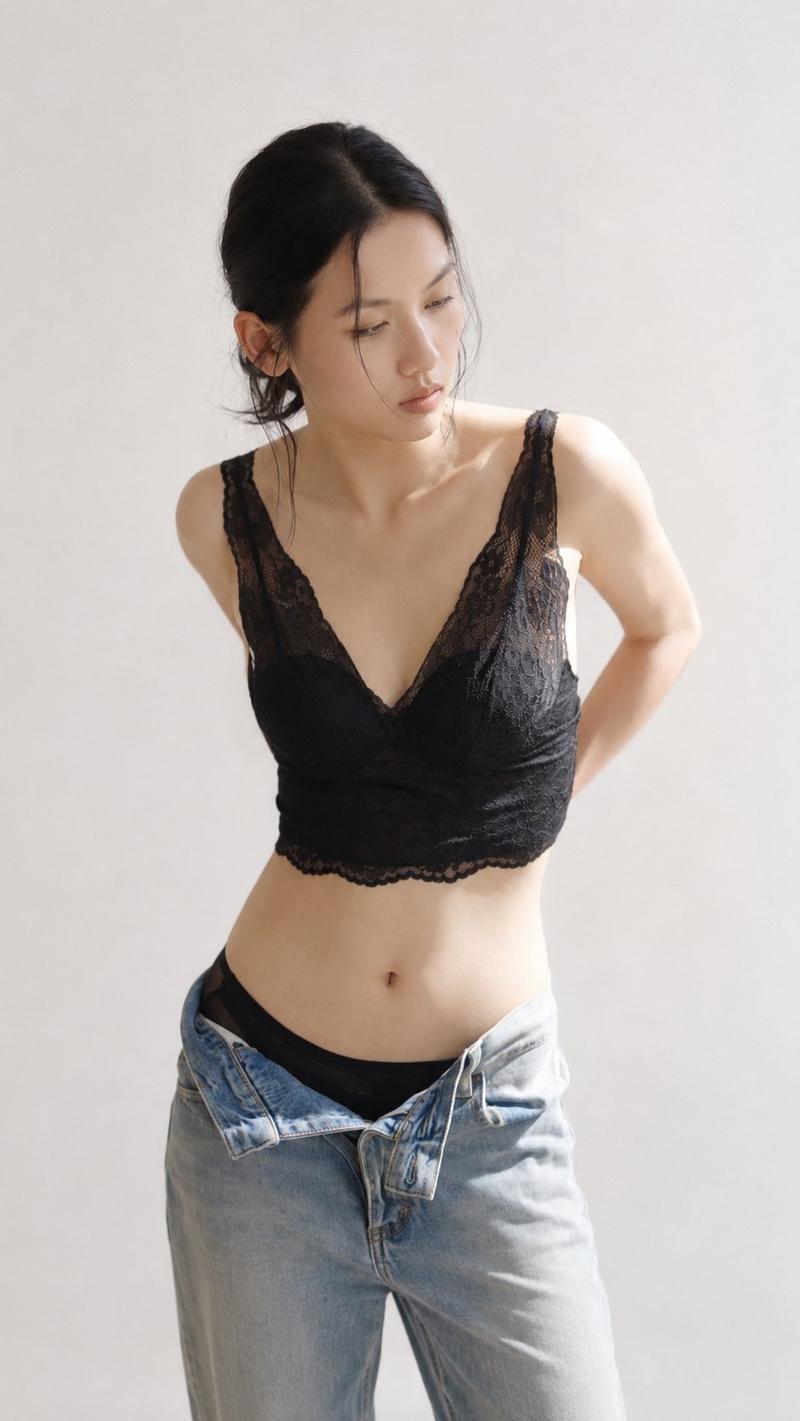
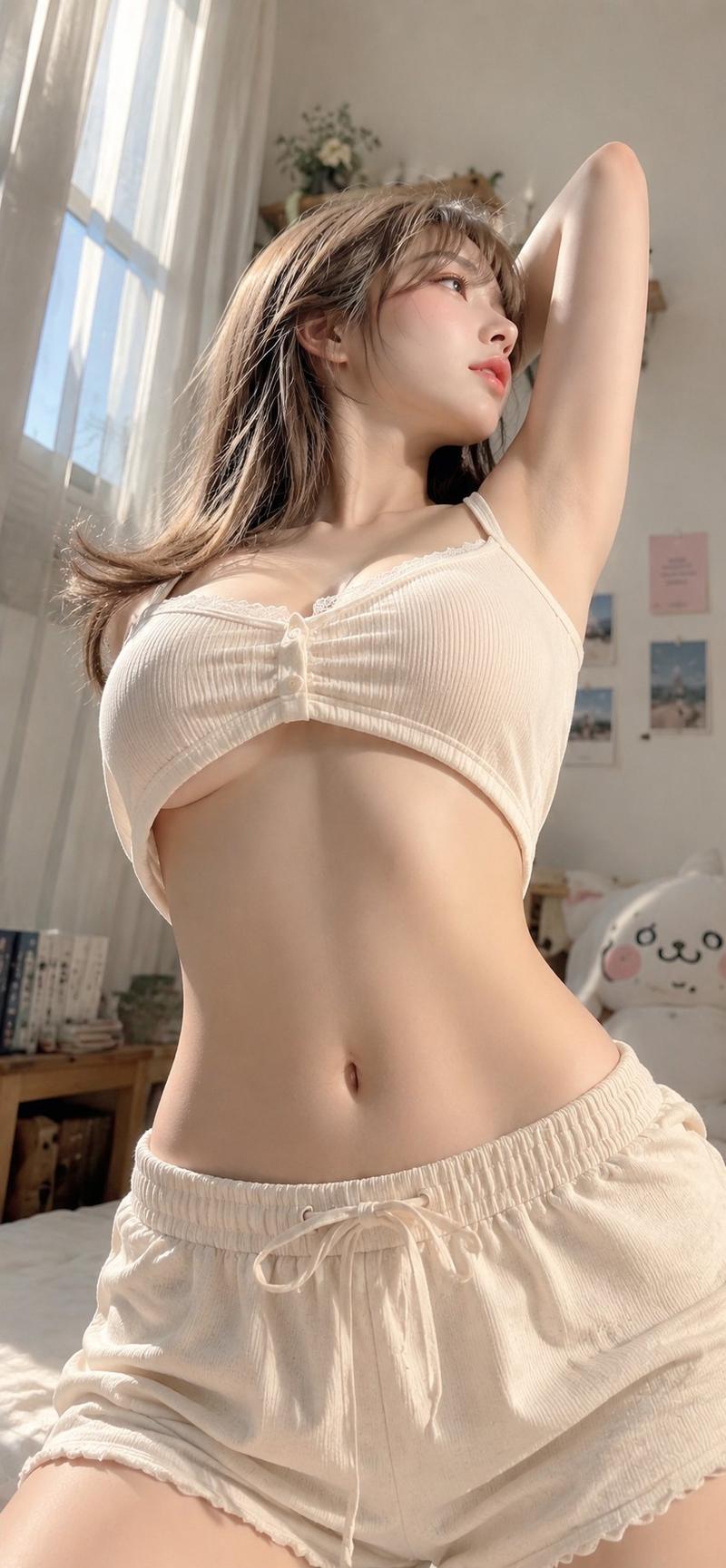
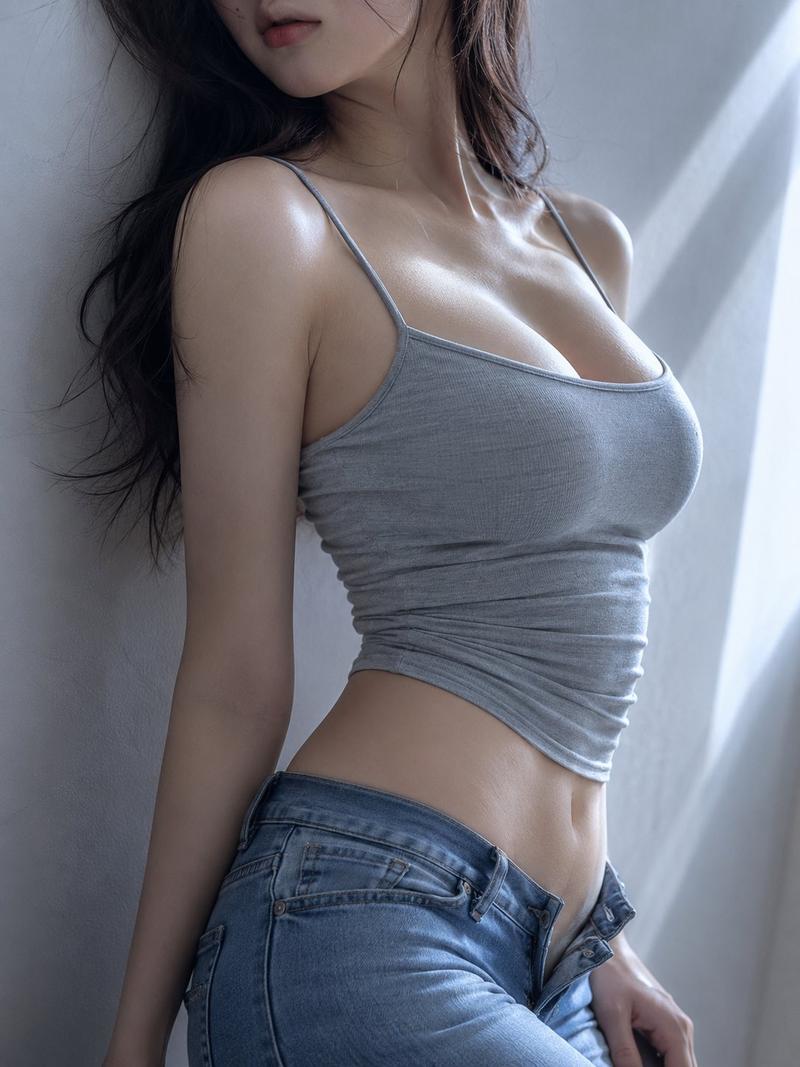
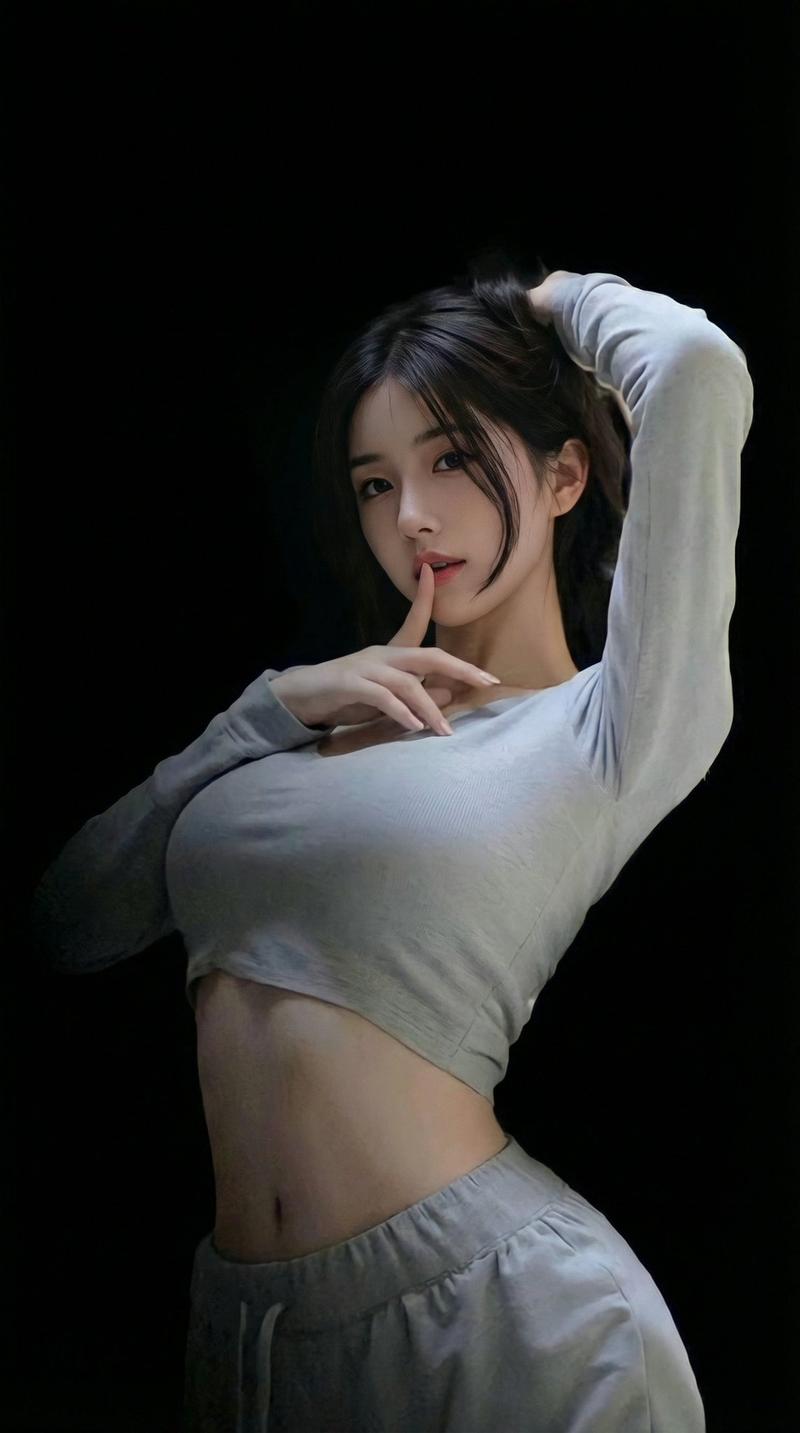
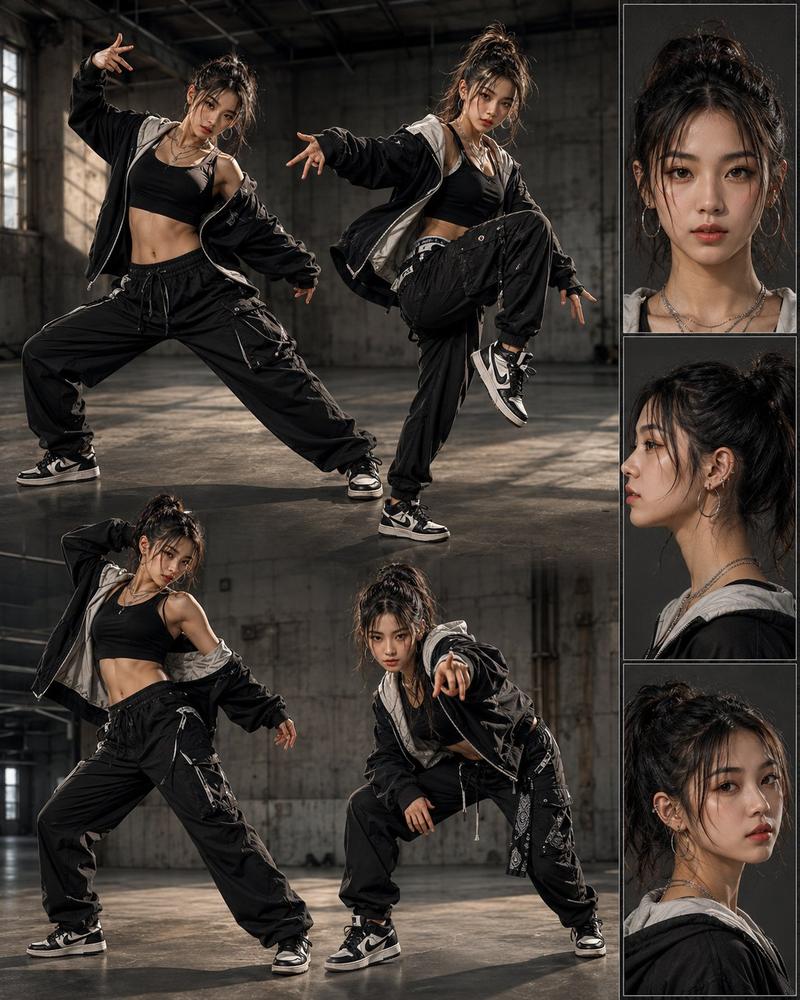
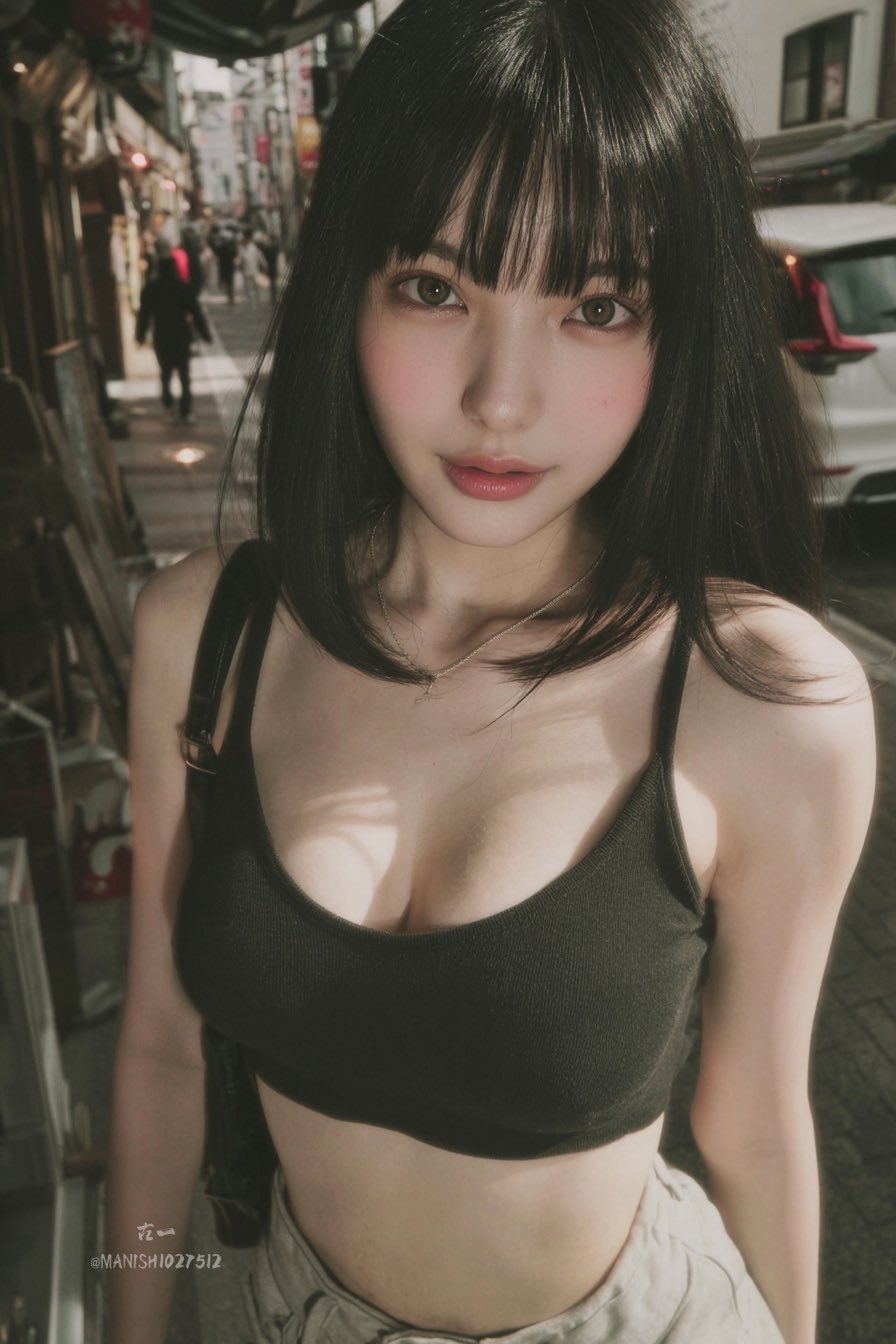
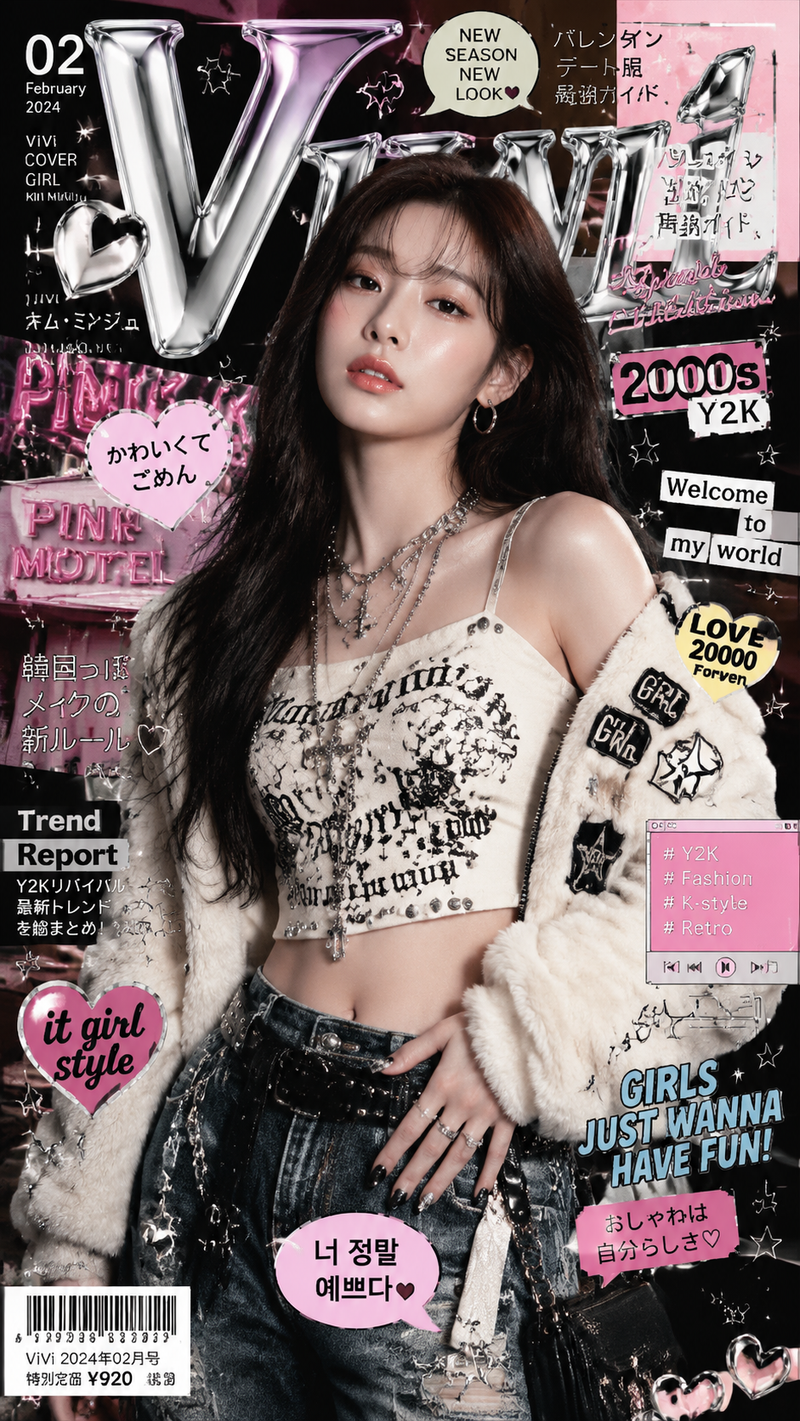
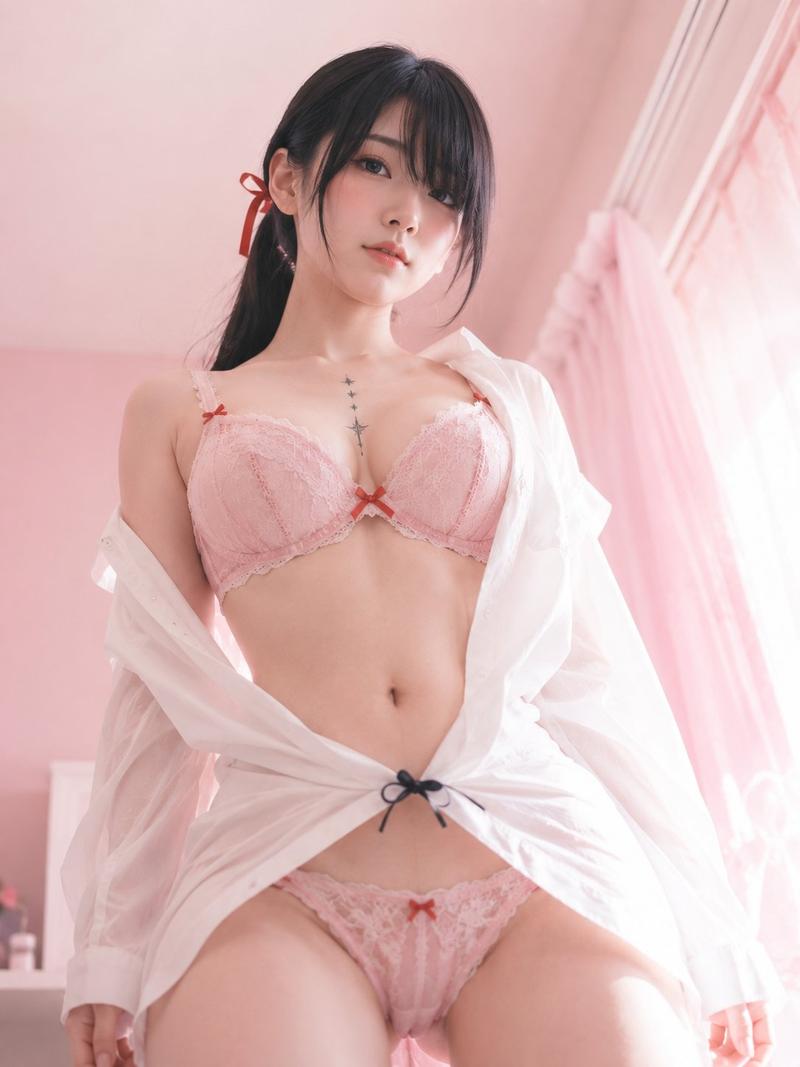
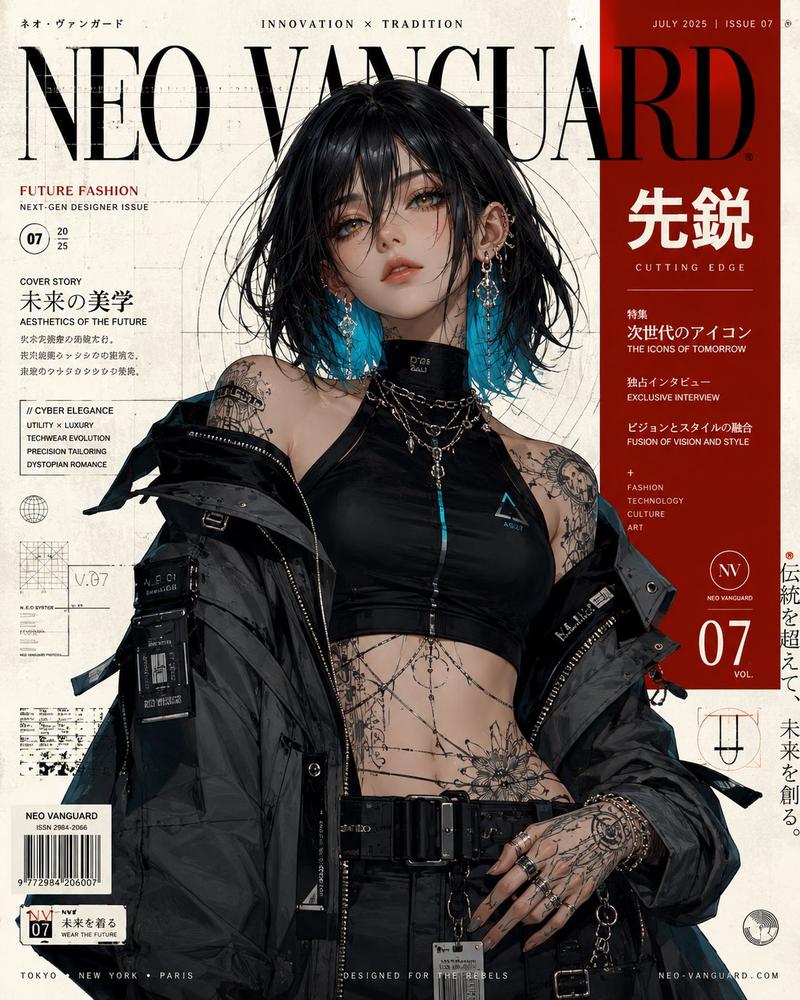
Create a photorealistic vertical fashion portrait of an adult Japanese woman, {argument name="model age" default="early 20s"}, standing in a dark industrial studio against a stained raw concrete wall with visible seams, bolts, grime, and moody shadows. She has a short chin-length bob haircut with wispy bangs, {argument name="hair color" default="dark brown"}, clear natural makeup, large expressive eyes, and a gentle slight smile while looking directly at the camera. Pose her with a relaxed tilted torso and one shoulder dropped, giving a confident casual gravure-style fashion pose. Outfit: an off-shoulder sheer black mesh long-sleeve cropped top layered over a black bandeau, exposing the midriff, paired with oversized dark olive cargo pants, a black double-buckle grommet belt, and a dangling silver chain at the hip. Lighting should be dramatic and directional from the upper left, creating strong highlights on the face and abdomen with deep shadows around the edges. Use realistic skin texture, natural proportions, shallow depth of field, high-detail fabric transparency, cinematic contrast, and a gritty urban editorial mood. No text, no logos, no watermark.
Category
Brand & Logos
Model
GPT Image 2
Views6
Source ID
28160
Published
Jul 10, 2026

Guide

About "粗犷工业风时尚肖像"

What is this prompt for?

"粗犷工业风时尚肖像" AI image prompt for GPT Image 2 (Brand & Logos). 一张写实的竖版时尚编辑肖像,主角为一名身着黑色透视街头服饰的成年日本女性,背景为深色的混凝土工业墙面。 Copy it on Picva and recreate the look in one…

The full copyable prompt and example visuals above are ready for AI image generation or one-click recreate in Picva.

How to use this prompt

  1. Step 1

    Open the prompt detail

    Review the example visuals, category, and full prompt text for "粗犷工业风时尚肖像".

  2. Step 2

    Copy the prompt

    Copy the prompt body from this page, or load it directly in Studio.

  3. Step 3

    Pick a model (GPT Image 2)

    Prefer GPT Image 2. If you switch models, keep subject and composition and tweak style terms.

  4. Step 4

    Generate and export

    Recreate the look in Picva, or export into your workflow for editing and publishing.

FAQ

What is the "粗犷工业风时尚肖像" prompt?
It is an AI image-generation prompt for GPT Image 2 in the Brand & Logos category. This page includes the full prompt text, example visuals, and a one-click recreate path in Picva.
How do I use this prompt to generate an image?
Copy the prompt from this page, or use Generate / Studio. Paste it into a compatible image model, or recreate the look in Picva with optional reference images.
Which model is this prompt for?
This page lists GPT Image 2. Most descriptive prompts also transfer to nearby image models such as GPT Image, Flux, or Midjourney with light style tweaks.
Can I use the result commercially?
You can usually copy the prompt for creation, but commercial use of the final image depends on the model terms, reference-image rights, and the generated content. Follow the source author and platform rules.