17

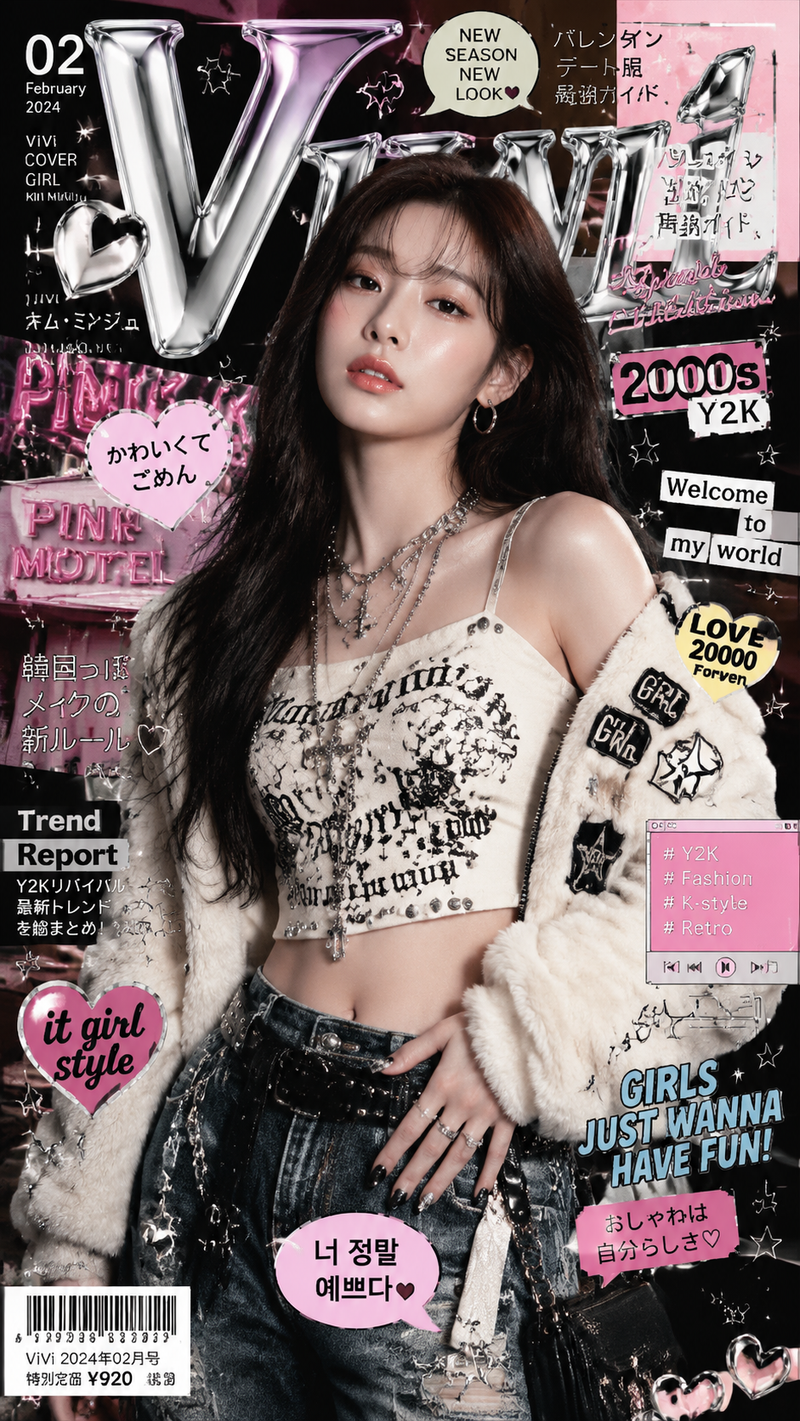
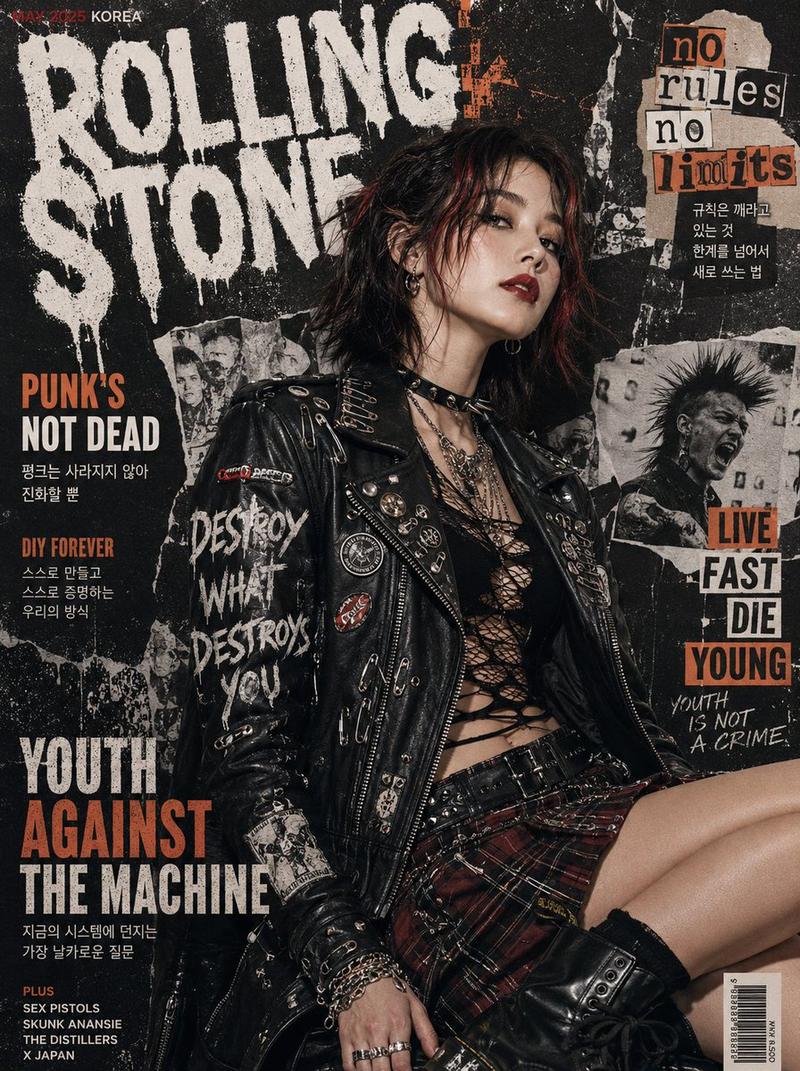
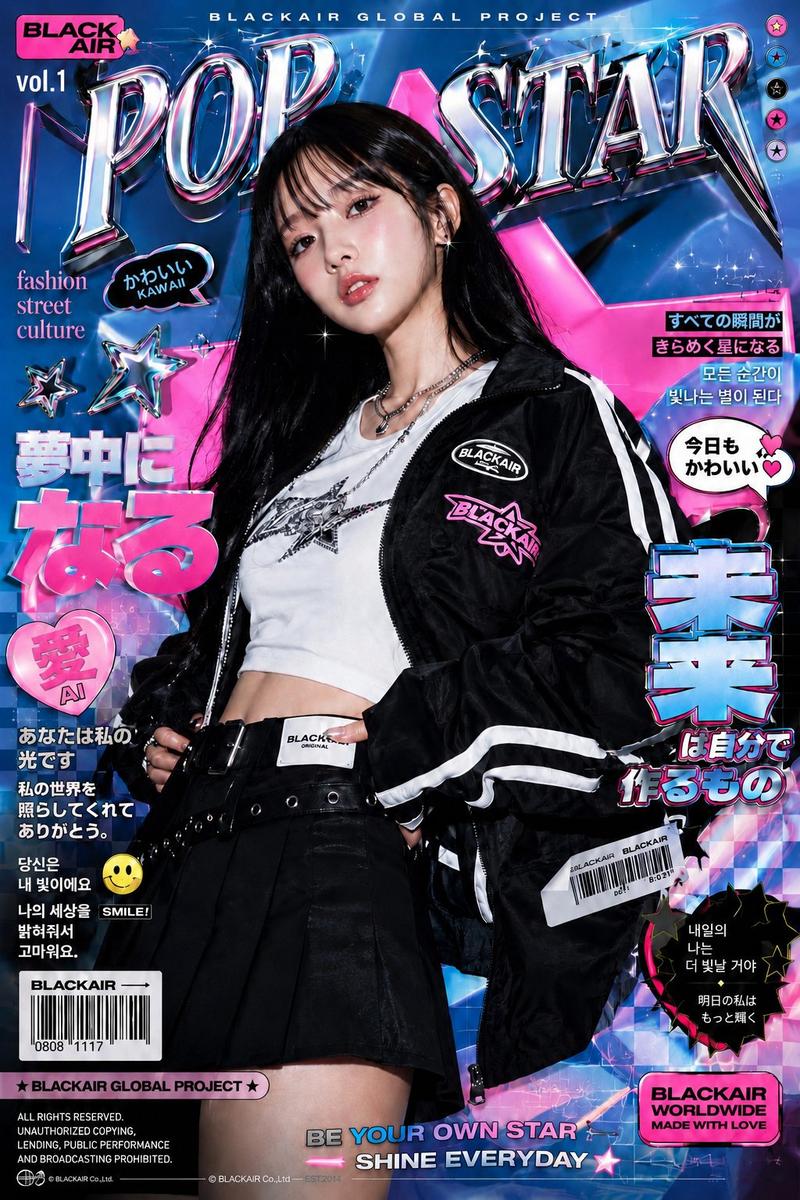
城市街头涂鸦人像
Enlarge

城市街头涂鸦人像

Prompt
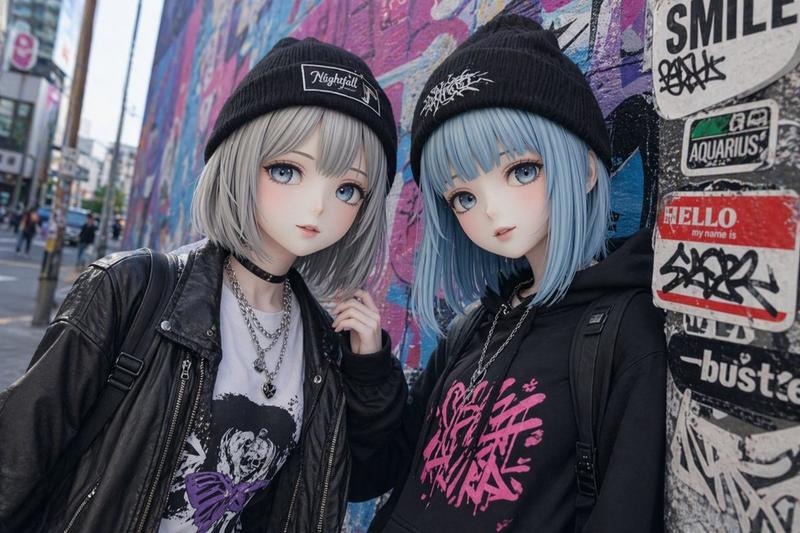
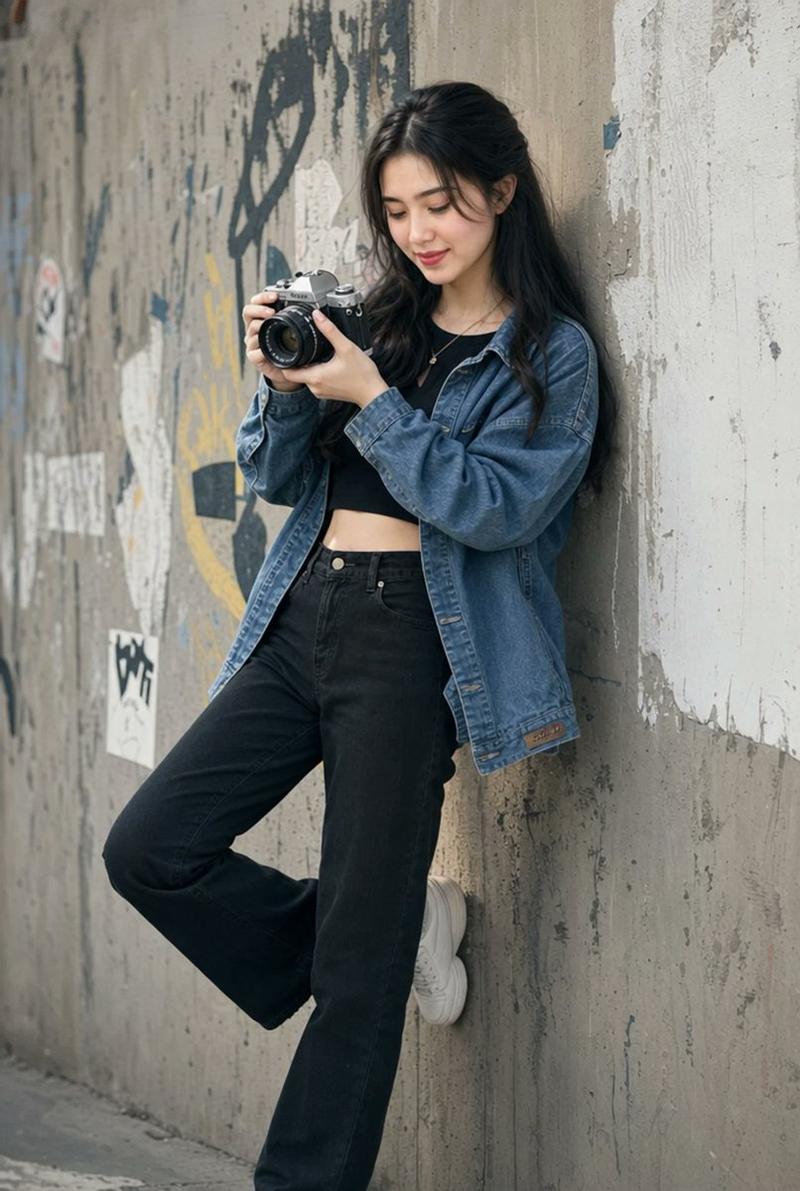
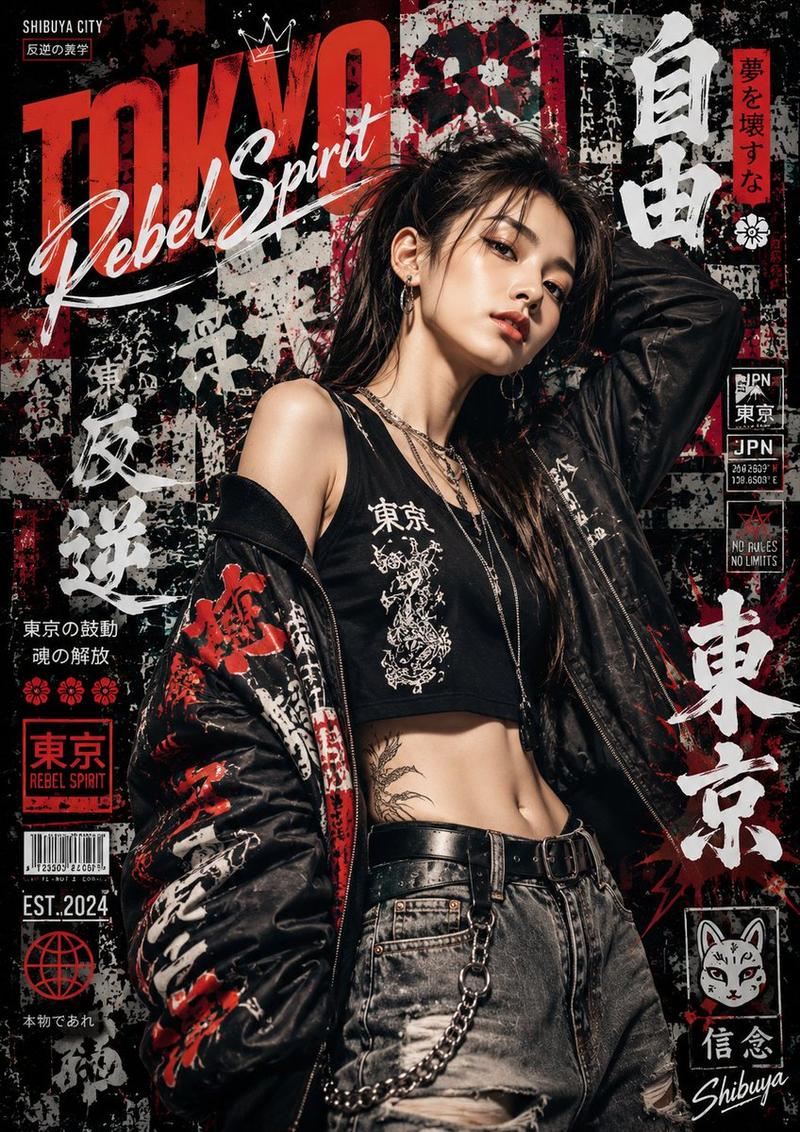
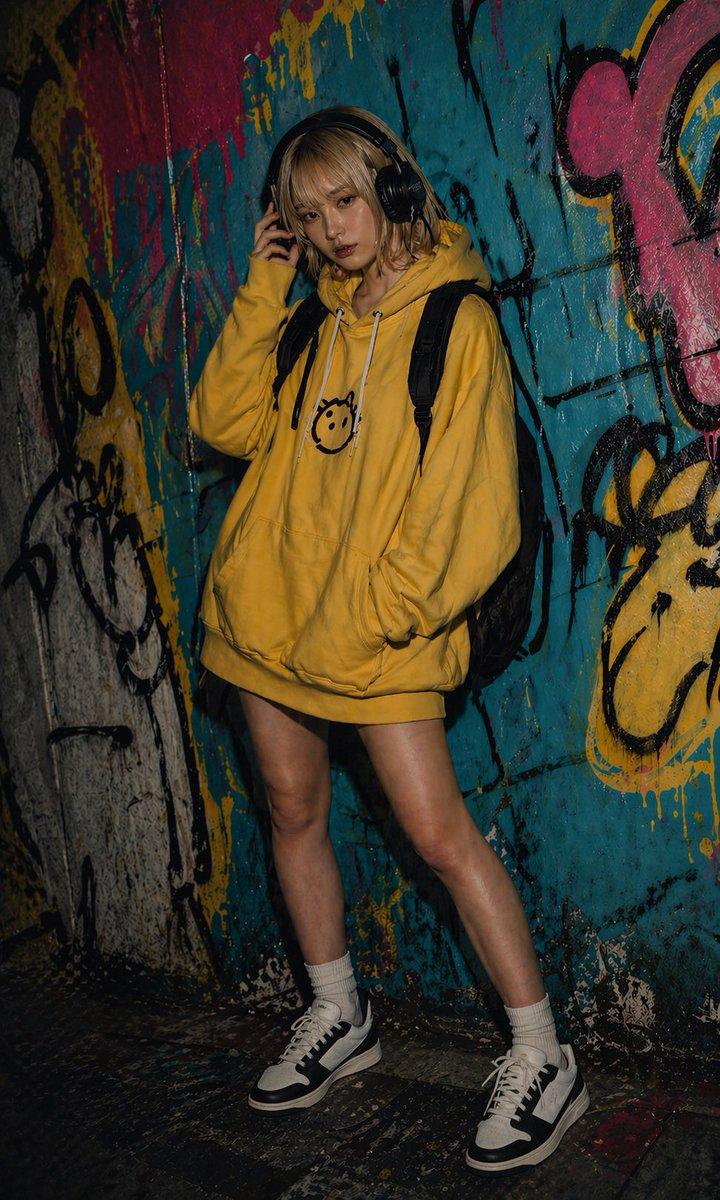
A photorealistic portrait of a young East Asian woman with short, choppy {argument name="hair color" default="light purple"} hair. She is leaning against a dark wall covered in vibrant neon graffiti, including the text "{argument name="graffiti text" default="VSC"}" and a smiley face. She is {argument name="pose" default="making a heart shape with her hands"} over her chest. She is wearing a {argument name="top clothing" default="white buttoned crop top under an oversized, unbuttoned light blue striped shirt"} that is falling off her shoulders, paired with {argument name="bottom clothing" default="distressed black denim shorts"}, white socks, and white sneakers. She has one knee slightly bent and lifted. The lighting is soft, hazy, and dreamy with cool tones, and the camera angle is slightly tilted, creating a stylish, urban streetwear aesthetic.
Category
Posters & Typography
Model
GPT Image 2
Creator
古一
Views8
Source ID
13966
Published
Apr 17, 2026

Guide

About "城市街头涂鸦人像"

What is this prompt for?

"城市街头涂鸦人像" AI image prompt for GPT Image 2 (Posters & Typography). 生成一张年轻女性身着街头服饰,以涂鸦墙为背景的写实人像。 Copy it on Picva and recreate the look in one click.

The full copyable prompt and example visuals above are ready for AI image generation or one-click recreate in Picva.

How to use this prompt

  1. Step 1

    Open the prompt detail

    Review the example visuals, category, and full prompt text for "城市街头涂鸦人像".

  2. Step 2

    Copy the prompt

    Copy the prompt body from this page, or load it directly in Studio.

  3. Step 3

    Pick a model (GPT Image 2)

    Prefer GPT Image 2. If you switch models, keep subject and composition and tweak style terms.

  4. Step 4

    Generate and export

    Recreate the look in Picva, or export into your workflow for editing and publishing.

FAQ

What is the "城市街头涂鸦人像" prompt?
It is an AI image-generation prompt for GPT Image 2 in the Posters & Typography category. This page includes the full prompt text, example visuals, and a one-click recreate path in Picva.
How do I use this prompt to generate an image?
Copy the prompt from this page, or use Generate / Studio. Paste it into a compatible image model, or recreate the look in Picva with optional reference images.
Which model is this prompt for?
This page lists GPT Image 2. Most descriptive prompts also transfer to nearby image models such as GPT Image, Flux, or Midjourney with light style tweaks.
Can I use the result commercially?
You can usually copy the prompt for creation, but commercial use of the final image depends on the model terms, reference-image rights, and the generated content. Follow the source author and platform rules.