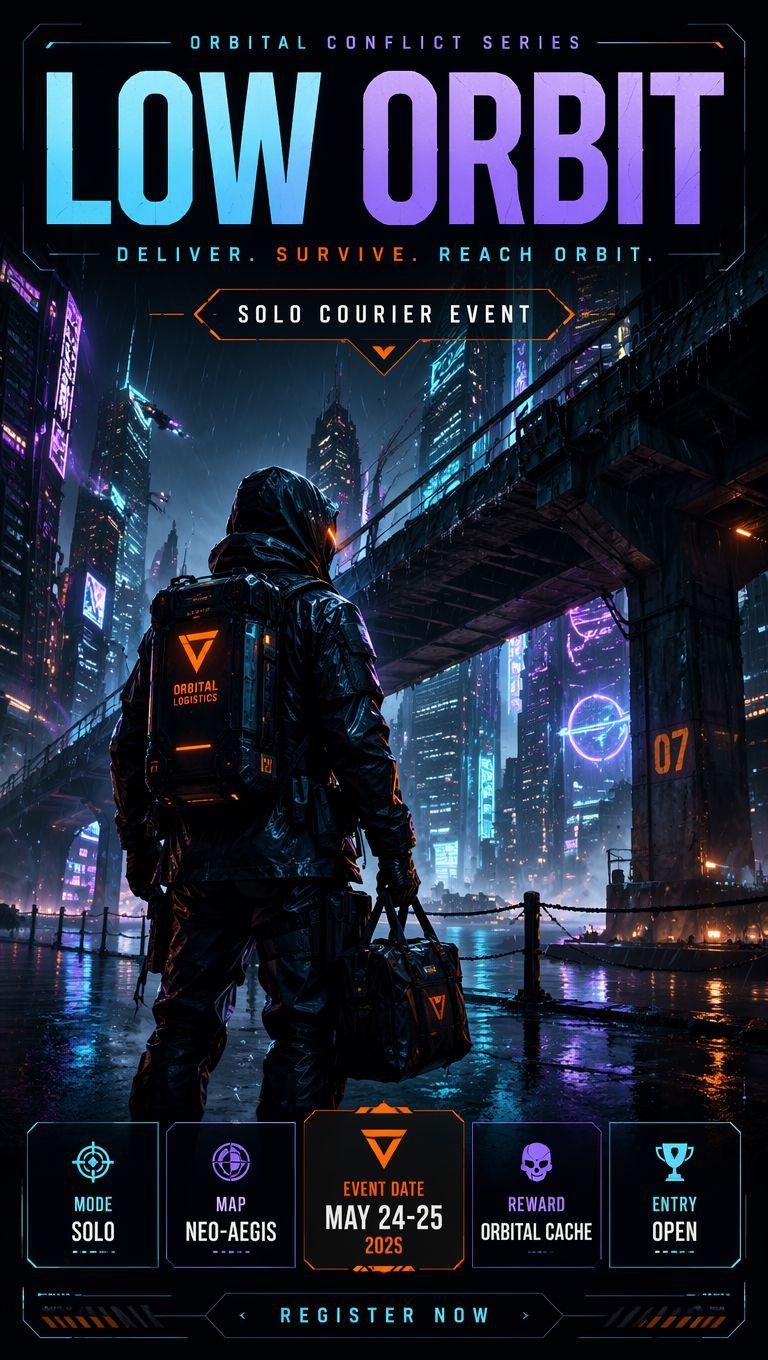
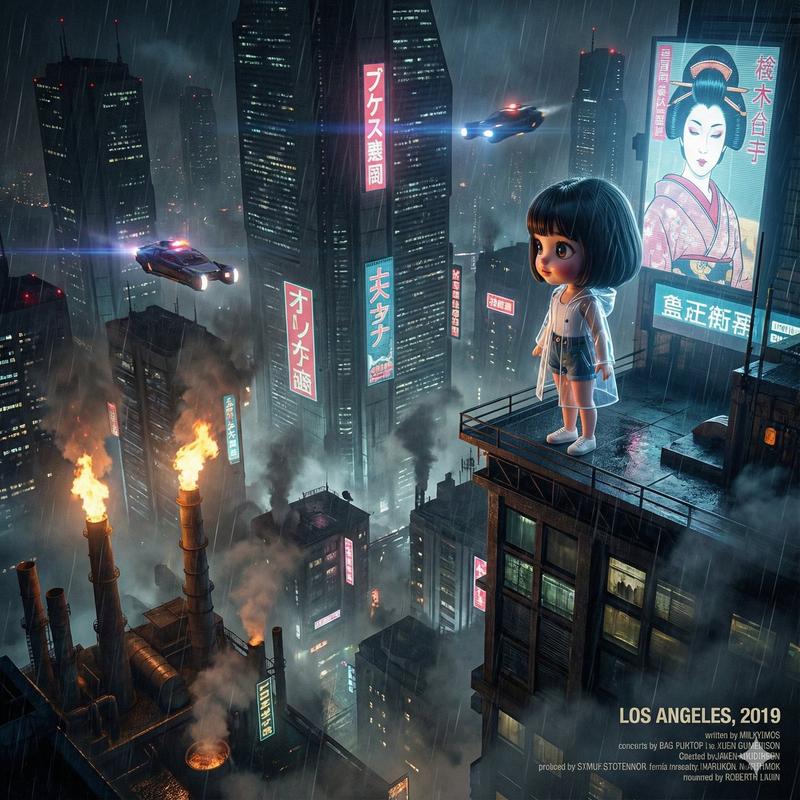
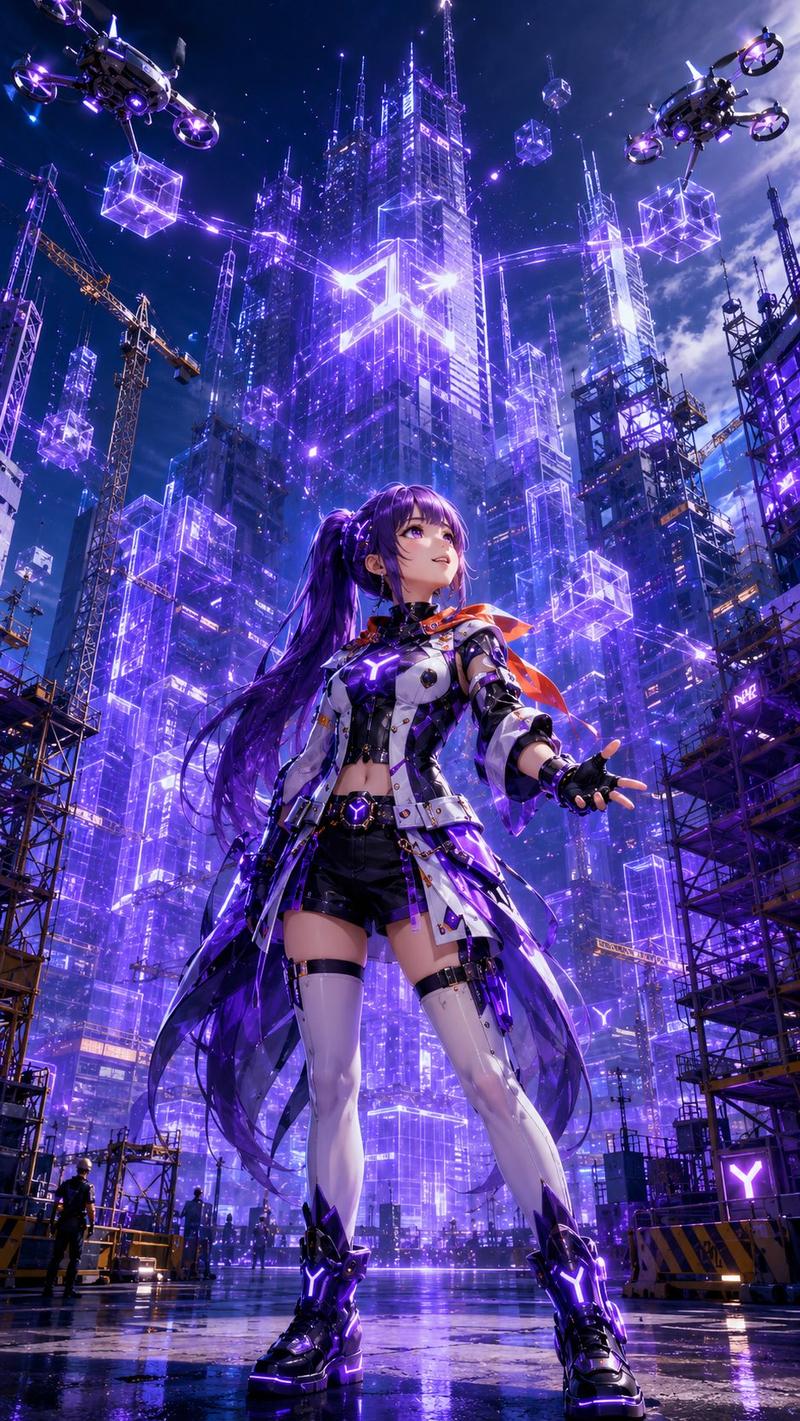
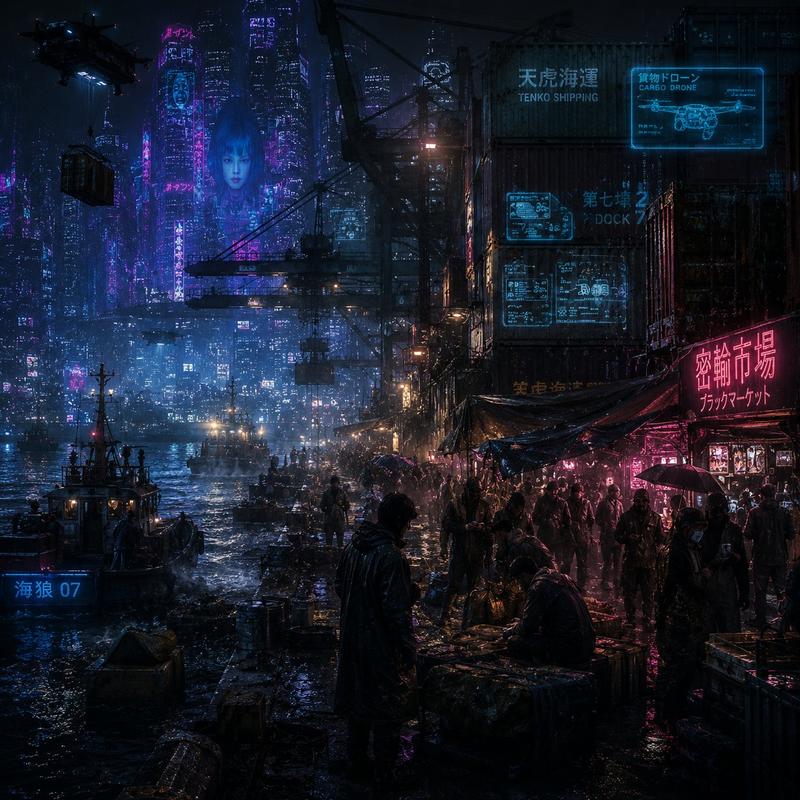
赛博朋克超级城市黑客场景
Prompt
Create a cinematic cyberpunk key visual for a social media banner or concept-art poster, showing {argument name="character name" default="a young urban hacker"} standing in the left foreground with their back and side profile visible, holding a glowing smartphone whose screen is clear and readable enough to suggest a futuristic city-control app. The character has messy dark hair, wears a glossy black tech jacket with small neon text patches and luminous blue-magenta accents, and looks out over a vast rainy megacity at night. The city should fill the background with towering ultra-thin skyscrapers, dense windows, elevated bridges, flying vehicles, hovering drones, and huge holographic billboards; include exactly 3 prominent aerial vehicles in the sky, exactly 1 large circular suspended structure in the upper left, and exactly 2 large holographic female-face displays: one giant translucent face projected across the central skyscraper and one smaller face billboard on a right-side tower. Use a dramatic wide-angle composition, low rooftop viewpoint, wet reflective surfaces, deep blue and violet atmosphere, neon cyan and magenta highlights, mist, rain-slick reflections, volumetric light beams, and a moody storm-cloud sky with a faint purple dawn glow on the horizon. Leave the right and upper central skyline visually rich but not covered by captions, with no watermark, no logo, and no extra readable text beyond small futuristic interface details. Style: high-detail sci-fi concept art, photorealistic lighting, sharp architectural detail, immersive scale, 16:9 horizontal canvas.- Category
- UI & Interfaces
- Model
- GPT Image 2
- Creator
- 小海豚笔记 (AI & 副业探索)
- Source ID
- 28165
- Published
- Jul 9, 2026
Views4