17

Neon Orchid District design board
Enlarge

Neon Orchid District design board

Prompt
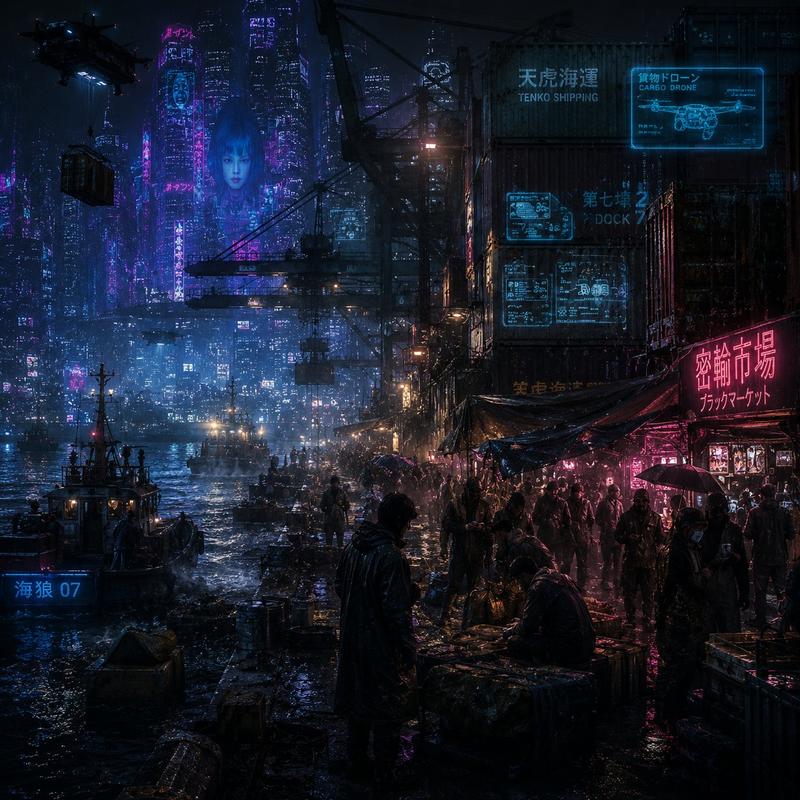
Create a cyberpunk character-and-city design board in a premium magazine-layout format, landscape 16:9. Title text: "NEON ORCHID DISTRICT". The board is divided into five asymmetric panels: one large cinematic street scene of a rain-soaked elevated night market, two close-up portrait panels of original adult cyberpunk couriers with glowing orchid tattoos, one small isometric map panel showing alleys and drone routes, and one artifact panel showing encrypted transit passes, cybernetic gloves, and vending-machine stickers. Use layered neon magenta, cyan, acid green, wet asphalt reflections, holographic signage, dense but readable composition, editorial margins, small labels, and a cohesive retro-future anime/cyberpunk style. Original characters only, no existing IP, no explicit content.
Category
Illustration & Art
Model
GPT Image 2
Creator
wuyoscar
Views2
Source ID
024

Guide

About "Neon Orchid District design board"

What is this prompt for?

"Neon Orchid District design board" AI image prompt for GPT Image 2 (Illustration & Art). Create a cyberpunk character-and-city design board in a premium magaz…

The full copyable prompt and example visuals above are ready for AI image generation or one-click recreate in Picva.

How to use this prompt

  1. Step 1

    Open the prompt detail

    Review the example visuals, category, and full prompt text for "Neon Orchid District design board".

  2. Step 2

    Copy the prompt

    Copy the prompt body from this page, or load it directly in Studio.

  3. Step 3

    Pick a model (GPT Image 2)

    Prefer GPT Image 2. If you switch models, keep subject and composition and tweak style terms.

  4. Step 4

    Generate and export

    Recreate the look in Picva, or export into your workflow for editing and publishing.

FAQ

What is the "Neon Orchid District design board" prompt?
It is an AI image-generation prompt for GPT Image 2 in the Illustration & Art category. This page includes the full prompt text, example visuals, and a one-click recreate path in Picva.
How do I use this prompt to generate an image?
Copy the prompt from this page, or use Generate / Studio. Paste it into a compatible image model, or recreate the look in Picva with optional reference images.
Which model is this prompt for?
This page lists GPT Image 2. Most descriptive prompts also transfer to nearby image models such as GPT Image, Flux, or Midjourney with light style tweaks.
Can I use the result commercially?
You can usually copy the prompt for creation, but commercial use of the final image depends on the model terms, reference-image rights, and the generated content. Follow the source author and platform rules.