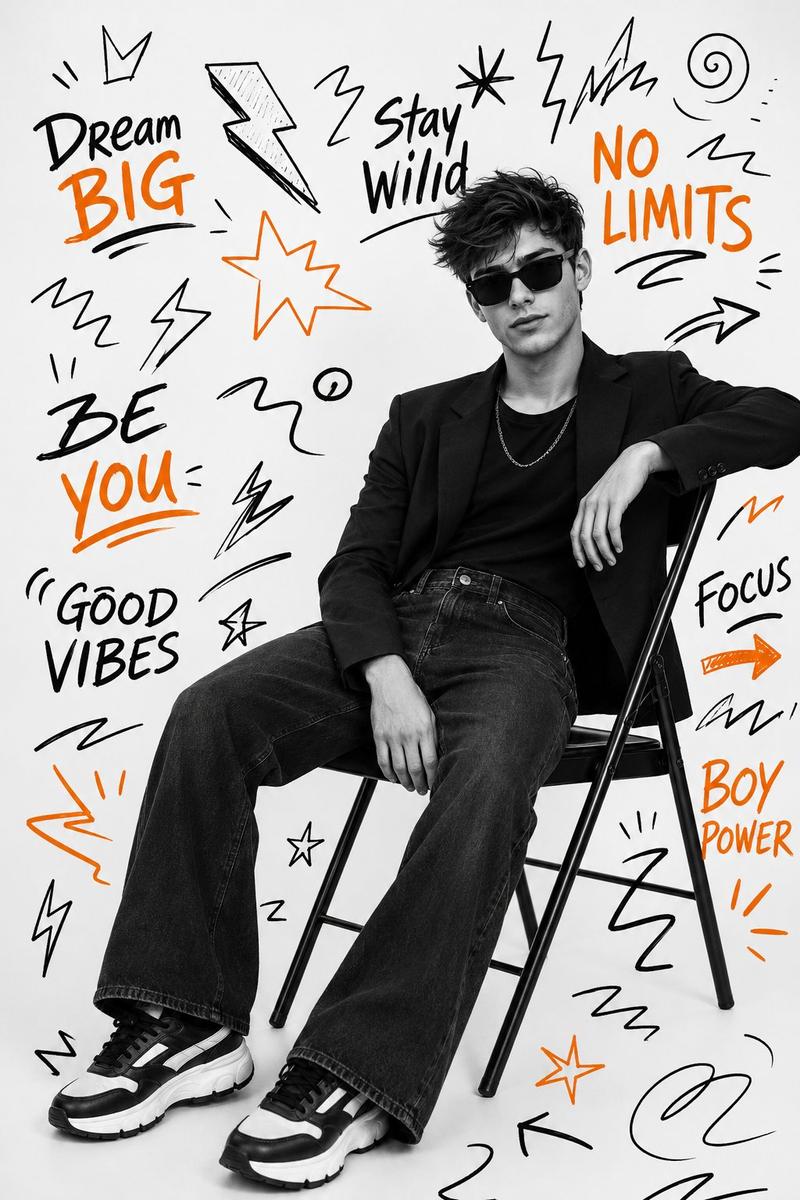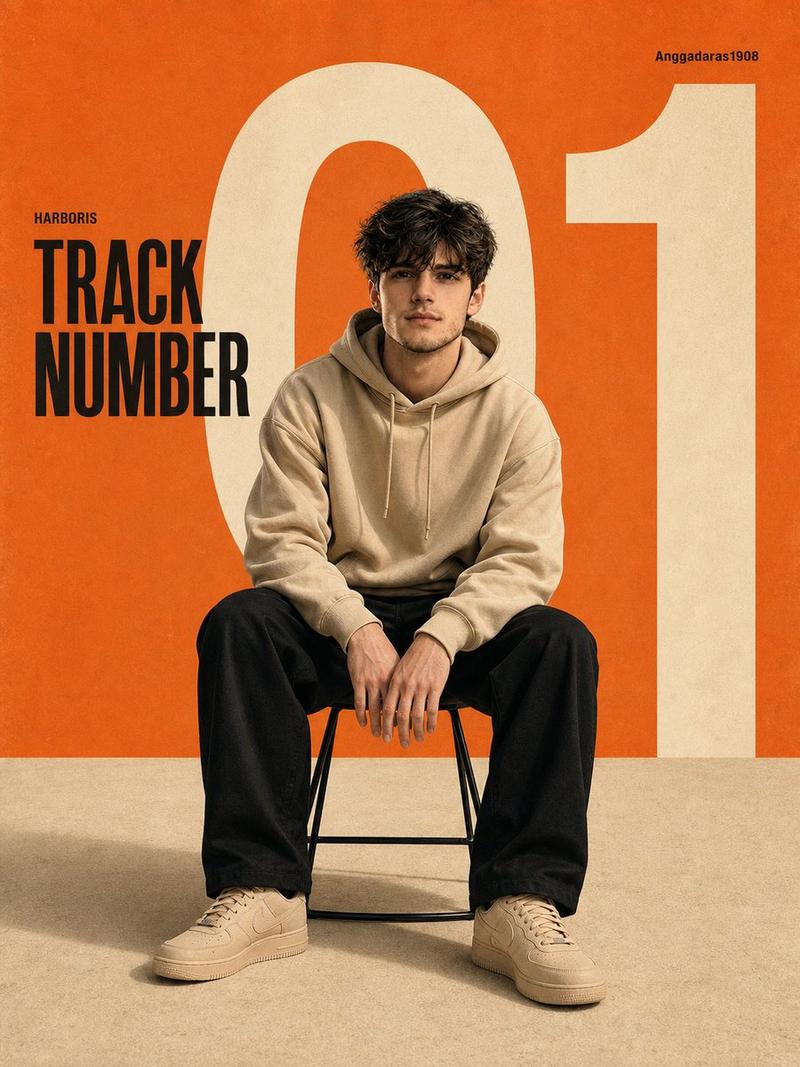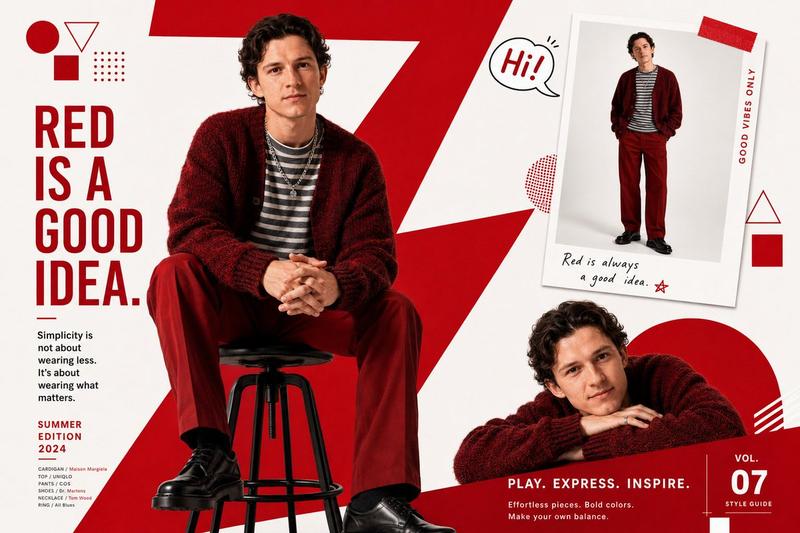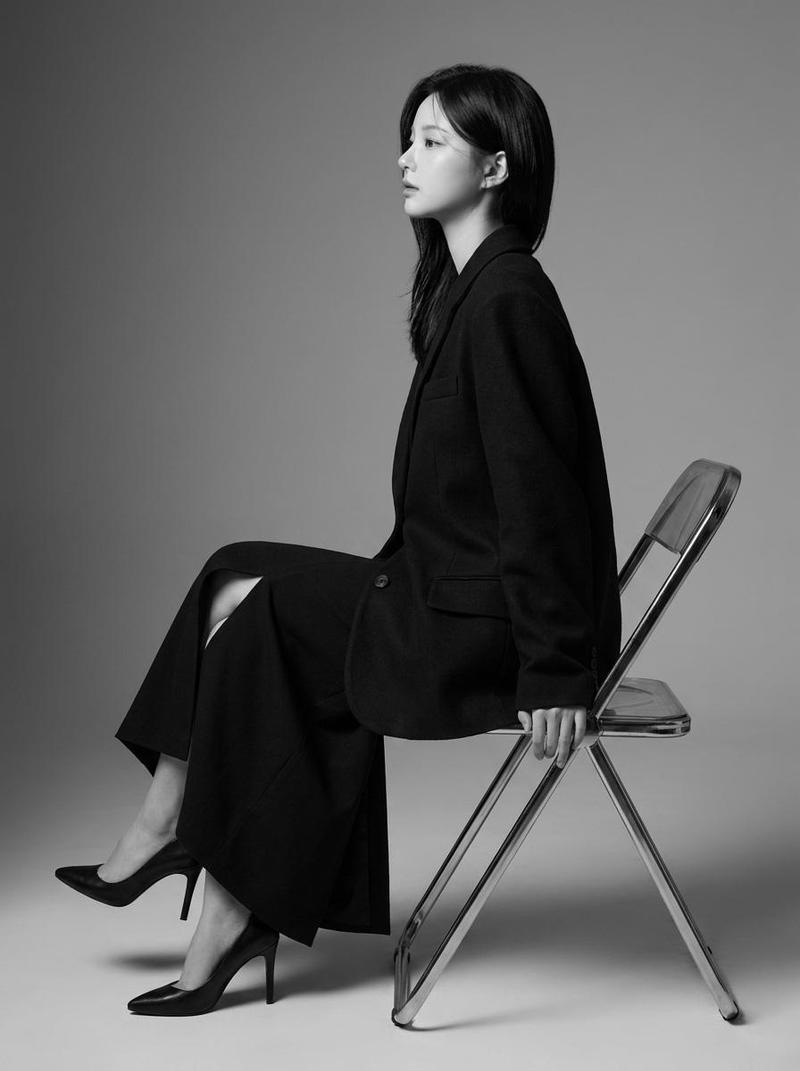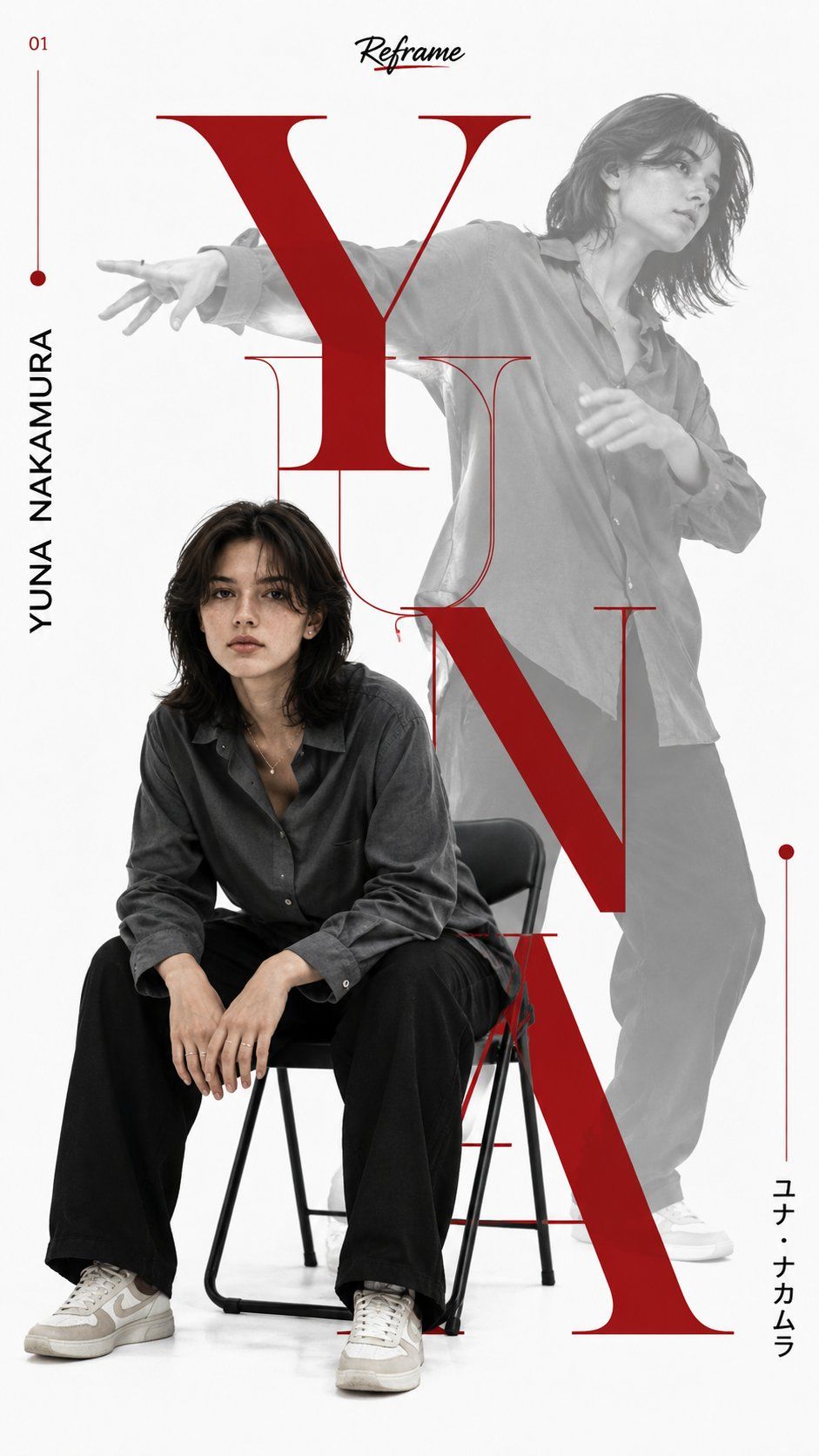
日式极简主义时尚杂志海报
Prompt
Ultra realistic minimalist editorial fashion poster inspired by premium Japanese magazine typography and modern graphic design. Clean seamless pure white studio background with a luxury high fashion aesthetic and strong negative space. The composition features the same {argument name="subject" default="young woman"} appearing twice in one vertical layout. Foreground subject: The woman sits naturally on a simple black metal chair, leaning slightly forward with both hands resting between her knees. She wears an oversized {argument name="shirt color" default="charcoal gray"} button-up shirt, loose black trousers, and beige-white sneakers. She has a short black bob haircut with soft bangs, natural makeup, and a calm, confident expression while looking directly at the camera. Soft diffused studio lighting creates smooth shadows and realistic skin tones. Background subject: Behind the seated figure is a large semi-transparent grayscale full-body action portrait of the same woman captured mid dance, with one arm extended forward and the other bent naturally. The grayscale figure is faded to around 25 to 35% opacity, creating depth while remaining visible behind the typography. A massive bold {argument name="typography color" default="deep red"} serif letterform dominates the center of the composition, running vertically from top to bottom. The oversized typography overlaps both figures, partially masking the body to create a premium editorial magazine cover effect. Some letters are solid while others use thin outlined versions, creating layered visual depth. The layout includes modern Japanese-inspired graphic elements: Thin vertical red lines with circular dot terminals placed on both sides of the composition. Black vertical uppercase text displaying the person's name along the left side of the typography. Small Japanese katakana characters placed vertically near the lower right. Small handwritten graffiti-style title positioned at the top center in black with a subtle red shadow effect. Tiny red issue number placed in the upper left corner. Minimal decorative editorial marks balanced throughout the layout. The overall design follows contemporary fashion magazine aesthetics similar to luxury editorial posters, using a restrained color palette consisting only of: Pure white background, Deep crimson red typography and accents, Black typography, Grayscale secondary portrait. The composition feels clean, elegant, modern, and highly artistic with perfect alignment, premium spacing, magazine-quality typography hierarchy, crisp edges, and print-ready poster design. Style keywords: ultra realistic, editorial fashion poster, Swiss graphic design, Japanese typography, luxury magazine cover, minimalist layout, brutalist editorial design, premium branding, clean composition, layered typography, negative space, cinematic studio photography, high-end print design, 8K ultra detailed, razor sharp focus, professional color grading. Aspect Ratio: 9:16 vertical.- Category
- Charts & Infographics
- Model
- GPT Image 2
- Creator
- Harboris
- Source ID
- 28235
- Published
- Jul 10, 2026
Views8