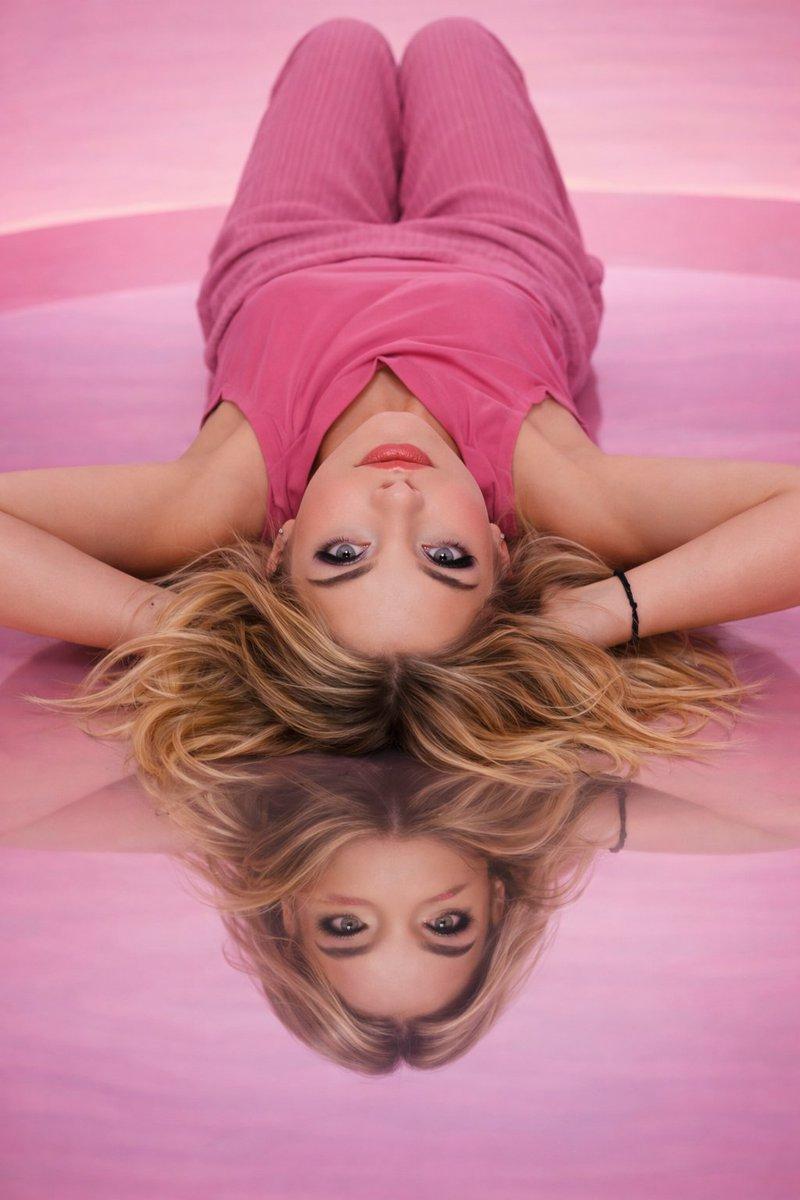
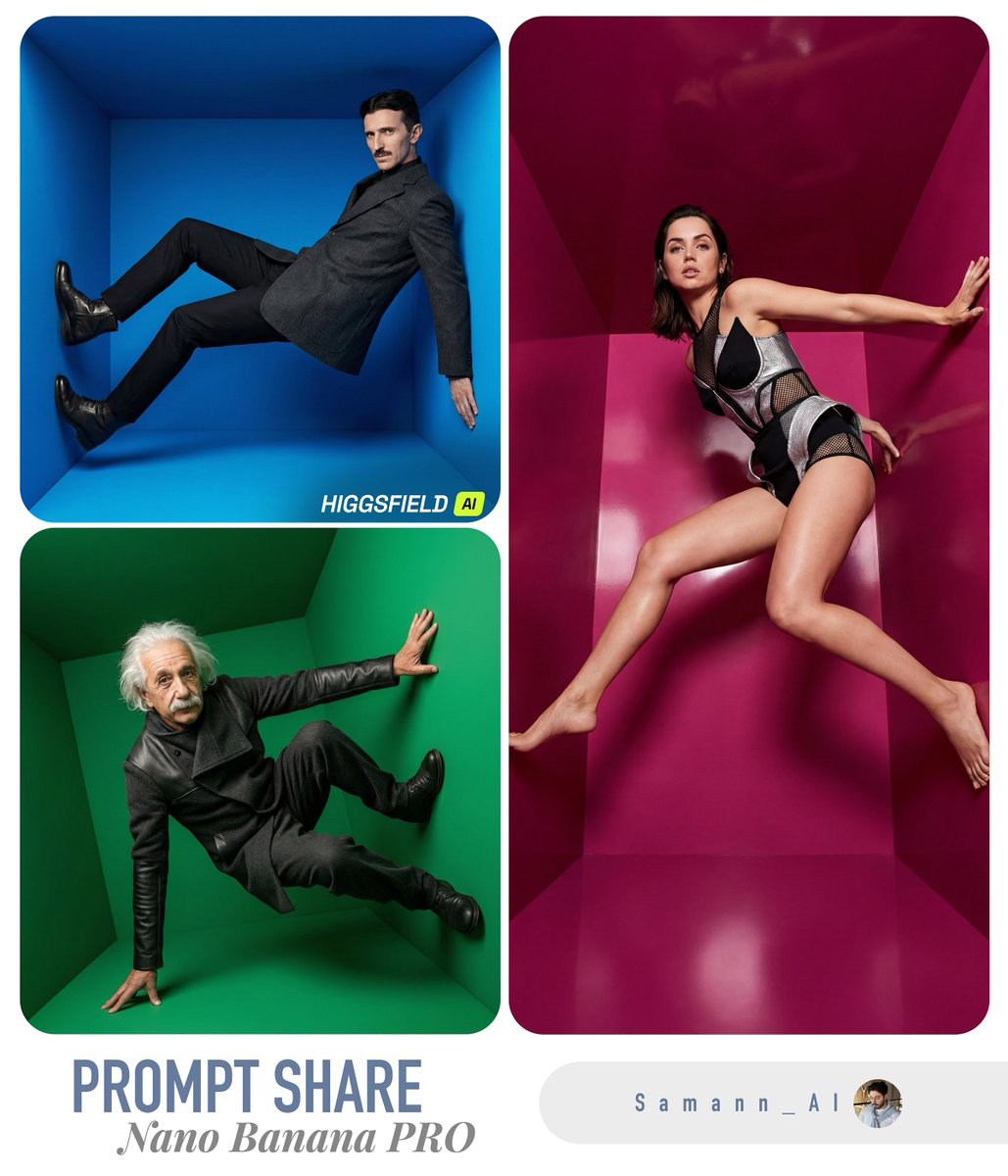
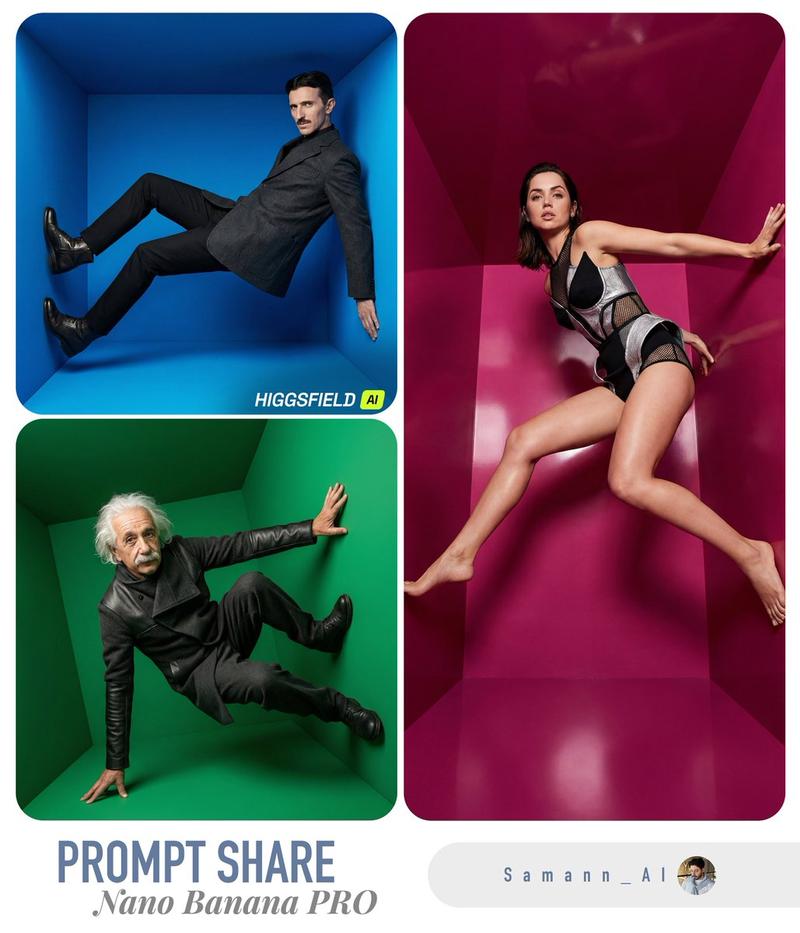
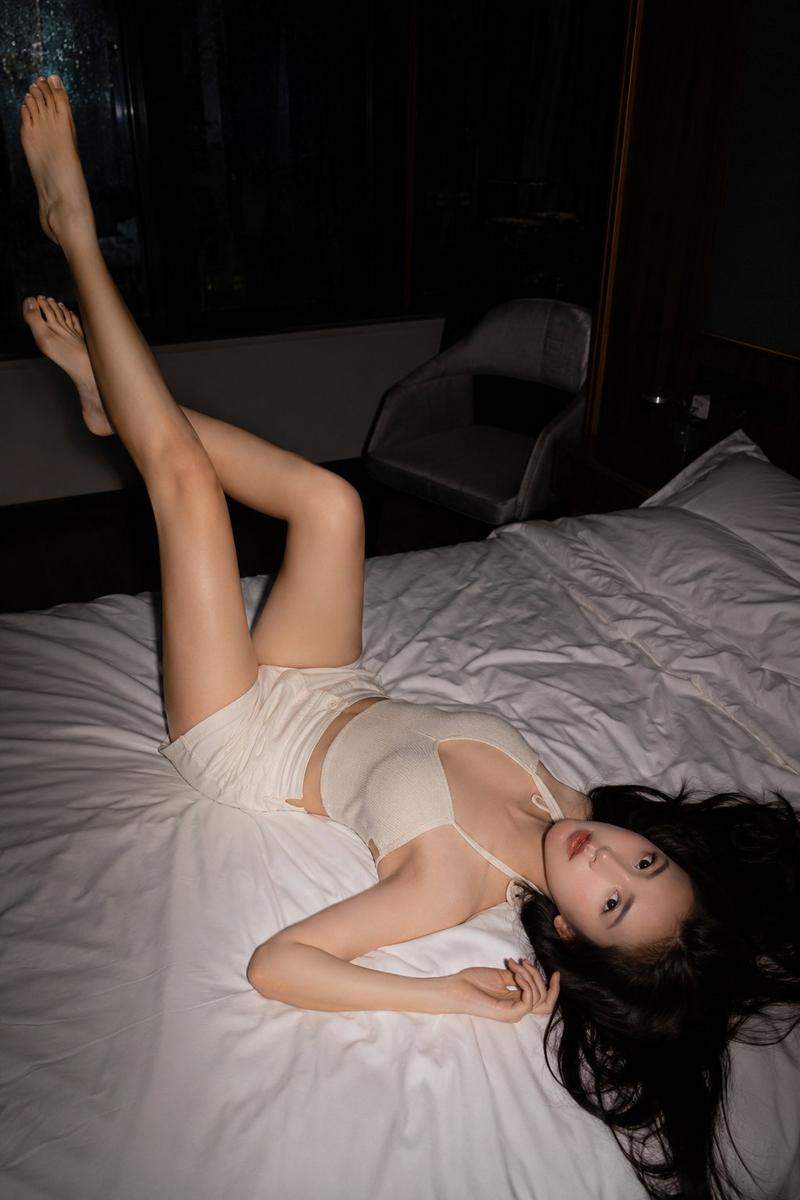
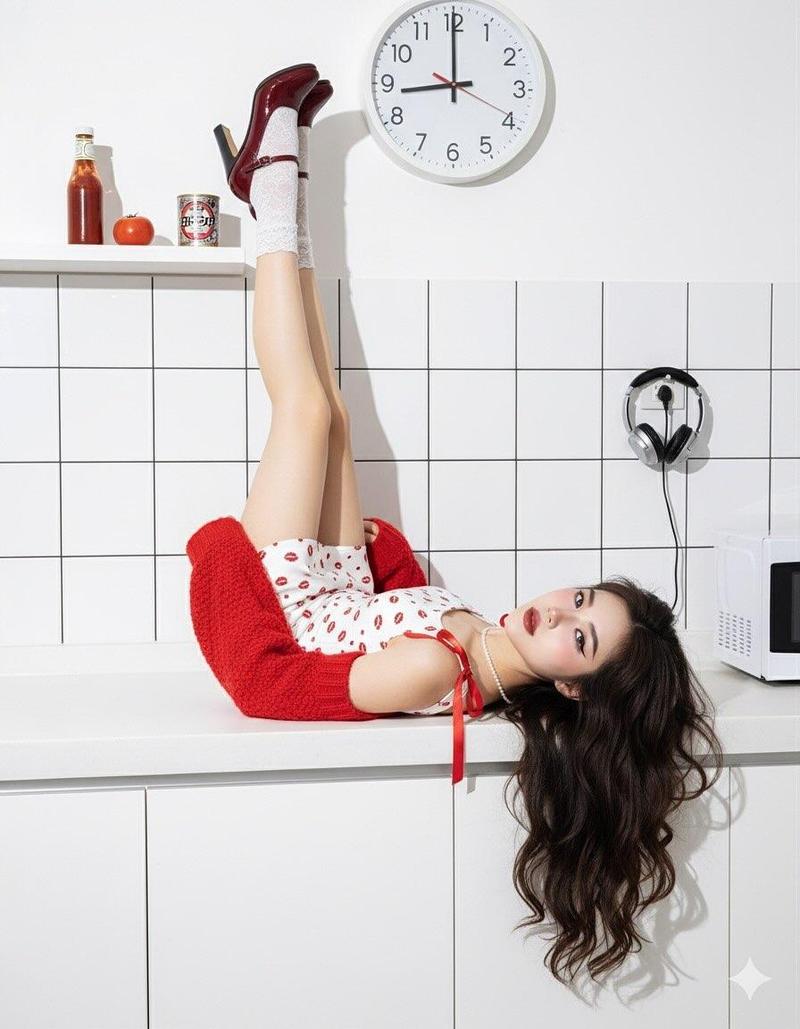
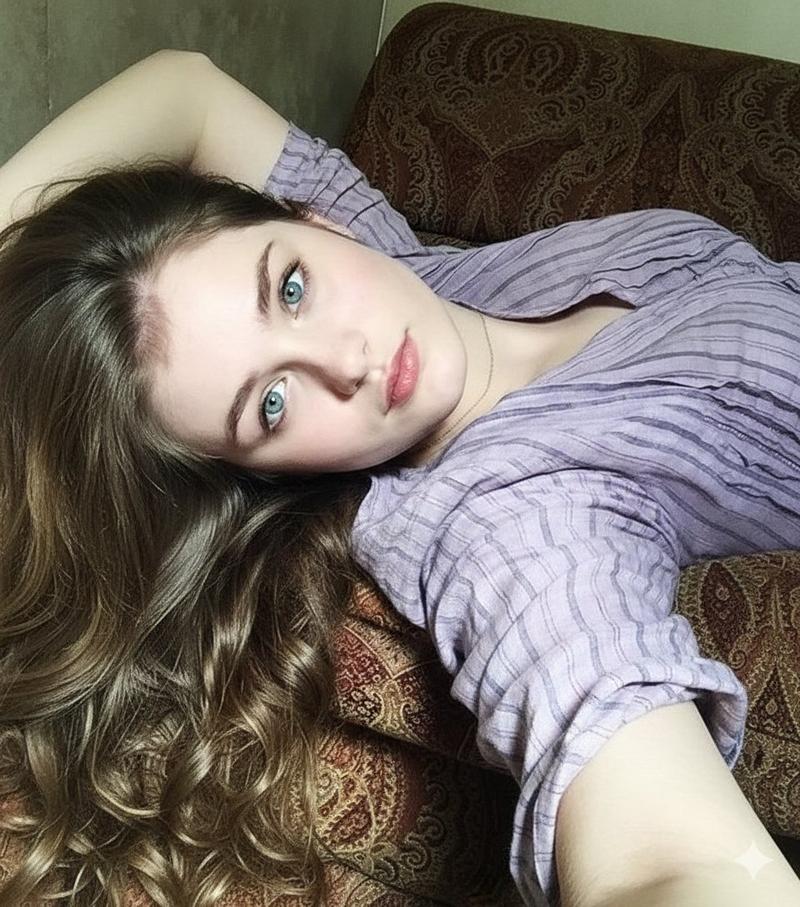
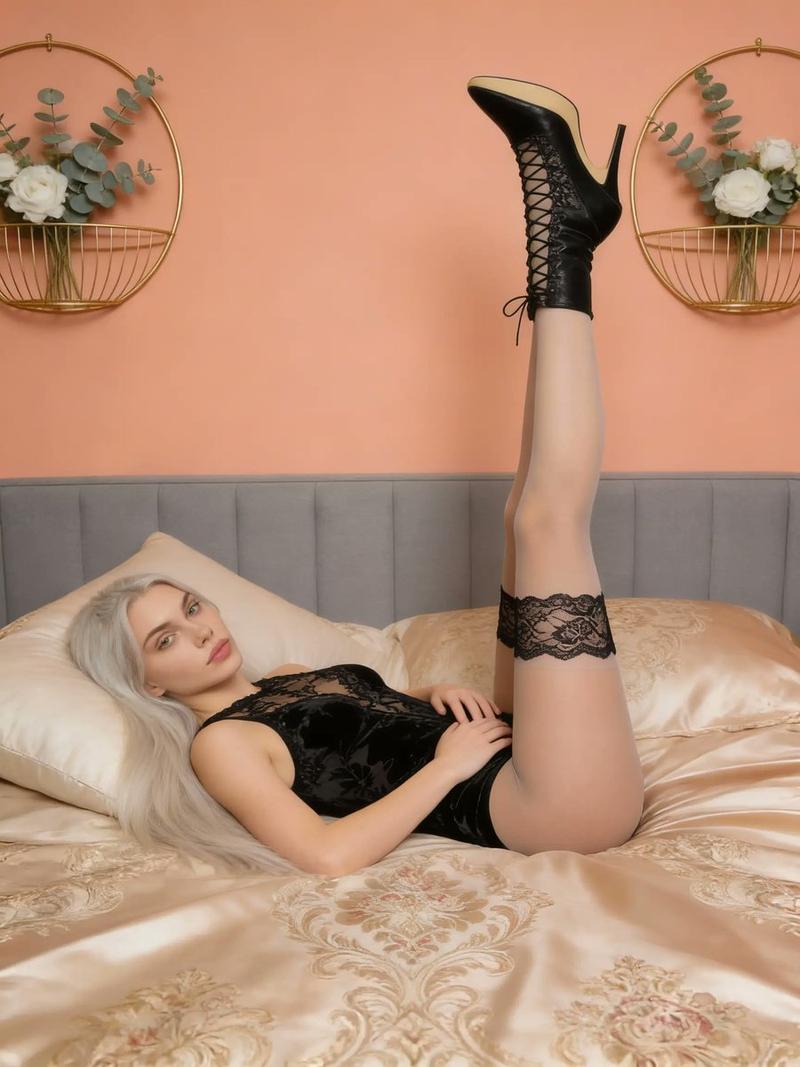
参考肖像替换
Prompt
上传一张人像作为人物参考,把原图中的人物替换成参考人像,保留原图的动作、表情、眼神、姿势、构图和鱼眼镜头效果。人物为黑色长卷发,五官自然,表情灵动,不要有生硬换脸感。
- Category
- Photography & Realism
- Model
- GPT Image 2
- Creator
- serein |买美股上币安
- Source ID
- 28263
- Published
- Jul 10, 2026
Views2
17

上传一张人像作为人物参考,把原图中的人物替换成参考人像,保留原图的动作、表情、眼神、姿势、构图和鱼眼镜头效果。人物为黑色长卷发,五官自然,表情灵动,不要有生硬换脸感。
Guide
"参考肖像替换" AI image prompt for GPT Image 2 (Photography & Realism). 一种提示词指令,用于将照片中的人物替换为参考肖像,同时保持原始姿势和鱼眼镜头效果。 Copy it on Picva and recreate the look in one click.
The full copyable prompt and example visuals above are ready for AI image generation or one-click recreate in Picva.
Step 1
Review the example visuals, category, and full prompt text for "参考肖像替换".
Step 2
Copy the prompt body from this page, or load it directly in Studio.
Step 3
Prefer GPT Image 2. If you switch models, keep subject and composition and tweak style terms.
Step 4
Recreate the look in Picva, or export into your workflow for editing and publishing.