16

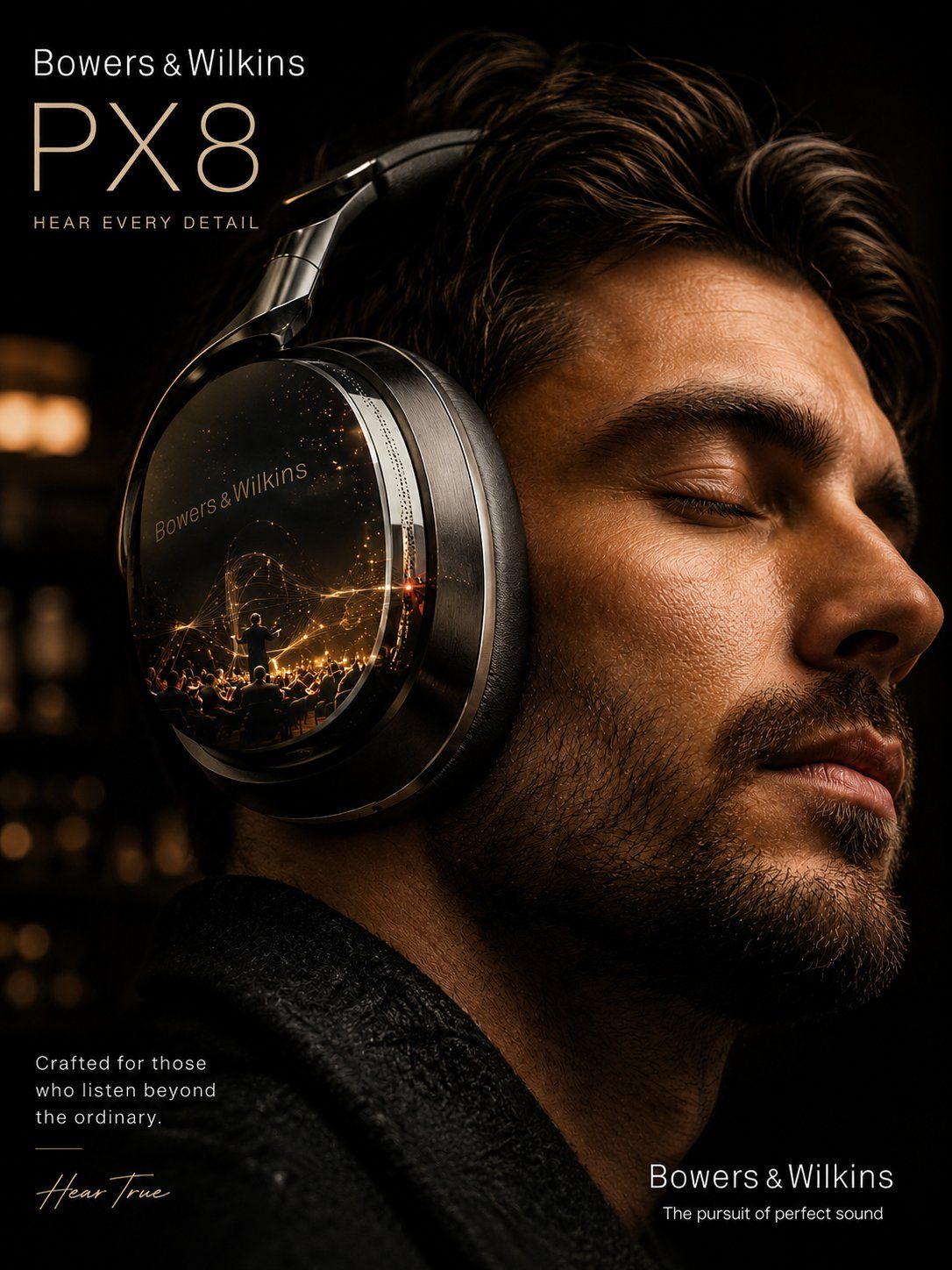
高端电影级广告海报
Enlarge

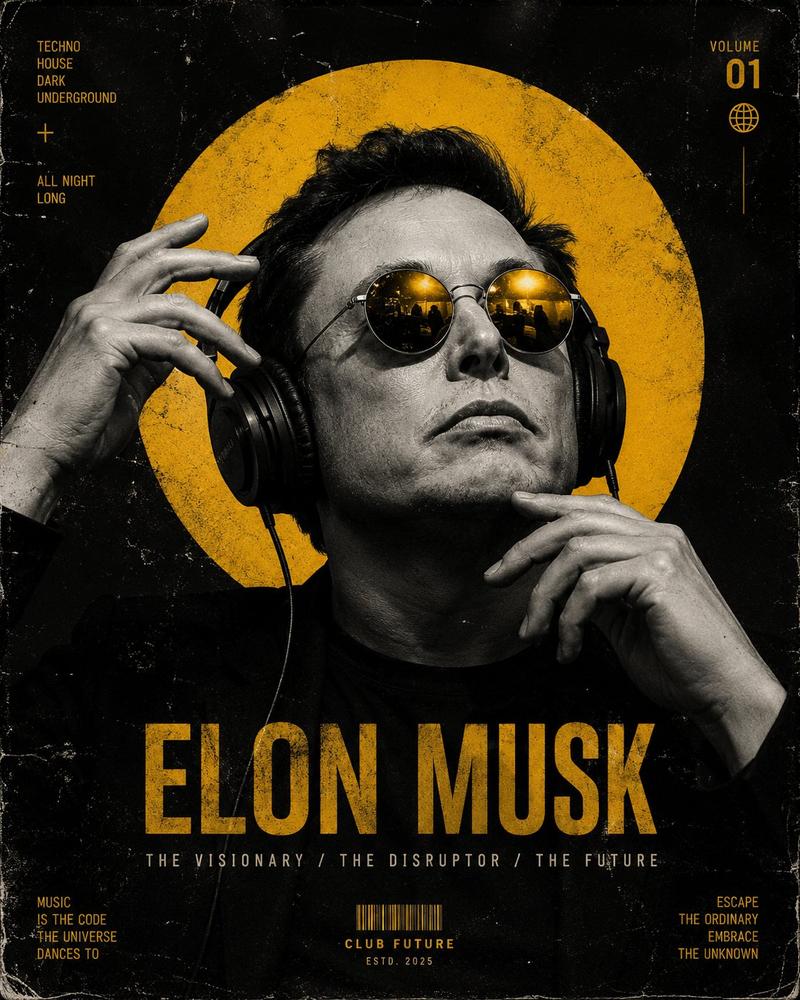
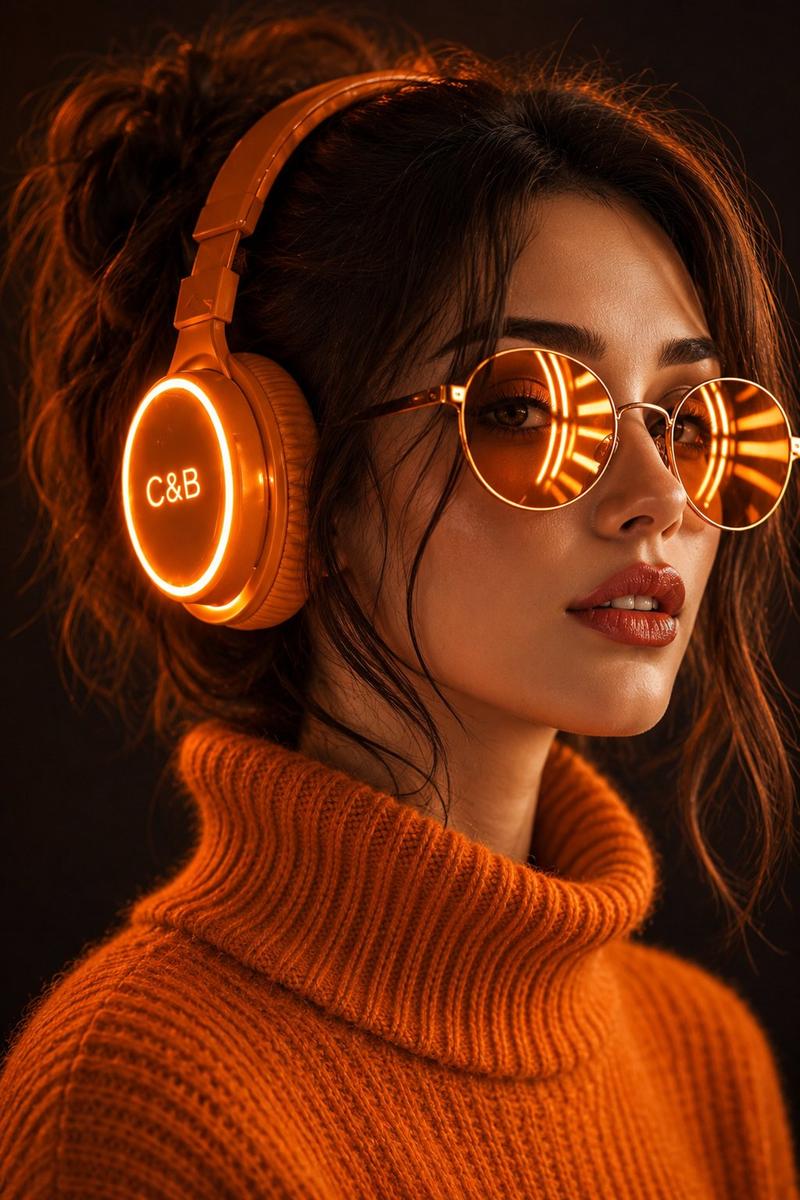
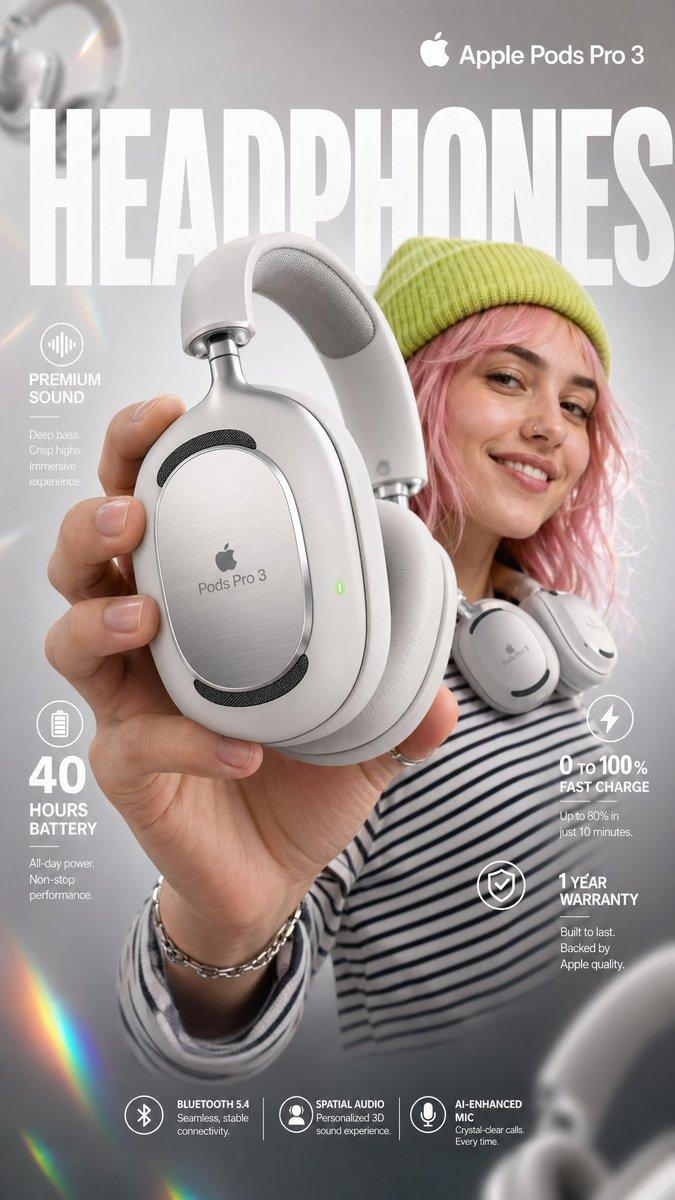
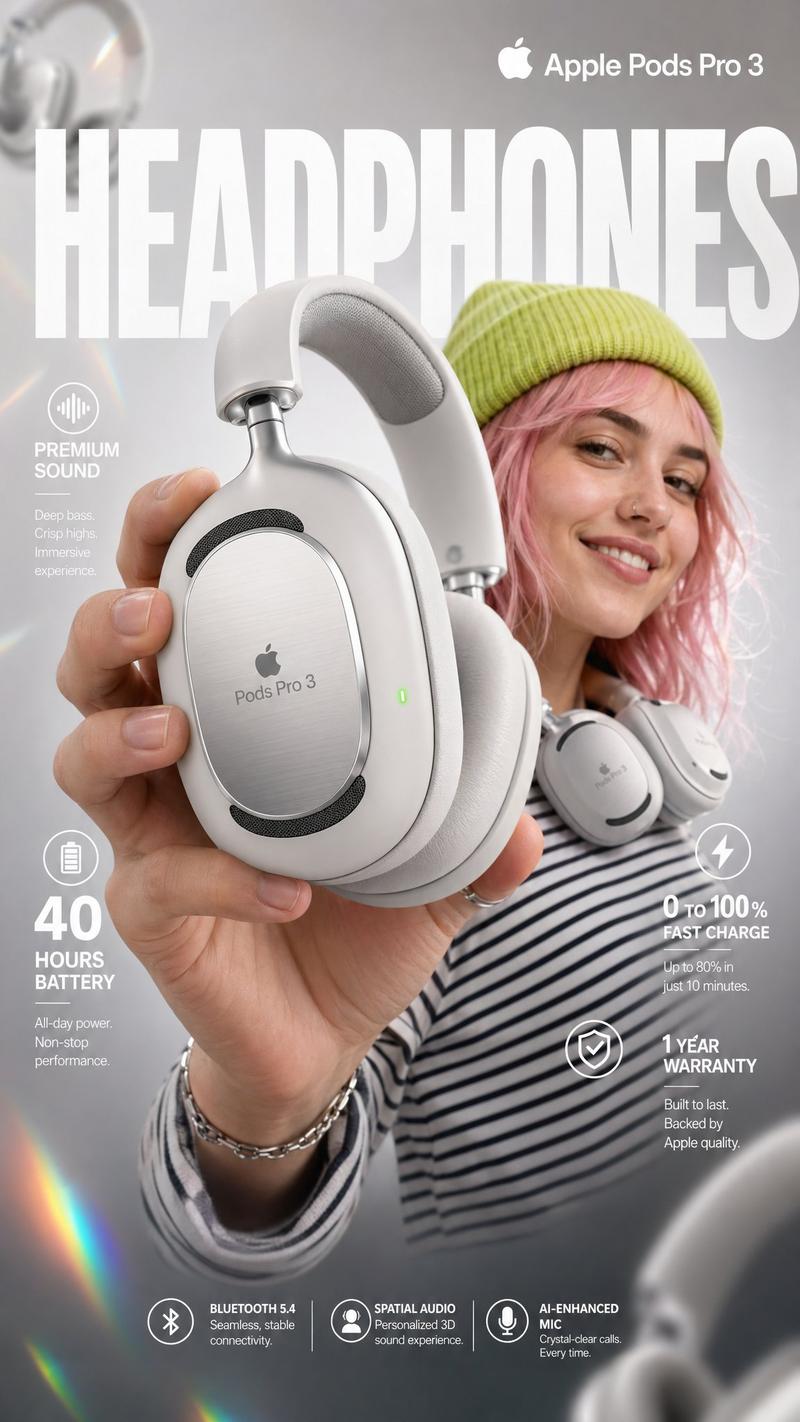
Example images

高端电影级广告海报

Prompt
Create an ultra-premium cinematic advertising poster for {argument name="product" default="[PRODUCT]"} by {argument name="brand" default="[BRAND]"}. The product is the hero of the composition, featuring hyper-realistic materials, cinematic lighting, realistic reflections, premium textures, atmospheric depth, floating particles, and luxury editorial styling. Showcase extreme detail with macro-quality realism, physically accurate materials, elegant branding, shallow depth of field, minimal premium background, and world-class commercial photography. Include {argument name="brand name" default="[BRAND]"}, [PRODUCT], and an optional tagline: "{argument name="tagline" default="[TAGLINE]"}". 8K, photorealistic, award-winning luxury advertising campaign.

Negative Prompt: cartoon, blurry, plastic, low-detail, fake materials, poor lighting, cheap advertising style, watermark, noise, distorted proportions.
Category
Posters & Typography
Model
GPT Image 2
Views2
Source ID
28364
Published
Jul 11, 2026

Guide

About "高端电影级广告海报"

What is this prompt for?

"高端电影级广告海报" AI image prompt for GPT Image 2 (Posters & Typography). 生成具有微距写实感、物理精确材质及奢华编辑摄影风格的高端商业广告海报。 Copy it on Picva and recreate the look in one click.

The full copyable prompt and example visuals above are ready for AI image generation or one-click recreate in Picva.

How to use this prompt

  1. Step 1

    Open the prompt detail

    Review the example visuals, category, and full prompt text for "高端电影级广告海报".

  2. Step 2

    Copy the prompt

    Copy the prompt body from this page, or load it directly in Studio.

  3. Step 3

    Pick a model (GPT Image 2)

    Prefer GPT Image 2. If you switch models, keep subject and composition and tweak style terms.

  4. Step 4

    Generate and export

    Recreate the look in Picva, or export into your workflow for editing and publishing.

FAQ

What is the "高端电影级广告海报" prompt?
It is an AI image-generation prompt for GPT Image 2 in the Posters & Typography category. This page includes the full prompt text, example visuals, and a one-click recreate path in Picva.
How do I use this prompt to generate an image?
Copy the prompt from this page, or use Generate / Studio. Paste it into a compatible image model, or recreate the look in Picva with optional reference images.
Which model is this prompt for?
This page lists GPT Image 2. Most descriptive prompts also transfer to nearby image models such as GPT Image, Flux, or Midjourney with light style tweaks.
Can I use the result commercially?
You can usually copy the prompt for creation, but commercial use of the final image depends on the model terms, reference-image rights, and the generated content. Follow the source author and platform rules.