19

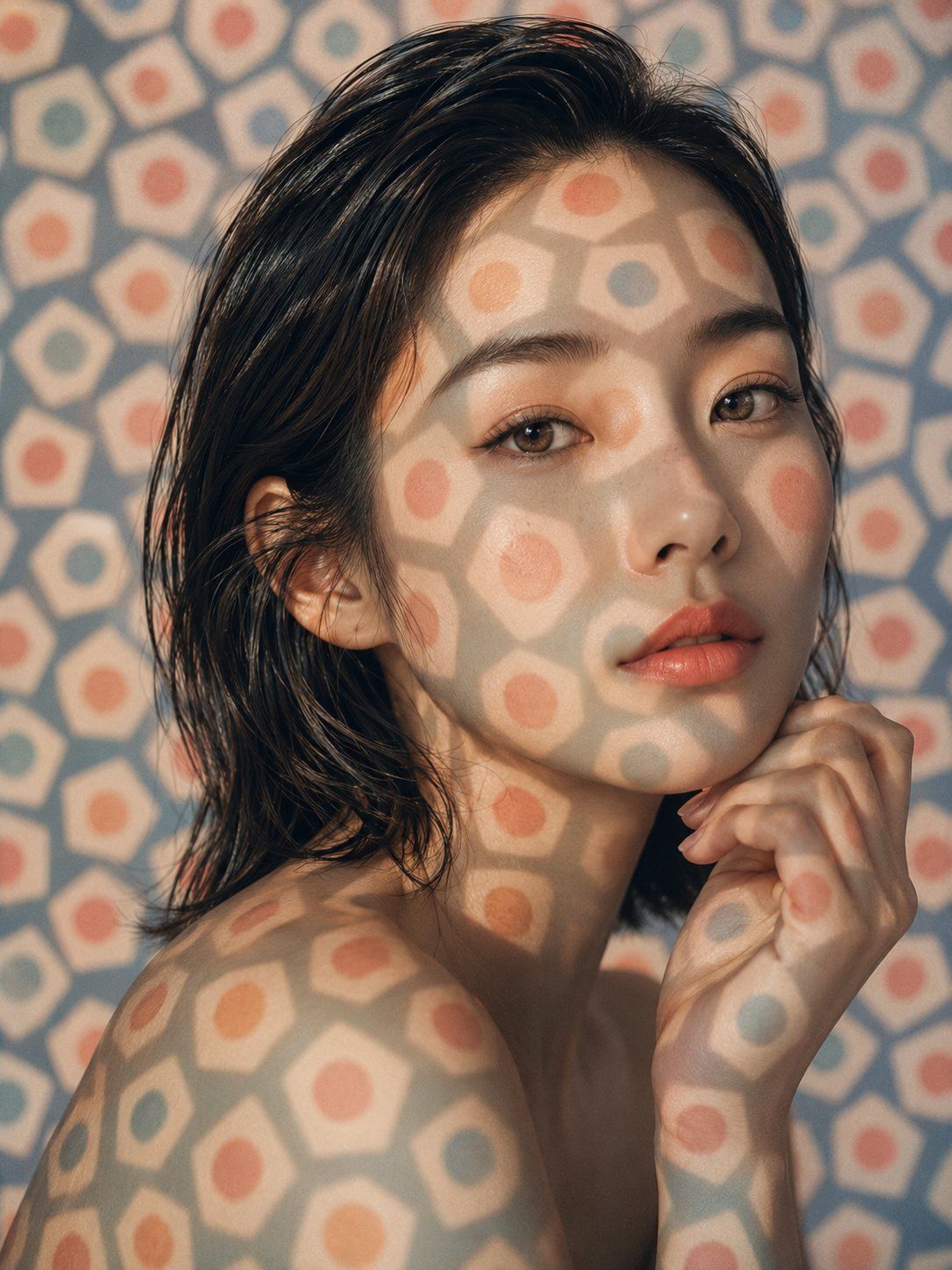
光影纹理美妆肖像
Enlarge

光影纹理美妆肖像

Prompt
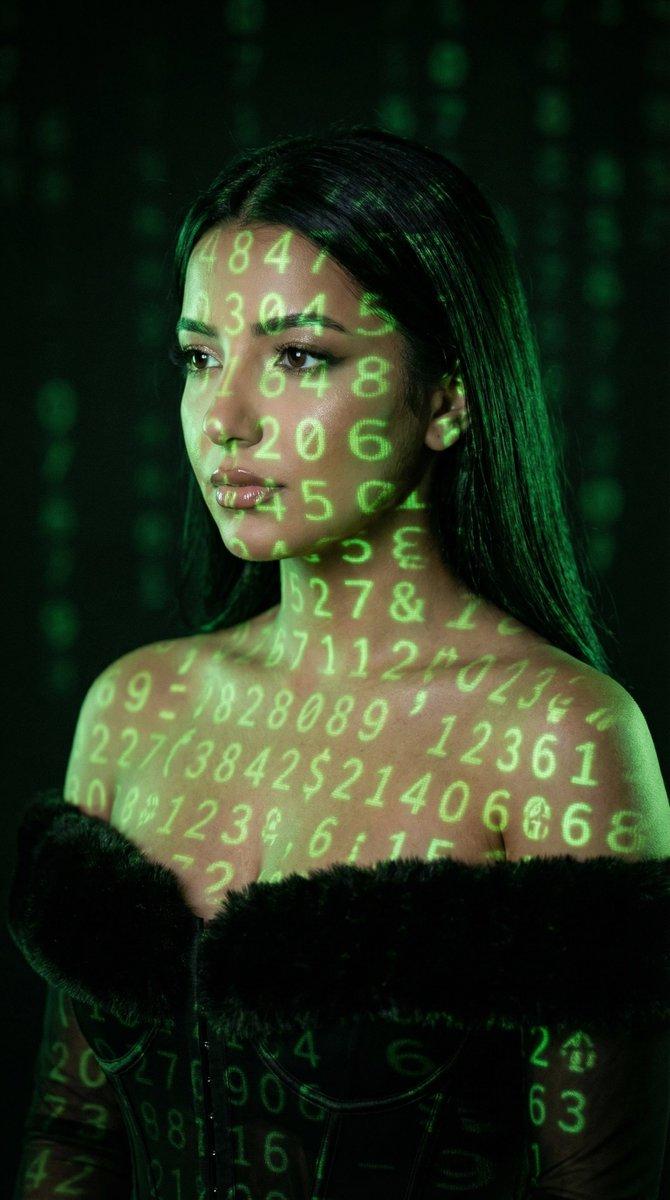
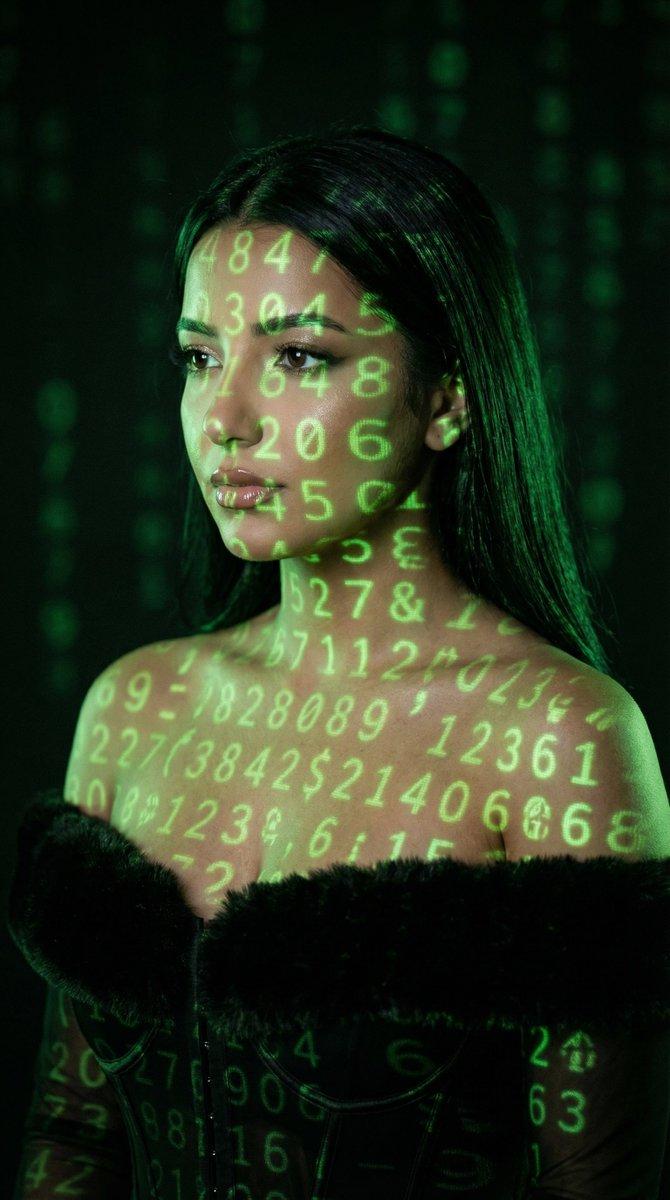
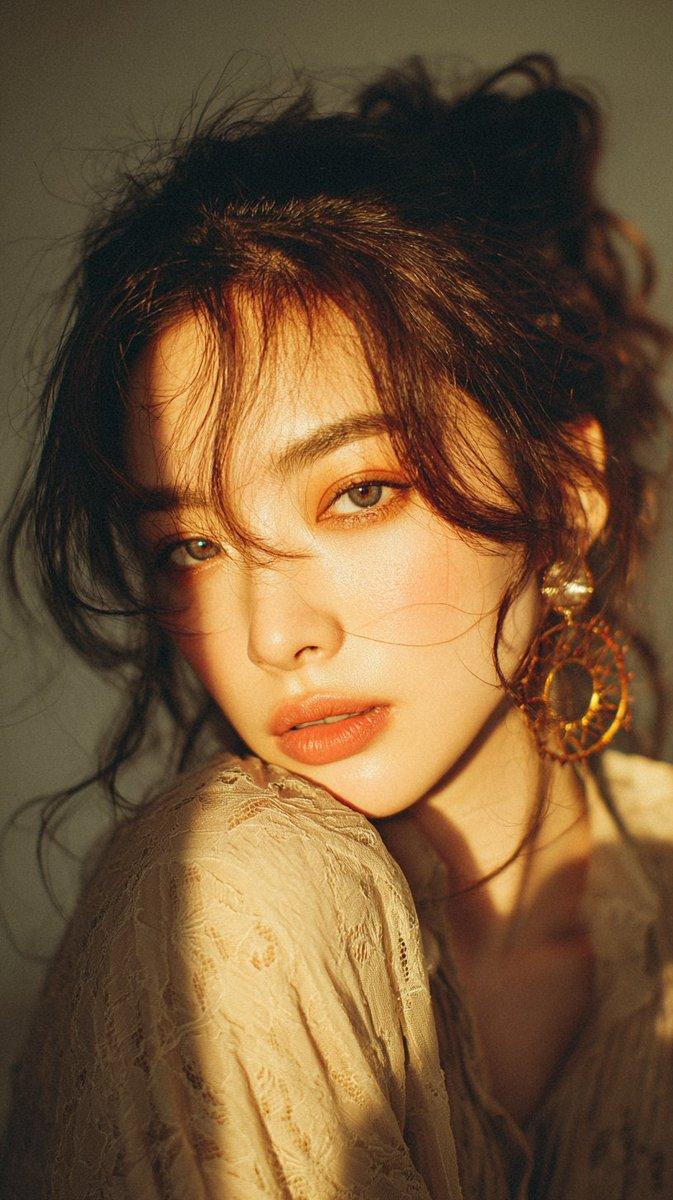
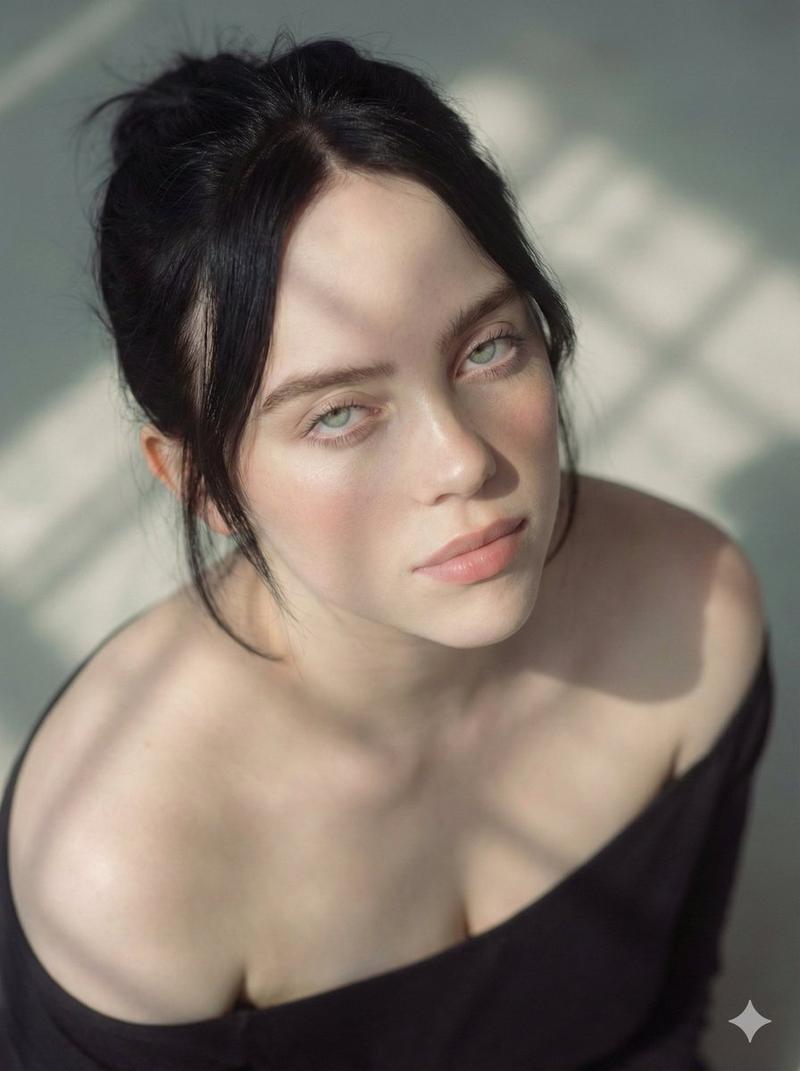
Create a photorealistic close-up beauty portrait of {argument name="subject" default="a young East Asian woman with natural skin and short wet black hair tucked behind one ear"} against a matching patterned backdrop. She is bare-shouldered, framed from the upper chest upward, turned slightly three-quarters toward the camera, with her chin gently resting on her right hand and a calm, soft, direct gaze. Project a crisp ornamental light pattern across her face, neck, shoulder, hand, and the background: {argument name="projected pattern" default="repeating soft-edged pentagon and hexagon tile motifs with coral-red and muted blue circular centers, like sunlight passing through a decorative screen"}. The pattern should align naturally over facial contours and skin, creating realistic shadows and highlights rather than painted-on makeup. Use {argument name="lighting" default="warm late-afternoon sunlight with high contrast but soft skin detail"}, shallow depth of field, glossy eyes, subtle peach lips, minimal makeup, and fine realistic hair strands. The mood is serene, intimate, editorial, and cinematic, with a color palette of warm beige skin tones, coral red accents, dusty blue shadows, and cream highlights. Vertical portrait composition, 4:5 aspect ratio, ultra-detailed skin texture, natural imperfections, no text, no watermark, no extra people, no jewelry, no clothing distractions.
Category
Photography & Realism
Model
GPT Image 2
Creator
TWnese
Views0
Source ID
28407
Published
Jul 11, 2026

Guide

About "光影纹理美妆肖像"

What is this prompt for?

"光影纹理美妆肖像" AI image prompt for GPT Image 2 (Photography & Realism). 一个照片级写实风格的编辑类肖像提示词,展现了被装饰性几何光影投射所照亮的女性形象。 Copy it on Picva and recreate the look in one cli…

The full copyable prompt and example visuals above are ready for AI image generation or one-click recreate in Picva.

How to use this prompt

  1. Step 1

    Open the prompt detail

    Review the example visuals, category, and full prompt text for "光影纹理美妆肖像".

  2. Step 2

    Copy the prompt

    Copy the prompt body from this page, or load it directly in Studio.

  3. Step 3

    Pick a model (GPT Image 2)

    Prefer GPT Image 2. If you switch models, keep subject and composition and tweak style terms.

  4. Step 4

    Generate and export

    Recreate the look in Picva, or export into your workflow for editing and publishing.

FAQ

What is the "光影纹理美妆肖像" prompt?
It is an AI image-generation prompt for GPT Image 2 in the Photography & Realism category. This page includes the full prompt text, example visuals, and a one-click recreate path in Picva.
How do I use this prompt to generate an image?
Copy the prompt from this page, or use Generate / Studio. Paste it into a compatible image model, or recreate the look in Picva with optional reference images.
Which model is this prompt for?
This page lists GPT Image 2. Most descriptive prompts also transfer to nearby image models such as GPT Image, Flux, or Midjourney with light style tweaks.
Can I use the result commercially?
You can usually copy the prompt for creation, but commercial use of the final image depends on the model terms, reference-image rights, and the generated content. Follow the source author and platform rules.