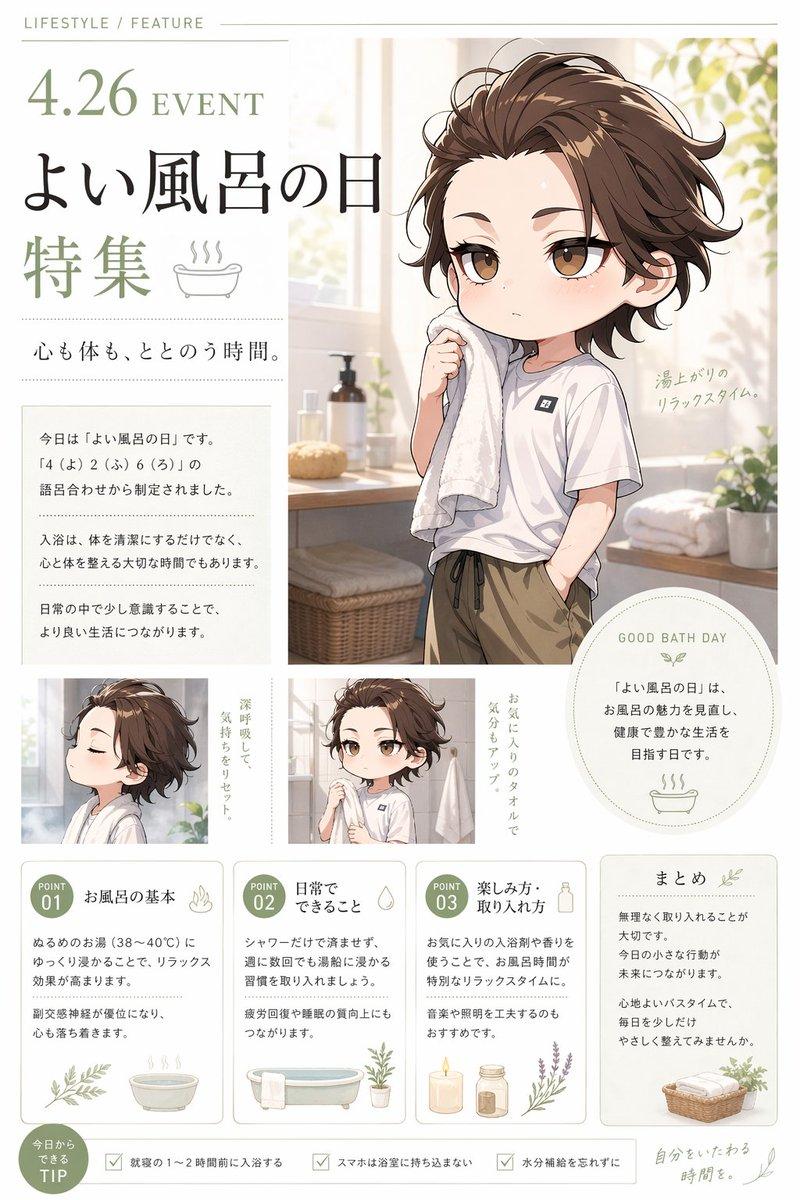
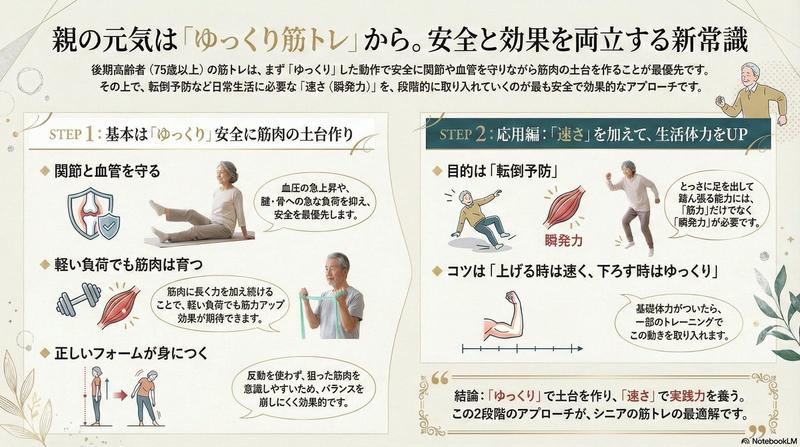
日式鲜花碳酸饮料保鲜信息图
Prompt
Goal: Create a vertical Japanese educational infographic summarizing {argument name="headline text" default="切り花に炭酸飲料を入れる方法とメリット・デメリットまとめ"}, explaining how to add carbonated soft drinks to cut flower vase water, with benefits, drawbacks, recommended dilution, procedure, and better basic care methods.

Canvas: Portrait 4:5 infographic, clean magazine-style layout on a warm off-white background, soft pastel borders, rounded information cards, subtle shadows, friendly household gardening aesthetic. Use a balanced mix of flat vector icons and small realistic photo panels. Main colors: coral pink, chocolate brown, mint green, pale yellow, sky blue, and light gray.

Top header: Large bold Japanese headline in two colors, with the phrase about carbonated drinks emphasized in coral pink and the rest in dark brown. Under it, add a smaller green subtitle: {argument name="subtitle text" default="海外で話題の「花を長持ちさせる裏技」を正しく知って、きれいなお花を長く楽しみましょう。"}. On the upper right, place a realistic photo-style bouquet in a clear glass vase on a wooden table, with pink gerbera daisies, cream roses, small white filler flowers, and greenery. Beside it show exactly 2 drink bottles/cans: one red cola can labeled “COLA” and one blue cider bottle labeled “CIDER”. Below them show exactly 2 small vertical photo panels of vase water: one clear water close-up and one brown/tinted water close-up.

Main upper content area: Use exactly 2 side-by-side rounded cards.
Card 1, left, pale yellow title bar: title text {argument name="benefits section title" default="なぜ炭酸飲料で花が長持ちする言われるの?"}. Include exactly 2 numbered benefit rows with pink circular number badges: 1) “糖分が栄養になる” with a simple icon of stacked sugar cubes, and explanatory small text saying sugar in soda may be used as flower energy; 2) “酸性成分が働く” with a blue water drop icon, and small text saying acidity may help water uptake.
Card 2, right, pale pink title bar with a yellow warning triangle icon: title “知っておきたいデメリット・注意点”. Include exactly 4 warning rows, each with a red X icon: 1) sugar can encourage miscellaneous bacteria and make stems rot; 2) water becomes cloudy easily and looks bad; 3) dark-colored drinks such as cola can color the water and reduce visual beauty; 4) too much can have the opposite effect because excessive concentration may worsen water uptake and cause wilting. Keep text concise and Japanese.

Middle blue instruction band: Create one wide rounded rectangle with a blue outline and pale blue fill. Divide into two columns.
Left column title: “炭酸飲料の入れ方(おすすめの割合)”. Include a blue circular label “おすすめの割合” and a large formula: “炭酸飲料:水 = 1:10 ~ 1:20程度”, with small example text “例:水1リットルに炭酸飲料50〜100ml”. Add a “ポイント” subsection with exactly 2 checkmark bullet points: use clear cider/soda without artificial color when possible; dark drinks such as cola can color the water even in small amounts.
Right column title: “手順”. Include exactly 4 numbered steps in blue circles: 1) put clean water in the vase; 2) add carbonated drink at the above ratio; 3) mix lightly; 4) arrange cut flowers. Add a pale yellow note box: “水はこまめに交換しましょう(できれば毎日)”. On the far right add a large simple equation illustration: water drop icon labeled “水” plus a glass with bubbly yellow liquid labeled “炭酸飲料”.

Lower green care section: A wide rounded rectangle with a green header title: {argument name="care section title" default="切り花を長持ちさせる基本のお手入れ(炭酸飲料より効果的!)"}. Inside, show exactly 4 equal care cards in a row, each with a green numbered circle, a short Japanese title, a realistic photo thumbnail, explanatory text, and a green “ポイント” label. The 4 cards must be: 1) “茎を斜めに切り戻す”, photo of a hand cutting a green stem diagonally with a knife, explain better water absorption and freshness, point: cut underwater to prevent air entry; 2) “こまめに水替え”, photo of water being poured into a glass vase, explain changing water daily or every 1–2 days, point: recut stems when changing water; 3) “葉が水に浸からないようにする”, photo of stems and leaves inside a vase, explain submerged leaves rot and cause bacteria, point: remove leaves below the waterline and improve ventilation; 4) “市販の延命剤を使う”, photo of a blue flower food packet near a vase, explain it contains nutrients and antibacterial ingredients, point: follow product instructions.

Bottom summary strip: Use two rounded boxes. Left larger pale pink box with label “まとめ”, a small flower icon, and text explaining that carbonated drinks may support flower longevity when used at the proper concentration, but thorough basic care is the most important secret. Right smaller pale pink advice box with label “一言アドバイス”, small vase-and-flower icon, and text advising to avoid direct sunlight and air-conditioner wind, and keep flowers in a cool place.

Style constraints: Japanese typography must be legible, friendly, and bold for headings; use clean grid alignment and generous spacing. Do not add extra sections or extra repeated items beyond the specified counts. Avoid watermark, QR code, people, or brand logos other than the simple “COLA” and “CIDER” labels.- Category
- Charts & Infographics
- Model
- GPT Image 2
- Creator
- yuna|AI×デザイン
- Source ID
- 28416
- Published
- Jul 11, 2026
Views3