12

高端摄影棚产品拍摄
Enlarge

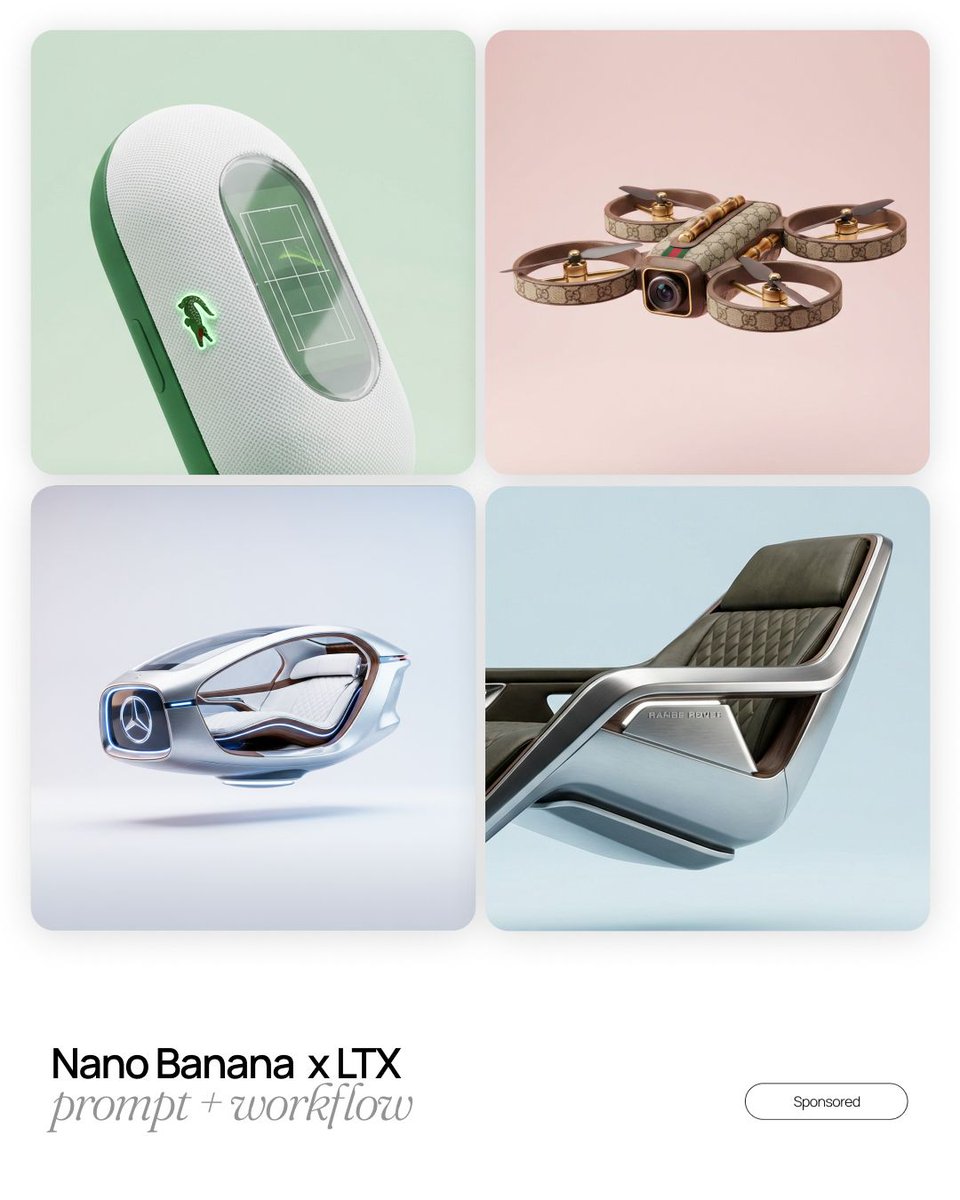
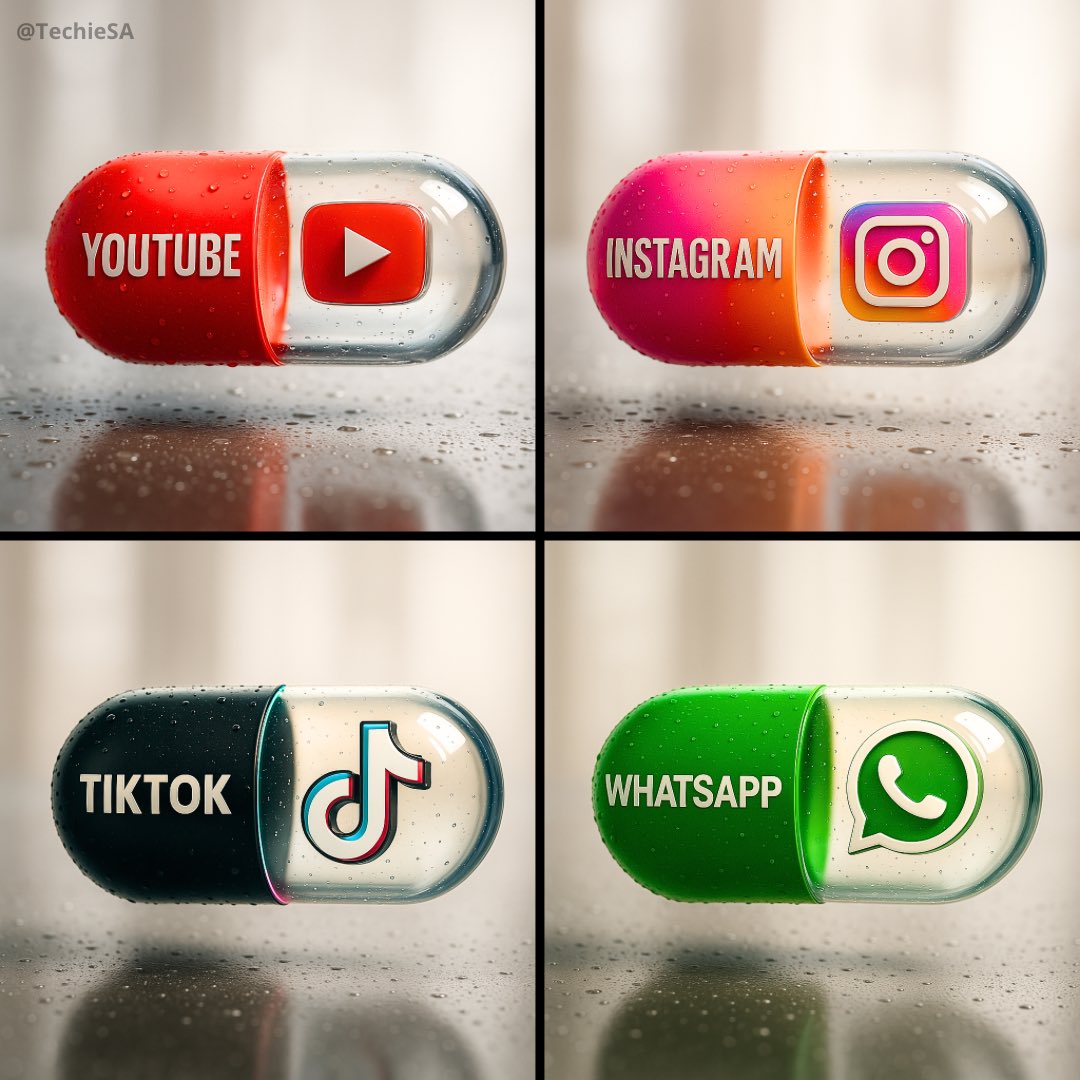
Example images

高端摄影棚产品拍摄

Prompt
Ultra-realistic, premium studio product photograph of {argument name="product name" default="[product_name]"}, perfectly centered on a flawless seamless white infinity background, captured with exceptional precision and commercial-quality lighting. The product is clean, pristine, and free of dust, fingerprints, scratches, or imperfections, showcasing highly detailed textures, realistic materials, and accurate colors. Soft, diffused key lighting combined with balanced fill lighting creates smooth gradients and subtle reflections, while a perfectly natural soft shadow sits directly beneath the product for depth without distraction. Crisp edge definition, true-to-life proportions, and outstanding micro-detail throughout. Shot using a {argument name="camera" default="[camera_type]"} paired with a {argument name="lens" default="[lens_type]"}, professional product photography settings, ultra-sharp focus from edge to edge, minimal noise, HDR imaging, realistic reflections, natural contrast, color-calibrated workflow, premium luxury commercial advertising aesthetic, high-end e-commerce catalog quality, magazine-level product presentation, photorealistic rendering, 8K ultra-high resolution, flawless studio perfection.
Category
Charts & Infographics
Model
GPT Image 2
Creator
Anissa
Views1
Source ID
28466
Published
Jul 12, 2026

Guide

About "高端摄影棚产品拍摄"

What is this prompt for?

"高端摄影棚产品拍摄" AI image prompt for GPT Image 2 (Charts & Infographics). 一款专业级提示词,适用于高端电商产品摄影,包含无缝背景、商业照明及照片级真实细节。 Copy it on Picva and recreate the look in one cl…

The full copyable prompt and example visuals above are ready for AI image generation or one-click recreate in Picva.

How to use this prompt

  1. Step 1

    Open the prompt detail

    Review the example visuals, category, and full prompt text for "高端摄影棚产品拍摄".

  2. Step 2

    Copy the prompt

    Copy the prompt body from this page, or load it directly in Studio.

  3. Step 3

    Pick a model (GPT Image 2)

    Prefer GPT Image 2. If you switch models, keep subject and composition and tweak style terms.

  4. Step 4

    Generate and export

    Recreate the look in Picva, or export into your workflow for editing and publishing.

FAQ

What is the "高端摄影棚产品拍摄" prompt?
It is an AI image-generation prompt for GPT Image 2 in the Charts & Infographics category. This page includes the full prompt text, example visuals, and a one-click recreate path in Picva.
How do I use this prompt to generate an image?
Copy the prompt from this page, or use Generate / Studio. Paste it into a compatible image model, or recreate the look in Picva with optional reference images.
Which model is this prompt for?
This page lists GPT Image 2. Most descriptive prompts also transfer to nearby image models such as GPT Image, Flux, or Midjourney with light style tweaks.
Can I use the result commercially?
You can usually copy the prompt for creation, but commercial use of the final image depends on the model terms, reference-image rights, and the generated content. Follow the source author and platform rules.