20

Apartment floor close-up portrait: GPT Image 2 prompt
Enlarge

Example images

Apartment floor close-up portrait: GPT Image 2 prompt

Prompt
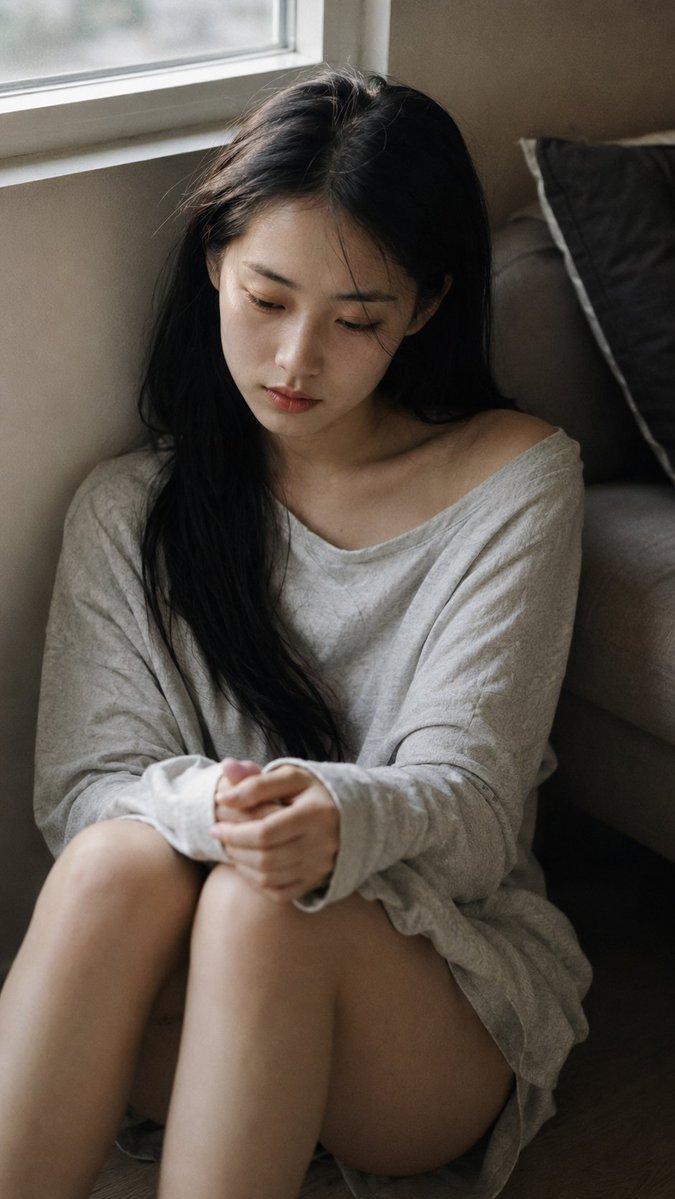
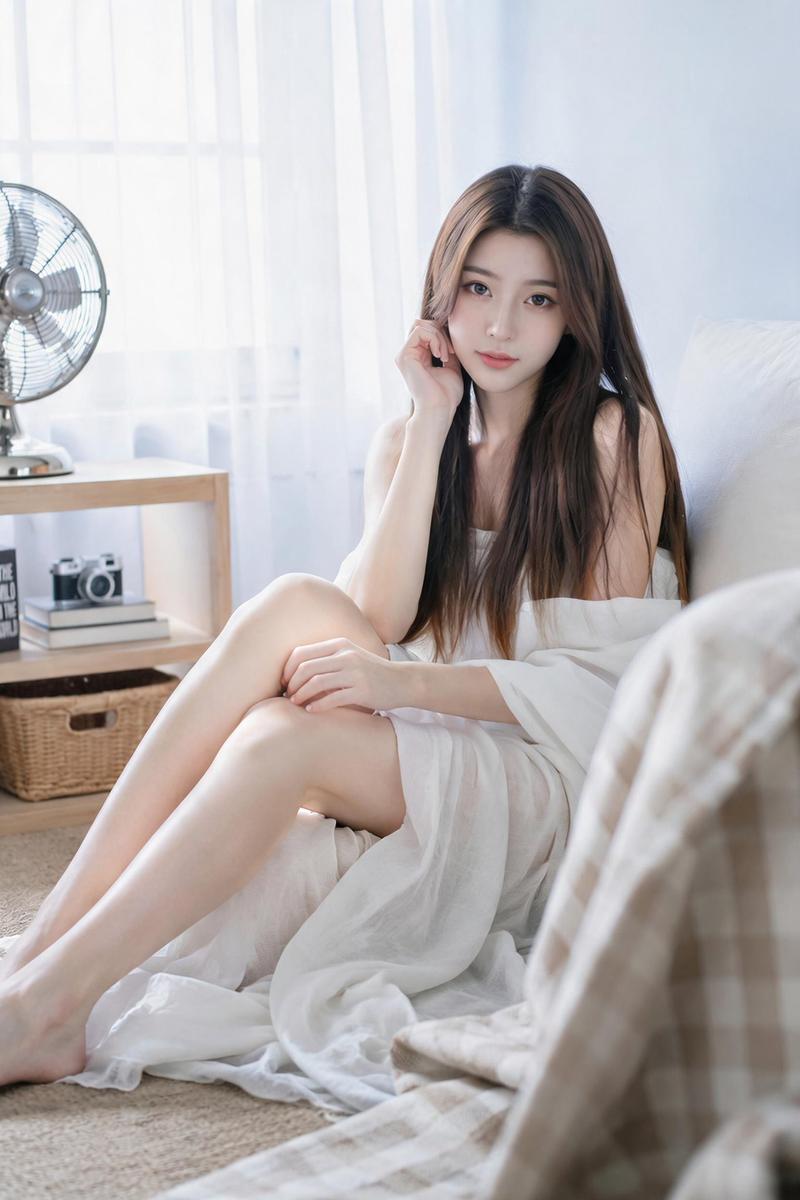
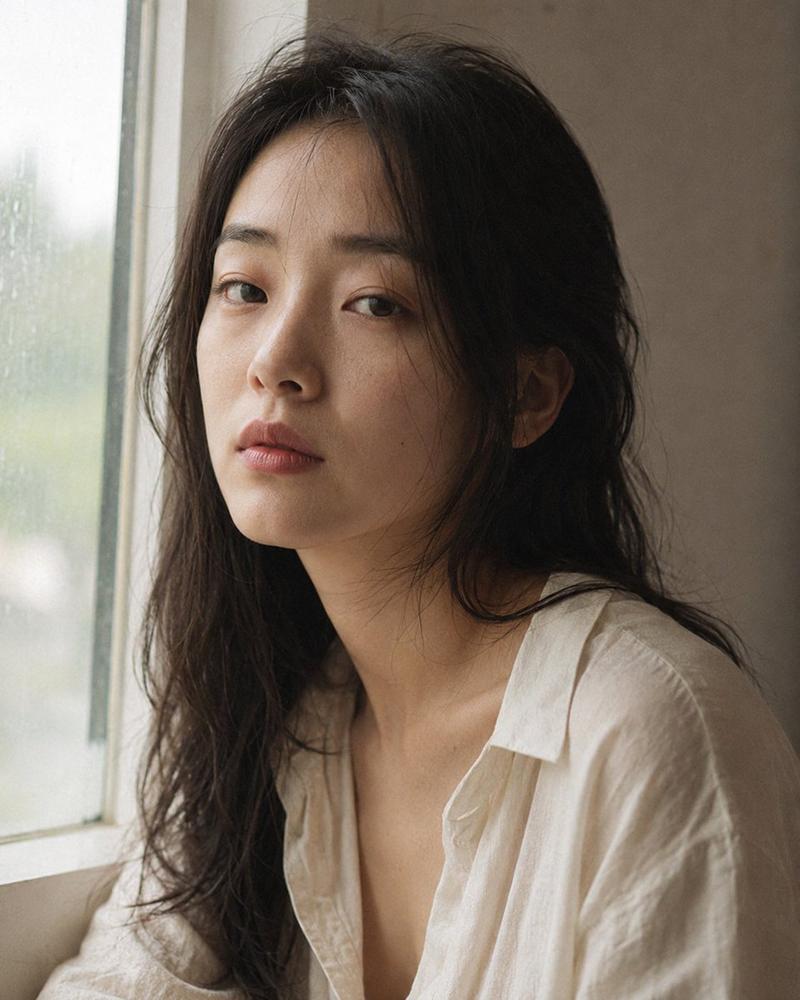
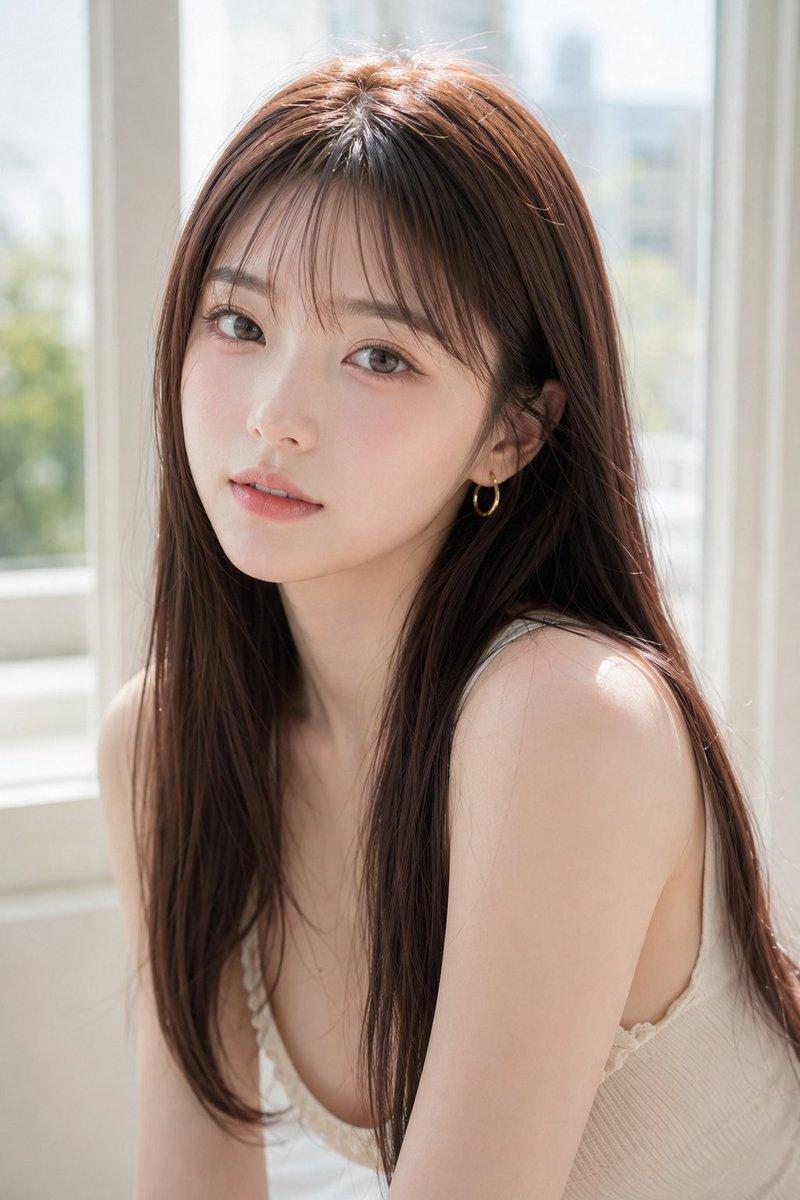
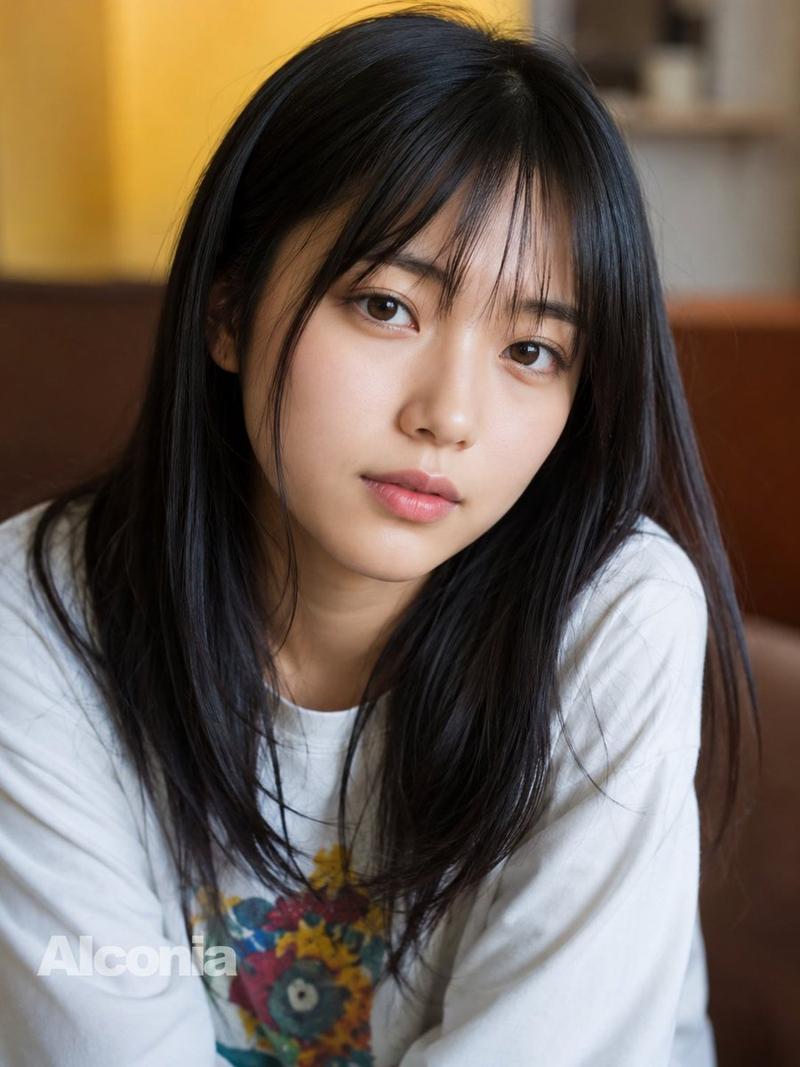
Close-up portrait, 85mm f/1.4, a young East Asian woman in her early 20s seated
on the floor beside a low sofa, knees drawn up, back against the wall below the
window, authentic daily life photography, natural candid moment.

Almond-shaped dark eyes with a slightly downward cast, gaze aimed at her own
hands in her lap, not at camera. High, clear forehead. Naturally straight black
hair parted loosely in the center, some strands falling across cheek. Skin tone
fair, subsurface scattering visible in diffused side light, faint redness at
outer corners of eyes as if from tiredness, natural pores visible, no makeup
except faint lip color.

She wears an oversized pale grey cotton long-sleeve shirt, collar wide and
slipping to one side, revealing collarbone. Both hands loosely clasped in lap,
no gesture or tension. Two or three stray hairs across forehead, natural and
unplanned.

Overcast late afternoon window light falling at low angle across the room,
cool-warm neutral palette, very low saturation, Fuji Classic Chrome muted
rendering, olive-grey shadows, soft ivory skin tones faded slightly. Subtle ISO
400 film grain throughout, photographic texture not CG render smoothness.

Aspect ratio 9:16. No watermark, no text overlay, not cartoon, not digitally
painted, not illustration, not anime.
Category
Photography & Realism
Model
GPT Image 2
Views1
Source ID
2076184782677872656
Published
Jul 12, 2026

Guide

About "Apartment floor close-up portrait: GPT Image 2 prompt"

What is this prompt for?

"Apartment floor close-up portrait: GPT Image 2 prompt" AI image prompt for GPT Image 2 (Photography & Realism). Close-up portrait, 85mm f/1.4, a young East As…

The full copyable prompt and example visuals above are ready for AI image generation or one-click recreate in Picva.

How to use this prompt

  1. Step 1

    Open the prompt detail

    Review the example visuals, category, and full prompt text for "Apartment floor close-up portrait: GPT Image 2 prompt".

  2. Step 2

    Copy the prompt

    Copy the prompt body from this page, or load it directly in Studio.

  3. Step 3

    Pick a model (GPT Image 2)

    Prefer GPT Image 2. If you switch models, keep subject and composition and tweak style terms.

  4. Step 4

    Generate and export

    Recreate the look in Picva, or export into your workflow for editing and publishing.

FAQ

What is the "Apartment floor close-up portrait: GPT Image 2 prompt" prompt?
It is an AI image-generation prompt for GPT Image 2 in the Photography & Realism category. This page includes the full prompt text, example visuals, and a one-click recreate path in Picva.
How do I use this prompt to generate an image?
Copy the prompt from this page, or use Generate / Studio. Paste it into a compatible image model, or recreate the look in Picva with optional reference images.
Which model is this prompt for?
This page lists GPT Image 2. Most descriptive prompts also transfer to nearby image models such as GPT Image, Flux, or Midjourney with light style tweaks.
Can I use the result commercially?
You can usually copy the prompt for creation, but commercial use of the final image depends on the model terms, reference-image rights, and the generated content. Follow the source author and platform rules.