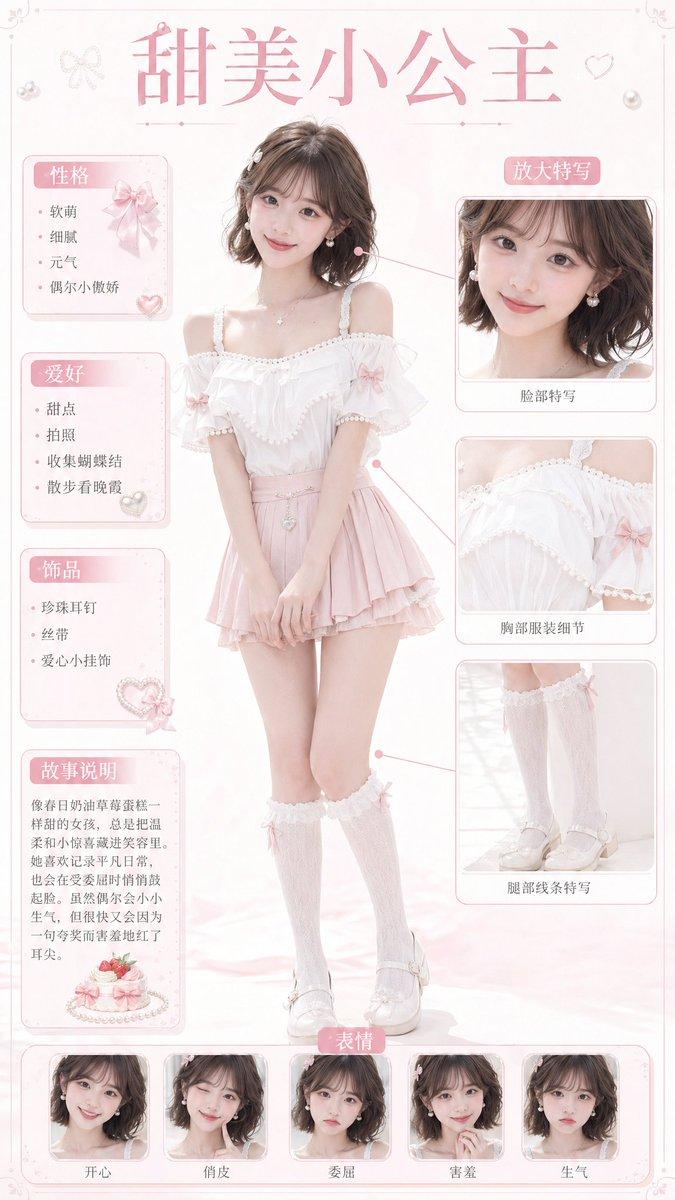
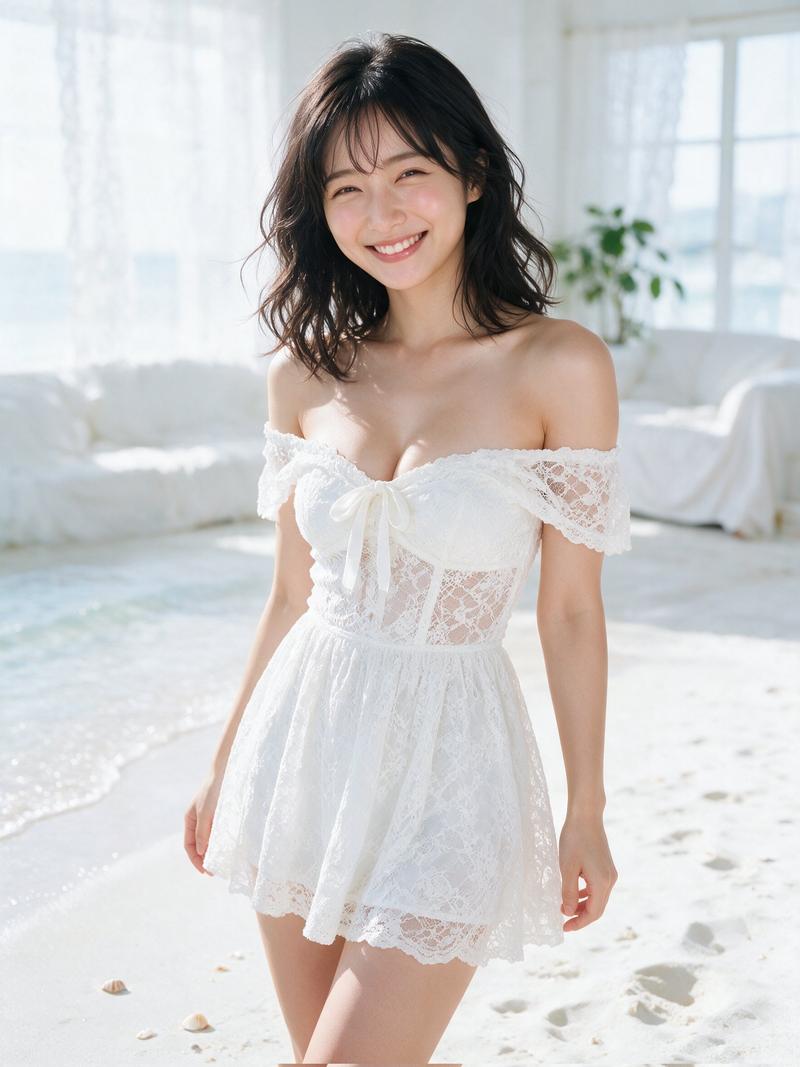
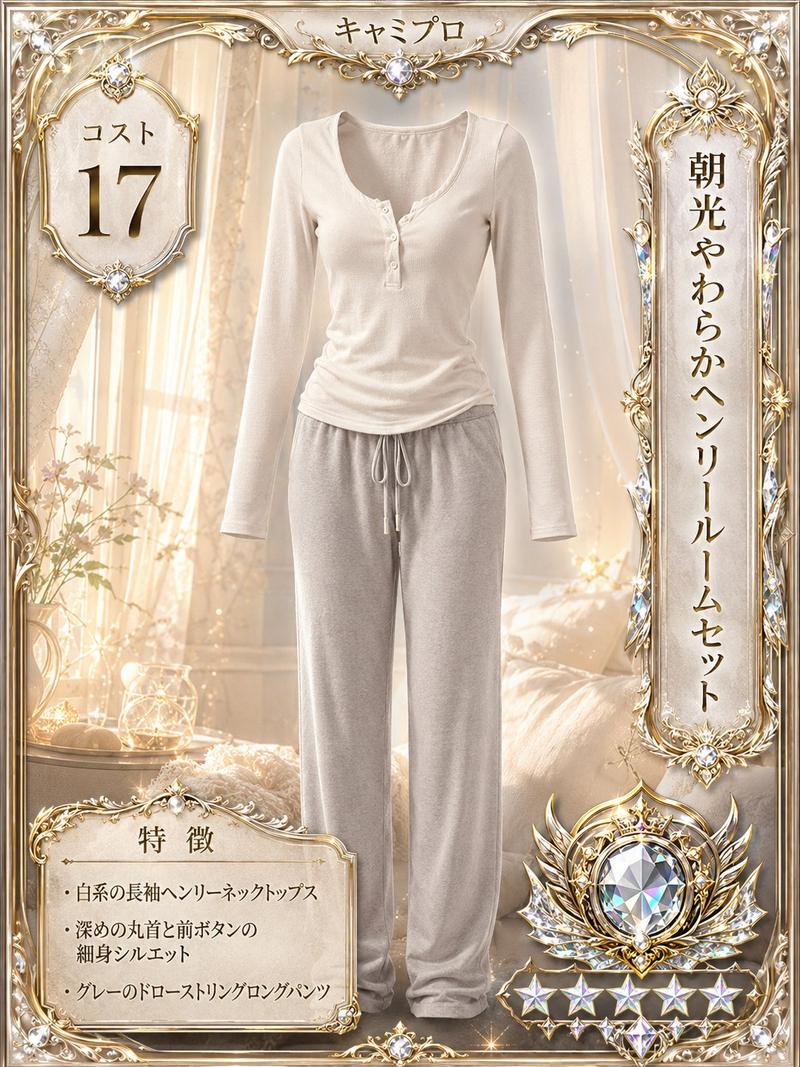
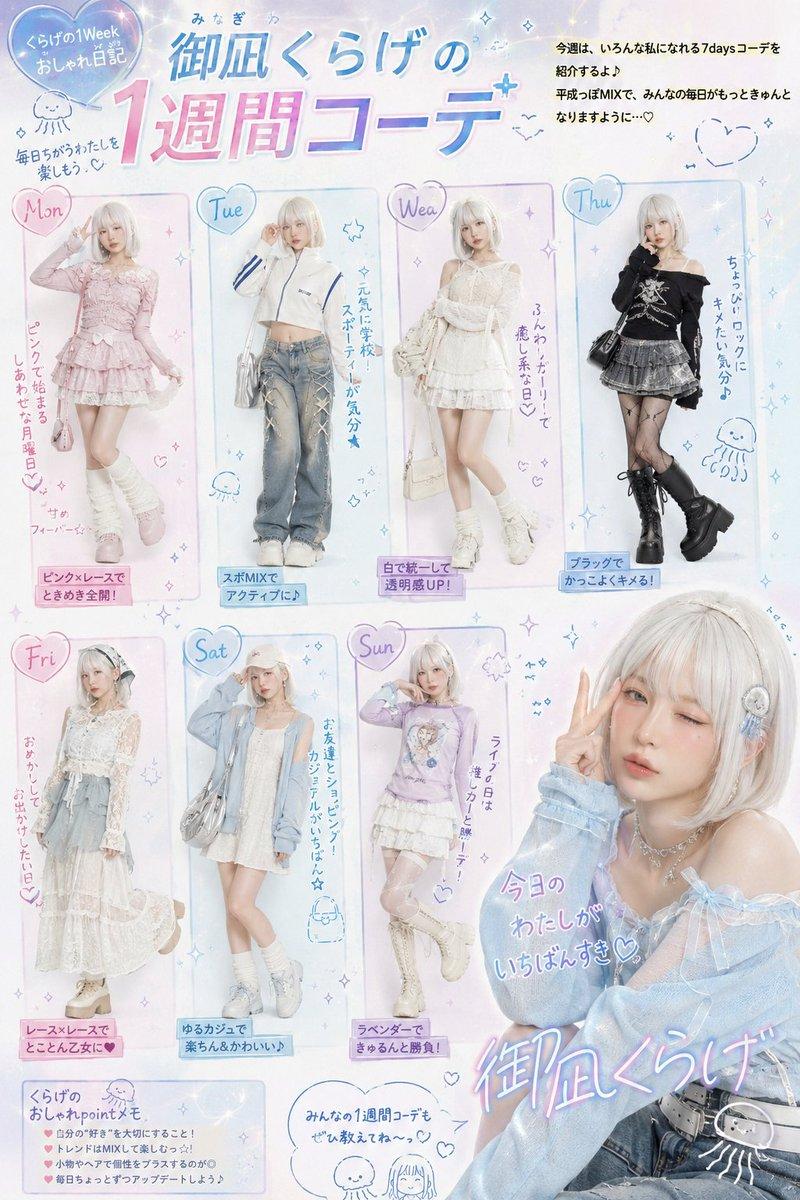
奢华服装收藏卡
Prompt
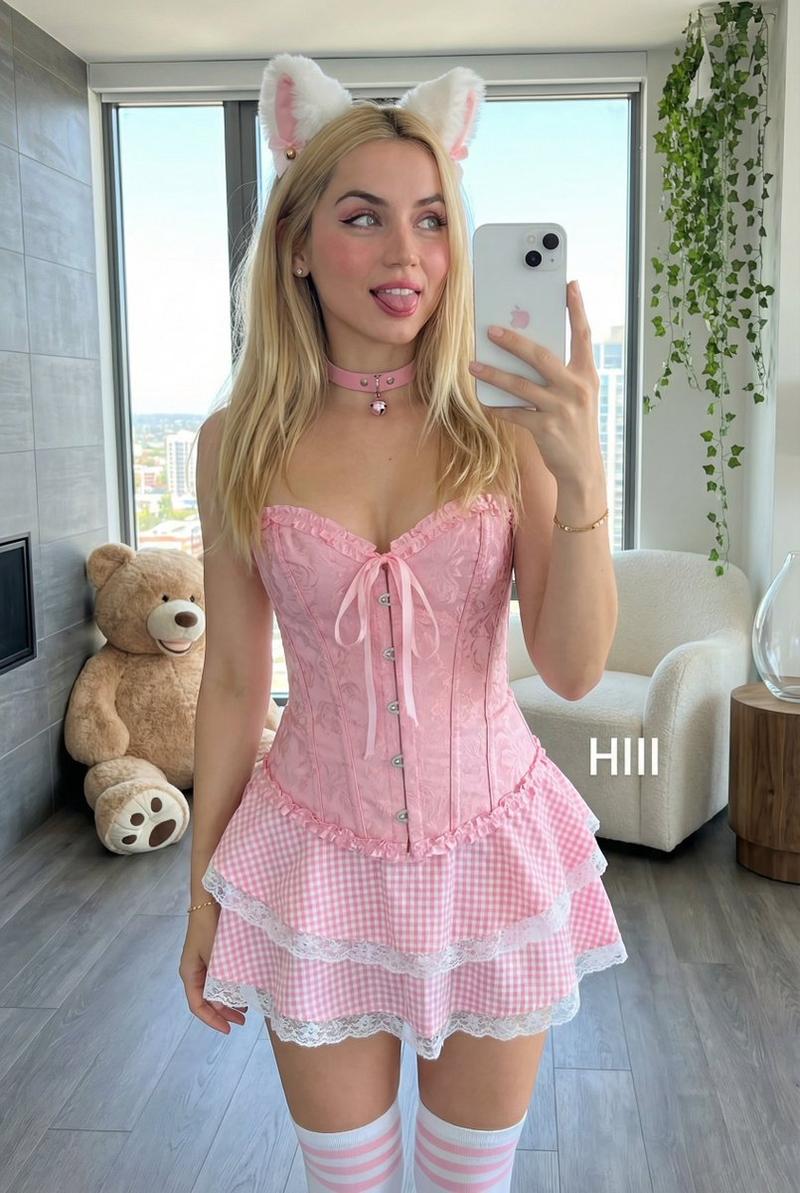
Using the provided reference image, extract only the outfit and turn it into a single luxurious, high-rarity collectible fashion card. Remove the person, room, bed, and all photo background elements; make the clothing the main subject, displayed cleanly as a centered product-style outfit on an ornate fantasy card.

Goal: Create a glamorous “fashion costume card” in the style of a premium collectible dress-up game card, suitable as an outfit reference.

Card design: Vertical portrait card with an elaborate gold-and-pink jewel frame, pearls, lace, ribbons, heart gems, sparkles, holographic shine, and a soft pale pink floral damask background. The overall impression should be rare, expensive, cute, and magical.

Main outfit: Reconstruct the referenced clothing only as a neatly presented two-piece outfit: a pale pink camisole top with frilled shoulder straps, chest ribbon, sheer lightweight texture, vertical stripe detail, ruffled hem, and matching pale pink shorts with frilled trim. Do not include the model’s body, face, hair, hands, legs, or the original room.

Layout and text: Add exactly 5 major card information elements:
1. Top name plaque: {argument name="card title" default="キャミプロ"}
2. Left circular cost badge: {argument name="cost label" default="コスト 18"}
3. Right vertical outfit name plaque: {argument name="outfit name" default="淡桃フリルキャミソールセット"}
4. Bottom feature panel title: {argument name="feature title" default="特徴"}
5. Bottom feature list with exactly 3 bullet lines: {argument name="feature list" default="淡いピンクの上下セット / 胸元リボンとフリル肩紐 / 軽やかな生地と裾フリル"}

Rarity elements: Add a large jeweled heart crest near the lower right and exactly 5 star icons along the bottom edge, making the card feel like a high-rarity item.

Constraints: Keep the outfit faithful to the reference clothing, but beautify it into a clean catalog-card illustration. Do not show a human wearer. Do not add extra garments. Avoid modern UI, logos, watermarks, or unrelated text.- Category
- UI & Interfaces
- Model
- GPT Image 2
- Creator
- 本能に抗えない。
- Source ID
- 28533
- Published
- Jul 12, 2026
Views7