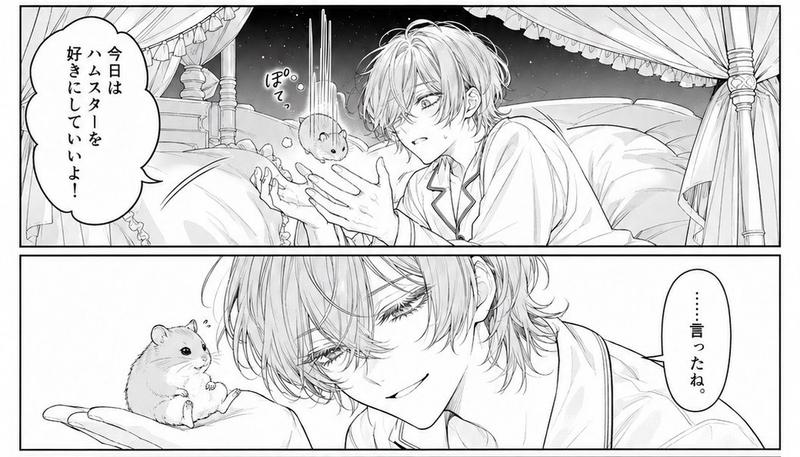
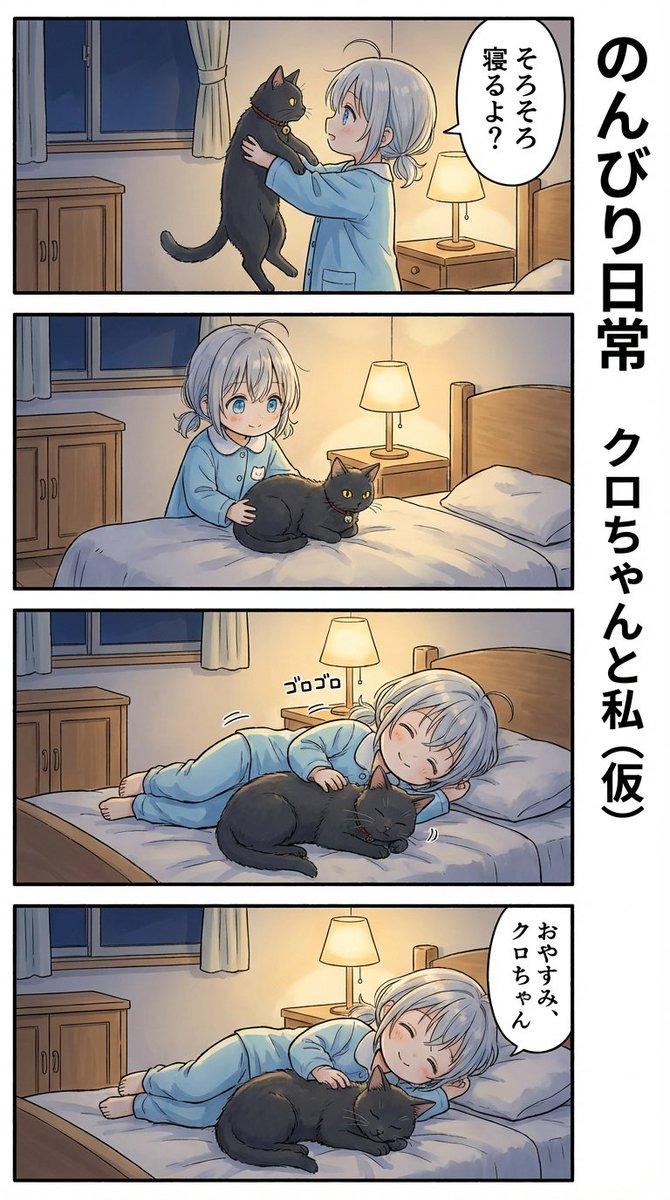
哥特系美少年为仓鼠读书
Prompt
Goal: Create a black-and-white shoujo manga page with exactly 3 horizontal panels showing a beautiful gothic young man reading to a cute hamster in an elegant private library.

Canvas: Vertical manga page, portrait orientation, thin black outer border and thick black gutters separating the 3 stacked panels. High-detail monochrome ink, delicate screentone shading, luminous soft daylight, crisp line art, romantic bishounen aesthetic.

Main character: A slender, androgynous young man named {argument name="character name" default="Sol"}, with messy wavy black hair falling over his eyes, pale skin, long lashes, calm melancholy expression, ornate dangling earrings, a dark tailored suit jacket, white shirt, decorative cravat or ribbon tie, and celestial star-themed brooch chains on his chest. He holds an ornate hardcover book with a star/compass emblem on the cover.

Hamster character: A small round golden hamster with fluffy fur, tiny ears, bead eyes, and soft whiskers, drawn cutely and expressively. The hamster sits on books or a desk and reacts to the reader.

Setting: A refined study/library with tall bookshelves full of books, an armillary sphere or celestial globe, stacked books, a writing desk, ink bottle, large bright window with curtains, framed botanical art, and an antique table lamp. Keep the environment elegant, scholarly, and slightly fantastical.

Panel layout and exact contents:
1. Top panel: Wide establishing shot. The young man sits at a desk on the left, reading an open book, surrounded by bookshelves and celestial instruments. The hamster sits on a stack of books on the right near a lamp and window. Include exactly 2 speech bubbles: the young man says {argument name="opening line" default="では今日の物語をはじめようか"}; the hamster says {argument name="hamster squeak" default="きゅっ"}.
2. Middle panel: Closer intimate shot. The young man leans forward behind the open book, smiling softly at the hamster, who faces him from the right in close-up. Include exactly 1 speech bubble from the young man saying {argument name="gentle line" default="むかしむかしあるところにー"}.
3. Bottom panel: Dreamy close-up. The young man rests his cheek on one hand while continuing to read, gazing fondly toward the hamster. The hamster sits upright, eyes closed, paws clasped, smiling with delight. Add small sparkles, flowers, bubbles, and soft decorative effects around the hamster. Include exactly 1 speech bubble from the hamster saying {argument name="happy squeak" default="きゅう〜〜♡"}.

Text constraints: Use vertical Japanese manga speech bubbles matching the defaults. Keep exactly 4 speech bubbles total across the whole page. Do not add extra captions, sound effects, signatures, watermarks, or English text.

Style constraints: High-detail grayscale manga illustration, elegant romantic atmosphere, fine hair strands, ornate clothing details, soft highlights, clean panel borders, no color.- Category
- Posters & Typography
- Model
- GPT Image 2
- Creator
- 🐹🐹
- Source ID
- 28636
- Published
- Jul 13, 2026
Views2