15

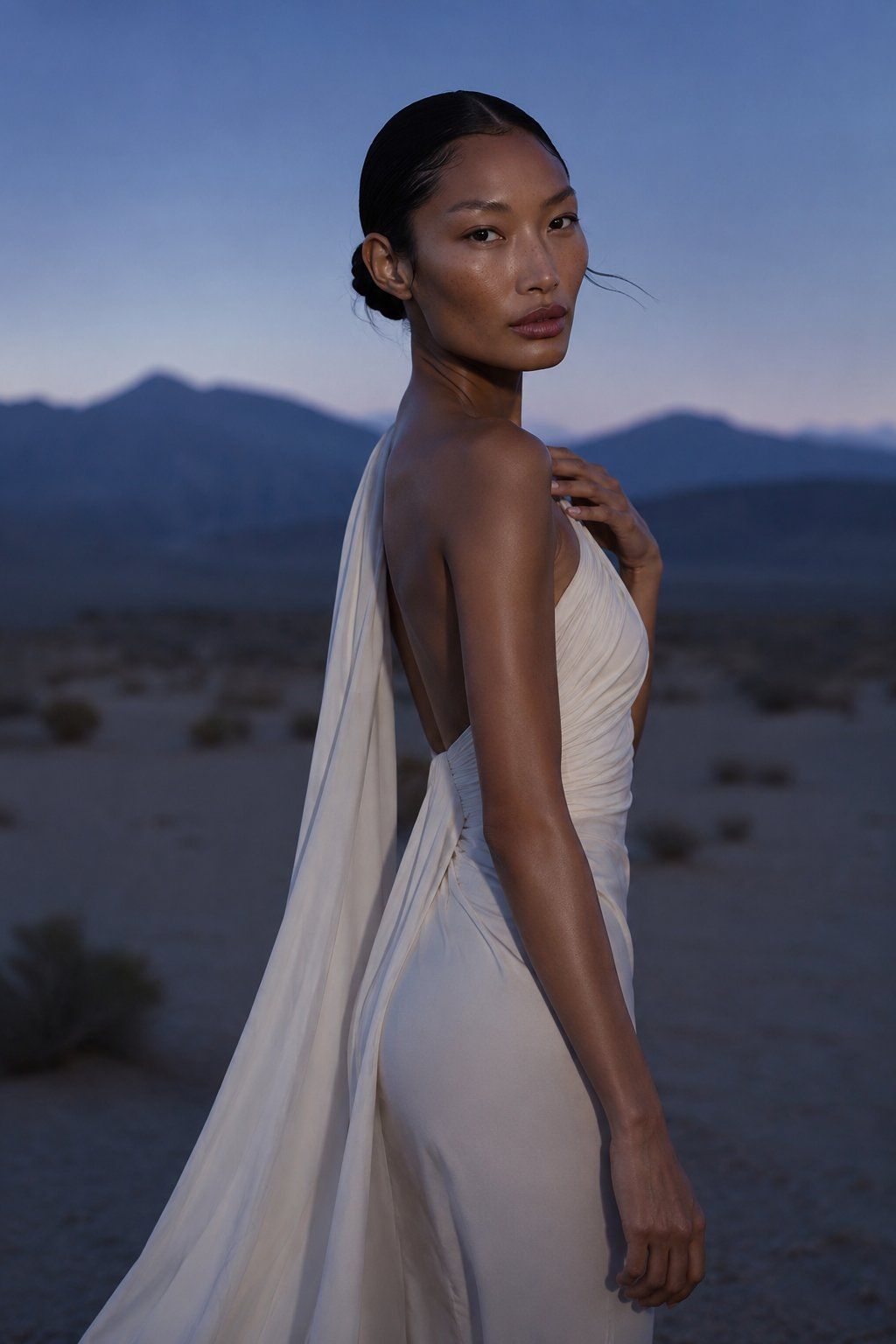
暮色沙漠时尚人像
Enlarge

Example images

暮色沙漠时尚人像

Prompt
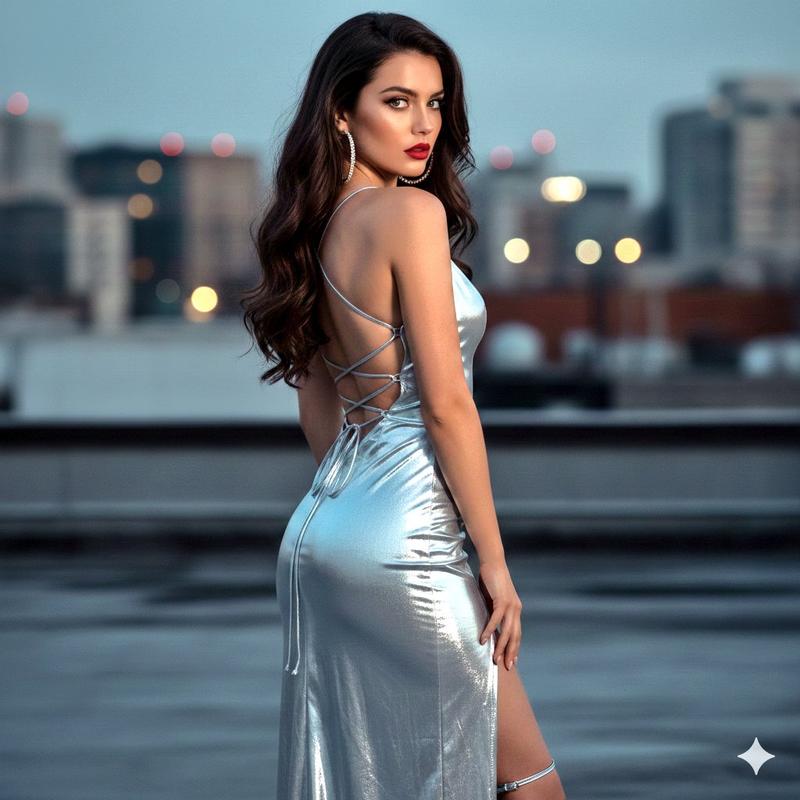
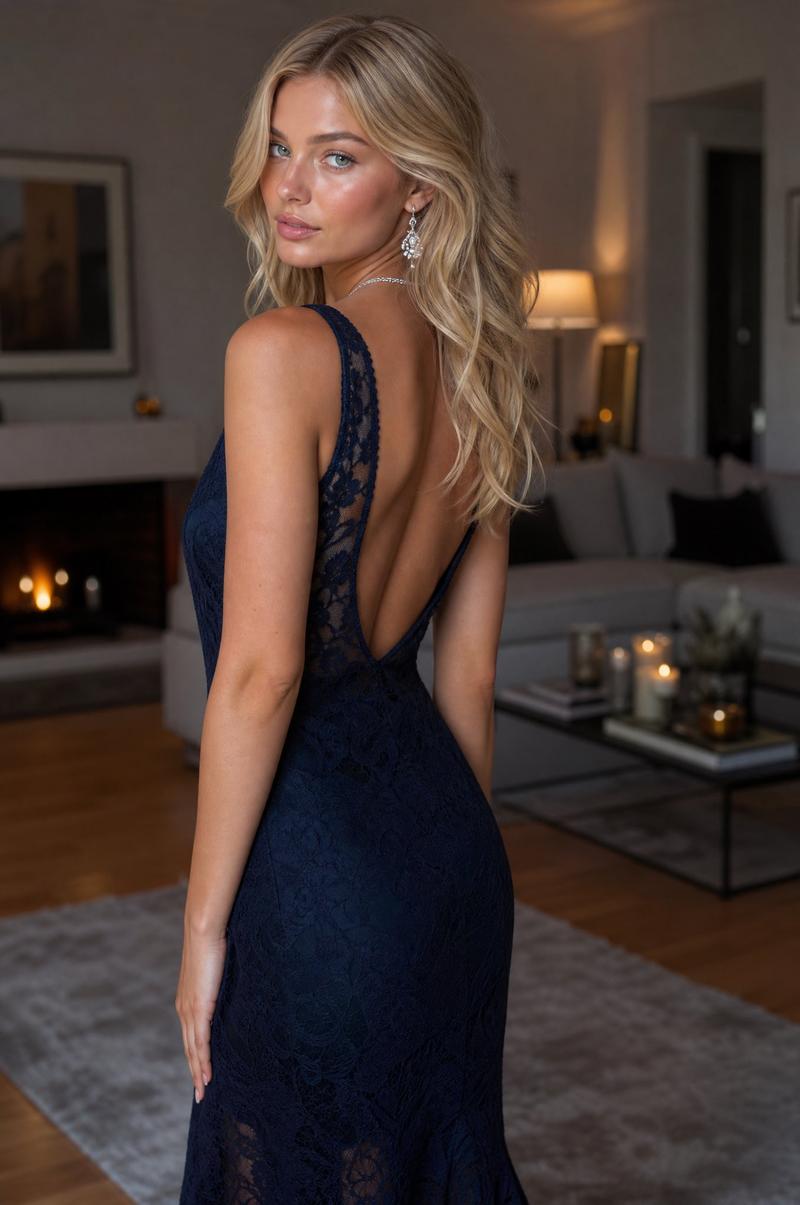
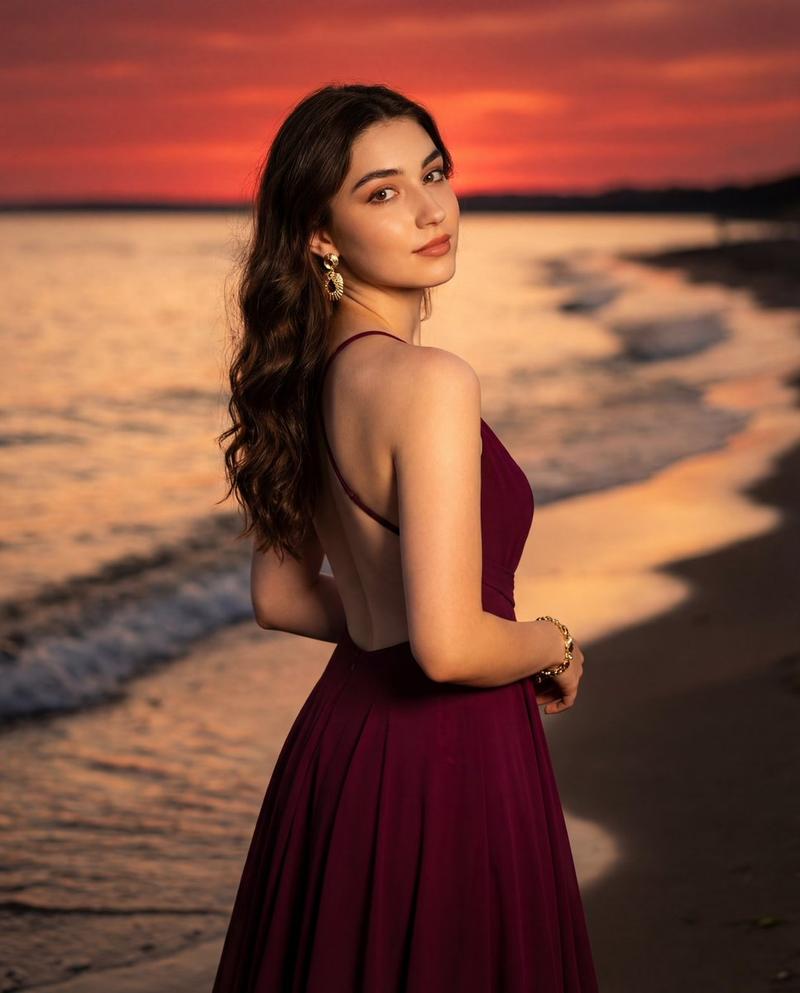
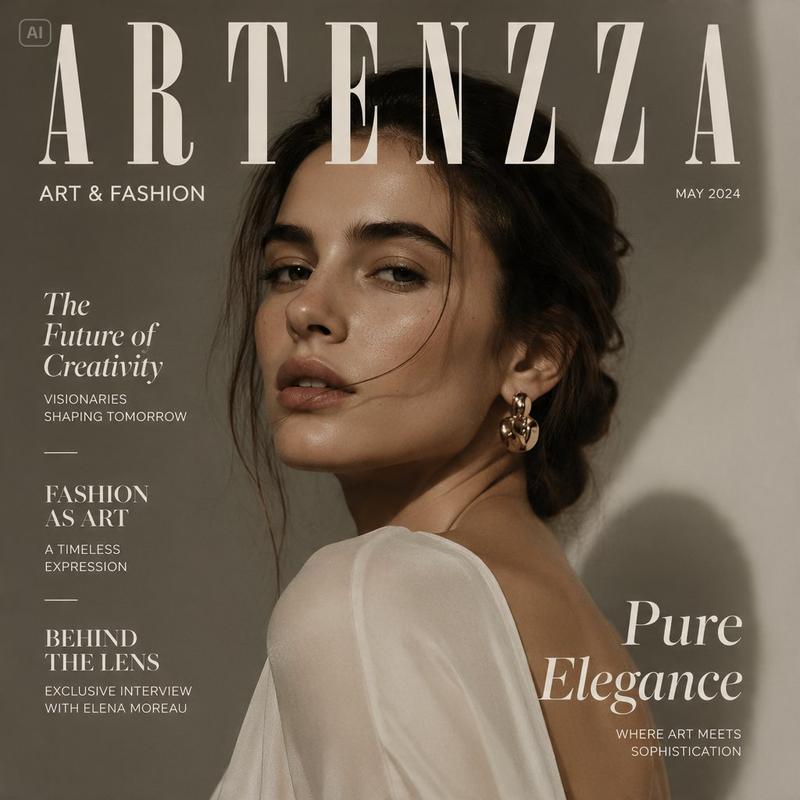
Create a photorealistic high-fashion editorial portrait of {argument name="model description" default="a poised East Asian woman with warm bronze skin, almond-shaped eyes, glossy natural makeup, and black hair slicked into a low bun"} standing in a desert at twilight. She is shown in a vertical three-quarter back pose, turned over her shoulder to look directly at the camera with a calm, confident expression; one hand rests lightly near her collarbone and the other arm hangs relaxed by her side. She wears {argument name="dress description" default="an elegant ivory-white draped gown with a low open back, soft ruched bodice, fitted skirt, and a long flowing scarf-like train falling from the shoulder down her back"}. The background is a softly blurred desert plain with sparse scrub and distant dark blue mountain silhouettes under a clear dusk sky fading from deep blue to pale lavender. Use cinematic natural twilight mixed with subtle soft front fill, emphasizing luminous skin highlights, gentle shadows, and the creamy texture of the fabric. Compose as a vertical fashion photograph, waist-to-thigh crop with the model centered slightly right, shallow depth of field, 85mm lens look, refined editorial mood, realistic skin texture, no text, no logos, no extra people.
Category
Posters & Typography
Model
GPT Image 2
Views2
Source ID
28653
Published
Jul 13, 2026

Guide

About "暮色沙漠时尚人像"

What is this prompt for?

"暮色沙漠时尚人像" AI image prompt for GPT Image 2 (Posters & Typography). 一张照片级逼真的时尚杂志风格人像,一位身着象牙白飘逸长裙的女性,以暮色沙漠和山峦为背景。 Copy it on Picva and recreate the look in one c…

The full copyable prompt and example visuals above are ready for AI image generation or one-click recreate in Picva.

How to use this prompt

  1. Step 1

    Open the prompt detail

    Review the example visuals, category, and full prompt text for "暮色沙漠时尚人像".

  2. Step 2

    Copy the prompt

    Copy the prompt body from this page, or load it directly in Studio.

  3. Step 3

    Pick a model (GPT Image 2)

    Prefer GPT Image 2. If you switch models, keep subject and composition and tweak style terms.

  4. Step 4

    Generate and export

    Recreate the look in Picva, or export into your workflow for editing and publishing.

FAQ

What is the "暮色沙漠时尚人像" prompt?
It is an AI image-generation prompt for GPT Image 2 in the Posters & Typography category. This page includes the full prompt text, example visuals, and a one-click recreate path in Picva.
How do I use this prompt to generate an image?
Copy the prompt from this page, or use Generate / Studio. Paste it into a compatible image model, or recreate the look in Picva with optional reference images.
Which model is this prompt for?
This page lists GPT Image 2. Most descriptive prompts also transfer to nearby image models such as GPT Image, Flux, or Midjourney with light style tweaks.
Can I use the result commercially?
You can usually copy the prompt for creation, but commercial use of the final image depends on the model terms, reference-image rights, and the generated content. Follow the source author and platform rules.