18

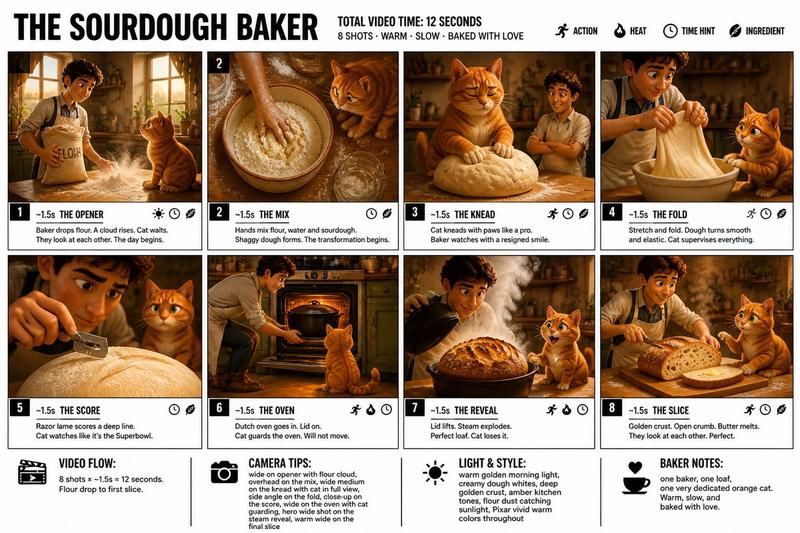
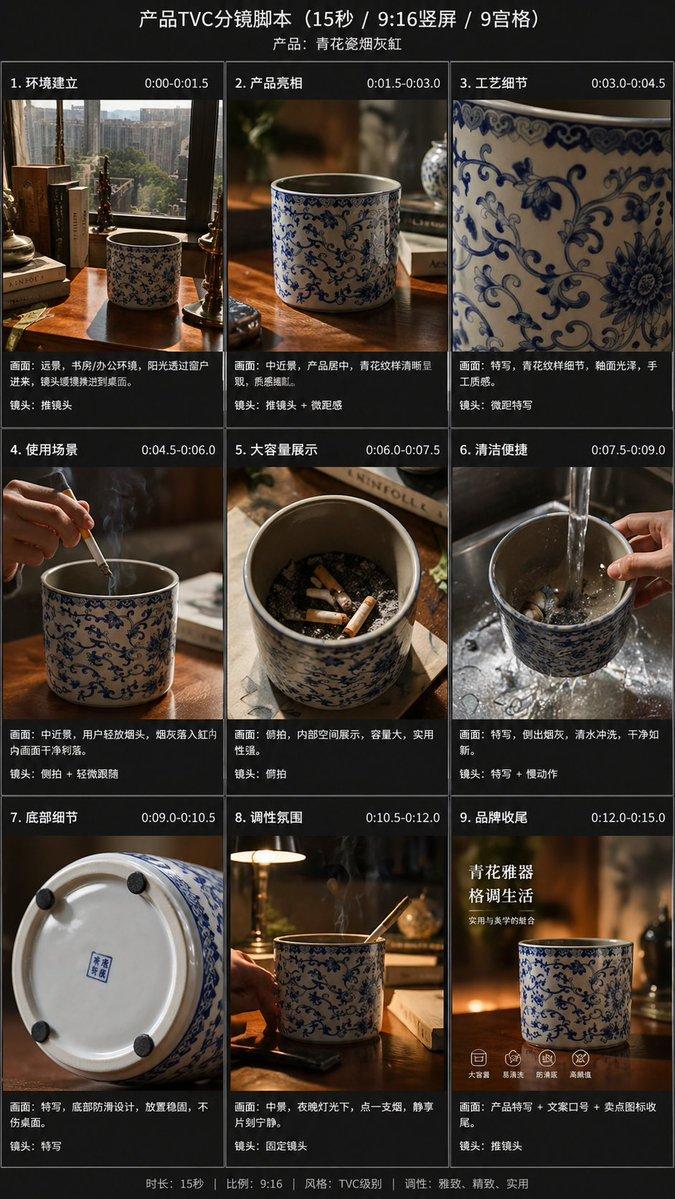
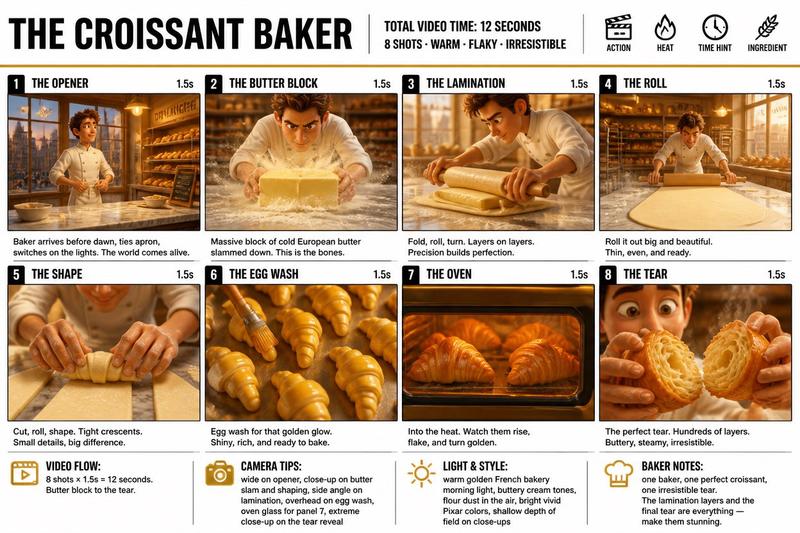
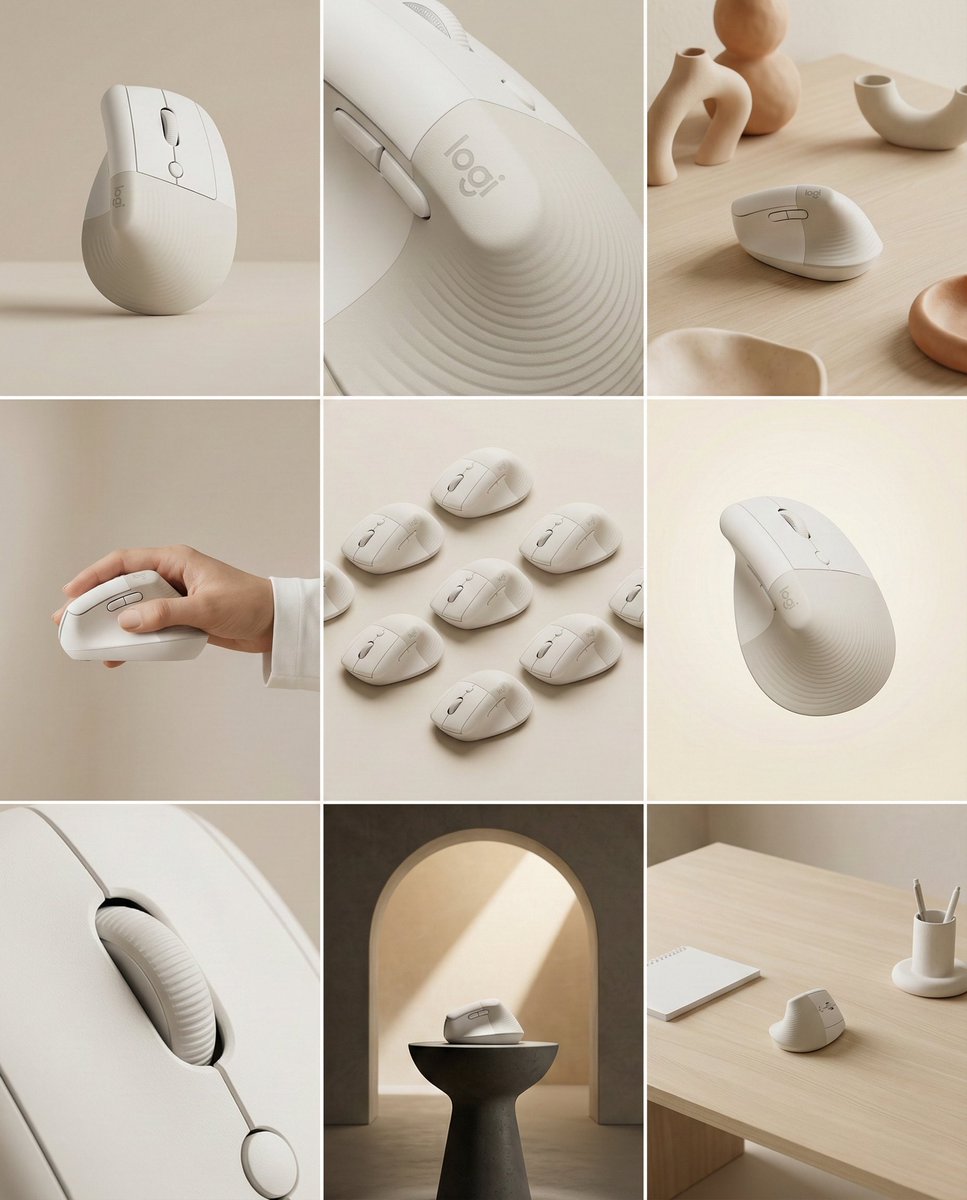
高端产品分镜信息图
Enlarge

高端产品分镜信息图

Prompt
Create a clean, premium storyboard infographic for a product ASMR unboxing video.

Background:
White background with a modern minimalist layout.

Title:
STORYBOARD

Product:
{argument name="product name" default="HAN RIVER WET & DRY 2 IN 1 STEAM IRON"}

Subtitle:
ASMR UNBOXING (POV HAND)

Create a 12-panel storyboard arranged in a 4×3 grid divided into:

PART 1 (0–10s)
PART 2 (10–20s)
PART 3 (20–30s)

Each panel should include:
• Number & timestamp
• Realistic cinematic image
• Handwritten doodle text
• Visual
• Action
• Doodle
• Audio

Use premium commercial photography with warm studio lighting, shallow depth of field and POV hands only.

Finish the infographic with:

• What's in the Box
• Key Features
• Warranty
• Ideal For
• Metadata section

Typography should resemble a premium creative agency storyboard with clean spacing, dark blue accents and thin gray grid lines.

(Then include the detailed shot list for all 12 scenes.)
Category
Charts & Infographics
Model
GPT Image 2
Creator
Harris
Views9
Source ID
28700
Published
Jul 14, 2026

Guide

About "高端产品分镜信息图"

What is this prompt for?

"高端产品分镜信息图" AI image prompt for GPT Image 2 (Charts & Infographics). 一种简洁、极简的分镜布局,适用于采用专业摄影和创意代理机构风格的 ASMR 开箱视频。 Copy it on Picva and recreate the look in one…

The full copyable prompt and example visuals above are ready for AI image generation or one-click recreate in Picva.

How to use this prompt

  1. Step 1

    Open the prompt detail

    Review the example visuals, category, and full prompt text for "高端产品分镜信息图".

  2. Step 2

    Copy the prompt

    Copy the prompt body from this page, or load it directly in Studio.

  3. Step 3

    Pick a model (GPT Image 2)

    Prefer GPT Image 2. If you switch models, keep subject and composition and tweak style terms.

  4. Step 4

    Generate and export

    Recreate the look in Picva, or export into your workflow for editing and publishing.

FAQ

What is the "高端产品分镜信息图" prompt?
It is an AI image-generation prompt for GPT Image 2 in the Charts & Infographics category. This page includes the full prompt text, example visuals, and a one-click recreate path in Picva.
How do I use this prompt to generate an image?
Copy the prompt from this page, or use Generate / Studio. Paste it into a compatible image model, or recreate the look in Picva with optional reference images.
Which model is this prompt for?
This page lists GPT Image 2. Most descriptive prompts also transfer to nearby image models such as GPT Image, Flux, or Midjourney with light style tweaks.
Can I use the result commercially?
You can usually copy the prompt for creation, but commercial use of the final image depends on the model terms, reference-image rights, and the generated content. Follow the source author and platform rules.