20

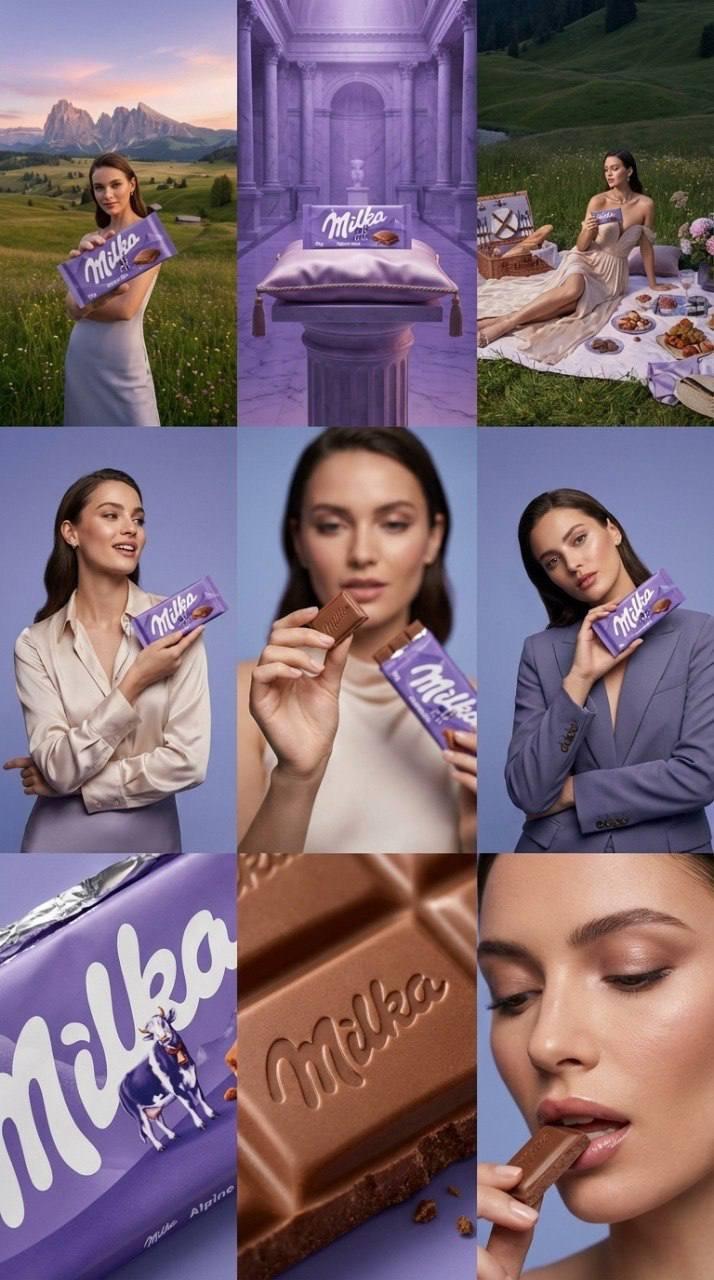
Vogue 时尚杂志风格项目网格
Enlarge

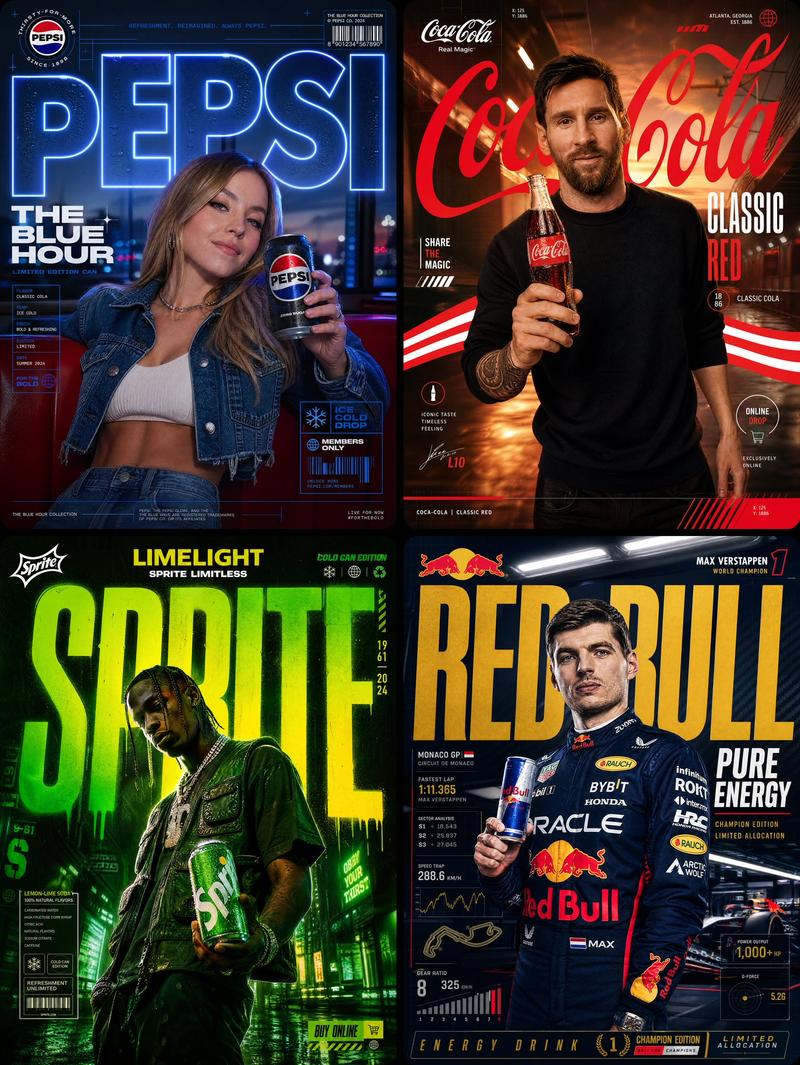
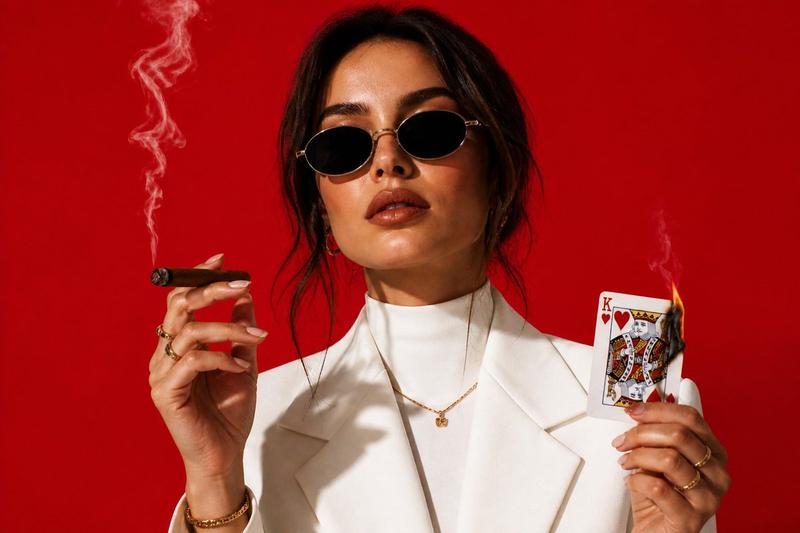
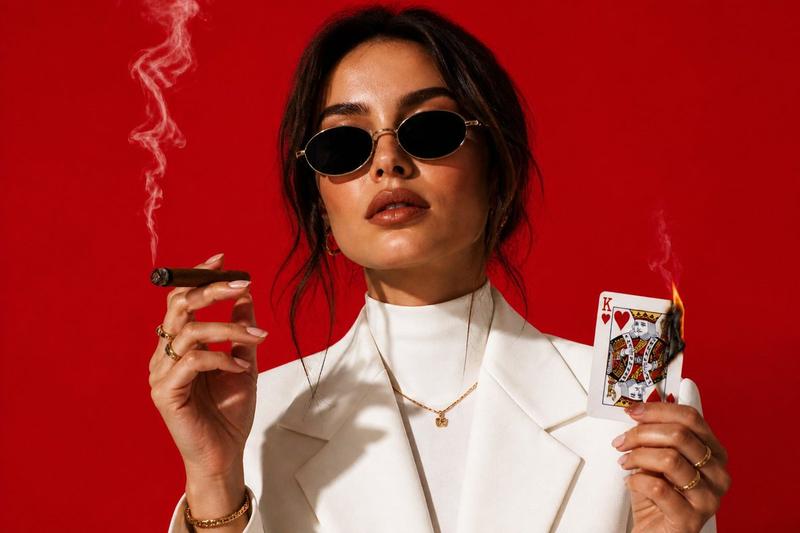
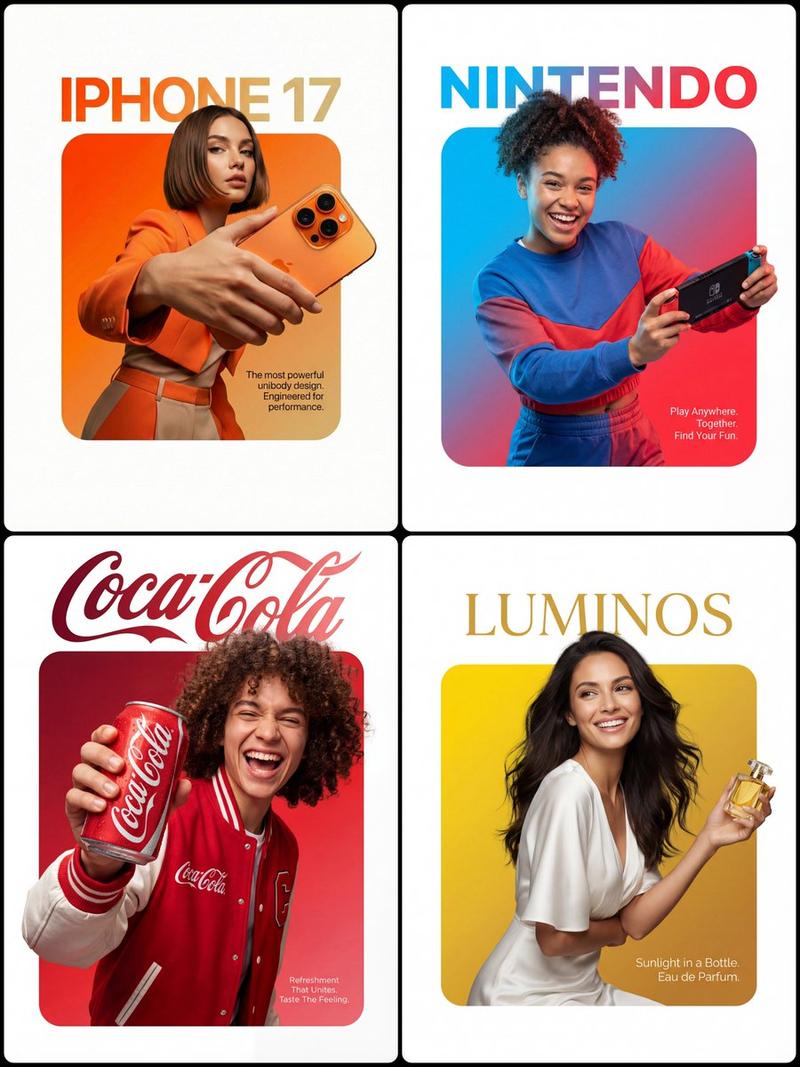
Example images

Vogue 时尚杂志风格项目网格

Prompt
Create a 3×3 storyboard grid (9 images total) in a Vogue high-fashion editorial style, using {argument name="reference image" default="the provided image"} as the main subject.

All images must preserve the same identity, facial features, hairstyle, outfit, and overall character, so the subject looks fully consistent and cohesive across the entire storyboard.

Structure the storyboard with clear visual progression:

Frames 1–3 — Wide Vogue Editorial Shots
Wide, cinematic fashion shots with strong composition and premium glossy aesthetics.

Frames 4–6 — Medium Portrait Editorial Shots
Medium shots focusing on gesture, posture, interaction, subtle movement, and confident body language.

Frames 7–9 Close-Up Beauty & Detail Shots
Close ups highlighting emotion, skin texture, makeup, fabrics, accessories, and visual accents with shallow depth of field.
Category
Posters & Typography
Model
GPT Image 2
Creator
H A J R A
Views3
Source ID
28817
Published
Jul 15, 2026

Guide

About "Vogue 时尚杂志风格项目网格"

What is this prompt for?

"Vogue 时尚杂志风格项目网格" AI image prompt for GPT Image 2 (Posters & Typography). 一份详细的提示词,用于创建 3x3 的 Vogue 风格时尚项目,确保在从广角到特写的九个画面中,保持角色身份、服装和发型的高度一致性。 Copy it on Picv…

The full copyable prompt and example visuals above are ready for AI image generation or one-click recreate in Picva.

How to use this prompt

  1. Step 1

    Open the prompt detail

    Review the example visuals, category, and full prompt text for "Vogue 时尚杂志风格项目网格".

  2. Step 2

    Copy the prompt

    Copy the prompt body from this page, or load it directly in Studio.

  3. Step 3

    Pick a model (GPT Image 2)

    Prefer GPT Image 2. If you switch models, keep subject and composition and tweak style terms.

  4. Step 4

    Generate and export

    Recreate the look in Picva, or export into your workflow for editing and publishing.

FAQ

What is the "Vogue 时尚杂志风格项目网格" prompt?
It is an AI image-generation prompt for GPT Image 2 in the Posters & Typography category. This page includes the full prompt text, example visuals, and a one-click recreate path in Picva.
How do I use this prompt to generate an image?
Copy the prompt from this page, or use Generate / Studio. Paste it into a compatible image model, or recreate the look in Picva with optional reference images.
Which model is this prompt for?
This page lists GPT Image 2. Most descriptive prompts also transfer to nearby image models such as GPT Image, Flux, or Midjourney with light style tweaks.
Can I use the result commercially?
You can usually copy the prompt for creation, but commercial use of the final image depends on the model terms, reference-image rights, and the generated content. Follow the source author and platform rules.