Rabbit Racer 项目
Prompt
Goal: Create a clean workflow presentation canvas showing how a futuristic anime character design is developed into a character sheet and then into a 3D sci-fi vehicle concept.

Canvas: Wide 16:9 light gray canvas with a subtle evenly spaced dotted grid background. Use lots of negative space and a modern design-board aesthetic.

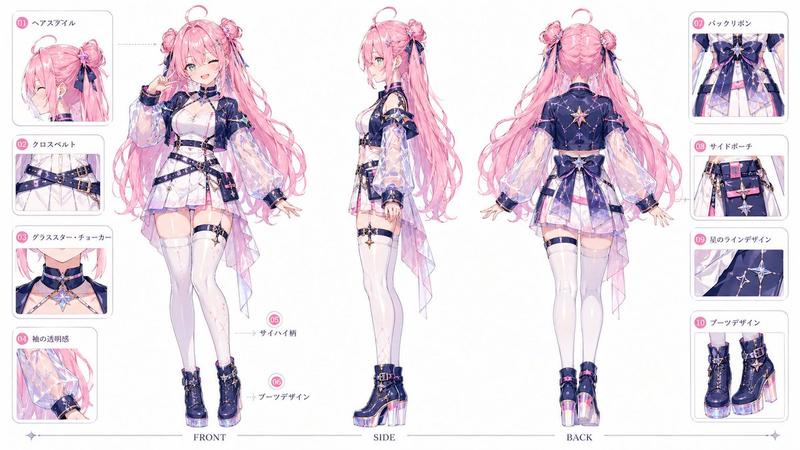
Layout: Arrange exactly 4 main visual elements connected as a process. In the top-left, place a small black rounded-rectangle preview board containing exactly 3 vertical concept images: 1 small full-body pink-and-black character sketch on the left, 1 larger full-body white-haired character concept in the middle, and 1 dynamic close-up motorcycle/rider illustration on the right. In the lower-left, place a large rounded white card with a full-body character render. In the center, place a horizontal character turnaround/spec sheet. On the right, place a large rounded rectangular cinematic render of a futuristic motorcycle. Add faint thin gray connector lines/arrows flowing from the left character card to the central sheet and from the central sheet to the right vehicle render.

Subject details: The main character is {argument name="character name" default="Rabbit Racer"}, a stylized cyberpunk anime girl with spiky white hair, pink bunny-ear helmet or head fins, a cropped white-and-pink jacket with oversized sleeves, black leggings, pink armor accents, and chunky futuristic roller-skate boots. The design language is glossy pink, white, black, and dark gray, with sharp mecha details and racing motifs. The center spec sheet should show exactly 3 main full-body turnaround poses across the middle, plus smaller detail callouts for clothing, boots, accessories, color swatches, and vehicle miniatures. The right render shows a compact pink-and-white futuristic racing motorcycle with circular wheel housings, angular armor panels, black mechanical parts, decals, and a glossy cinematic studio-lit look.

Text content: Include the readable title {argument name="sheet title" default="RABBIT RACER"} on the central character sheet, with tiny technical labels and color chips that look like a professional model sheet; the small text can be mostly decorative and not fully readable.

Visual style: Polished AI concept-art workflow mockup, crisp digital illustration mixed with product-design presentation, soft shadows, rounded corners, high-resolution details, muted gray interface background, elegant spacing, no clutter.

Constraints: Keep the 4 main elements exactly as described, preserve the left-to-right workflow, avoid extra panels, avoid watermarks, avoid logos, and do not add large explanatory captions outside the character sheet.- Category
- Charts & Infographics
- Model
- GPT Image 2
- Creator
- Kiki
- Source ID
- 28847
- Published
- Jul 2, 2026
Views0