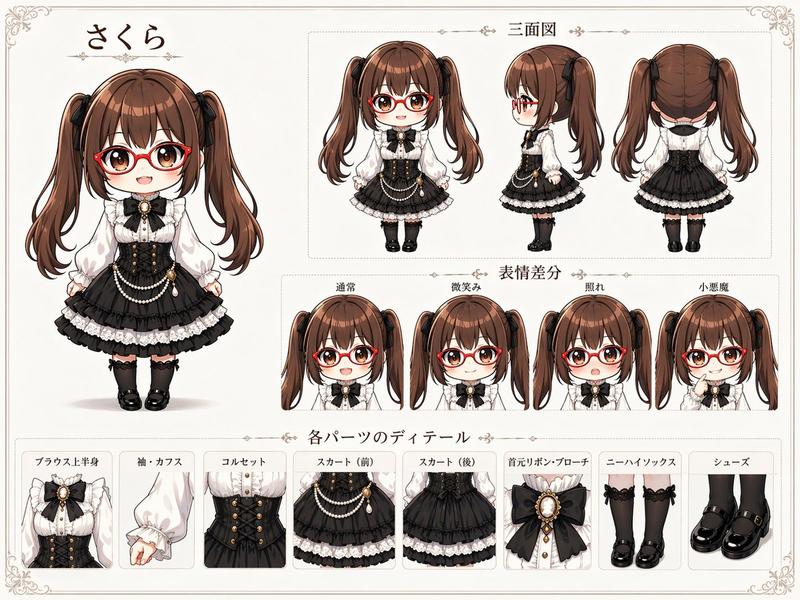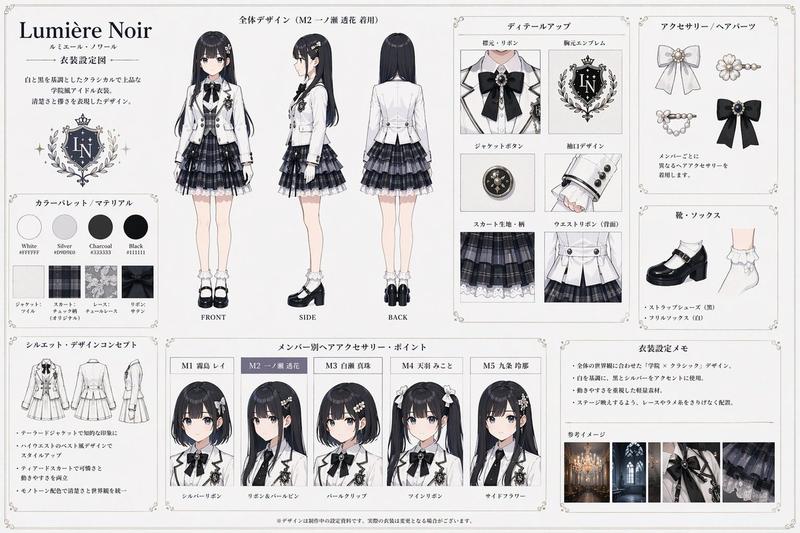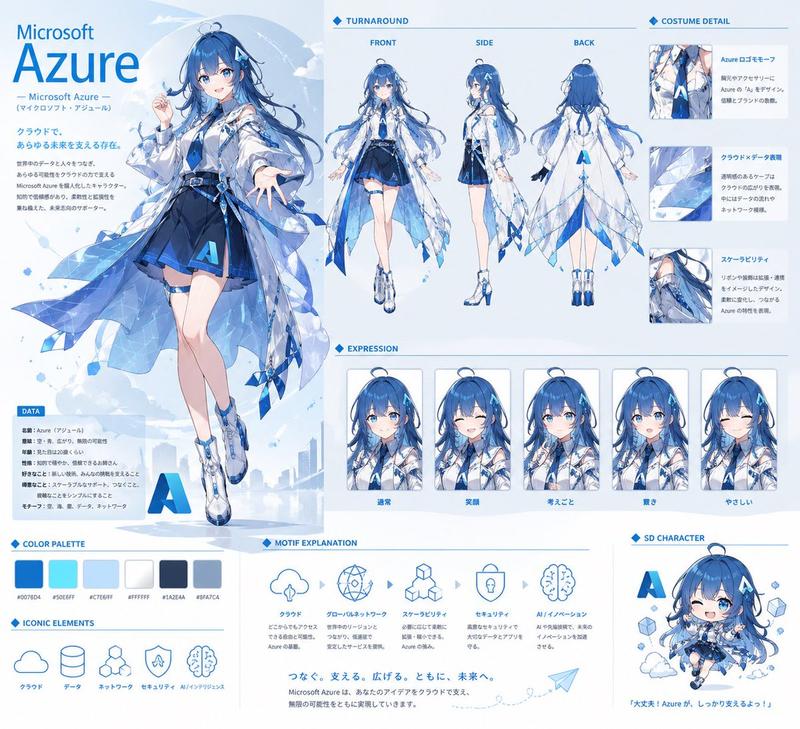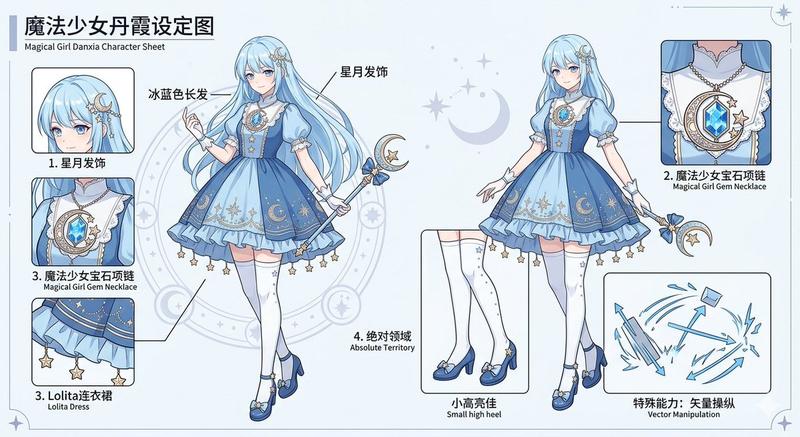
赛博格角色参考图表
Prompt
{
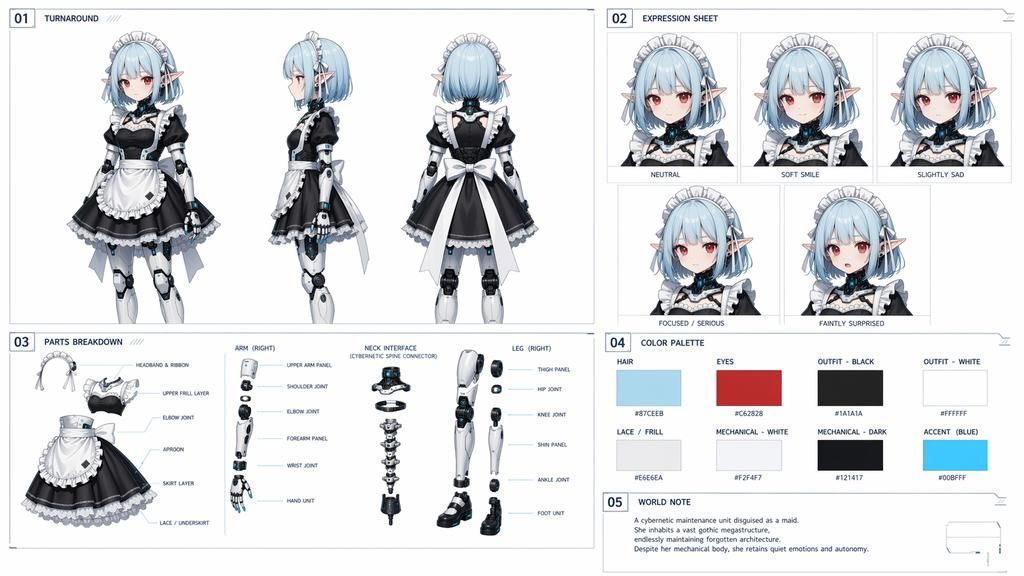
  "type": "anime character design document",
  "character": {
    "concept": "{argument name=\"character concept\" default=\"cybernetic maid with elf ears\"}",
    "hair": "{argument name=\"hair color\" default=\"light blue\"} short bob with headband",
    "eyes": "{argument name=\"eye color\" default=\"red\"}",
    "outfit": "{argument name=\"outfit style\" default=\"black and white maid dress\"}",
    "features": "mechanical joints on arms and legs, cybernetic neck"
  },
  "layout": {
    "style": "clean technical blueprint style with grid lines and numbered sections",
    "sections": [
      {
        "number": "01",
        "title": "TURNAROUND",
        "count": 3,
        "description": "full-body views: front, side, back"
      },
      {
        "number": "02",
        "title": "EXPRESSION SHEET",
        "count": 5,
        "labels": ["NEUTRAL", "SOFT SMILE", "SLIGHTLY SAD", "FOCUSED / SERIOUS", "FAINTLY SURPRISED"]
      },
      {
        "number": "03",
        "title": "PARTS BREAKDOWN",
        "count": 4,
        "components": [
          {"name": "Maid Outfit", "labels": ["HEADBAND & RIBBON", "UPPER FRILL LAYER", "ELBOW JOINT", "APRON", "SKIRT LAYER", "LACE / UNDERSKIRT"]},
          {"name": "ARM (RIGHT)", "labels": ["UPPER ARM PANEL", "SHOULDER JOINT", "ELBOW JOINT", "FOREARM PANEL", "WRIST JOINT", "HAND UNIT"]},
          {"name": "NECK INTERFACE", "labels": ["CYBERNETIC SPINE CONNECTOR"]},
          {"name": "LEG (RIGHT)", "labels": ["THIGH PANEL", "HIP JOINT", "KNEE JOINT", "SHIN PANEL", "ANKLE JOINT", "FOOT UNIT"]}
        ]
      },
      {
        "number": "04",
        "title": "COLOR PALETTE",
        "count": 8,
        "swatches": [
          {"label": "HAIR", "hex": "#87CEEB"},
          {"label": "EYES", "hex": "#C62828"},
          {"label": "OUTFIT - BLACK", "hex": "#1A1A1A"},
          {"label": "OUTFIT - WHITE", "hex": "#FFFFFF"},
          {"label": "LACE / FRILL", "hex": "#E6E6EA"},
          {"label": "MECHANICAL - WHITE", "hex": "#F2F4F7"},
          {"label": "MECHANICAL - DARK", "hex": "#121417"},
          {"label": "ACCENT (BLUE)", "hex": "#00BFFF"}
        ]
      },
      {
        "number": "05",
        "title": "WORLD NOTE",
        "text": "{argument name=\"world note text\" default=\"A cybernetic maintenance unit disguised as a maid. She inhabits a vast gothic megastructure, endlessly maintaining forgotten architecture. Despite her mechanical body, she retains quiet emotions and autonomy.\"}"
      }
    ]
  }
}- Category
- Charts & Infographics
- Model
- GPT Image 2
- Creator
- Eris Create Lab
- Source ID
- 13910
- Published
- Apr 17, 2026
Views15