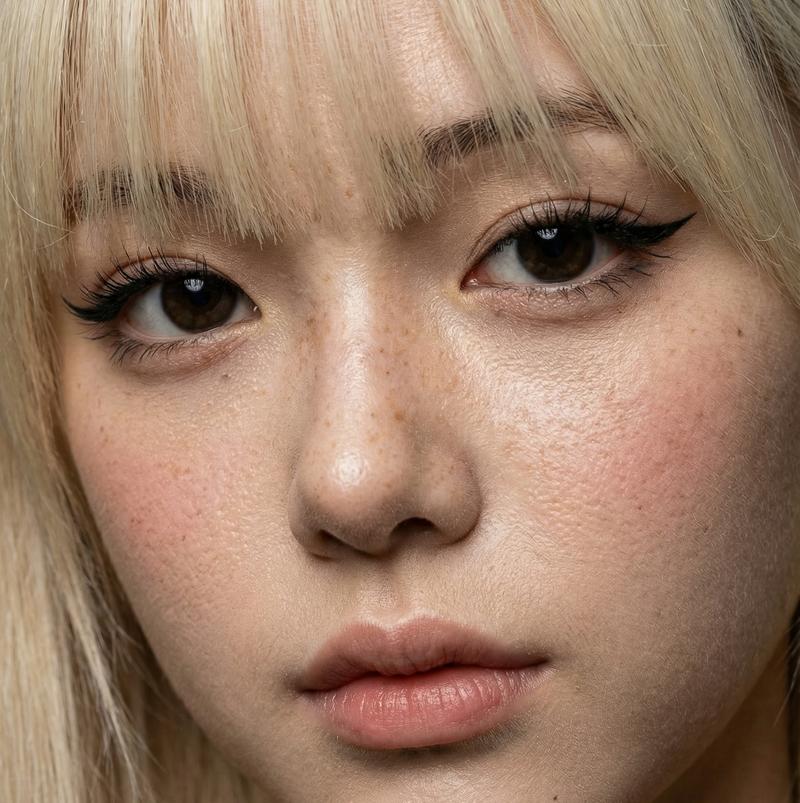
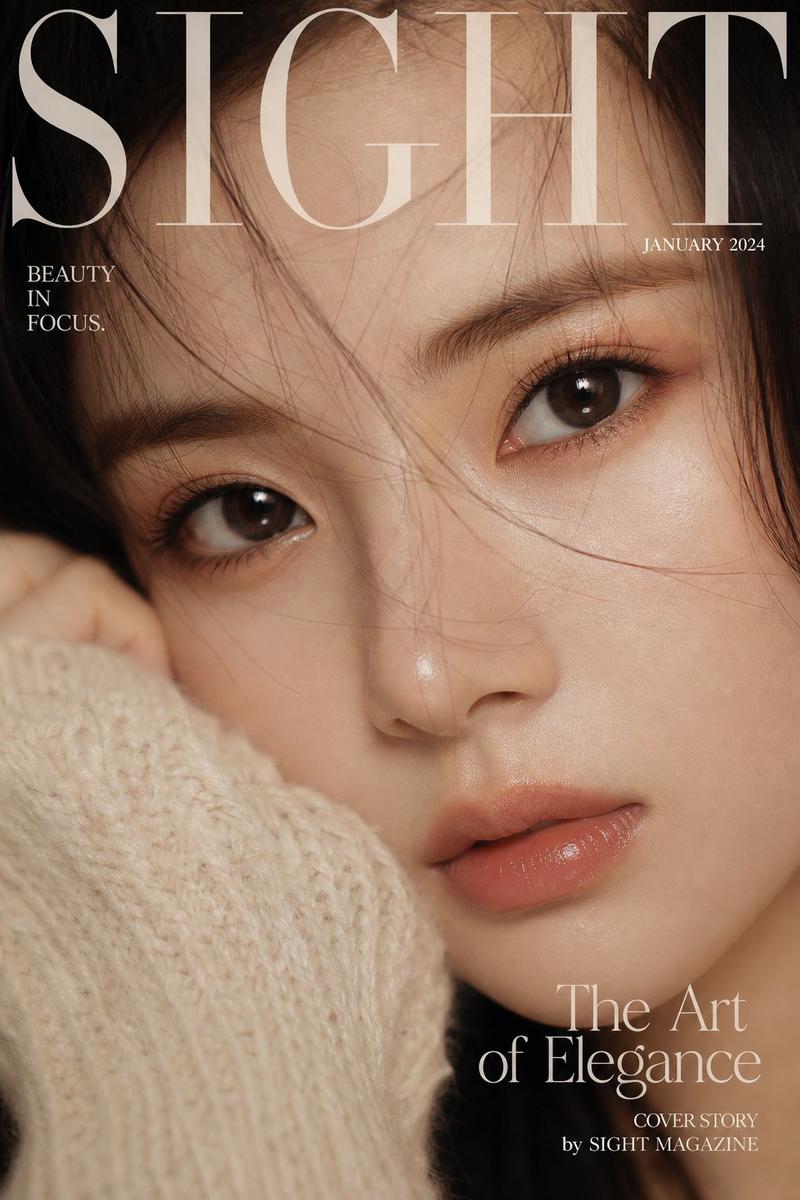
18

K-pop 音乐视频表演

Prompt
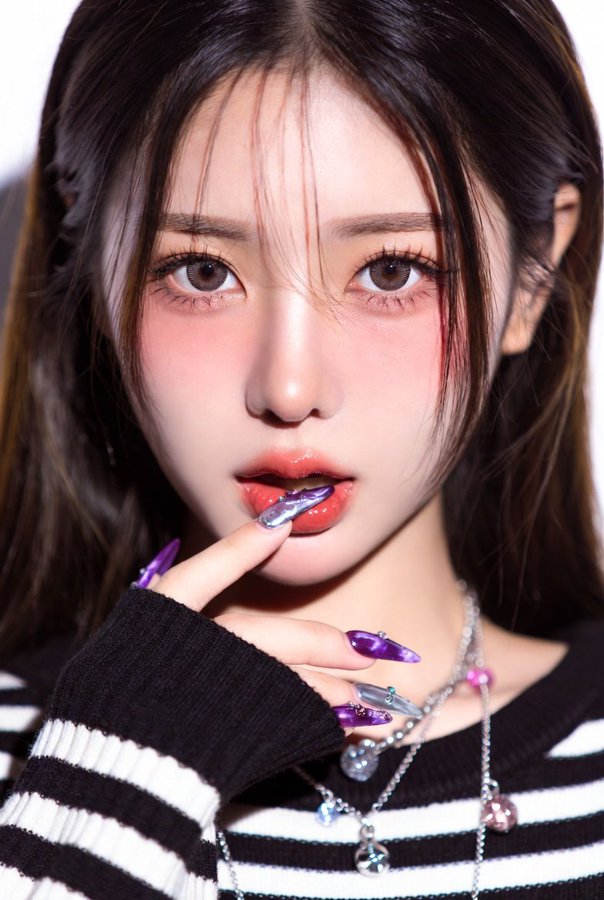
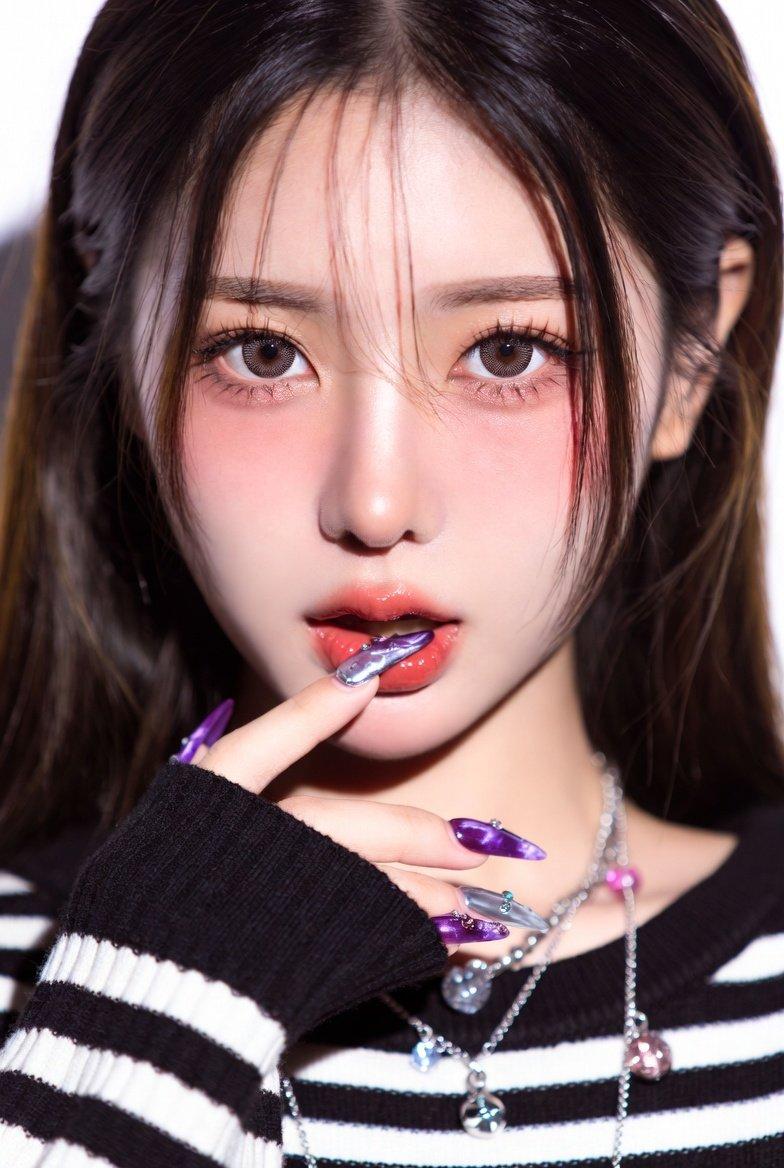
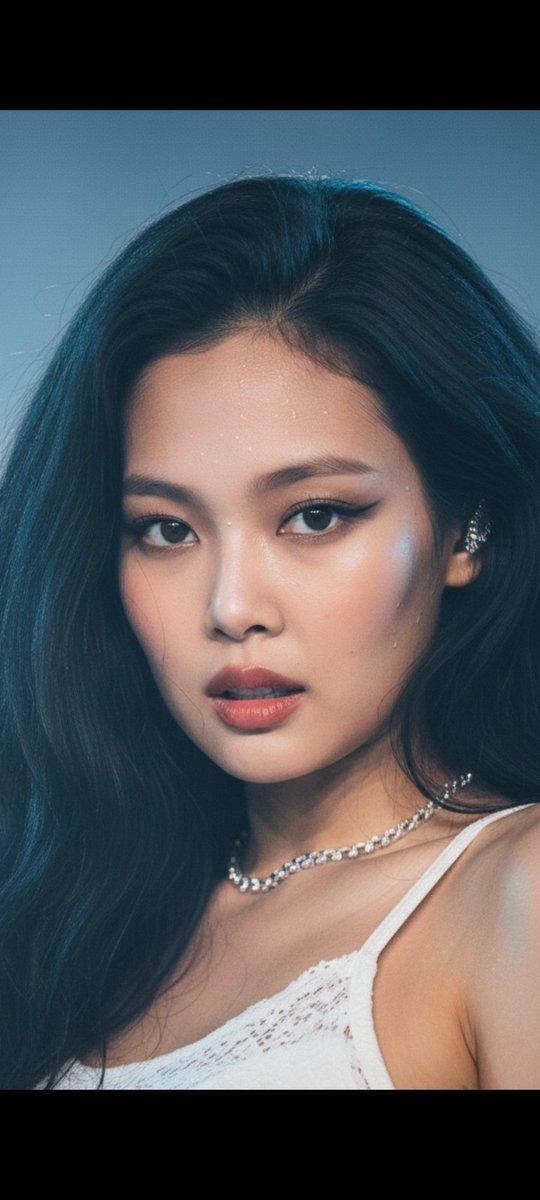
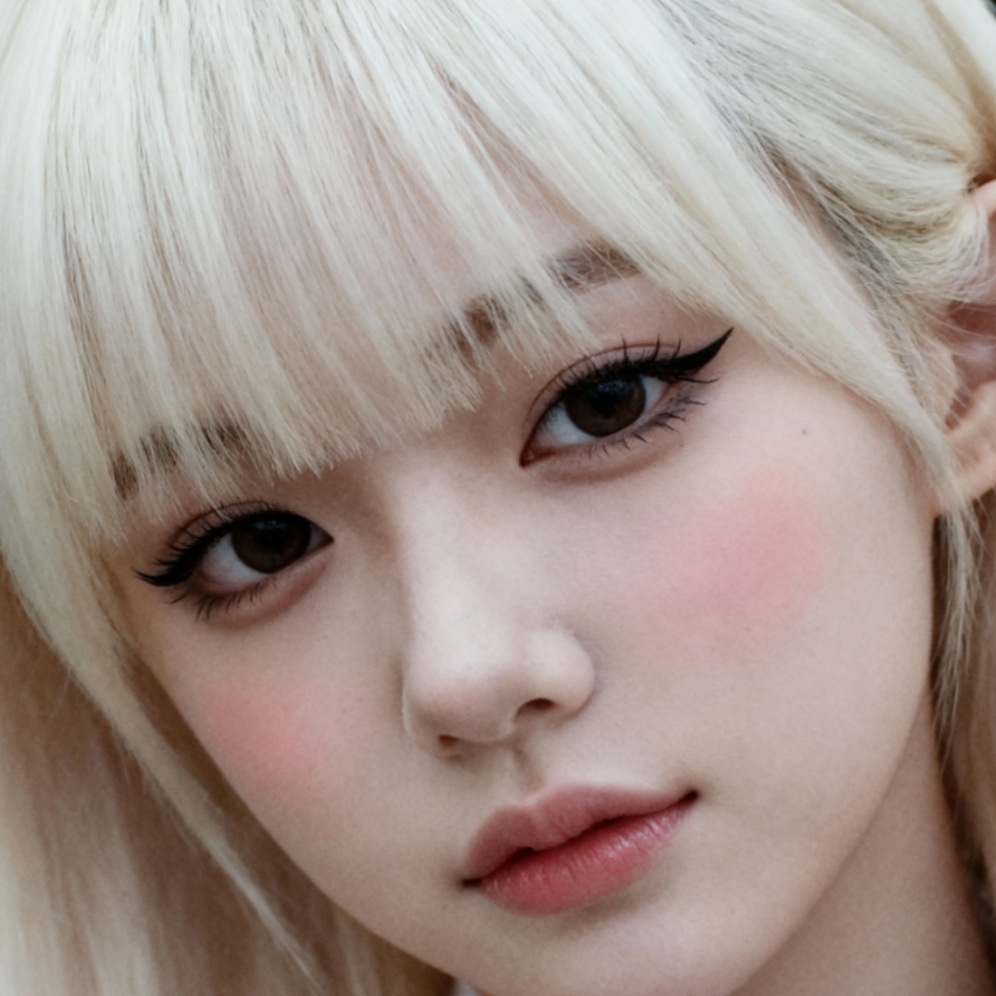
Style: High budget Kpop music video, glossy commercial lighting, vibrant color grading (magenta/cyan/electric blue), 4K cinematic quality, sharp focus, dynamic camera movement, idol-group choreography, fashion forward streetwear meets futuristic outfits, confident charismatic energy, beat synced cuts\nSubject: One female idol performer, toned dance-ready physique, glossy makeup, holographic/metallic outfit accents\nNegative prompt: no blurry motion, no distorted hands, no extra limbs, no text artifacts, no watermark, no low resolution, no static camera\n\n[0:00-0:03] Close up shot, performer's eyes snap open on the beat drop, quick zoom out reveal to full body pose under strobing neon backlight, hair flip, confident smirk, camera whip pans left.\n\n[0:03-0:07] Wide shot, sharp synchronized choreography (point formation), sharp isolations on snare hits, camera does a low-angle orbit around the performer, neon light trails following hand movements, fog machine haze in background.\n\n[0:07-0:11] Medium shot, performer lip-syncs main hook line with emotive expression, hand near face/mic gesture, quick cut to a rooftop-city backdrop with lens flare, wind machine blowing hair.\n\n[0:11-0:15] Fast triple cut montage (0.5s each) of three different power poses, final freeze frame on a hero pose with sparkler/confetti burst, camera punches in, fade to logo card.
Category
Brand & Logos
Model
seedance-2.0
Creator
BMX
Views0
Source ID
6778
Published
Jul 3, 2026

Guide

About "K-pop 音乐视频表演"

What is this prompt for?

"K-pop 音乐视频表演" AI image prompt for seedance-2.0 (Brand & Logos). 一种高预算 K-pop 音乐视频风格的提示词,包含绚丽的霓虹灯光、同步的舞蹈编排以及动态的运镜效果。 Copy it on Picva and recreate the look in o…

The full copyable prompt and example visuals above are ready for AI image generation or one-click recreate in Picva.

How to use this prompt

  1. Step 1

    Open the prompt detail

    Review the example visuals, category, and full prompt text for "K-pop 音乐视频表演".

  2. Step 2

    Copy the prompt

    Copy the prompt body from this page, or load it directly in Studio.

  3. Step 3

    Pick a model (seedance-2.0)

    Prefer seedance-2.0. If you switch models, keep subject and composition and tweak style terms.

  4. Step 4

    Generate and export

    Recreate the look in Picva, or export into your workflow for editing and publishing.

FAQ

What is the "K-pop 音乐视频表演" prompt?
It is an AI image-generation prompt for seedance-2.0 in the Brand & Logos category. This page includes the full prompt text, example visuals, and a one-click recreate path in Picva.
How do I use this prompt to generate an image?
Copy the prompt from this page, or use Generate / Studio. Paste it into a compatible image model, or recreate the look in Picva with optional reference images.
Which model is this prompt for?
This page lists seedance-2.0. Most descriptive prompts also transfer to nearby image models such as GPT Image, Flux, or Midjourney with light style tweaks.
Can I use the result commercially?
You can usually copy the prompt for creation, but commercial use of the final image depends on the model terms, reference-image rights, and the generated content. Follow the source author and platform rules.