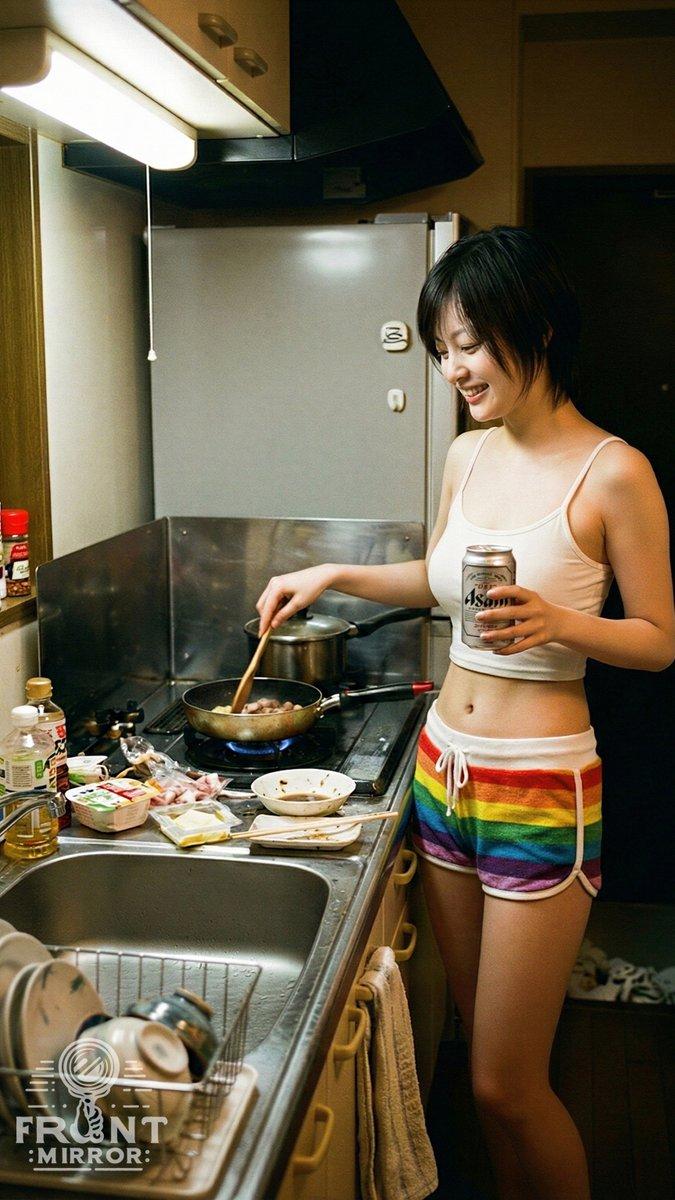
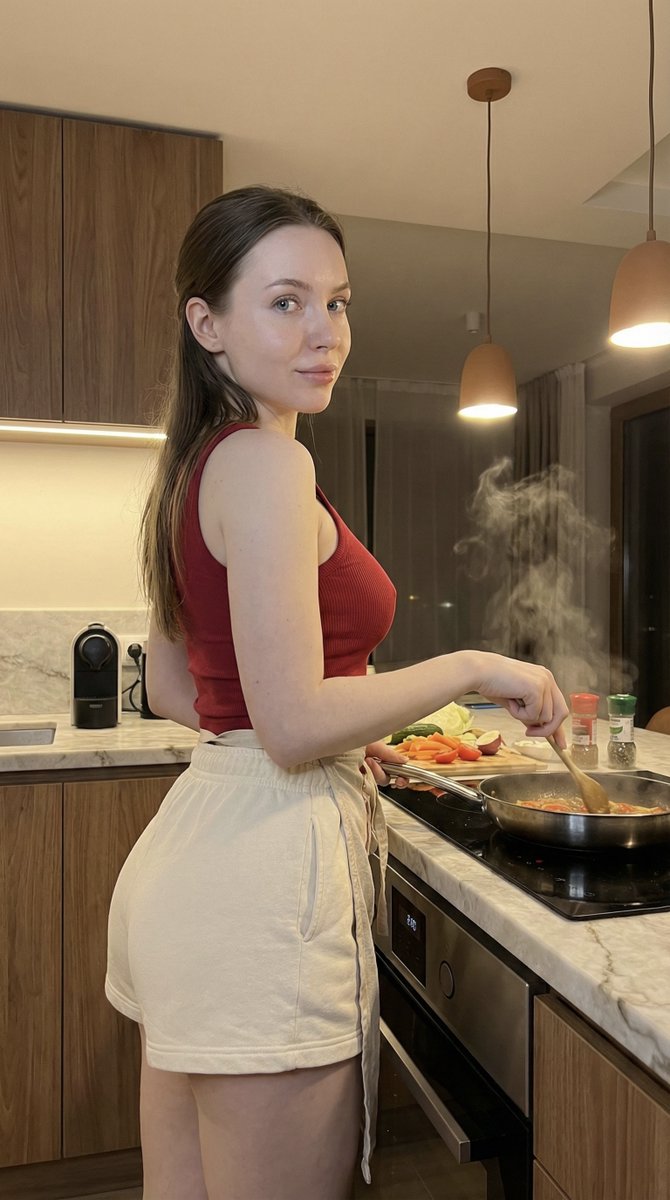
电影感烹饪短片场景
Prompt
THE FLAME CHEF - 15 second high-energy cinematic cooking film, 10 rapid scenes, fast rhythmic pacing, whip-pan and speed-ramp transitions between every scene, kinetic kitchen artistry from fresh ingredients to final plated dish. Shot on ARRI Alexa 35, 35mm lens, natural film grain, rich warm color grade with deep shadows and golden highlights, professional food cinematography, photorealistic, not CGI. Dark moody restaurant kitchen, dramatic overhead lighting, steam and warm glow. SCENE 1 (0-1.5s): Chef's hand places a cast iron pan onto a glowing gas burner with confident energy, blue flame rising around the edges, quick real time then micro slow motion on the flame glow, hard whip-pan into locked close-up. SCENE 2 (1.5-3s): Rapid skilled vegetable prep, knife rocking smoothly through fresh herbs and bell peppers in rhythmic motion, hyper-fast real time with hands in controlled motion, one pepper slice spinning in brief slow motion, top-down locked shot. SCENE 3 (3-4.5s): Butter cube tossed gracefully through the air landing in the warm pan, melting instantly into golden foam and swirl, slow motion flight with speed ramp to real time on the sizzle, side macro tracking the arc. SCENE 4 (4.5-6s): Chef flips the pan, vegetables rising upward in a golden arc, warm flame glow beneath, tiny seasoning embers drifting, speed ramp from real time flip into dramatic slow motion at the peak of the toss, low hero angle. SCENE 5 (6-7.5s): Extreme macro, garlic and chili meeting hot oil, lively golden bubbles, steam rising in a soft backlit plume, 120fps slow motion with every bubble crisp, probe lens push-in through the steam. SCENE 6 (7.5-9s): Chef seasoning from height with flowing hand movement, salt crystals raining down in slow motion through a shaft of overhead light catching like snow, slow motion rain against fast hand movement, side close-up with shallow focus on the crystals. SCENE 7 (9-10.5s): Sauce poured from a steel pan in a glossy ribbon coating the dish in one continuous silky wave, steam curling, silky hypnotic slow motion, orbiting macro around the pour. SCENE 8 (10.5-12s): Fresh herbs dropped from above, leaves tumbling in slow motion landing perfectly on the glistening dish, tiny sparkle of sauce, slow motion fall with real time landing, top-down locked shot. SCENE 9 (12-13.5s): Chef wipes the plate rim in one confident swift motion and spins the plate a quarter turn, steam rising through dramatic side light, fast confident real time, close-up tracking the hand with whip-pan on the spin. SCENE 10 (13.5-15s): Final hero shot, finished dish center frame under a single overhead spotlight, steam rising in elegant curls, background fading to darkness, chef's silhouette stepping back with sati
- Category
- Products & E-commerce
- Model
- seedance-2.0
- Creator
- Zar⭕on
- Source ID
- 6898
- Published
- Jul 7, 2026
Views0