18

太空电梯战斗序列

Prompt
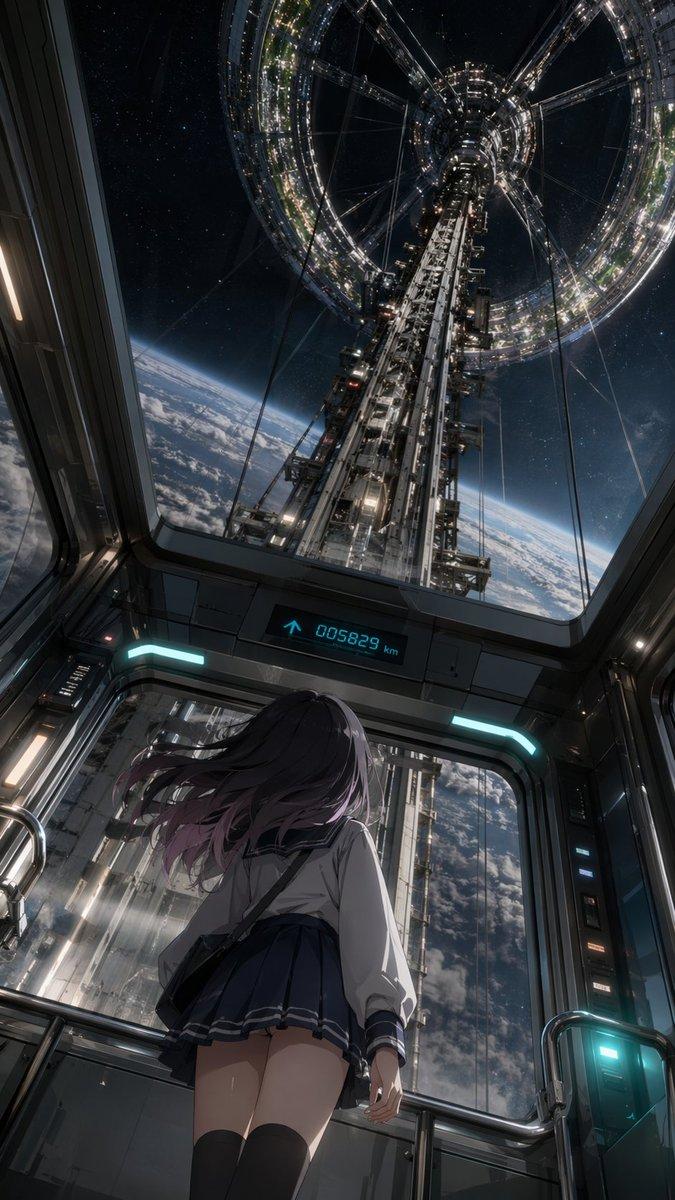
15-second cinematic action sequence on the exterior maintenance rails of a colossal orbital elevator stretching into the clouds, burning debris falling from the upper atmosphere, emergency lights flashing through storm clouds.
Camera dives vertically down the elevator structure as a female gravity operative slides along magnetic rails using anti-gravity boots, sparks trailing behind her.
A heavily armored mercenary descends from above attached to mechanical cables, smashing through maintenance drones while closing distance rapidly.
Mid-air collision on a narrow exterior platform suspended thousands of meters above the planet. Slow-motion debris and lightning swirl around the locked combatants.
Handheld combat along collapsing maintenance rails while massive chunks of burning wreckage fall past camera into the clouds below.
Huge pull-back reveals the orbital elevator piercing through the atmosphere as explosions ripple upward along its surface.
Category
Charts & Infographics
Model
seedance-2.0
Views7
Source ID
7245
Published
Jul 14, 2026

Guide

About "太空电梯战斗序列"

What is this prompt for?

"太空电梯战斗序列" AI image prompt for seedance-2.0 (Charts & Infographics). 一段针对太空电梯维护轨道战斗的复杂动作提示词,包含反重力靴及电影级的大气层破坏效果。 Copy it on Picva and recreate the look in one c…

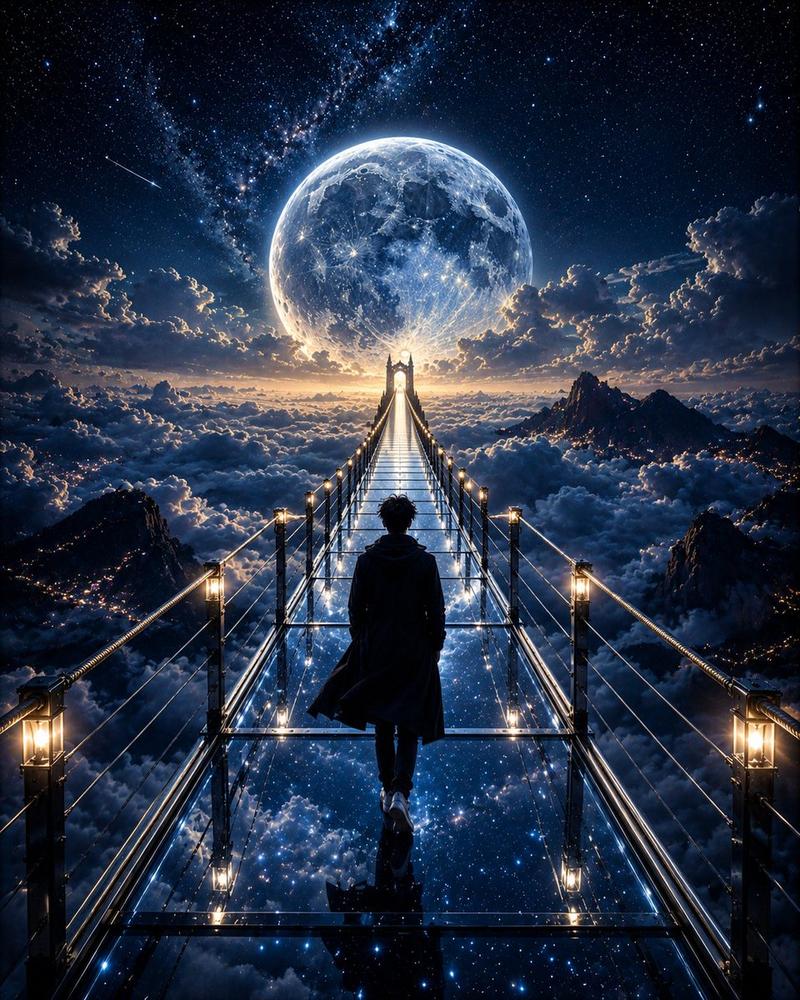
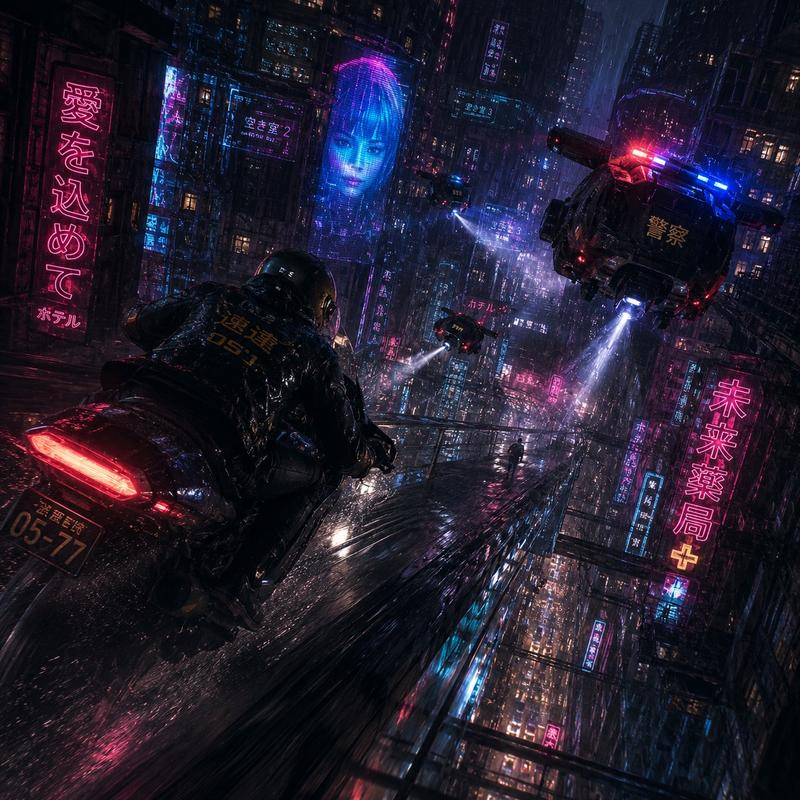
The full copyable prompt and example visuals above are ready for AI image generation or one-click recreate in Picva.

How to use this prompt

  1. Step 1

    Open the prompt detail

    Review the example visuals, category, and full prompt text for "太空电梯战斗序列".

  2. Step 2

    Copy the prompt

    Copy the prompt body from this page, or load it directly in Studio.

  3. Step 3

    Pick a model (seedance-2.0)

    Prefer seedance-2.0. If you switch models, keep subject and composition and tweak style terms.

  4. Step 4

    Generate and export

    Recreate the look in Picva, or export into your workflow for editing and publishing.

FAQ

What is the "太空电梯战斗序列" prompt?
It is an AI image-generation prompt for seedance-2.0 in the Charts & Infographics category. This page includes the full prompt text, example visuals, and a one-click recreate path in Picva.
How do I use this prompt to generate an image?
Copy the prompt from this page, or use Generate / Studio. Paste it into a compatible image model, or recreate the look in Picva with optional reference images.
Which model is this prompt for?
This page lists seedance-2.0. Most descriptive prompts also transfer to nearby image models such as GPT Image, Flux, or Midjourney with light style tweaks.
Can I use the result commercially?
You can usually copy the prompt for creation, but commercial use of the final image depends on the model terms, reference-image rights, and the generated content. Follow the source author and platform rules.