18

无缝隐形匹配转场视频

Prompt
[风格] 旅行电影质感,写实自然光,平滑连续的运镜,采用“一帧双读”的无缝转场(隐形匹配转场),9:16 竖屏比例。

[时长] 15 秒

[人物] 主角

[00:00-00:04] 镜头 1:被褥褶皱 = 雪山山脊
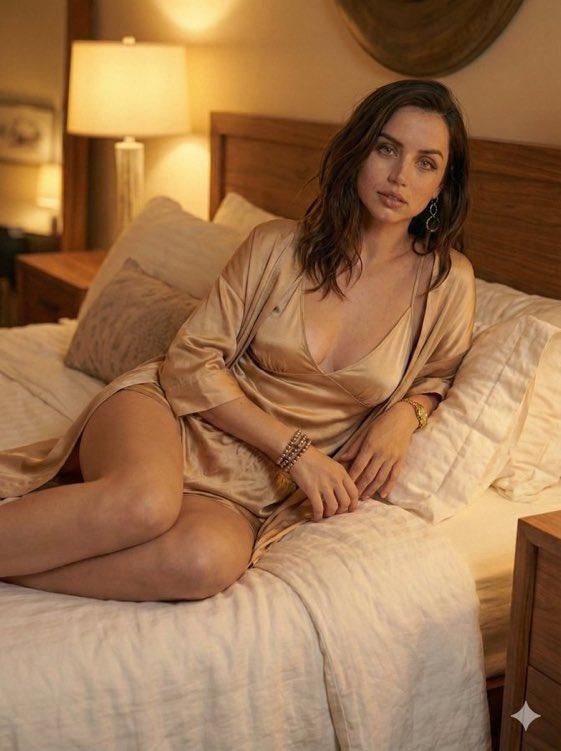
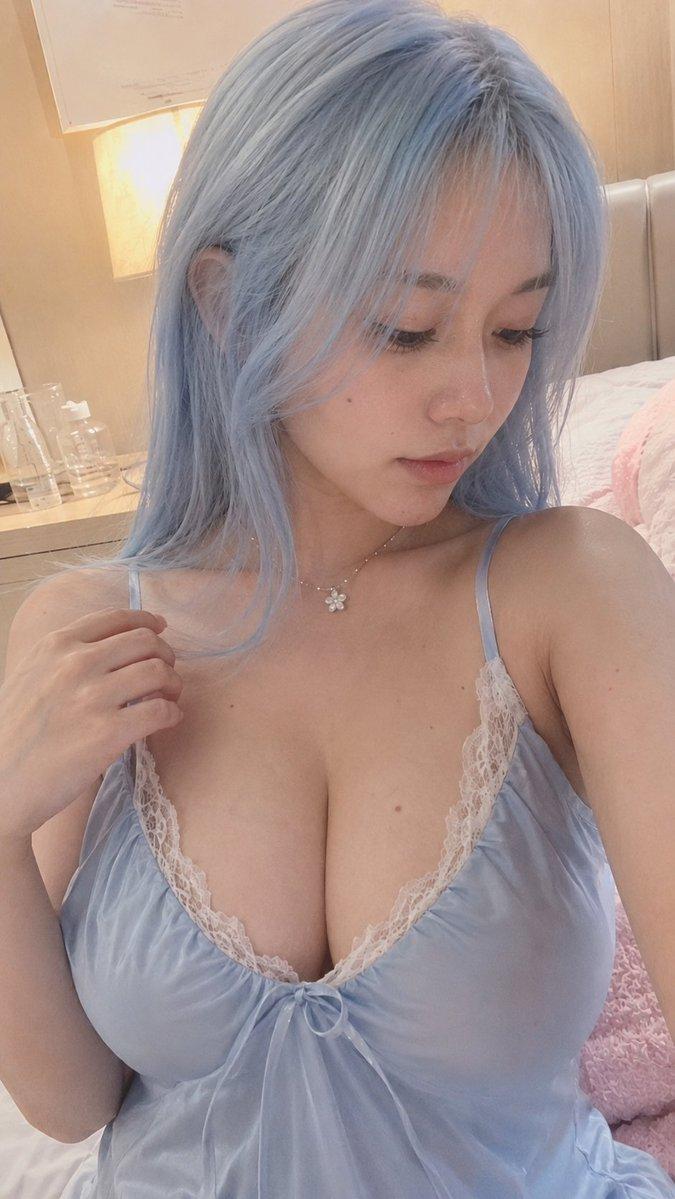
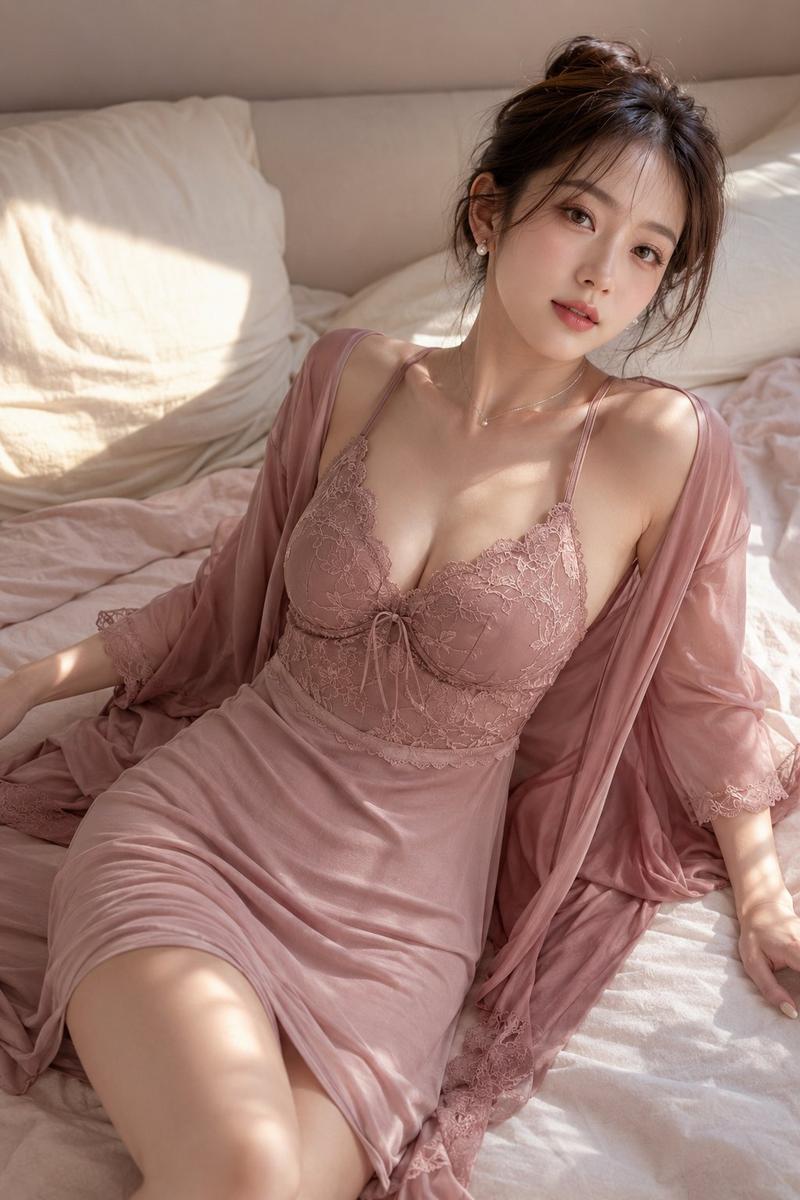
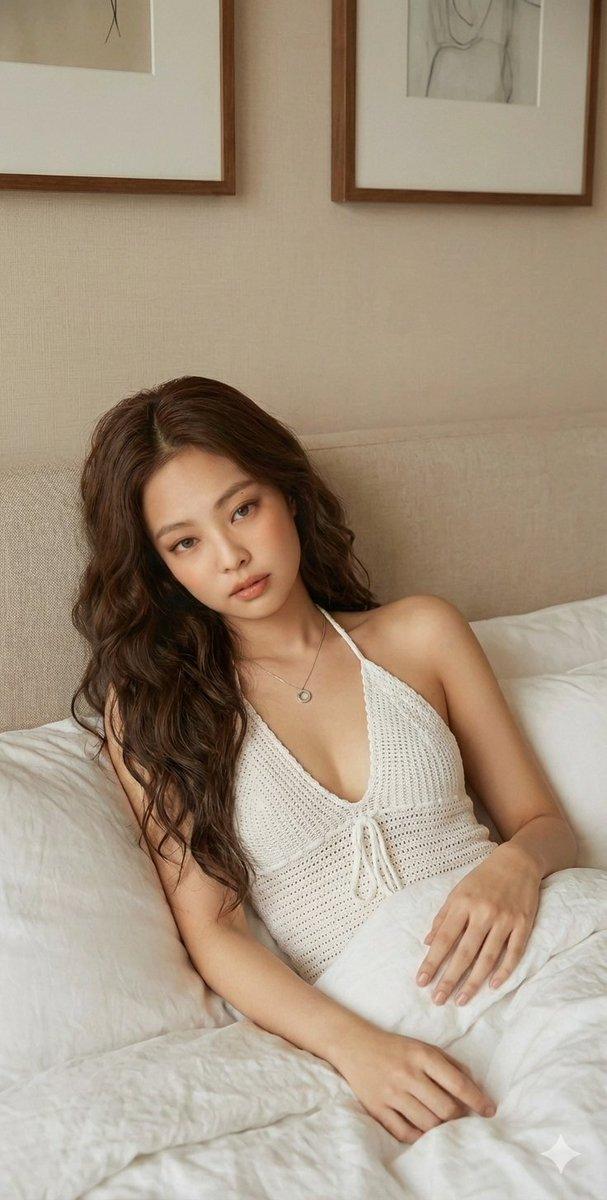
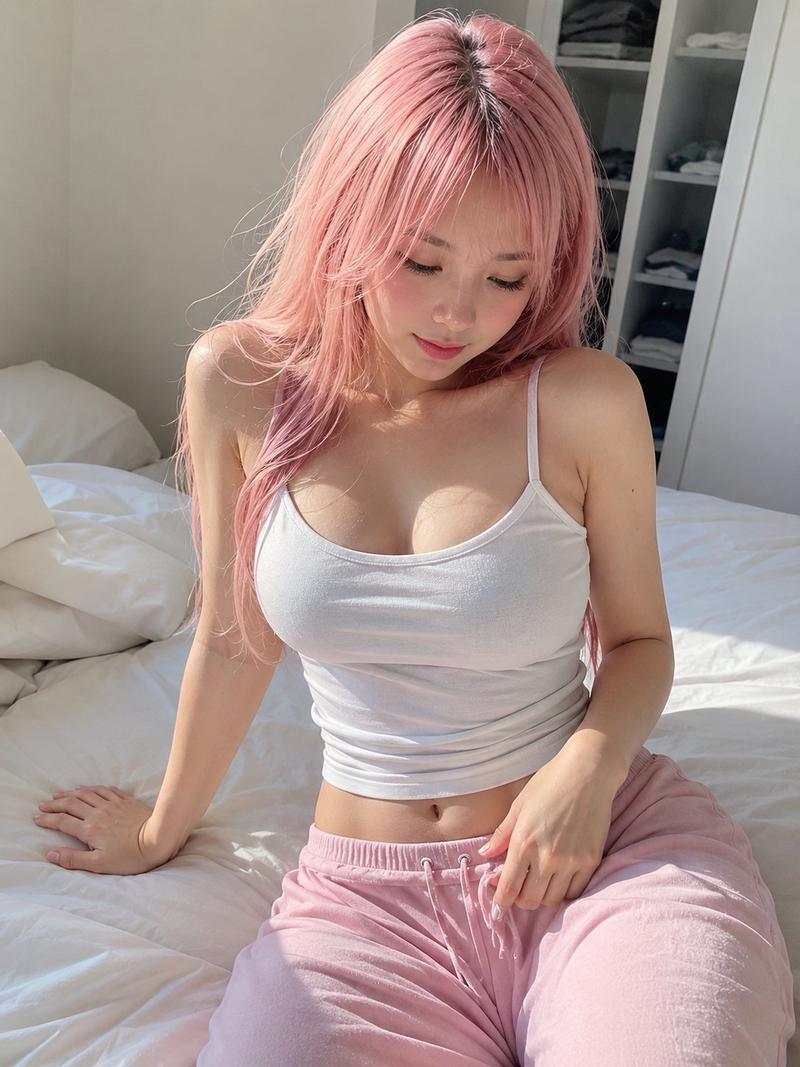
画面:卧室内的晨光,主角对着镜头微笑,随后扑向白色床铺。镜头俯冲向床单的褶皱,直到白色褶皱和阴影填满屏幕——这一帧随后变为雪山山脊的航拍画面:床单的阴影即是山脊的暗部。镜头保持速度,一缕雪雾从山脊吹过,镜头向上平移,展示主角在雪坡上挥手。
音频:床单的摩擦声被高海拔的风声取代。

[00:04-00:08] 镜头 2:奶泡 = 云海
画面:在山间小屋的窗边,主角双手捧着白色瓷杯吹气。镜头垂直俯冲进入杯中,奶泡填满屏幕——这一帧变为云海的俯瞰视角:奶泡的纹理即是云顶。云层缓慢移动,镜头继续穿过云层底部,显露出金色的海岸线。主角赤脚走在浪花边,回头微笑。
音频:吹咖啡的声音延伸为穿过云层的风声,随后转为海浪声。

[00:08-00:12] 镜头 3:沙粒 = 烟花
画面:黄昏时分的逆光海滩,主角向画面上方撒出一把细沙。沙粒在光线下飞散,背景迅速变暗为黑夜,漂浮的金色颗粒填满黑暗的画面——这一帧即是夜空:沙粒变成了烟花的火星。火星炸开形成完整的烟花秀,城市天际线从底部升起,主角的剪影出现在屋顶上。
音频:沙子的摩擦声无缝过渡为烟花爆炸声。

[00:12-00:15] 镜头 4:屋顶终章
画面:主角站在屋顶,张开双臂观看烟花,回头微笑。镜头缓慢向上环绕,灯火与烟花填满背景,定格结束。
音频:烟花声与音乐节拍同步,直至结束。

[导演笔记] 1. 转场规则:衔接帧必须实现“一帧双读”——床单/雪山山脊、奶泡/云海、沙子/烟花必须是同一视觉内容在转场点处的两种解读,切片处不得有任何变化。 2. 严禁使用淡入淡出、扭曲或变形效果;任何可见的形变均视为失败。 3. 场景转换仅通过微动作(雪雾、云流、火星)来确认。 4. 镜头速度和方向必须在转场前后保持连续。 5. 主角在每个片段中必须有积极的动作。
Category
Architecture & Spaces
Model
seedance-2.0
Creator
John
Views7
Source ID
7264
Published
Jul 14, 2026

Guide

About "无缝隐形匹配转场视频"

What is this prompt for?

"无缝隐形匹配转场视频" AI image prompt for seedance-2.0 (Architecture & Spaces). 这是一份为 Seedance 2.0 设计的复杂多场景旅行视频脚本,重点在于“一帧双读”的隐形匹配转场,将床单和拿铁拉花等日常纹理转化为宏大的自然景观。 Copy it on…

The full copyable prompt and example visuals above are ready for AI image generation or one-click recreate in Picva.

How to use this prompt

  1. Step 1

    Open the prompt detail

    Review the example visuals, category, and full prompt text for "无缝隐形匹配转场视频".

  2. Step 2

    Copy the prompt

    Copy the prompt body from this page, or load it directly in Studio.

  3. Step 3

    Pick a model (seedance-2.0)

    Prefer seedance-2.0. If you switch models, keep subject and composition and tweak style terms.

  4. Step 4

    Generate and export

    Recreate the look in Picva, or export into your workflow for editing and publishing.

FAQ

What is the "无缝隐形匹配转场视频" prompt?
It is an AI image-generation prompt for seedance-2.0 in the Architecture & Spaces category. This page includes the full prompt text, example visuals, and a one-click recreate path in Picva.
How do I use this prompt to generate an image?
Copy the prompt from this page, or use Generate / Studio. Paste it into a compatible image model, or recreate the look in Picva with optional reference images.
Which model is this prompt for?
This page lists seedance-2.0. Most descriptive prompts also transfer to nearby image models such as GPT Image, Flux, or Midjourney with light style tweaks.
Can I use the result commercially?
You can usually copy the prompt for creation, but commercial use of the final image depends on the model terms, reference-image rights, and the generated content. Follow the source author and platform rules.