14

建筑空间场景图
Enlarge

建筑空间场景图

Prompt
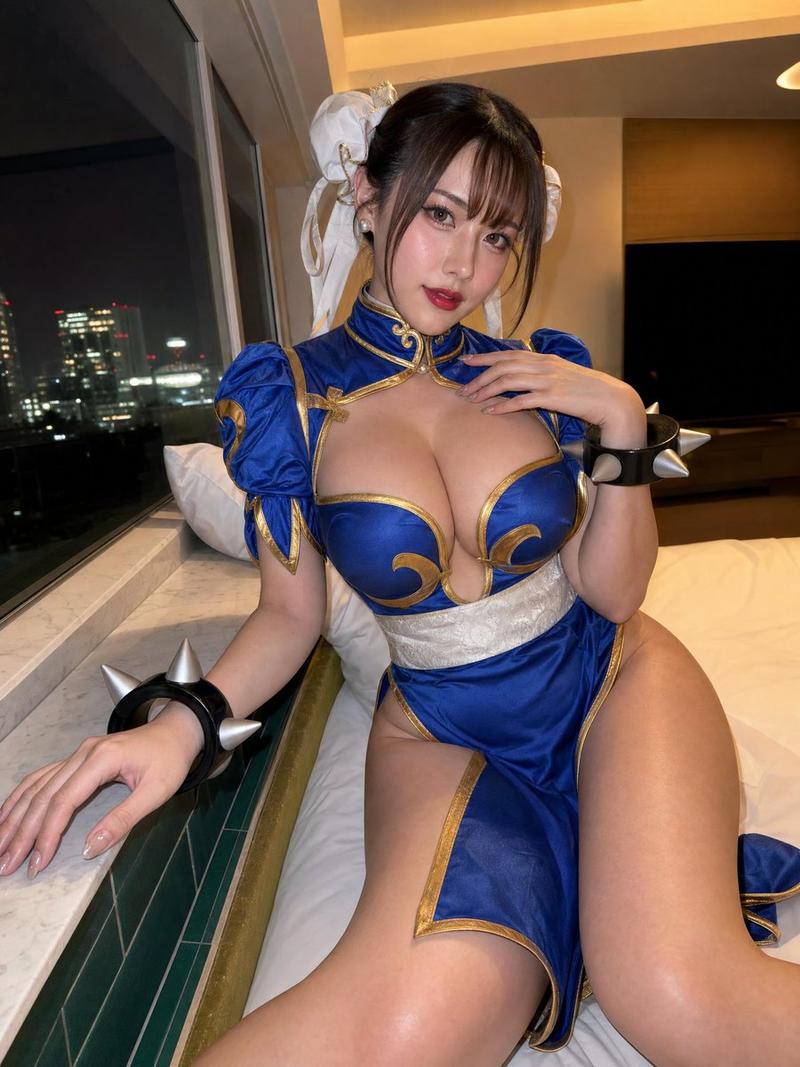
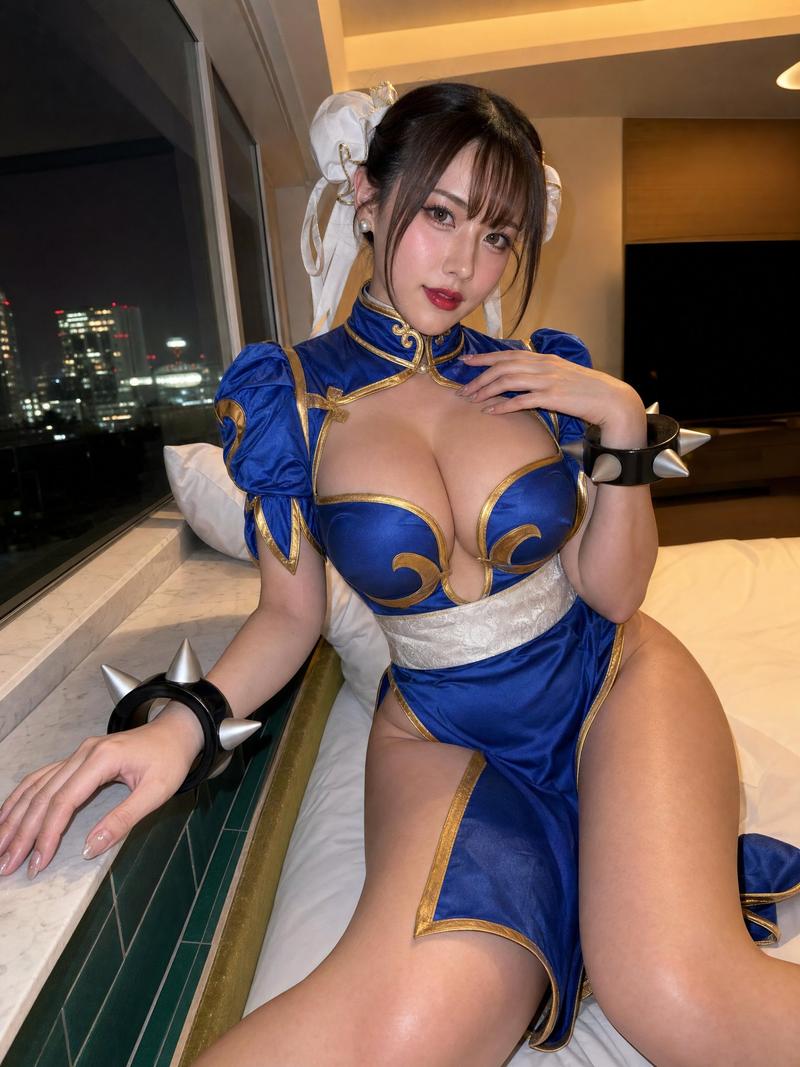
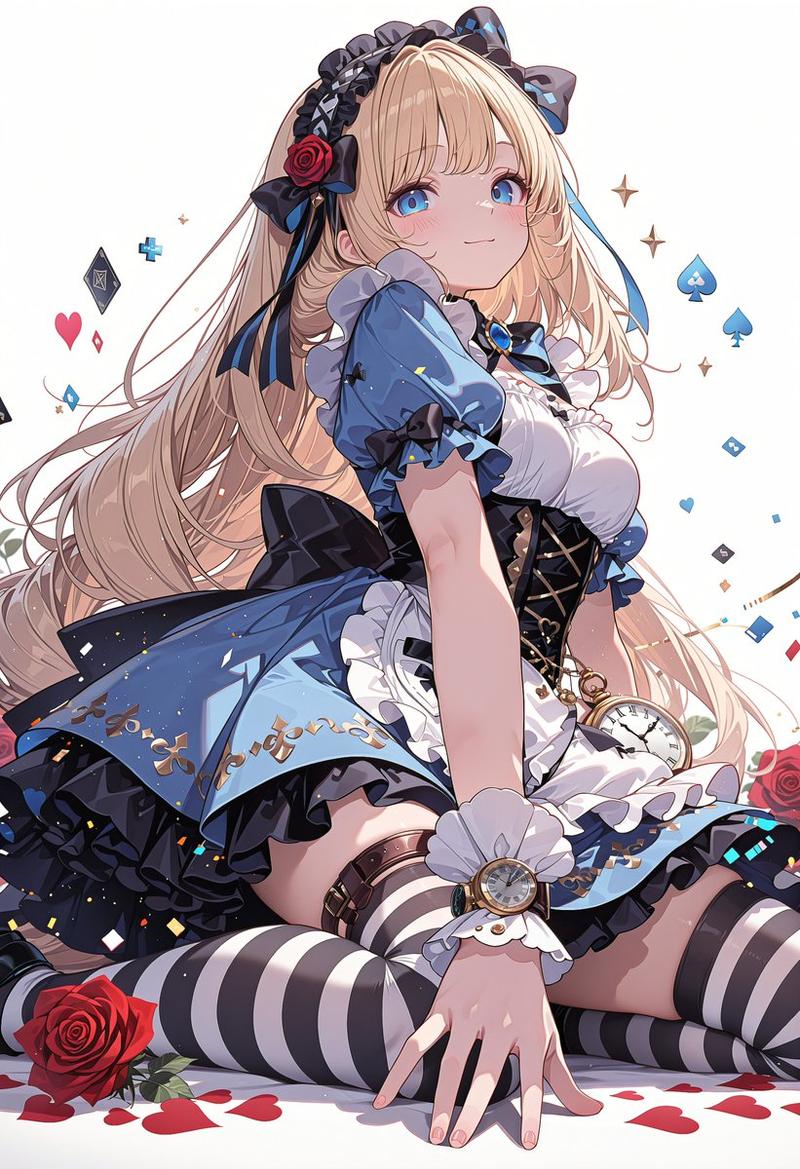
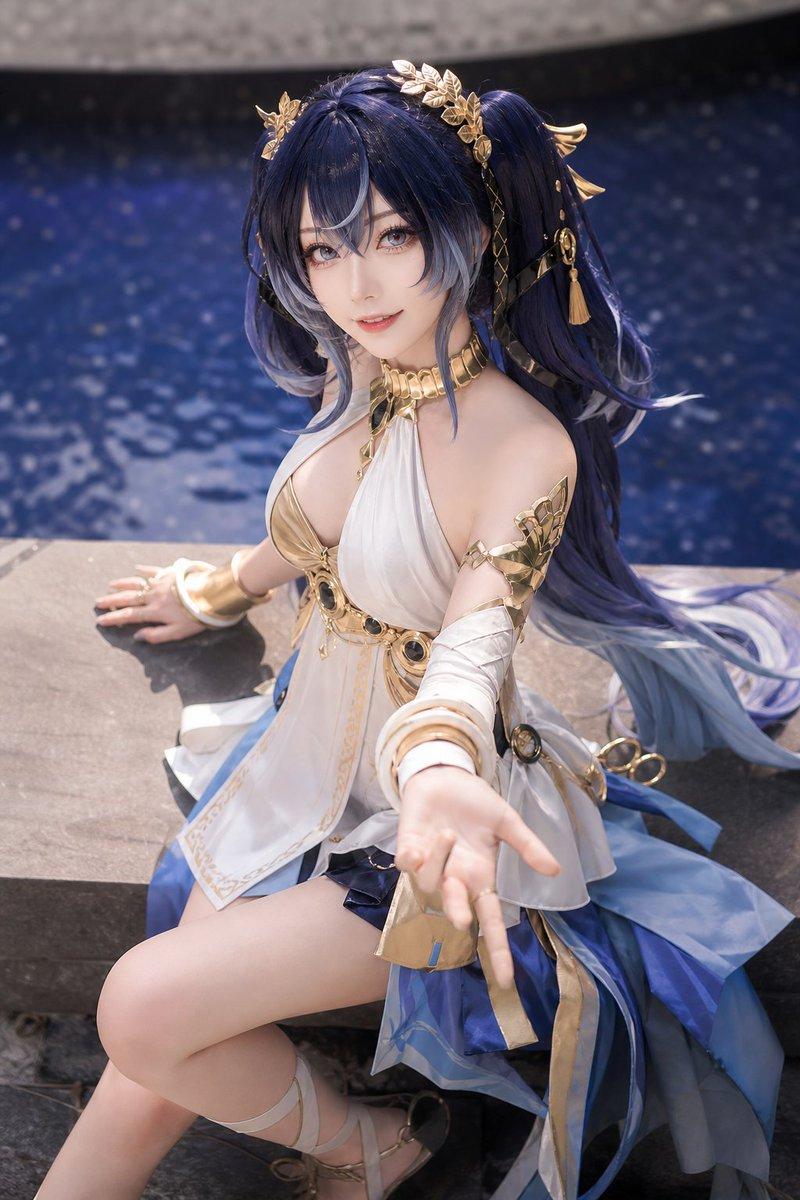
A highly detailed, realistic photograph of a young East Asian woman sitting in a cluttered backstage dressing room, getting ready for a cosplay event. She has {argument name="hair color" default="vibrant short red"} hair styled in a bob with bangs and is wearing an elaborate fantasy warrior costume featuring a {argument name="costume color" default="glossy red"} and gold tiered mini skirt, a white corset top with black lace and red lacing, matching glossy arm guards, and thigh-high boots. She is looking down with a focused expression, using her right hand to adjust the arm guard on her left arm. The vanity counter in front of her is messy, covered with makeup brushes, bottles, a hairbrush, and extra hairpieces. A large, ornate {argument name="prop" default="fantasy sword with a blue blade and gold hilt"} leans against the edge of the counter. The background shows a brightly lit vanity mirror with round bulbs reflecting a clothing rack, capturing a candid, slightly over-sharpened, and highly textured photographic style.
Category
Photography & Realism
Model
GPT Image 2
Views0
Source ID
46

Guide

About "建筑空间场景图"

What is this prompt for?

"建筑空间场景图" AI image prompt for GPT Image 2 (Photography & Realism). A highly detailed, realistic photograph of a young East Asian woman sitting in a cluttered b…

The full copyable prompt and example visuals above are ready for AI image generation or one-click recreate in Picva.

How to use this prompt

  1. Step 1

    Open the prompt detail

    Review the example visuals, category, and full prompt text for "建筑空间场景图".

  2. Step 2

    Copy the prompt

    Copy the prompt body from this page, or load it directly in Studio.

  3. Step 3

    Pick a model (GPT Image 2)

    Prefer GPT Image 2. If you switch models, keep subject and composition and tweak style terms.

  4. Step 4

    Generate and export

    Recreate the look in Picva, or export into your workflow for editing and publishing.

FAQ

What is the "建筑空间场景图" prompt?
It is an AI image-generation prompt for GPT Image 2 in the Photography & Realism category. This page includes the full prompt text, example visuals, and a one-click recreate path in Picva.
How do I use this prompt to generate an image?
Copy the prompt from this page, or use Generate / Studio. Paste it into a compatible image model, or recreate the look in Picva with optional reference images.
Which model is this prompt for?
This page lists GPT Image 2. Most descriptive prompts also transfer to nearby image models such as GPT Image, Flux, or Midjourney with light style tweaks.
Can I use the result commercially?
You can usually copy the prompt for creation, but commercial use of the final image depends on the model terms, reference-image rights, and the generated content. Follow the source author and platform rules.