Cyberpunk AI Tools Comparison Poster
Prompt
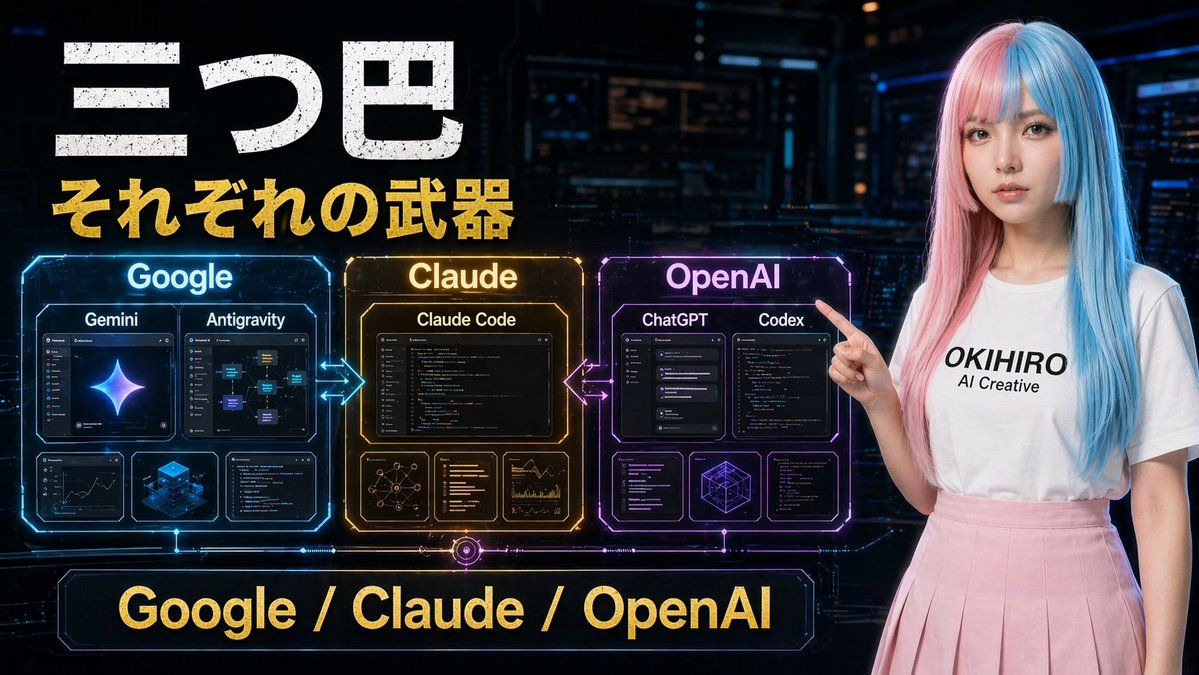
A futuristic Japanese tech comparison poster in a dark cyberpunk control-room setting, wide 16:9 composition. Large distressed white Japanese headline text at the upper left reading "三つ巴", with a bold gold subtitle directly below reading "それぞれの武器". Across the center-left are 3 glowing holographic comparison panels arranged horizontally and connected by neon arrows: a blue panel labeled "Google", an amber-gold panel labeled "Claude", and a purple-magenta panel labeled "OpenAI". The Google panel contains 4 inner cards: 2 larger top cards labeled "Gemini" and "Antigravity", plus 2 smaller bottom cards showing analytics/dashboard-like visuals and a blue isometric cube graphic. The Claude panel contains 4 inner cards: 1 large top card labeled "Claude Code", plus 3 smaller bottom cards showing a network diagram, text/code list, and chart analytics. The OpenAI panel contains 5 inner cards: 2 larger top cards labeled "ChatGPT" and "Codex", plus 3 smaller bottom cards showing interface/code windows and a geometric wireframe cube. Add glowing bidirectional arrows between Google and Claude, and between Claude and OpenAI. At the bottom center, place a large neon-framed banner with gold text reading "Google / Claude / OpenAI". On the right side, include a young woman standing and pointing left toward the panels, with long straight split-dyed hair in pastel pink and cyan blue, a plain white t-shirt with black text reading "{argument name="shirt text" default="OKIHIRO AI Creative"}", and a soft pink pleated skirt. Her face is obscured by a smooth rectangular blur block. Use cinematic sci-fi lighting, glossy hologram UI details, high contrast, vivid blue-gold-purple accents, and a polished YouTube thumbnail aesthetic.- Category
- Comparison Examples
- Model
- GPT Image 2
- Creator
- EvoLinkAI
- Source ID
- comparison-73
Views2