13

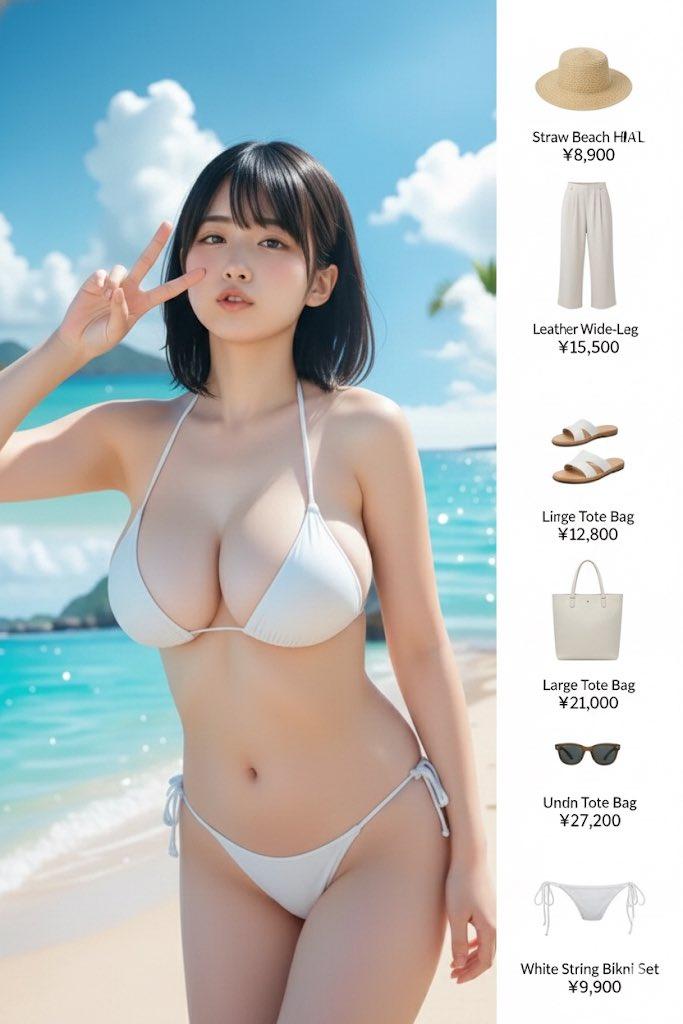
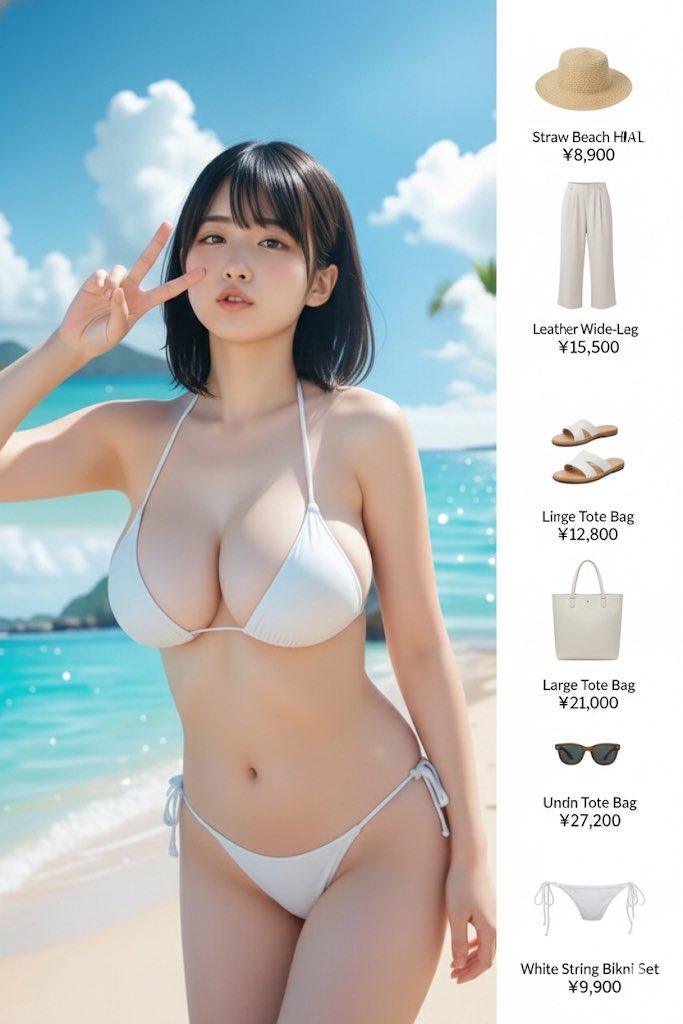
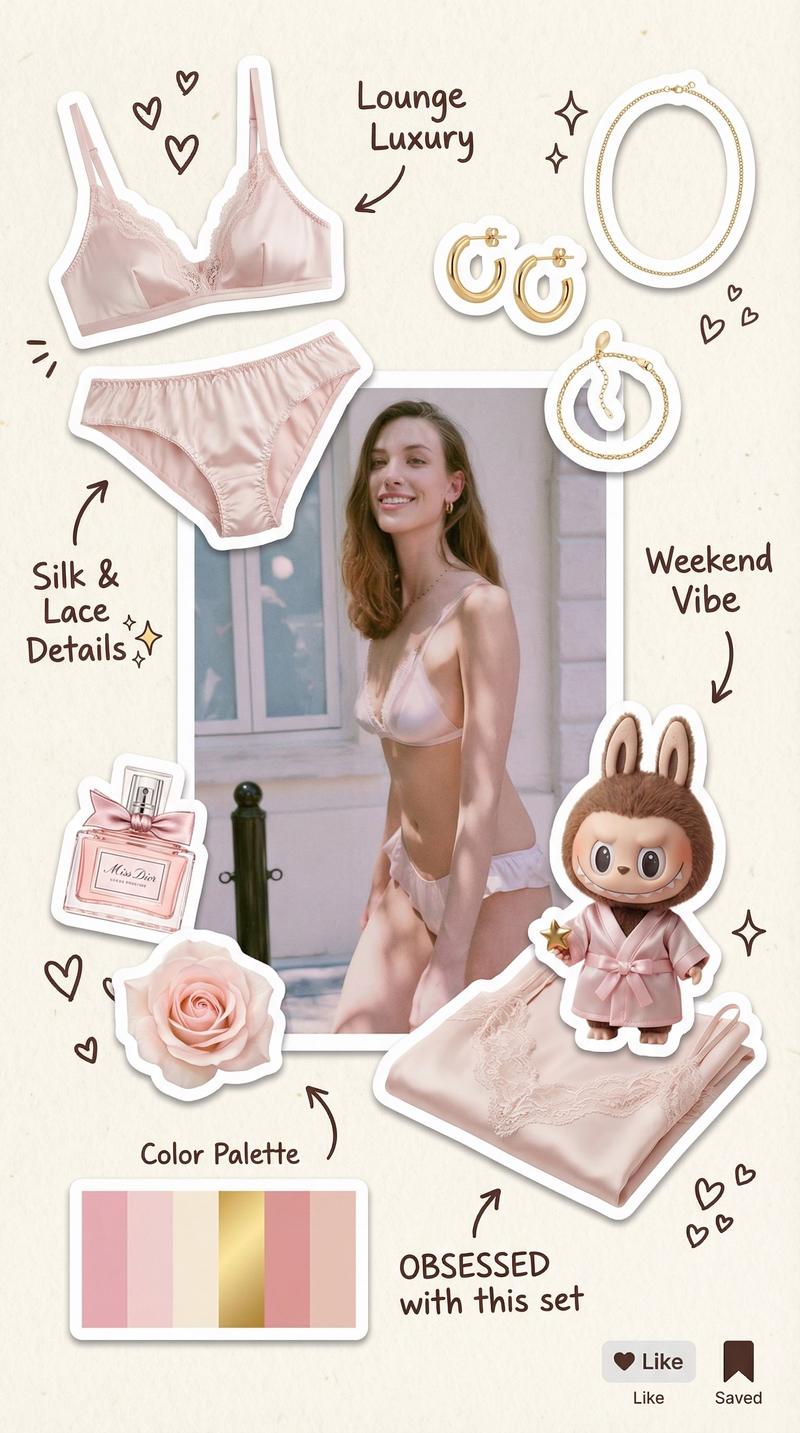
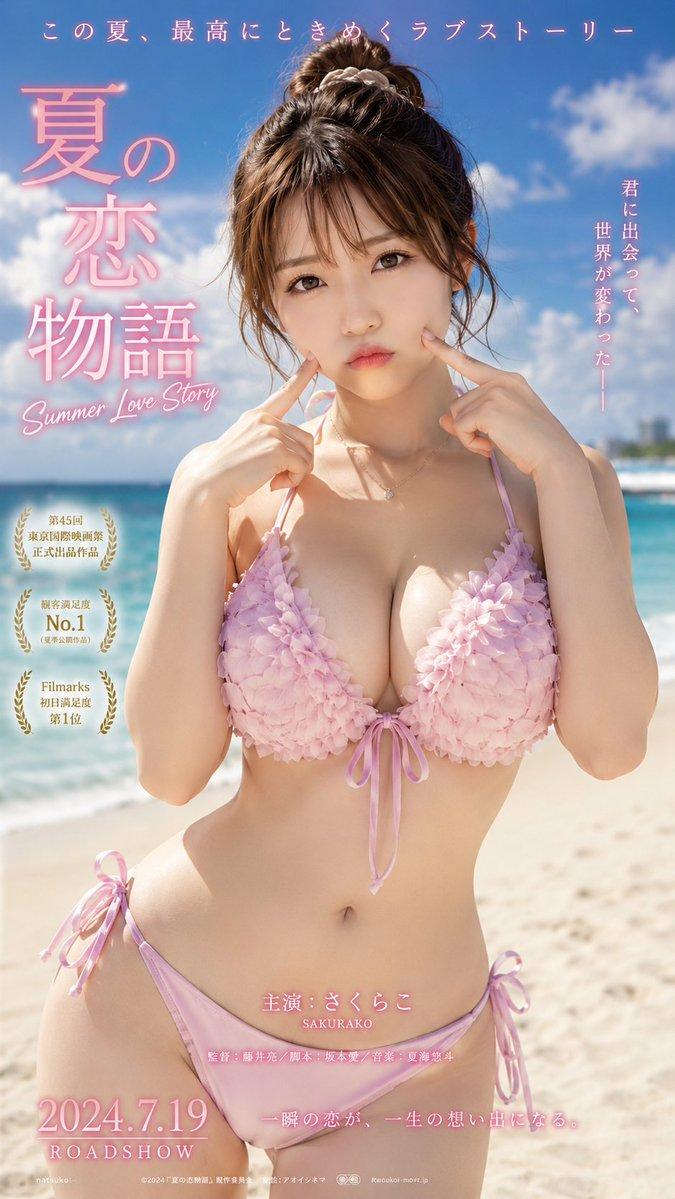
AI泳装穿搭提案
Enlarge

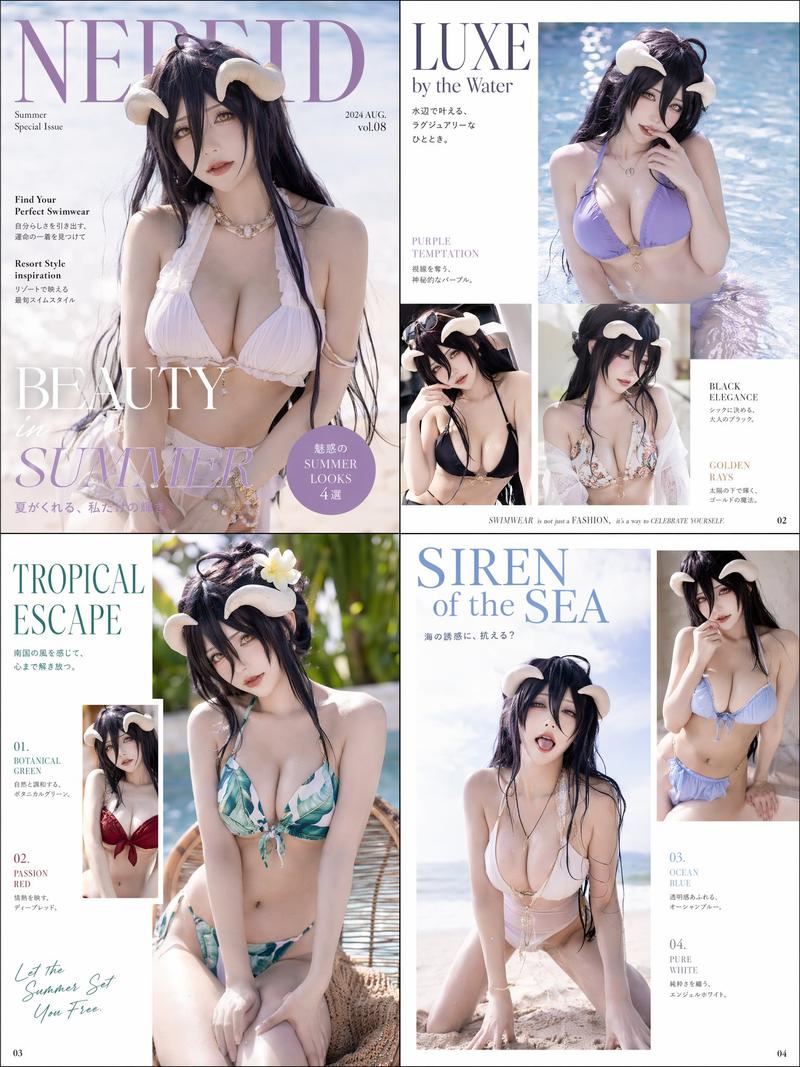
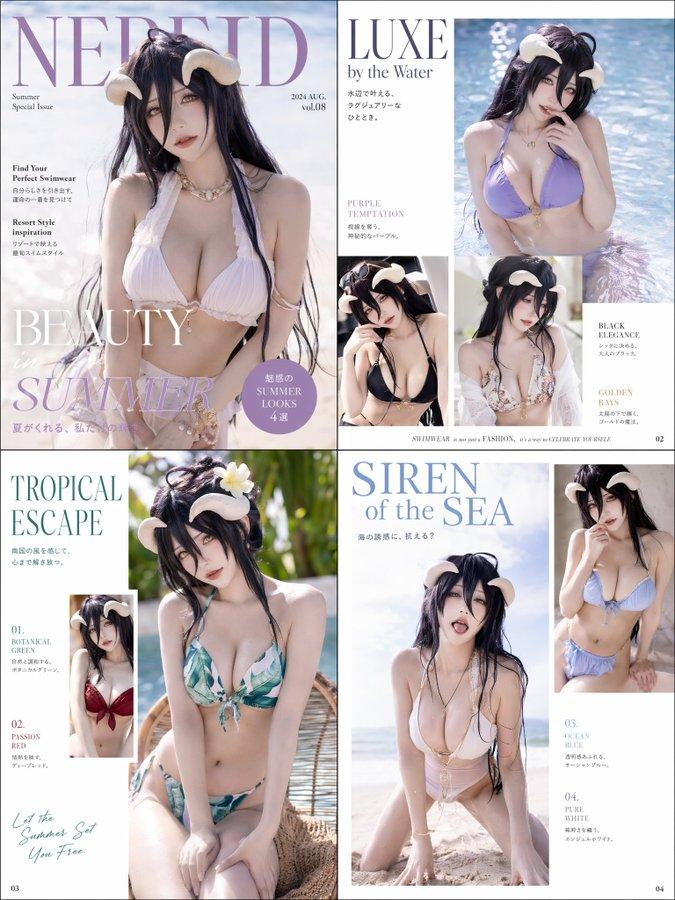
Example images

AI泳装穿搭提案

Prompt
请生成一张独立横向 4:3 高清中文「AI清新泳装穿搭提案 / AI Fresh Resort Swimwear Styling Board」。

系列定位:第三弹|清新性感泳装系列。

整体风格:清新、年轻、时尚、性感、真实度假感,不要太像品牌硬广,不要电商详情页。画面要像年轻时尚海边度假 moodboard,同时保留专业提案板质感。

版式要求:
顶部标题区 + 左侧大面积模特主视觉 + 中部产品拆解 + 右侧色彩卡/材质/身材优势标注 + 底部 3 个 Look 建议。

主标题:AI清新泳装穿搭提案  
英文副标题:AI Fresh Resort Swimwear Styling Board  
系列标识:第三弹|清新性感泳装系列  
主题标题:填写具体泳衣款式  
风格副标题:填写风格关键词

主视觉最重要:
成年中国女性模特,20 多岁年轻时尚气质,清新性感,身材高挑修长,腿长,腰臀比好,小腹平坦,肩颈线漂亮,体态挺拔,曲线自然好看。模特必须完整全身入镜,从头到脚可见,脚部可见,真实站在沙滩/浅水/泳池边,脚下有自然接触投影。人物有真实光影、皮肤高光、空间层次和背景景深,不能像抠图贴片。35mm 或 50mm 度假摄影感,轻微低机位,明亮自然光。

泳衣要求:
真实可穿,性感显身材,有设计感但不低俗。可包含高腰线、细肩带、挂脖、扭结、适度深 V、克制高开腿、侧边小绑带、防晒衬衫、轻薄罩衫、草帽、贝壳配饰等。

提案板内容:
展示泳衣平铺图、局部细节、色彩系统、材质细节、身材优势标签、场景适配、搭配小物。

必须加入少量手绘感中文标记和小箭头,例如:
“高腰线拉比例”“显腰但不刻意”“清爽但有性感度”“腿部比例会更长”“颜色明亮但不俗”“防晒衬衫外搭更自然”。

底部 3 个 Look:
Look 01:沙滩单穿  
Look 02:罩衫外搭  
Look 03:海边走拍

严格避免:低俗情色、过度暴露、情趣内衣感、廉价网红感、成熟硬广感、普通电商图、人物半身缺脚、平面贴纸感、身材普通、夸张不现实姿势、四宫格、合并图。

最终画面要年轻、时尚、清新、性感、真实立体、有专业提案板高级感。
Category
Products & E-commerce
Model
ChatGPT
Creator
@MrLarus
Views131
Source ID
14136
Published
May 11, 2026

Guide

About "AI泳装穿搭提案"

What is this prompt for?

"AI泳装穿搭提案" AI image prompt for ChatGPT (Products & E-commerce). 请生成一张独立横向 4:3 高清中文「AI清新泳装穿搭提案 / AI Fresh Resort Swimwear Styling Board」。 系列定位:第三弹|清新性感泳装系列。 整体风…

The full copyable prompt and example visuals above are ready for AI image generation or one-click recreate in Picva.

How to use this prompt

  1. Step 1

    Open the prompt detail

    Review the example visuals, category, and full prompt text for "AI泳装穿搭提案".

  2. Step 2

    Copy the prompt

    Copy the prompt body from this page, or load it directly in Studio.

  3. Step 3

    Pick a model (ChatGPT)

    Prefer ChatGPT. If you switch models, keep subject and composition and tweak style terms.

  4. Step 4

    Generate and export

    Recreate the look in Picva, or export into your workflow for editing and publishing.

FAQ

What is the "AI泳装穿搭提案" prompt?
It is an AI image-generation prompt for ChatGPT in the Products & E-commerce category. This page includes the full prompt text, example visuals, and a one-click recreate path in Picva.
How do I use this prompt to generate an image?
Copy the prompt from this page, or use Generate / Studio. Paste it into a compatible image model, or recreate the look in Picva with optional reference images.
Which model is this prompt for?
This page lists ChatGPT. Most descriptive prompts also transfer to nearby image models such as GPT Image, Flux, or Midjourney with light style tweaks.
Can I use the result commercially?
You can usually copy the prompt for creation, but commercial use of the final image depends on the model terms, reference-image rights, and the generated content. Follow the source author and platform rules.