16

电影光影下的烧橙调自信型男
Enlarge

电影光影下的烧橙调自信型男

Prompt
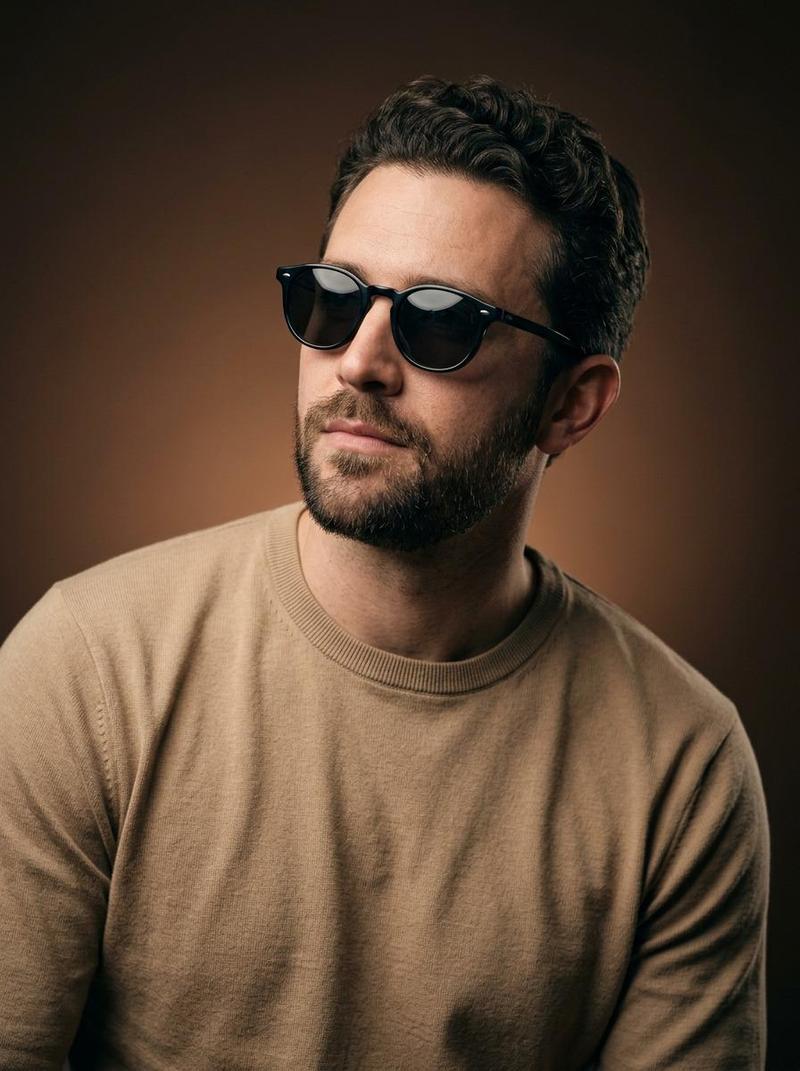
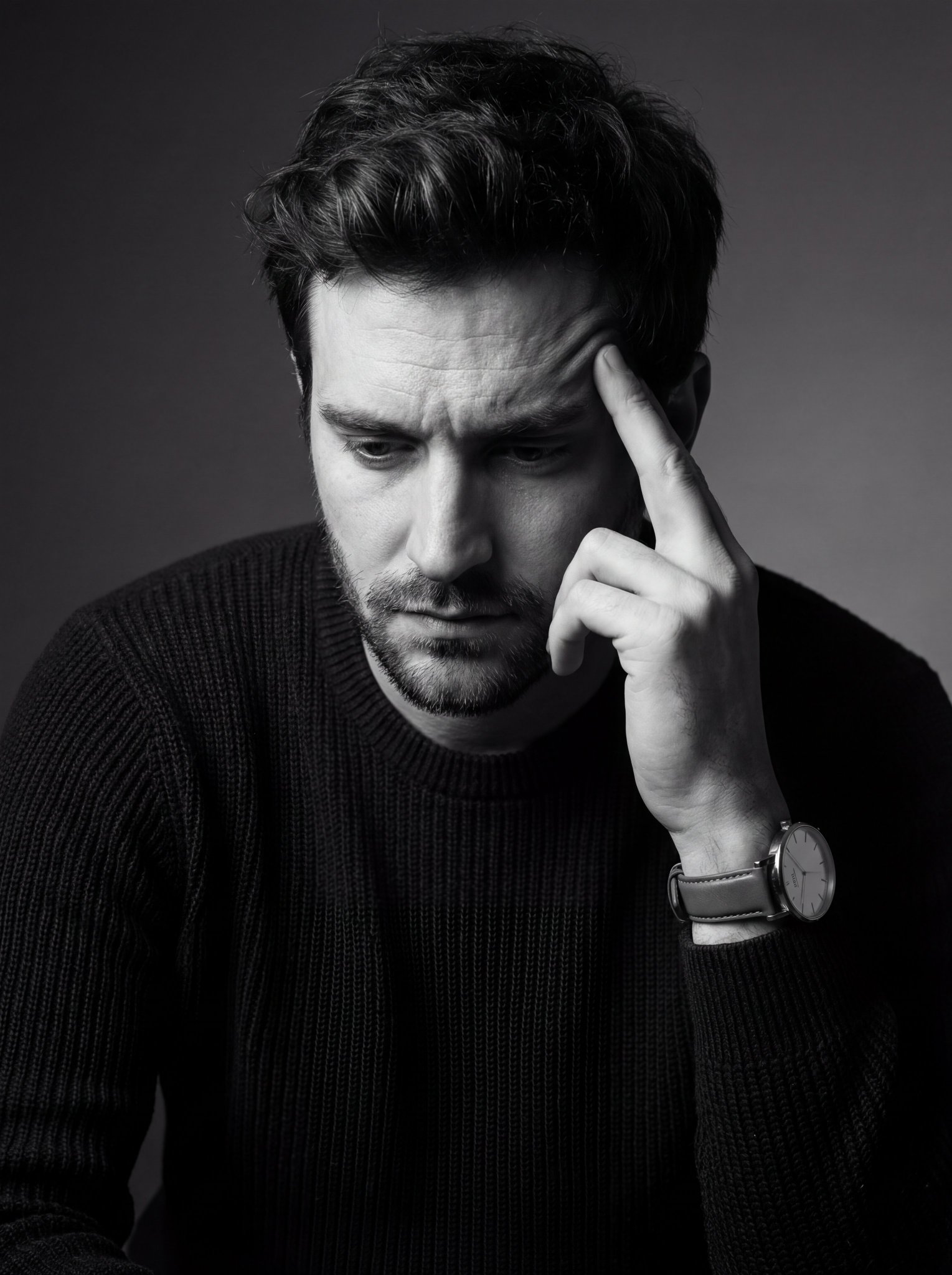
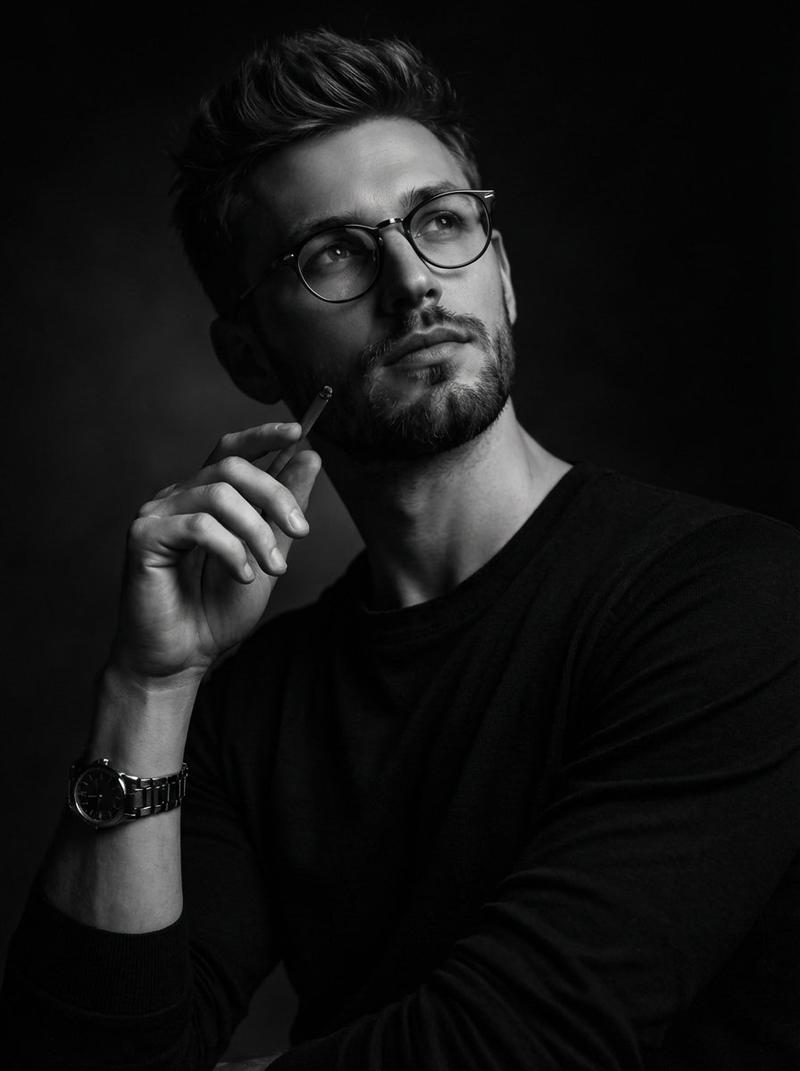
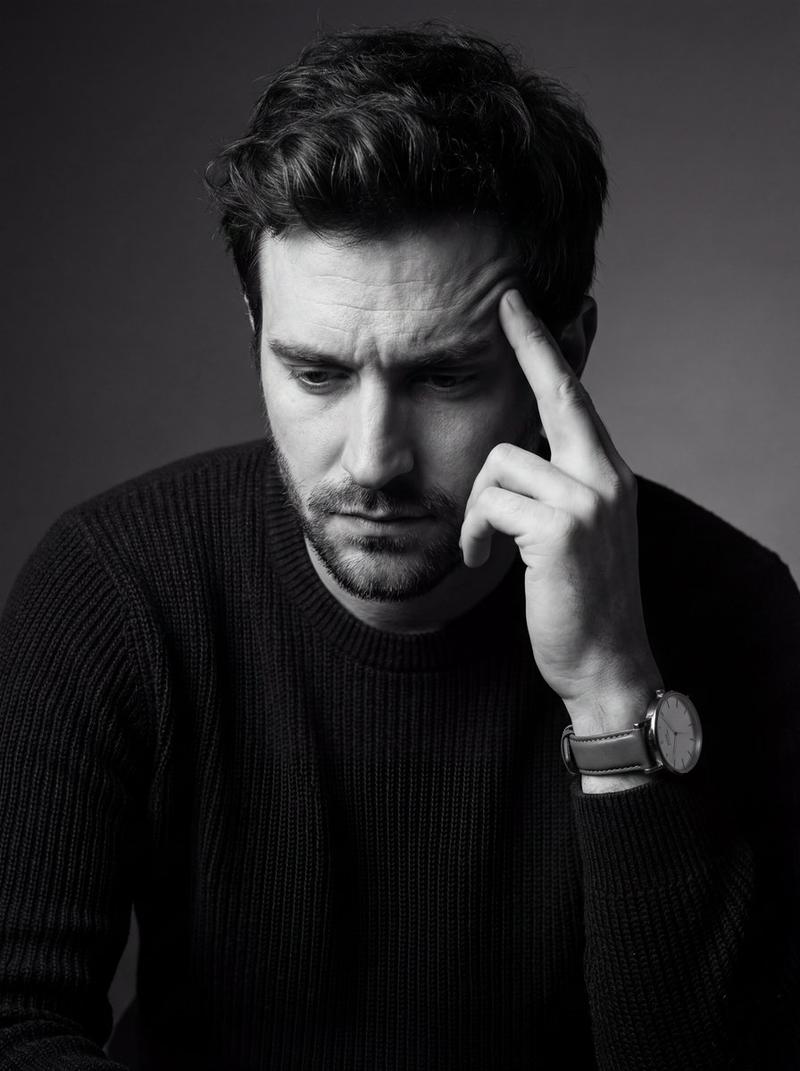
create an image of a stylish man in a plain burnt orange crewneck shirt and glossy black rectangular sunglasses, bust-up portrait, one hand at the collar/neckline as if straightening the shirt, slight forward lean, head tilted a few degrees, gaze off-camera downward, confident “aura” calm set a seamless deep rust-to-warm chocolate studio backdrop with smooth gradient falloff light with cinematic studio lighting: strong soft key at 45° camera-left, minimal fill to keep shadows rich, subtle rim light camera-right for separation, add elegant specular highlights on the lenses use a refined palette of burnt orange, rust, and cocoa with natural skin tones shoot at eye level on a full-frame camera, 85mm lens, f/2.2, crisp texture detail, shallow depth of field, centered composition with negative space and subtle depth
Category
Posters & Typography
Model
Nano Banana Pro
Views66
Source ID
13054
Published
Apr 7, 2026

Guide

About "电影光影下的烧橙调自信型男"

What is this prompt for?

"电影光影下的烧橙调自信型男" AI image prompt for Nano Banana Pro (Posters & Typography). 创作一张时尚男士的图像:他身穿纯色烧橘色圆领 T 恤,戴着亮黑色矩形太阳镜,半身像。一只手放在衣领/领口处,仿佛在整理衬衫,身体略微前倾,头部微微倾斜几度,目光向下看…

The full copyable prompt and example visuals above are ready for AI image generation or one-click recreate in Picva.

How to use this prompt

  1. Step 1

    Open the prompt detail

    Review the example visuals, category, and full prompt text for "电影光影下的烧橙调自信型男".

  2. Step 2

    Copy the prompt

    Copy the prompt body from this page, or load it directly in Studio.

  3. Step 3

    Pick a model (Nano Banana Pro)

    Prefer Nano Banana Pro. If you switch models, keep subject and composition and tweak style terms.

  4. Step 4

    Generate and export

    Recreate the look in Picva, or export into your workflow for editing and publishing.

FAQ

What is the "电影光影下的烧橙调自信型男" prompt?
It is an AI image-generation prompt for Nano Banana Pro in the Posters & Typography category. This page includes the full prompt text, example visuals, and a one-click recreate path in Picva.
How do I use this prompt to generate an image?
Copy the prompt from this page, or use Generate / Studio. Paste it into a compatible image model, or recreate the look in Picva with optional reference images.
Which model is this prompt for?
This page lists Nano Banana Pro. Most descriptive prompts also transfer to nearby image models such as GPT Image, Flux, or Midjourney with light style tweaks.
Can I use the result commercially?
You can usually copy the prompt for creation, but commercial use of the final image depends on the model terms, reference-image rights, and the generated content. Follow the source author and platform rules.