19

质感拉满的高端商业美女广告
Enlarge

Example images

质感拉满的高端商业美女广告

Prompt
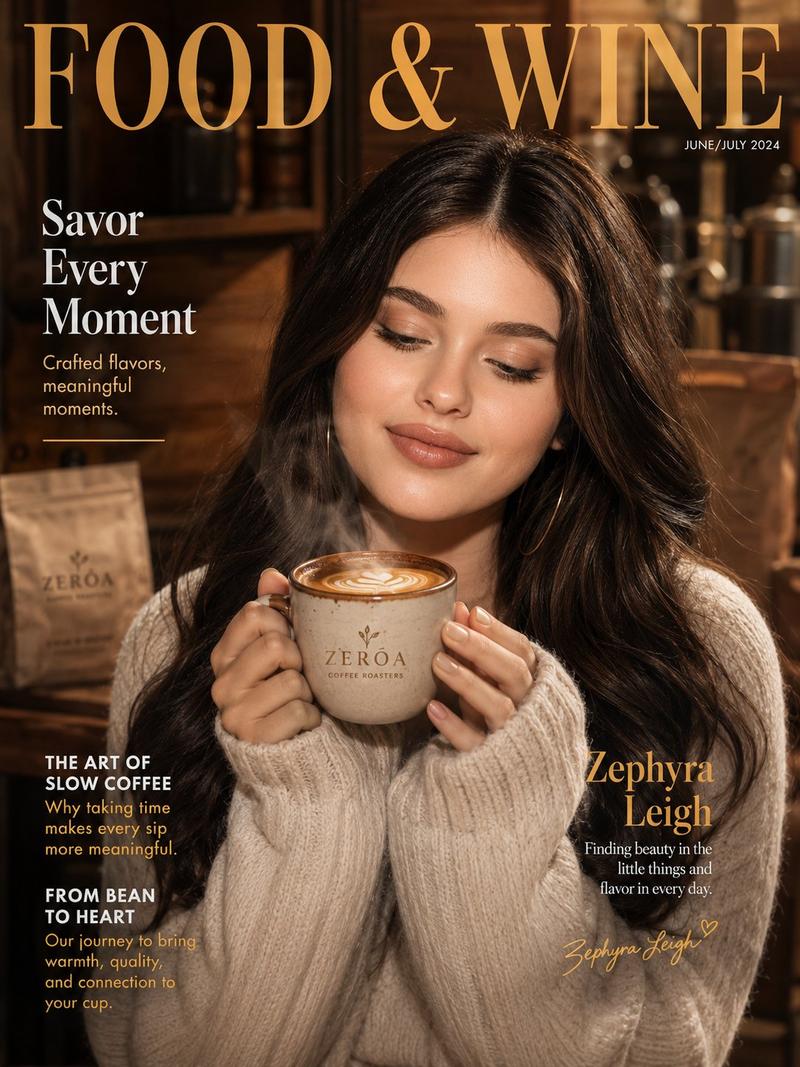
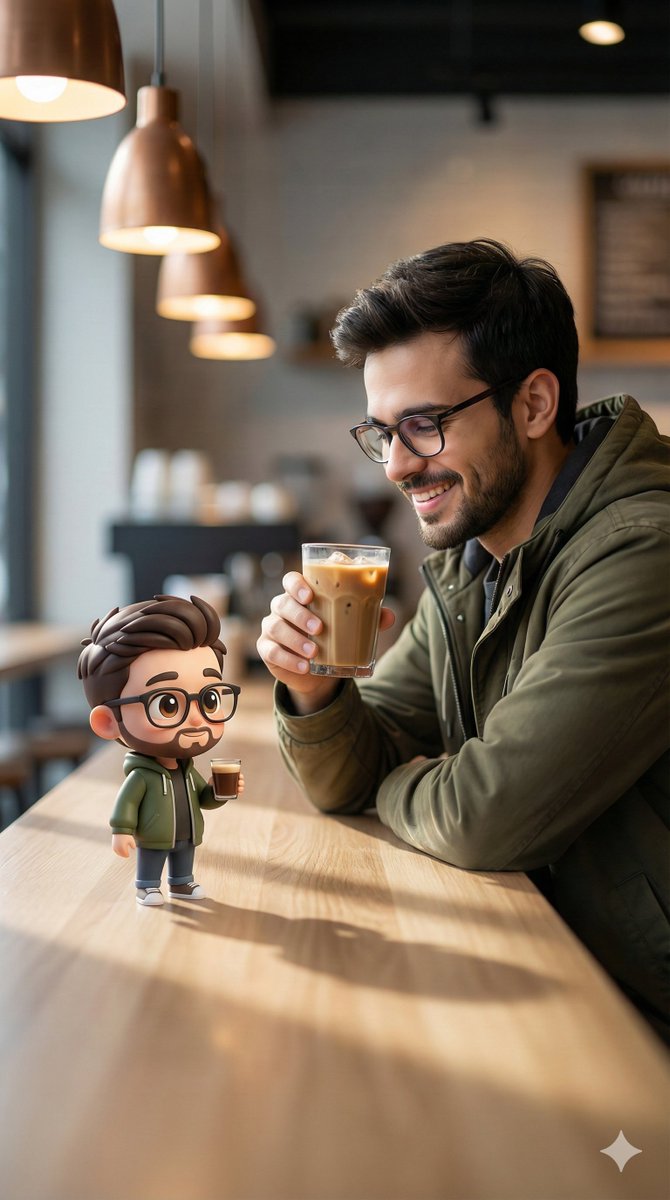
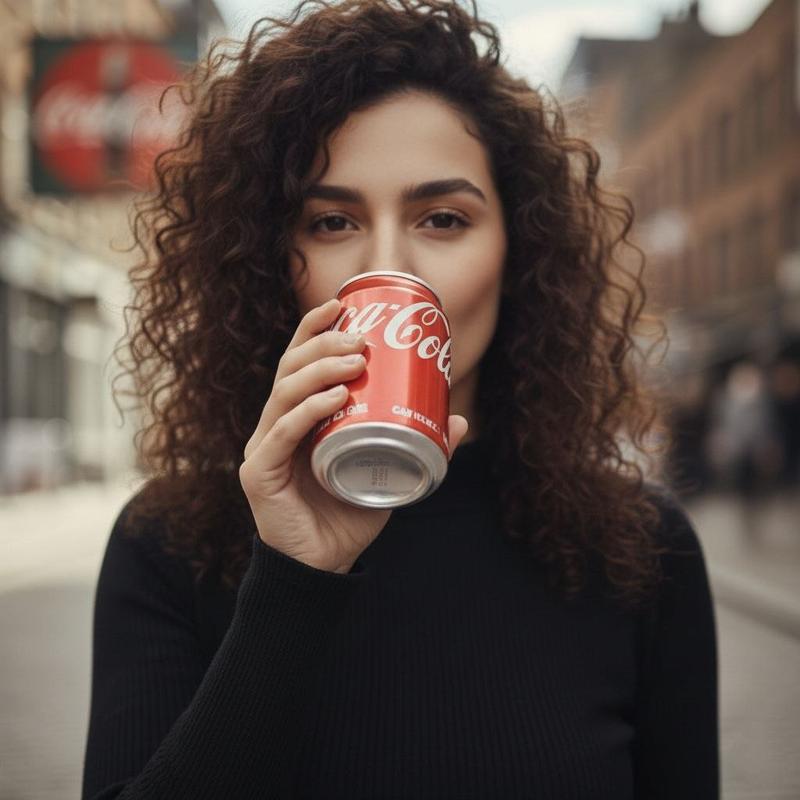
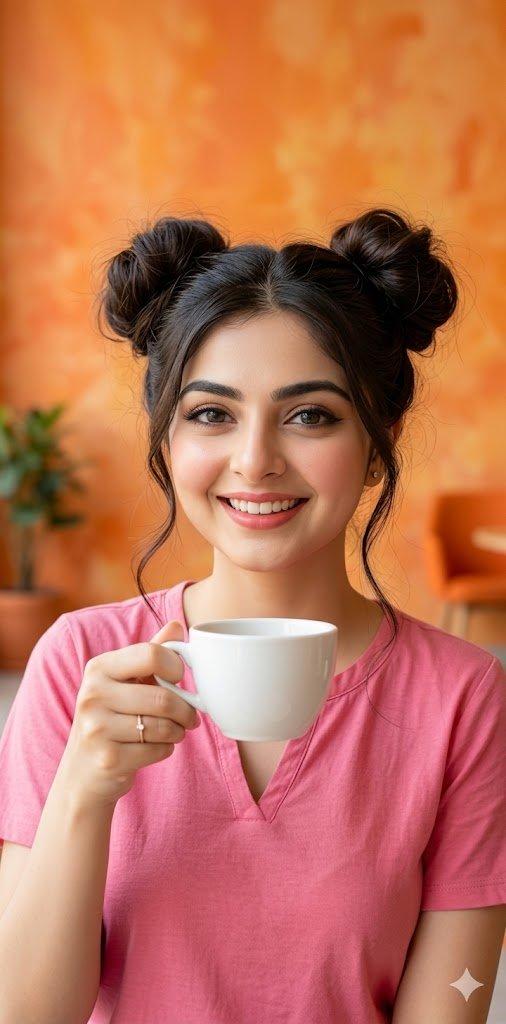
Premium commercial advertisement featuring a young woman (keep face identical to reference), natural makeup, glowing skin, expressive eyes, holding the main product (replace: coffee / ice cream / burger / etc.) in a visually appealing way.
Scene styled according to brand mood:
Luxury: dark tones, gold accents, cinematic lighting
Fun: colorful pastel background, playful doodles, bright lighting
Bold: high contrast, fire/splash effects, dynamic energy
Product in sharp focus with ultra-detailed textures (steam / melting / juicy / glossy effects depending on product). Background softly blurred with bokeh or thematic elements.
Lighting: cinematic, soft highlights + rim light, depth and glow.
Composition: close-up portrait, product in foreground, centered subject.
Style: ultra-realistic, high-end commercial ad, cinematic color grading, 8K, sharp focus, glossy finish, social media ready.
Category
Posters & Typography
Model
ChatGPT
Views168
Source ID
13933
Published
May 3, 2026

Guide

About "质感拉满的高端商业美女广告"

What is this prompt for?

"质感拉满的高端商业美女广告" AI image prompt for ChatGPT (Posters & Typography). 优质商业广告,主角为年轻女性(保持面部与参考图一致),自然妆容,透亮肌肤,富有表现力的双眼,以视觉上极具吸引力的方式拿着主要产品(替换:咖啡 / 冰淇淋 / 汉堡 / 其他)。 场景…

The full copyable prompt and example visuals above are ready for AI image generation or one-click recreate in Picva.

How to use this prompt

  1. Step 1

    Open the prompt detail

    Review the example visuals, category, and full prompt text for "质感拉满的高端商业美女广告".

  2. Step 2

    Copy the prompt

    Copy the prompt body from this page, or load it directly in Studio.

  3. Step 3

    Pick a model (ChatGPT)

    Prefer ChatGPT. If you switch models, keep subject and composition and tweak style terms.

  4. Step 4

    Generate and export

    Recreate the look in Picva, or export into your workflow for editing and publishing.

FAQ

What is the "质感拉满的高端商业美女广告" prompt?
It is an AI image-generation prompt for ChatGPT in the Posters & Typography category. This page includes the full prompt text, example visuals, and a one-click recreate path in Picva.
How do I use this prompt to generate an image?
Copy the prompt from this page, or use Generate / Studio. Paste it into a compatible image model, or recreate the look in Picva with optional reference images.
Which model is this prompt for?
This page lists ChatGPT. Most descriptive prompts also transfer to nearby image models such as GPT Image, Flux, or Midjourney with light style tweaks.
Can I use the result commercially?
You can usually copy the prompt for creation, but commercial use of the final image depends on the model terms, reference-image rights, and the generated content. Follow the source author and platform rules.