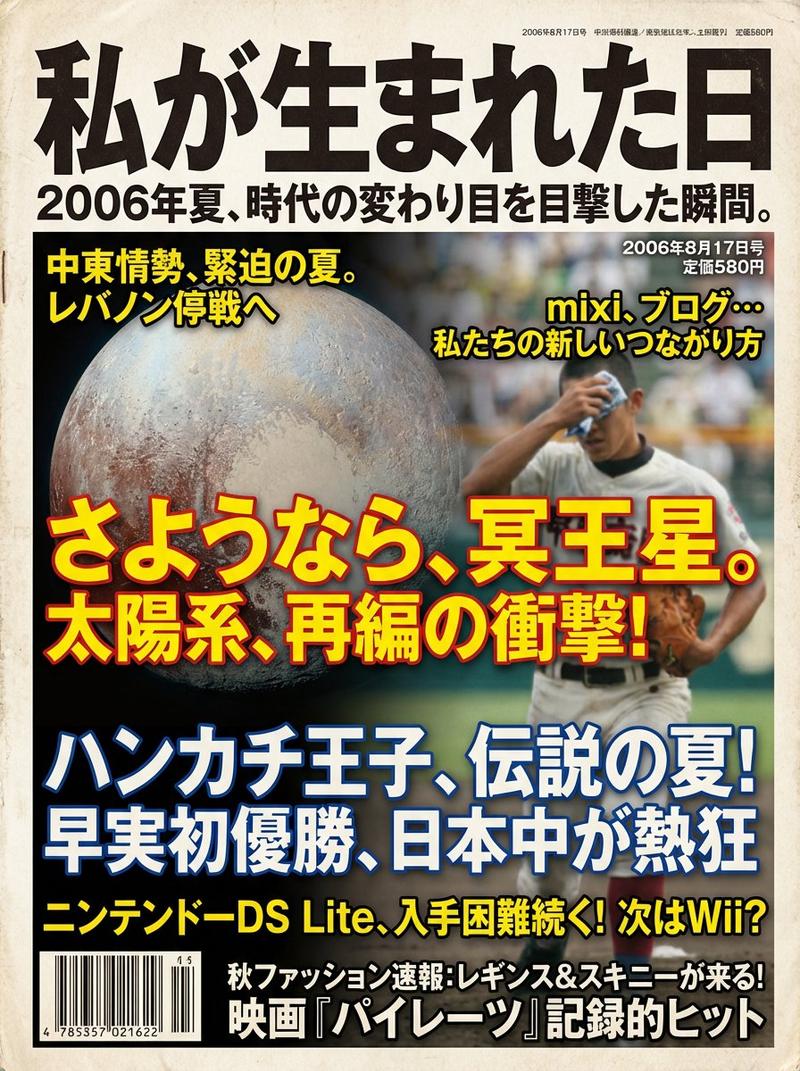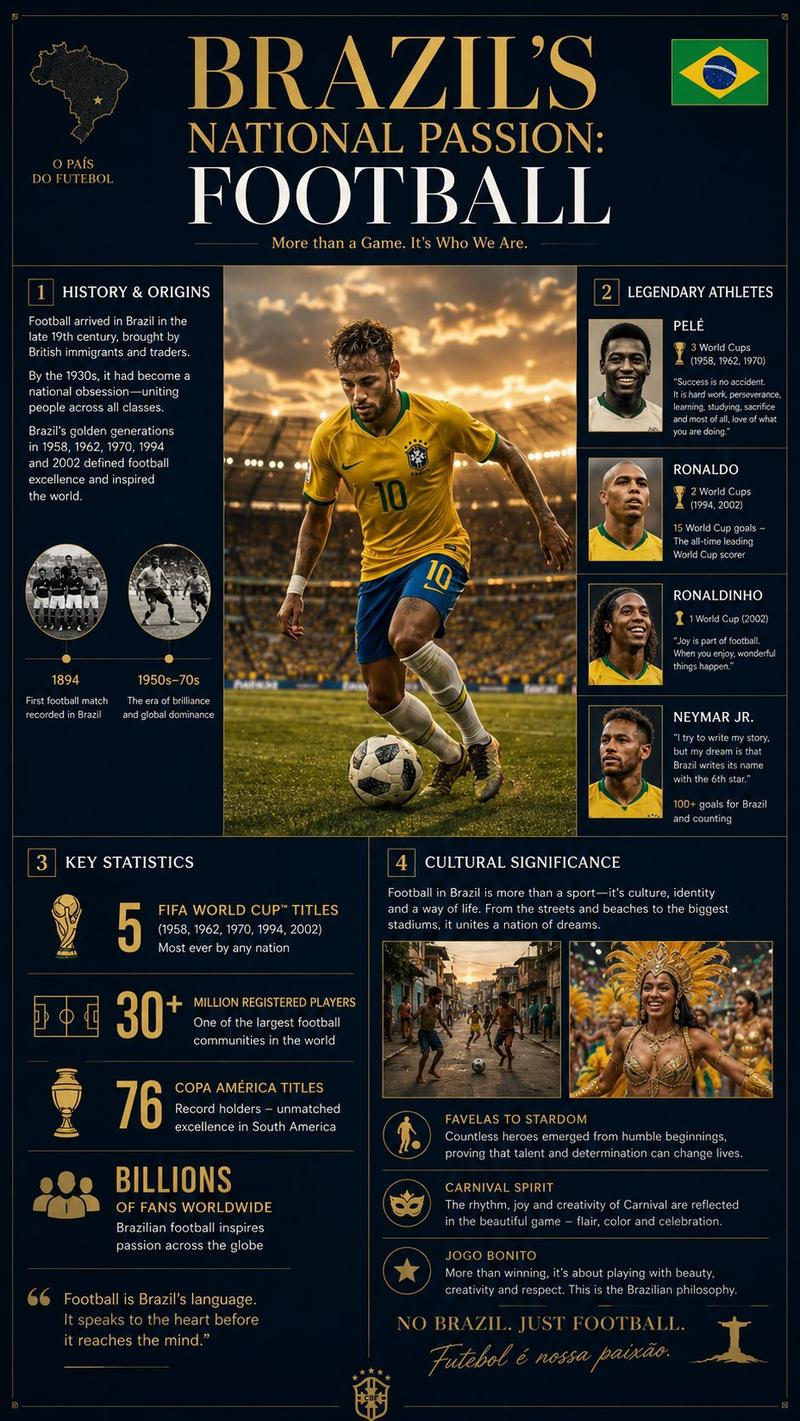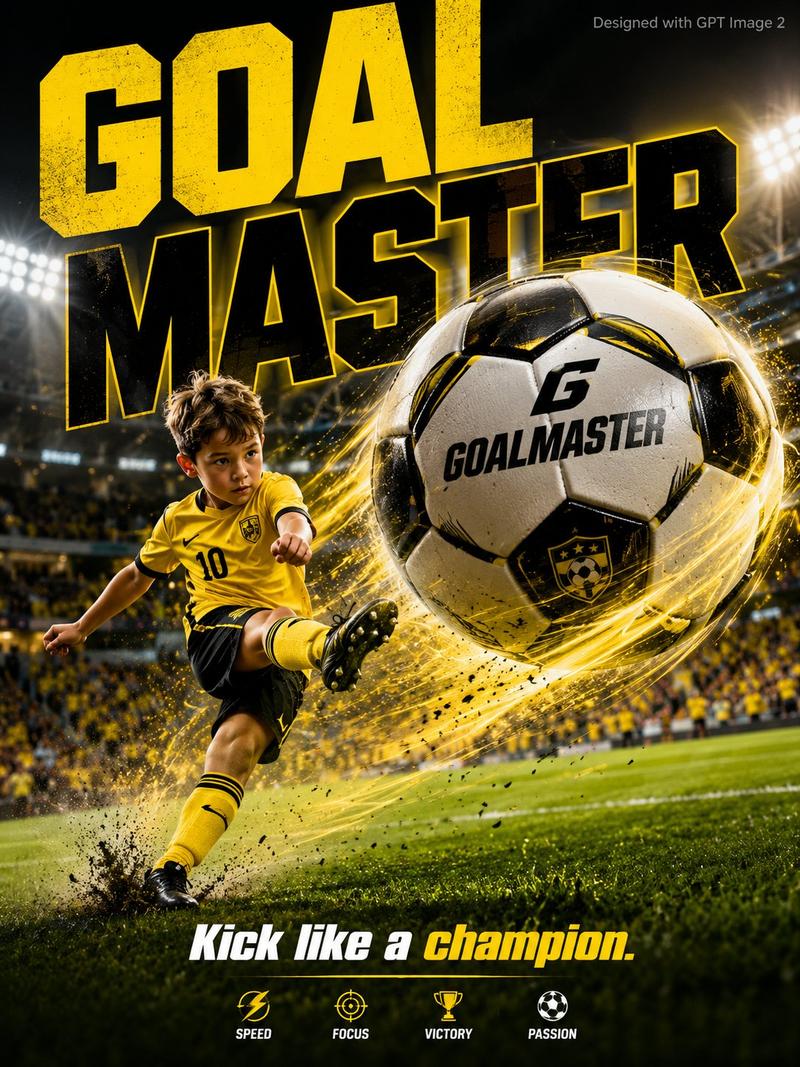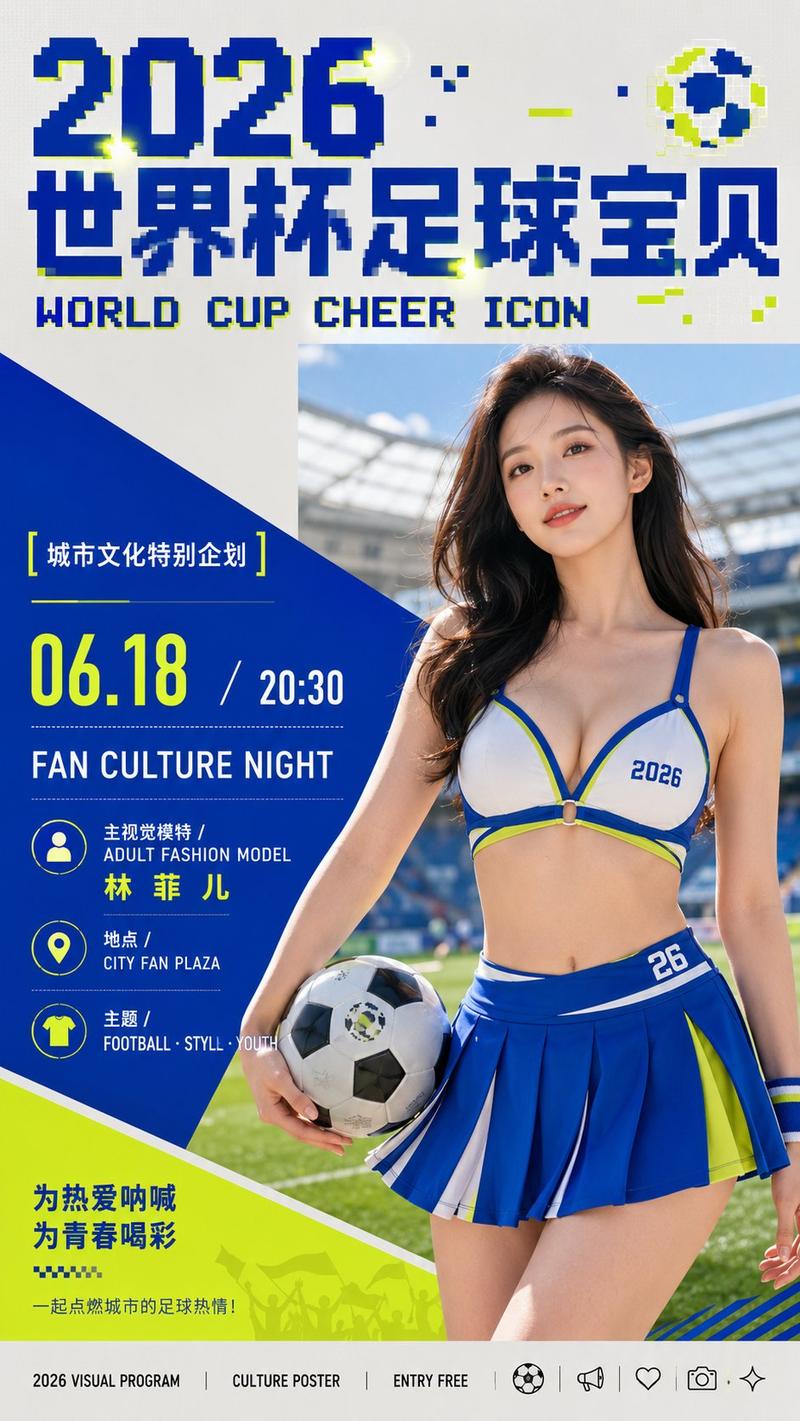
高信息感竞赛发布风格视觉设计
Prompt
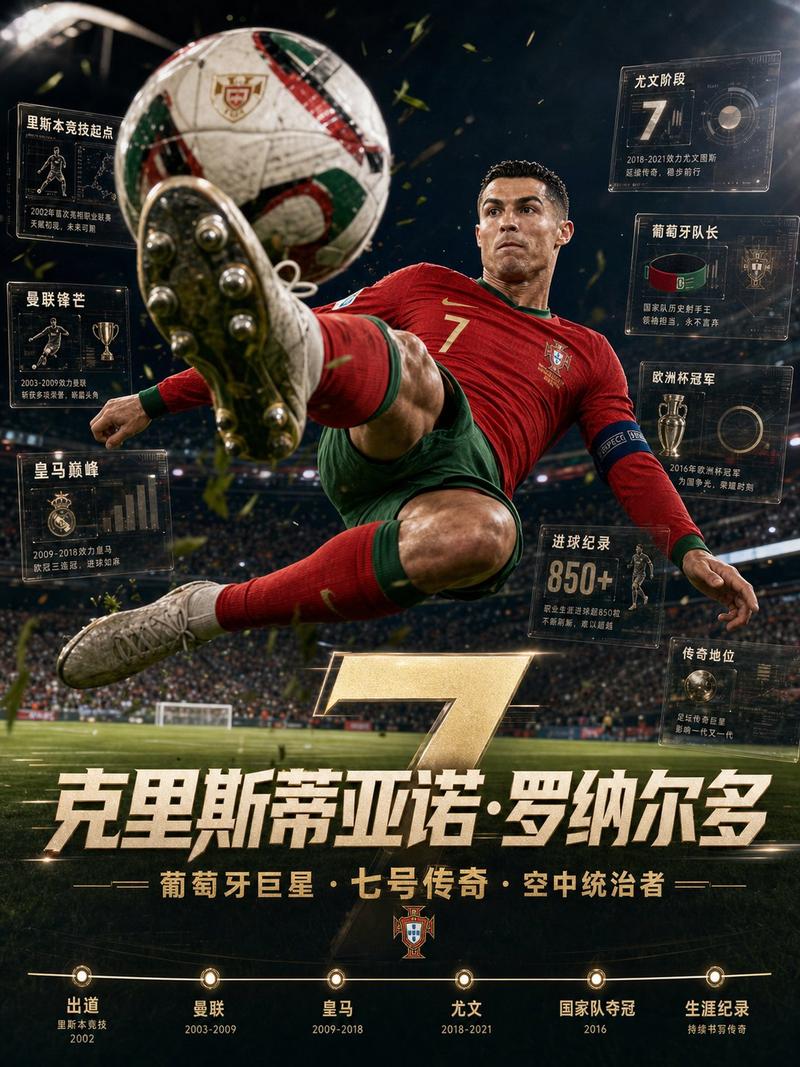
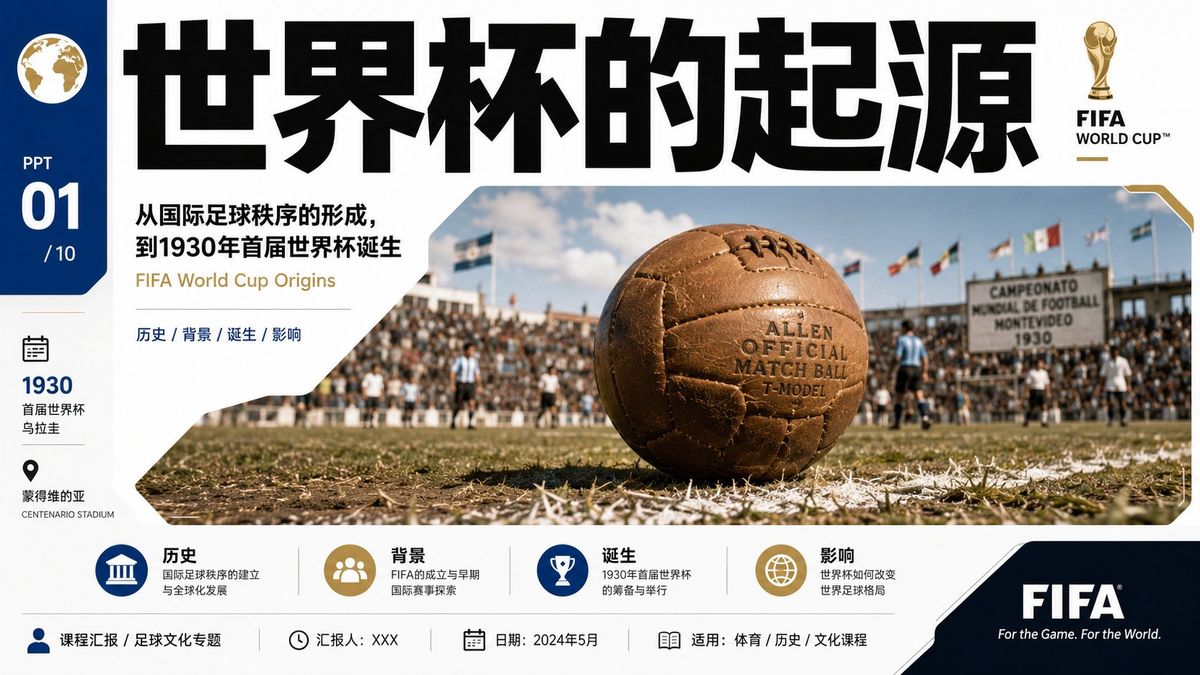
Generate visual works with a strong sense of information around any theme: let a real or highly realistic theme scene become the main body of the picture, layered with a graphic frame as sharp, bright, and clean as event release materials. The first glance reads the oversized bold title at the top, with extremely heavy weight, compact letter spacing, and horizontal spread, forming a high-pressure identification anchor; the second glance enters the large image window in the middle, where the theme object appears as a close-up main form, enclosed by rounded corners, chamfers, and partial gaps, with the edges of the image appearing precisely cut by bright structural plates. Arrange a vertical information bar on the left, and place low-density explanatory text, icon groups, short lines, and small badges at the bottom, while reserving a solid dark symbol block in the bottom right, ensuring all information hierarchies are clear, as if speed and order are happening simultaneously. Colors are extracted from the theme's own materials, scenes, and emotions, maintaining the role relationships of large-area high-brightness pure base colors, dark text structures, natural image colors, and a few clear emphasis colors; the overall feel should be bright, light, transparent, and clean, with sharp boundaries, saturation concentrated on structural colors and emphasis points, and dark areas kept clean without turning gray. Use a combination of modern thick black sans-serif and narrow small-font characters, where the title has strong impact and the small text maintains an industrial precise rhythm. The image texture should be like real photos superimposed with a graphic design system, where sunlight, hard-edged shadows, fine-grained pavement, or theme-related textures all serve speed, competition, sense of release, and readability, avoiding becoming ordinary promotional illustrations or loose collages.
- Category
- Charts & Infographics
- Model
- ChatGPT
- Creator
- @xiaoxiaodong01
- Source ID
- 17475
- Published
- Jul 6, 2026
Views0