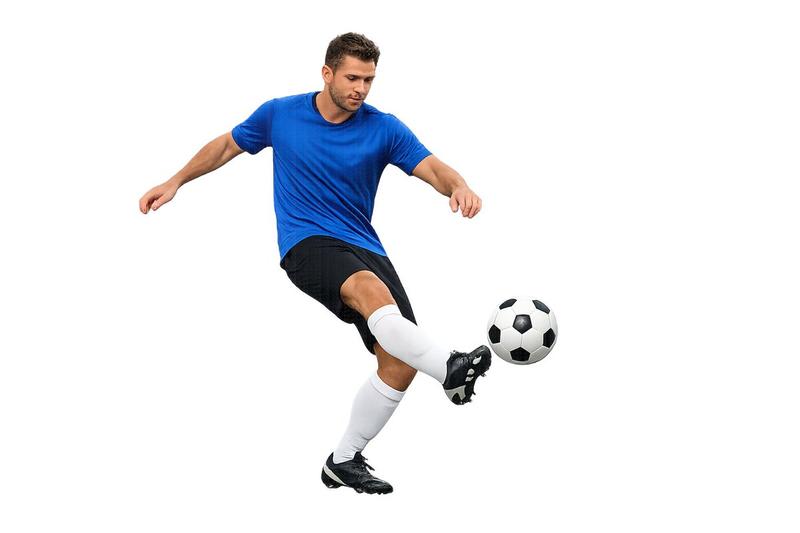
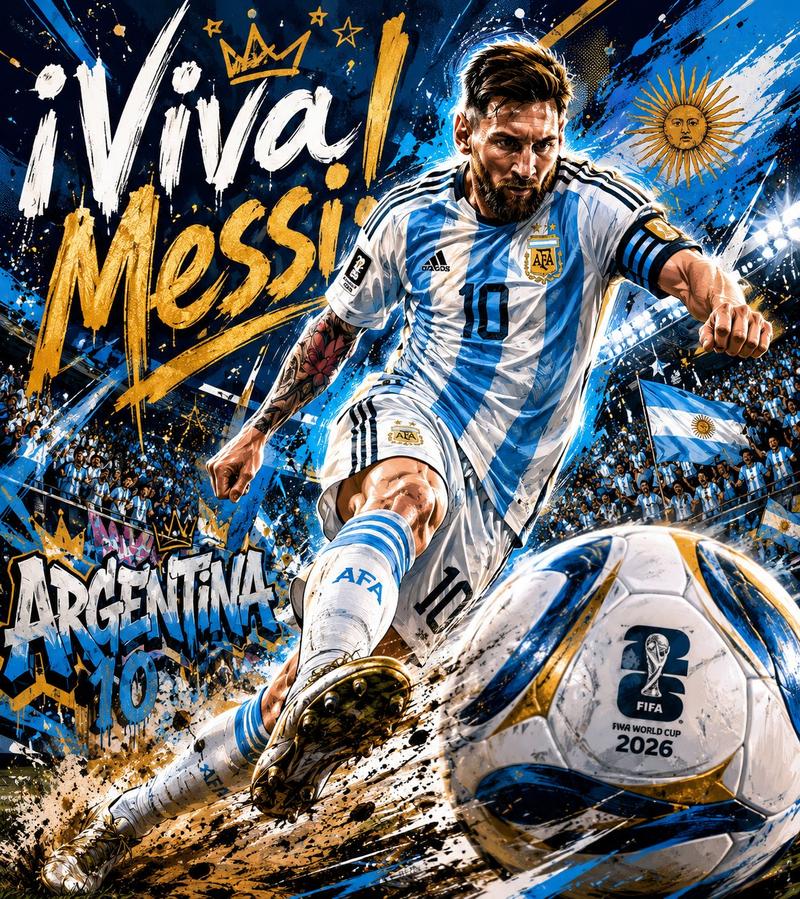
Realistic Sports Storyboard Layout
Prompt
Create a clean, colorful, realistic 15 shot storyboard in a 3x5 grid layout on a single page, showing a girls’ football match from start to finish. Each panel must be clearly separated with thin borders and include a small white number box in the top-left corner, numbered 1 to 15. The overall style should look like real sports photography, bright daylight, natural colors, outdoor football field, realistic grass texture, realistic facial expressions, dynamic action, and cinematic visual storytelling.\n\nThe main subject is a young female football player with dark hair tied in a ponytail, wearing a red jersey, white shorts, white knee socks, and football boots. She should remain visually consistent across all panels. The opposing team wears blue jerseys, and the goalkeeper wears a green jersey. The setting is an outdoor football field with goalposts, net, white field markings, trees, and a few spectators in the background.\n\nPanel breakdown:\nWide establishing shot of the football field, players from both teams spread across the pitch, spectators in the foreground, bright blue sky with clouds.\nMedium shot of the main female player in red getting ready, focused and determined.\nClose-up of the football rolling on the grass.\nAction shot of the main player facing a defender in blue.\nClose-up of feet and ball, showing a dribble move.\nTeammate in red calling for the ball, pointing while running.\nExtreme close-up of the main player’s eyes, full of concentration and pressure.\nDynamic running shot of the main player dribbling forward with the ball.\nBody-to-body challenge between the main player and a defender in blue.\nPre-shot setup moment, the main player positioning the ball to shoot.\nPowerful kick shot, showing the exact moment of striking the ball, with grass flying.\nBall flying toward the goal, goalkeeper reacting with raised arms.\nGoalkeeper diving in an attempt to save the ball.\nBall hitting the net, close-up of the goal moment, net stretching.\nCelebration shot, teammates in red cheering and hugging after scoring.\n\nMake the whole page look like a professional visual storyboard, highly readable, visually balanced, energetic, emotional, and realistic. Use photorealistic sports photography style, sharp details, shallow depth of field in some close up panels, natural sunlight, cinematic framing, no text except the panel numbers.\n\nGenerate a scene using shots in the uploaded film storyboard. no text on screen.
- Category
- Charts & Infographics
- Model
- GPT Image 2
- Creator
- BMX
- Source ID
- 18096
- Published
- May 3, 2026
Views1