18

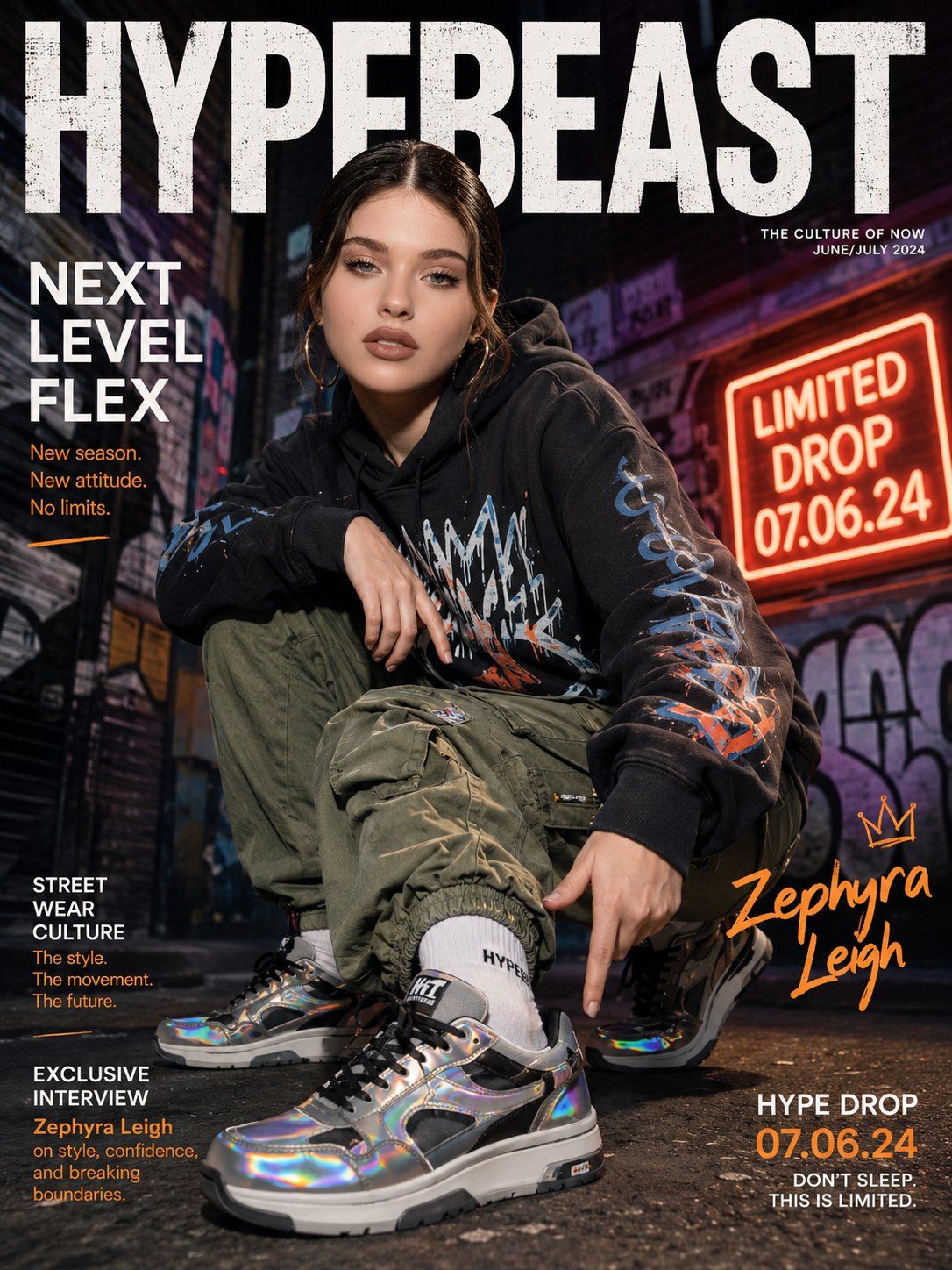
韩国女性街头潮流杂志封面全息球鞋
Enlarge

韩国女性街头潮流杂志封面全息球鞋

Prompt
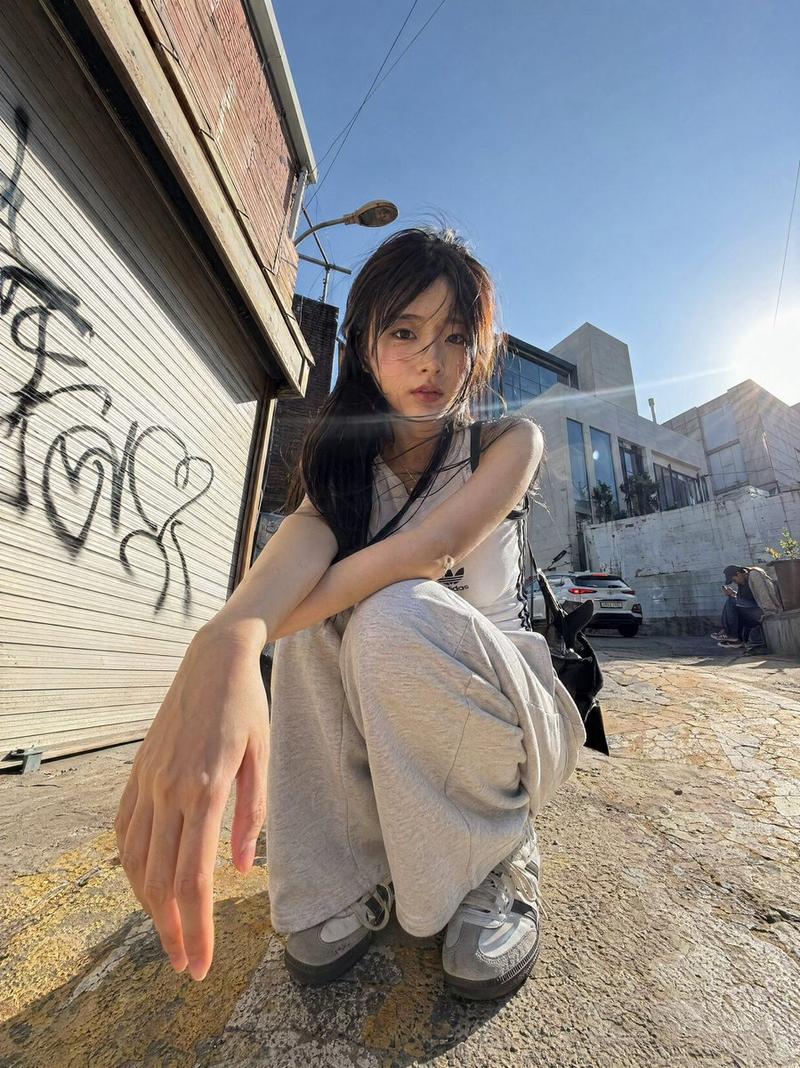
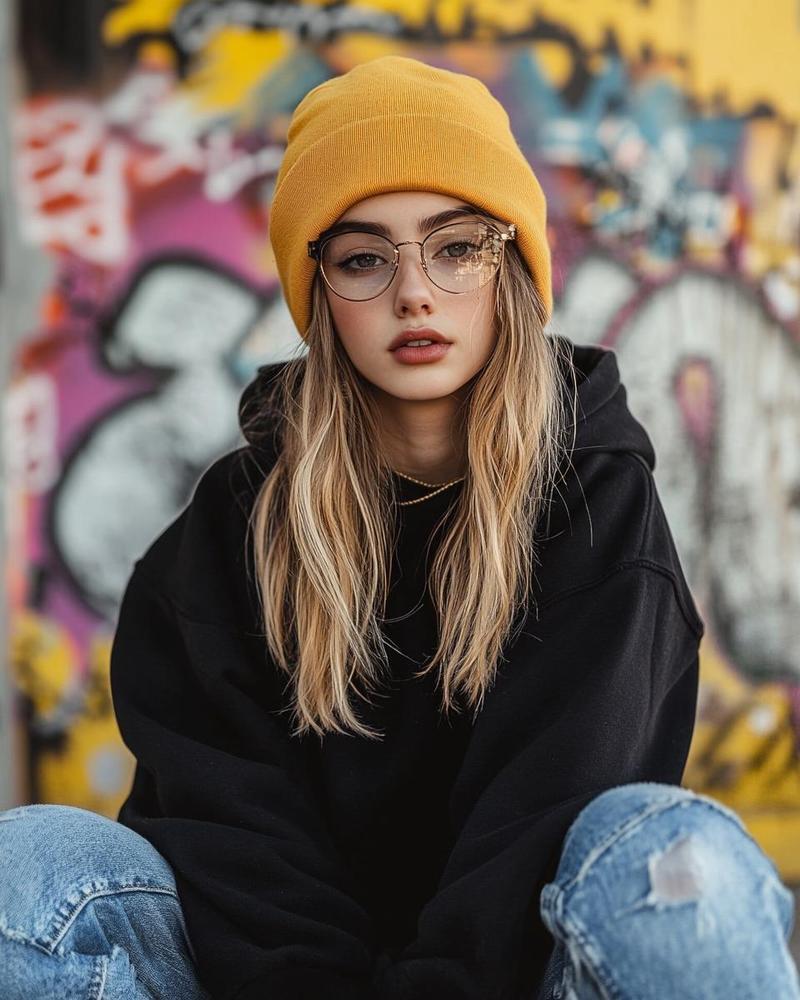
[Reference Image]
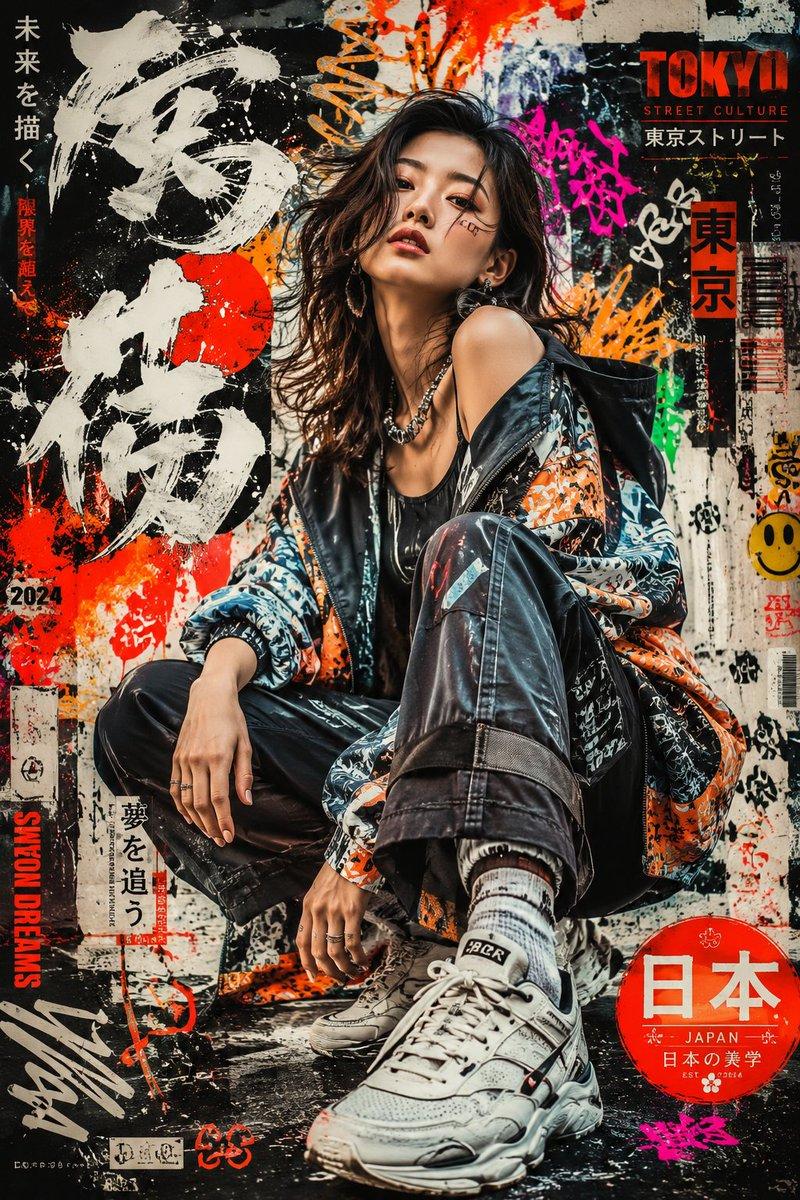
Use the reference photo while keeping the face completely unchanged and identical to the original subject, Ultra-realistic streetwear hype magazine cover featuring a confident Korean woman in an oversized graphic hoodie and high-waisted cargo pants, crouched dynamically to showcase a pair of limited-edition holographic-accent sneakers on her feet, one hand pointing toward the shoe, fierce editorial energy. Sleek slicked-back hair, sharp street-style makeup, bold matte lip. 

Background: graffiti-covered urban alley with neon sign glow and dramatic flash photography lighting, gritty street energy. "HYPEBEAST" masthead in bold distressed sans-serif with sneaker drop date callout. 35mm lens, ultra-detailed sneaker material texture and holographic shimmer, 8K photorealistic streetwear campaign.

Negative: cartoon, blurry, fake shoe proportions, watermark, distorted feet.
Category
Charts & Infographics
Model
ChatGPT
Views17
Source ID
17061
Published
Jun 29, 2026

Guide

About "韩国女性街头潮流杂志封面全息球鞋"

What is this prompt for?

"韩国女性街头潮流杂志封面全息球鞋" AI image prompt for ChatGPT (Charts & Infographics). [参考图像] 使用参考照片,同时保持面部完全不变且与原主体完全一致,超逼真的街头潮流时尚杂志封面,主角是一位自信的韩国女性,身穿超大号印花连帽衫和高腰工装裤,动感蹲姿展示脚上…

The full copyable prompt and example visuals above are ready for AI image generation or one-click recreate in Picva.

How to use this prompt

  1. Step 1

    Open the prompt detail

    Review the example visuals, category, and full prompt text for "韩国女性街头潮流杂志封面全息球鞋".

  2. Step 2

    Copy the prompt

    Copy the prompt body from this page, or load it directly in Studio.

  3. Step 3

    Pick a model (ChatGPT)

    Prefer ChatGPT. If you switch models, keep subject and composition and tweak style terms.

  4. Step 4

    Generate and export

    Recreate the look in Picva, or export into your workflow for editing and publishing.

FAQ

What is the "韩国女性街头潮流杂志封面全息球鞋" prompt?
It is an AI image-generation prompt for ChatGPT in the Charts & Infographics category. This page includes the full prompt text, example visuals, and a one-click recreate path in Picva.
How do I use this prompt to generate an image?
Copy the prompt from this page, or use Generate / Studio. Paste it into a compatible image model, or recreate the look in Picva with optional reference images.
Which model is this prompt for?
This page lists ChatGPT. Most descriptive prompts also transfer to nearby image models such as GPT Image, Flux, or Midjourney with light style tweaks.
Can I use the result commercially?
You can usually copy the prompt for creation, but commercial use of the final image depends on the model terms, reference-image rights, and the generated content. Follow the source author and platform rules.