19

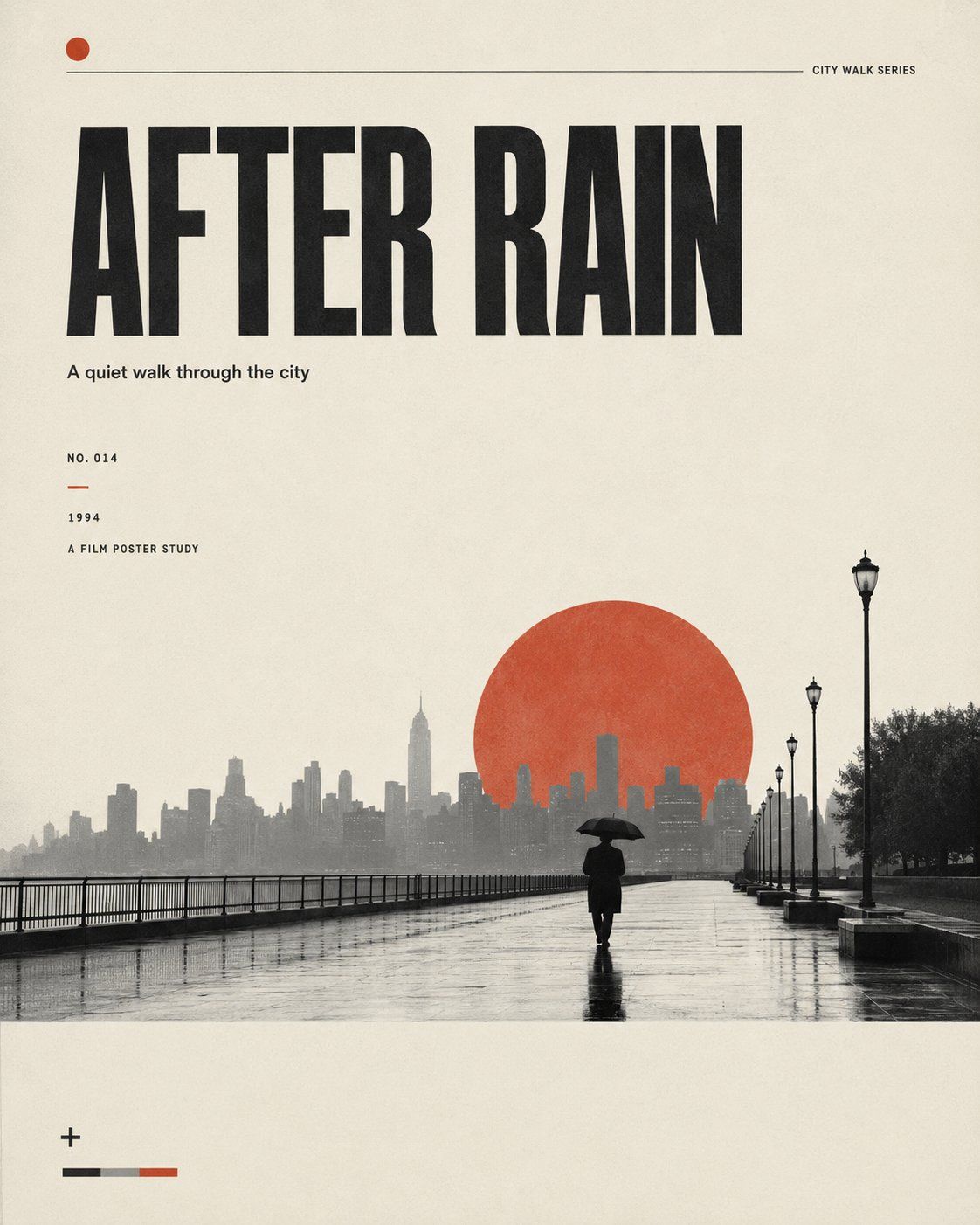
极简电影感编辑风格海报
Enlarge

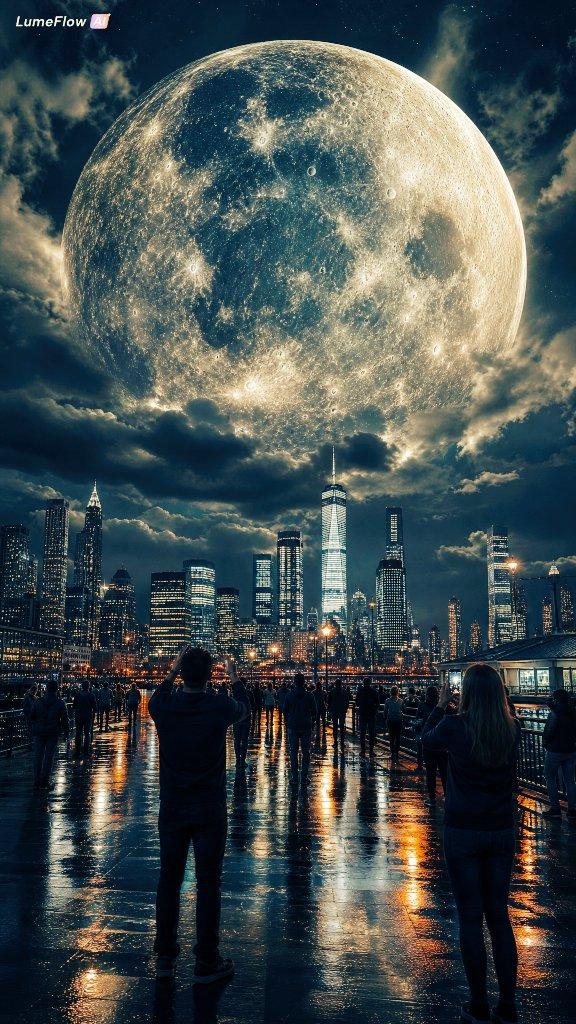
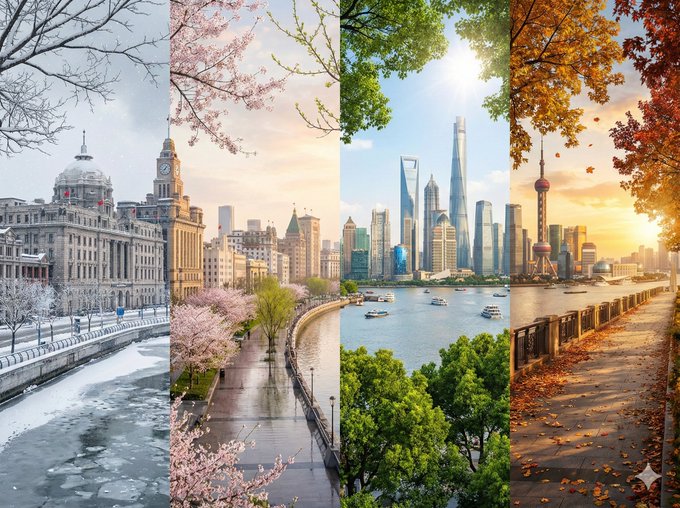
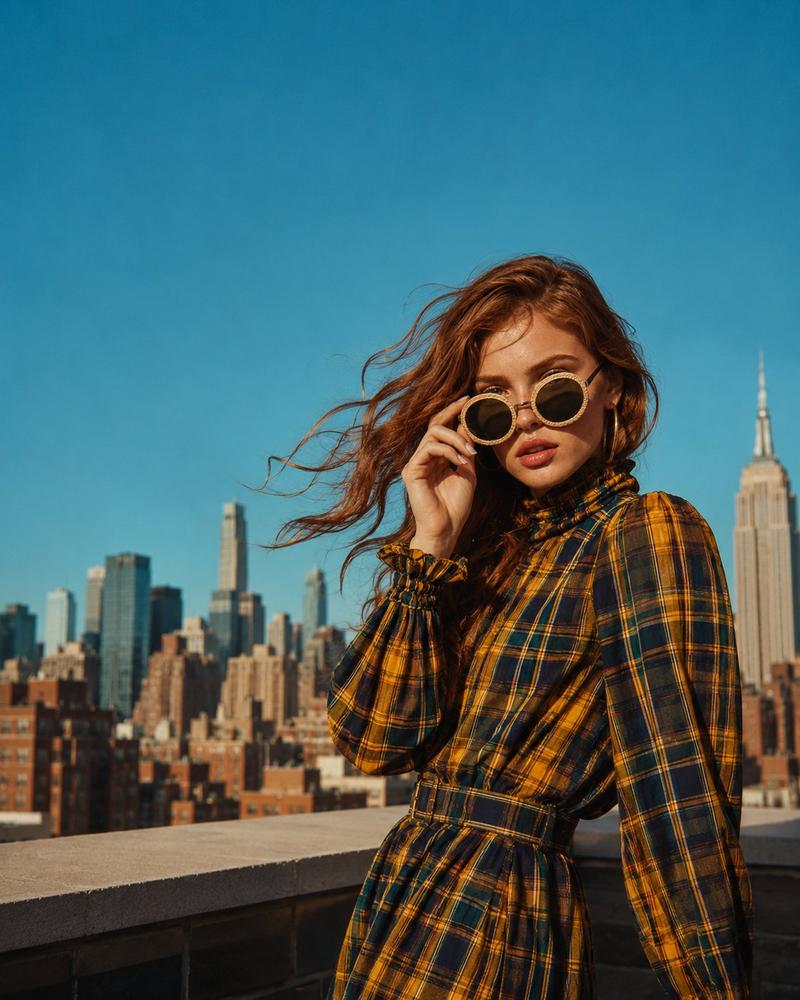
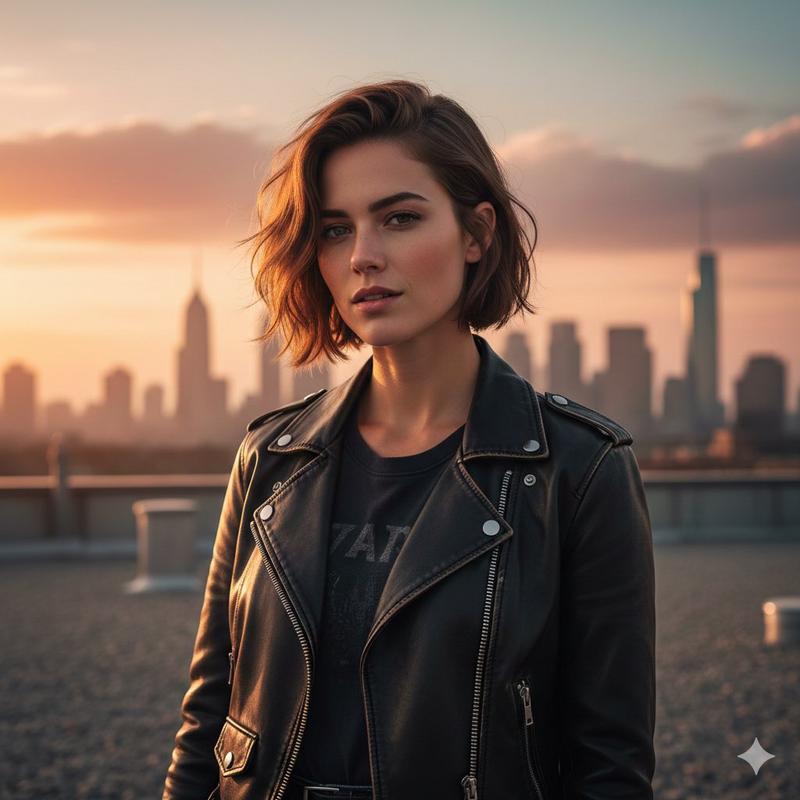
Example images

极简电影感编辑风格海报

Prompt
Create an independent, minimalist, cinematic editorial poster.

Theme: 【Theme】
Main Title: 【Title】
Subtitle: 【Subtitle】
Scene: 【Scene】
Red Symbol: 【Red visual symbol】
Aspect Ratio: 4:5

Use a warm off-white paper background, subtle grain, vintage print texture, bold black sans-serif typography, and generous white space.

Place a small, lonely figure or small subject within a black and white photography scene. Add a soft red/orange-red symbolic element, such as a red sun, signal light, abstract brushstroke, geometric arc, or emotional shadow.

Keep the layout clean, asymmetric, cinematic, and editorial, like an indie film poster or art magazine cover. Add small details: issue number, year, thin lines, dots, color bars, and micro-typography.

Limited color palette: off-white, black, grey, and one red accent color. Avoid clutter, excessive colors, glossy advertising styles, messy fonts, distorted figures, and generic AI poster designs.
Category
Charts & Infographics
Model
ChatGPT
Creator
@MrLarus
Views9
Source ID
17626
Published
Jul 9, 2026

Guide

About "极简电影感编辑风格海报"

What is this prompt for?

"极简电影感编辑风格海报" AI image prompt for ChatGPT (Charts & Infographics). 创作一张独立、极简、电影感十足的编辑海报。 主题:【Theme】 主标题:【Title】 副标题:【Subtitle】 场景:【Scene】 红色符号:【Red visual symb…

The full copyable prompt and example visuals above are ready for AI image generation or one-click recreate in Picva.

How to use this prompt

  1. Step 1

    Open the prompt detail

    Review the example visuals, category, and full prompt text for "极简电影感编辑风格海报".

  2. Step 2

    Copy the prompt

    Copy the prompt body from this page, or load it directly in Studio.

  3. Step 3

    Pick a model (ChatGPT)

    Prefer ChatGPT. If you switch models, keep subject and composition and tweak style terms.

  4. Step 4

    Generate and export

    Recreate the look in Picva, or export into your workflow for editing and publishing.

FAQ

What is the "极简电影感编辑风格海报" prompt?
It is an AI image-generation prompt for ChatGPT in the Charts & Infographics category. This page includes the full prompt text, example visuals, and a one-click recreate path in Picva.
How do I use this prompt to generate an image?
Copy the prompt from this page, or use Generate / Studio. Paste it into a compatible image model, or recreate the look in Picva with optional reference images.
Which model is this prompt for?
This page lists ChatGPT. Most descriptive prompts also transfer to nearby image models such as GPT Image, Flux, or Midjourney with light style tweaks.
Can I use the result commercially?
You can usually copy the prompt for creation, but commercial use of the final image depends on the model terms, reference-image rights, and the generated content. Follow the source author and platform rules.