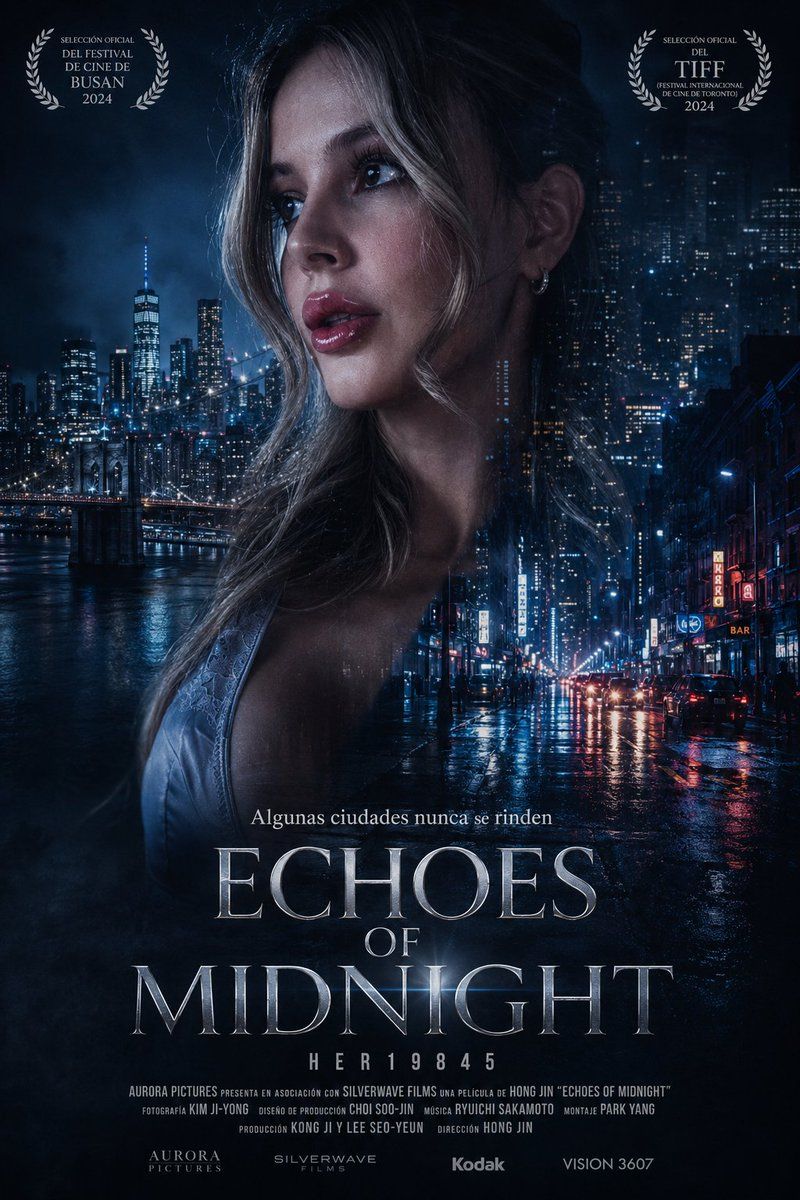
Neo-Noir Echoes of Midnight 海报
Prompt
Goal: Create a cinematic neo-noir film festival poster for a fictional thriller titled {argument name="movie title" default="ECHOES OF MIDNIGHT"}.

Canvas: Vertical movie poster, 2:3 aspect ratio, dark blue-black color grade, high contrast, rainy atmosphere, glossy reflections, premium theatrical key art.

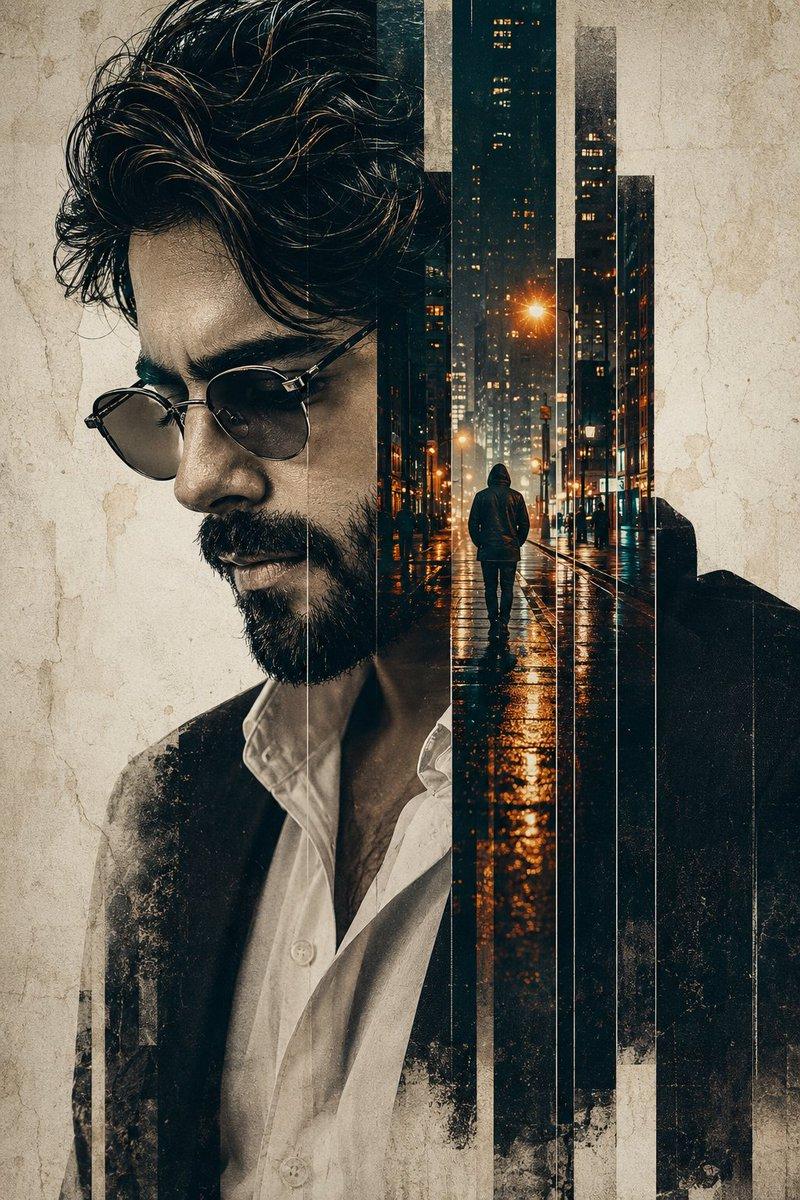
Main image: A close-up profile/three-quarter portrait of a young woman occupying the center-left of the poster, her bare shoulder and thin satin or lace slip strap visible, wet hair falling down her neck, skin lit by cold blue city light. Cover the entire central face area with a large opaque dark plum-gray rectangular block, positioned vertically from forehead to mouth, as if the face has been redacted. Behind and around her, blend two nighttime city scenes: on the left, a river skyline with a suspension bridge and a tall lit skyscraper resembling lower Manhattan; on the right, a rainy urban street canyon with skyscrapers, neon signs, headlights, wet asphalt, and long blue-red reflections. The woman's hair and silhouette should softly dissolve into the skyline using double-exposure compositing.

Top awards: Include exactly 2 white laurel award badges, one in the upper-left corner and one in the upper-right corner. Left badge text: "SELECCIÓN OFICIAL", "DEL FESTIVAL", "DE CINE DE", "BUSAN", "2024". Right badge text: "SELECCIÓN OFICIAL", "DEL", "TIFF", "FESTIVAL INTERNACIONAL", "DE CINE DE TORONTO", "2024". Use elegant festival-poster typography inside symmetrical laurel branches.

Title and text placement: Near the lower third, add the Spanish tagline {argument name="tagline" default="Algunas ciudades nunca se rinden"} in small serif type. Below it, place the huge metallic silver serif title "ECHOES" on one line, "OF" smaller centered beneath it, and "MIDNIGHT" very large beneath that. Use engraved cinematic serif lettering with subtle bevels, cold highlights, and slight glow. Under the title, add spaced characters "H E R 1 9 8 4 5".

Bottom credits: Add a narrow film-credit billing block in tiny condensed uppercase text. Include these visible names and companies: "AURORA PICTURES PRESENTA EN ASOCIACIÓN CON SILVERWAVE FILMS UNA PELÍCULA DE HONG JIN 'ECHOES OF MIDNIGHT'", "FOTOGRAFÍA KIM JI-YONG", "DISEÑO DE PRODUCCIÓN CHOI SOO-JIN", "MÚSICA RYUICHI SAKAMOTO", "MONTAJE PARK YANG", "PRODUCCIÓN KONG JI Y LEE SEO-YEUN", "DIRECCIÓN HONG JIN". Along the very bottom, include exactly 4 production logos/wordmarks: "AURORA PICTURES", "SILVERWAVE FILMS", "Kodak", and "VISION 3607".

Visual style: Serious international art-house thriller poster, photorealistic compositing, rain-soaked nocturnal city, deep navy palette, silver typography, mist and film grain, subtle vignette, dramatic negative space. Keep the design realistic and polished, with no cartoon elements and no extra logos or awards.- Category
- Charts & Infographics
- Model
- GPT Image 2
- Creator
- HER19845
- Source ID
- 22423
- Published
- May 24, 2026
Views4