16

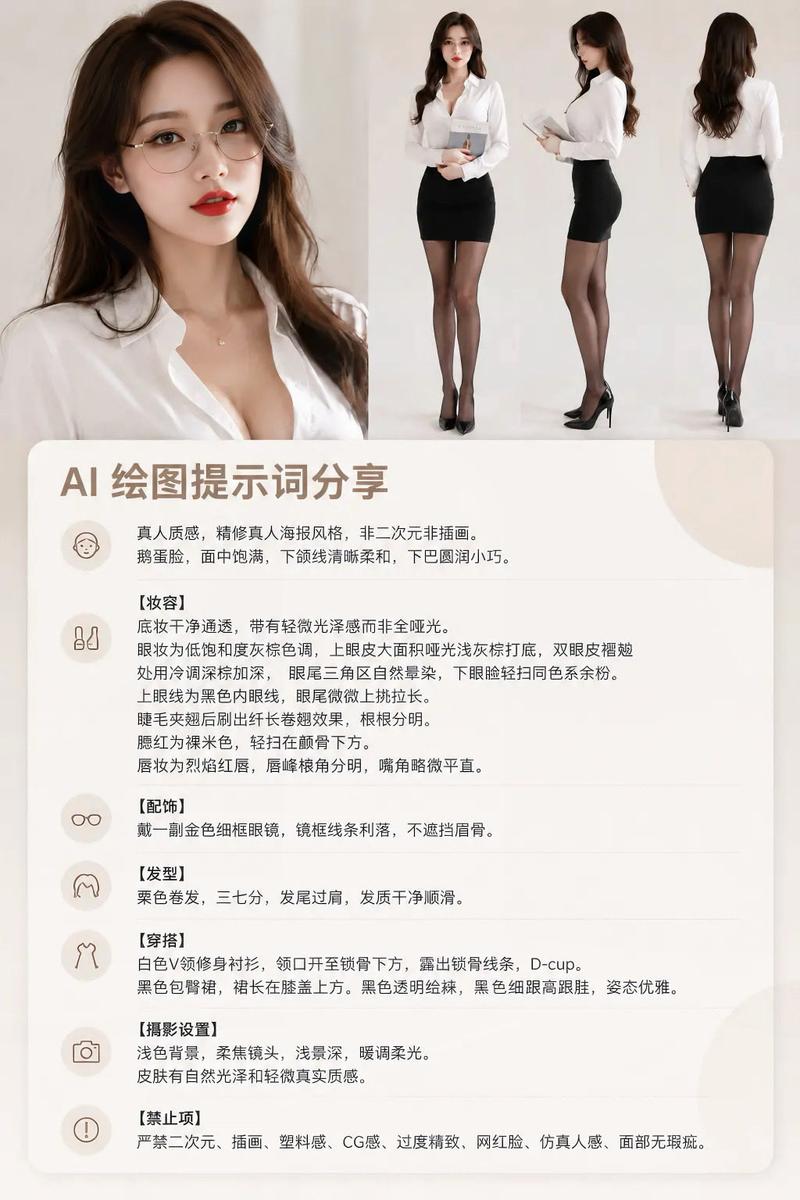
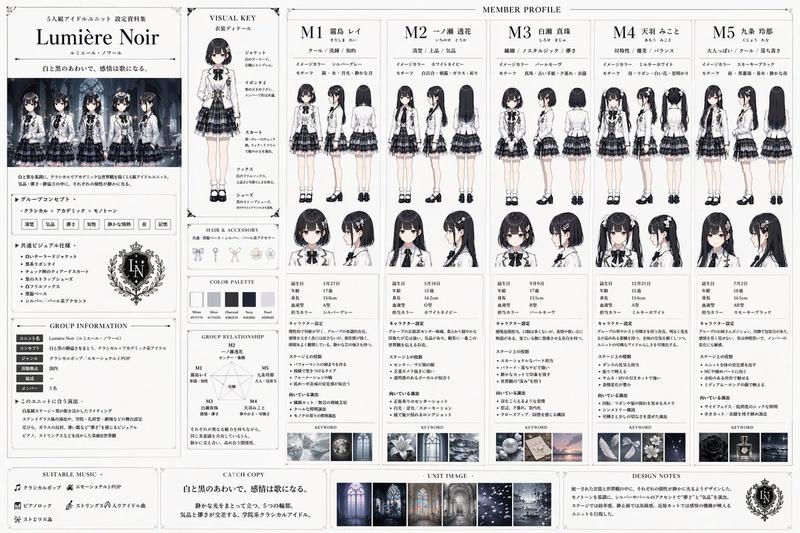
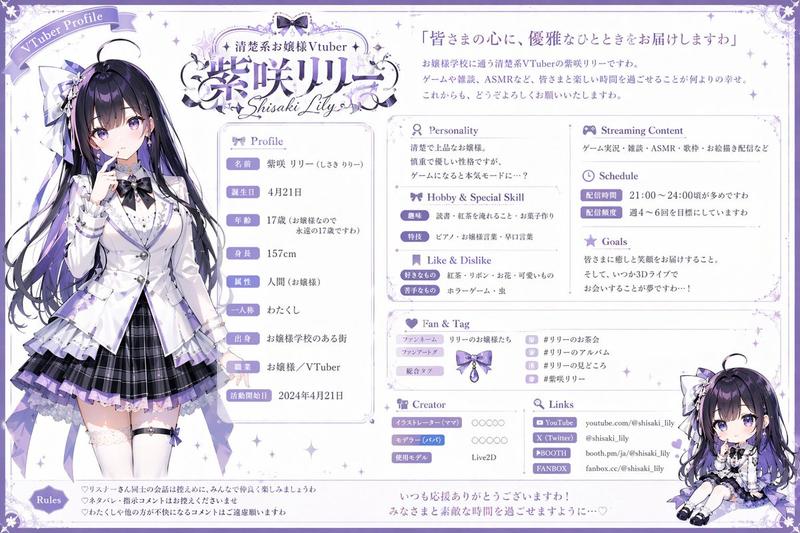
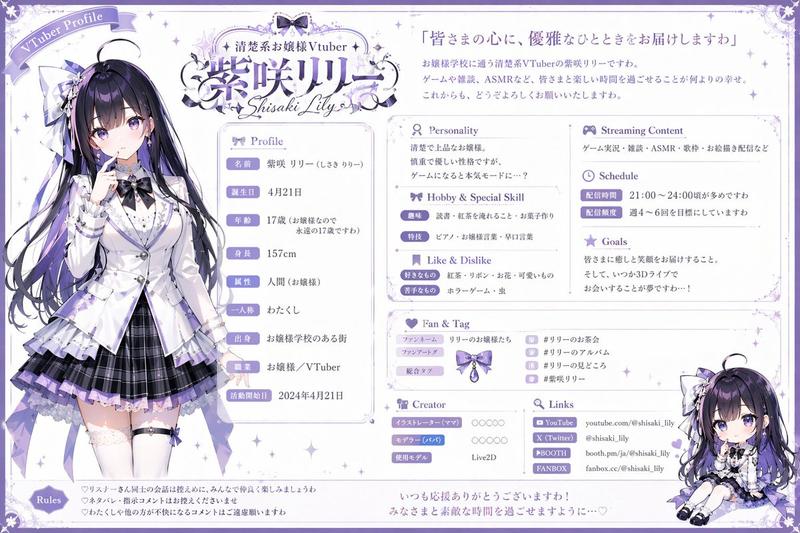
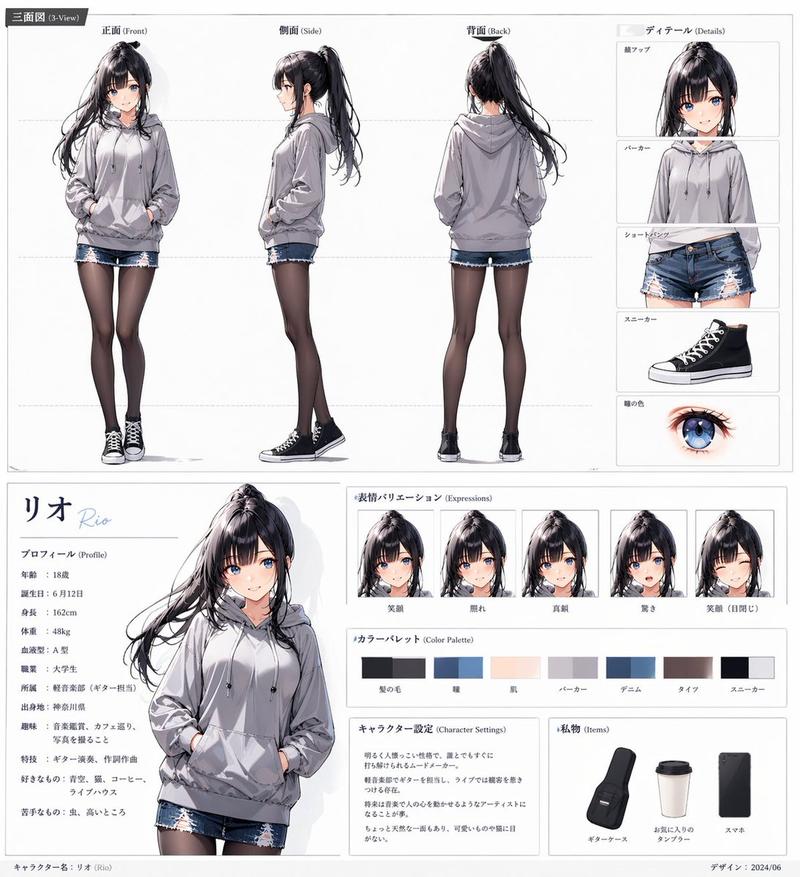
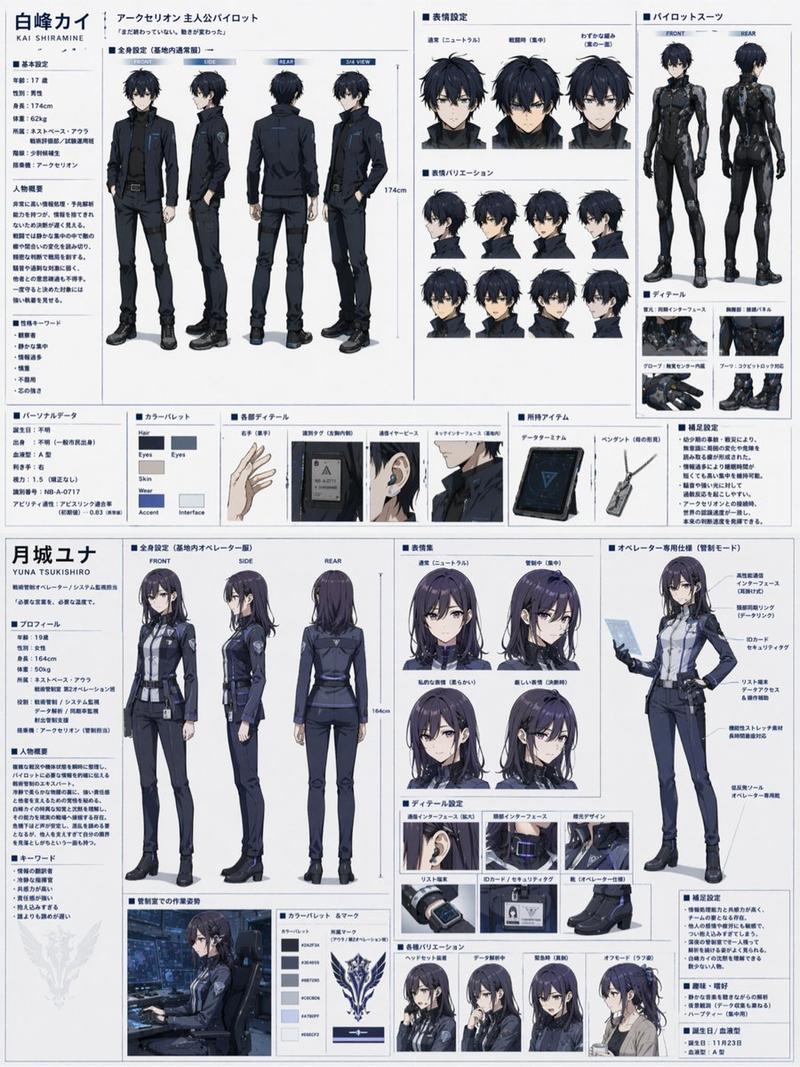
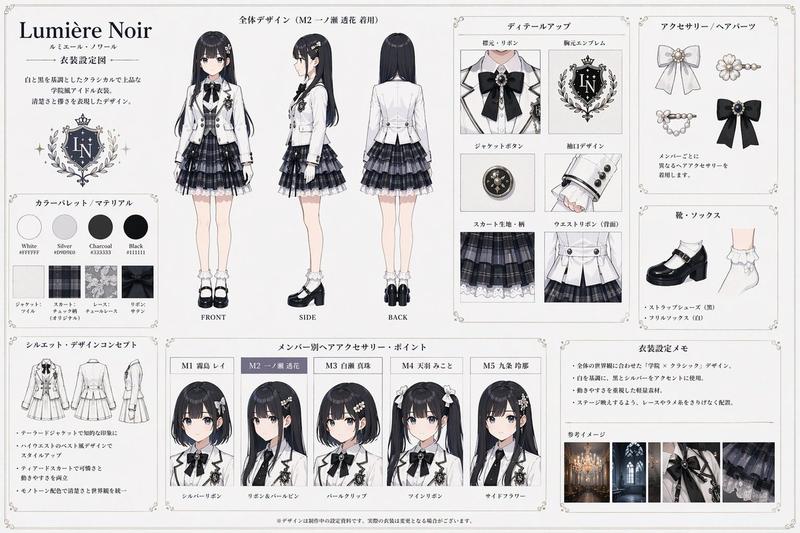
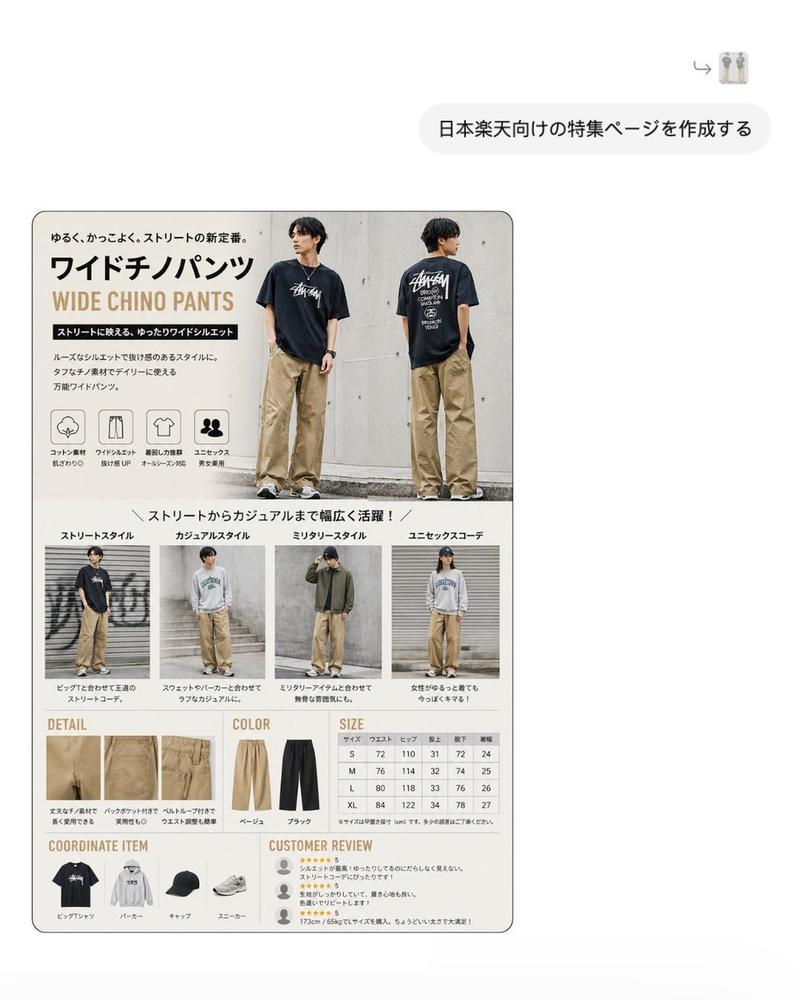
专业角色三视图设定参考图
Enlarge

专业角色三视图设定参考图

Prompt
Use the uploaded character as a reference, generate a professional character three-view setting reference sheet. The composition completely references the reference image, divided into left and right parts, the left side is the front, side, and back full-body three-view, the right side is multi-angle facial close-ups, clothing texture details, accessory close-ups, and color palette. Keep the character's facial features, hairstyle, and outfit completely consistent, maintain a hyper-realistic texture, cinematic soft lighting and shadows, pure white background, clean image, standardized layout.
Category
Photography & Realism
Model
Nano Banana 2
Views649
Source ID
13390
Published
Apr 17, 2026

Guide

About "专业角色三视图设定参考图"

What is this prompt for?

"专业角色三视图设定参考图" AI image prompt for Nano Banana 2 (Photography & Realism). 将上传的角色作为参考, 生成专业的角色三视图设定参考图。 构图完全参考参考图,分为左右两部分,左侧为正、侧、背全身三视图,右侧为多视角面部特写、服装材质细节、配饰特写及配…

The full copyable prompt and example visuals above are ready for AI image generation or one-click recreate in Picva.

How to use this prompt

  1. Step 1

    Open the prompt detail

    Review the example visuals, category, and full prompt text for "专业角色三视图设定参考图".

  2. Step 2

    Copy the prompt

    Copy the prompt body from this page, or load it directly in Studio.

  3. Step 3

    Pick a model (Nano Banana 2)

    Prefer Nano Banana 2. If you switch models, keep subject and composition and tweak style terms.

  4. Step 4

    Generate and export

    Recreate the look in Picva, or export into your workflow for editing and publishing.

FAQ

What is the "专业角色三视图设定参考图" prompt?
It is an AI image-generation prompt for Nano Banana 2 in the Photography & Realism category. This page includes the full prompt text, example visuals, and a one-click recreate path in Picva.
How do I use this prompt to generate an image?
Copy the prompt from this page, or use Generate / Studio. Paste it into a compatible image model, or recreate the look in Picva with optional reference images.
Which model is this prompt for?
This page lists Nano Banana 2. Most descriptive prompts also transfer to nearby image models such as GPT Image, Flux, or Midjourney with light style tweaks.
Can I use the result commercially?
You can usually copy the prompt for creation, but commercial use of the final image depends on the model terms, reference-image rights, and the generated content. Follow the source author and platform rules.