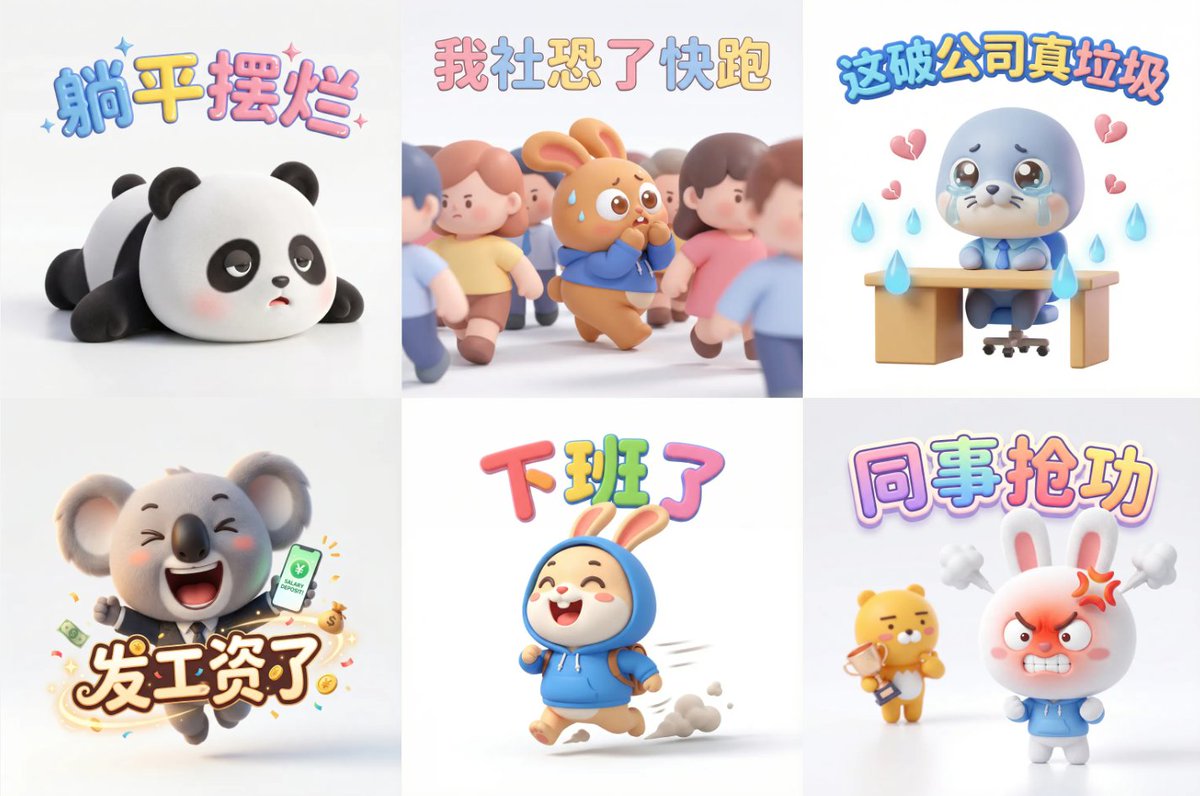
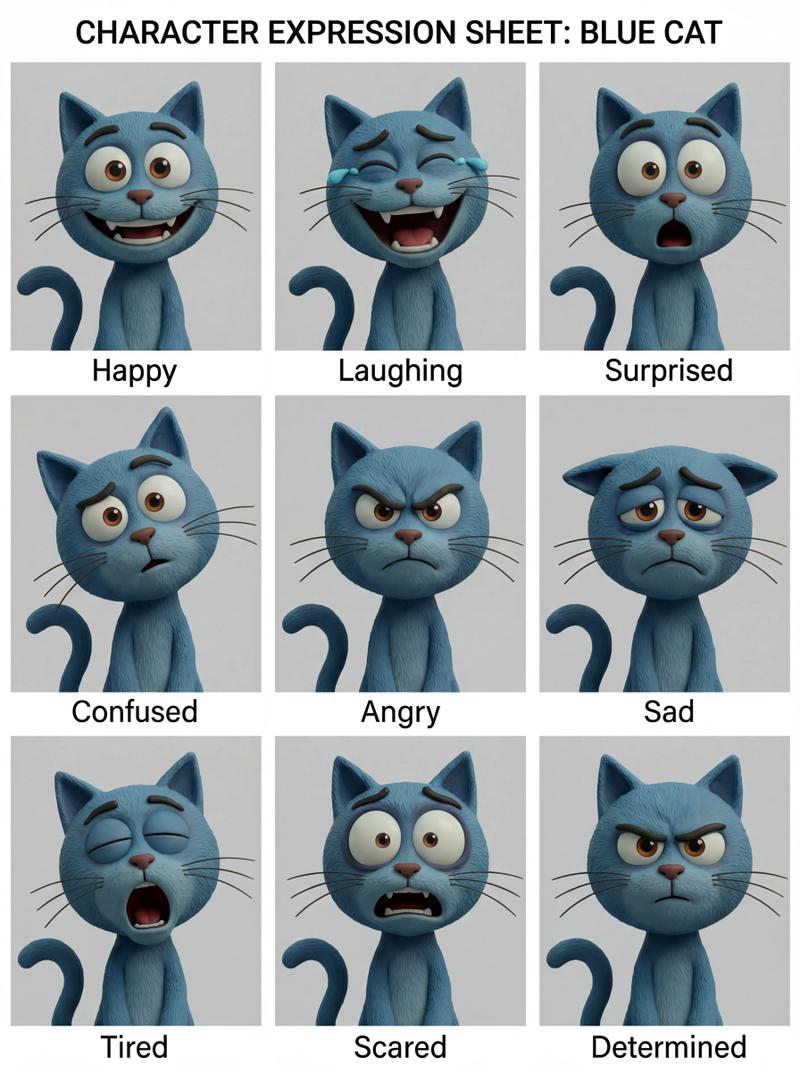
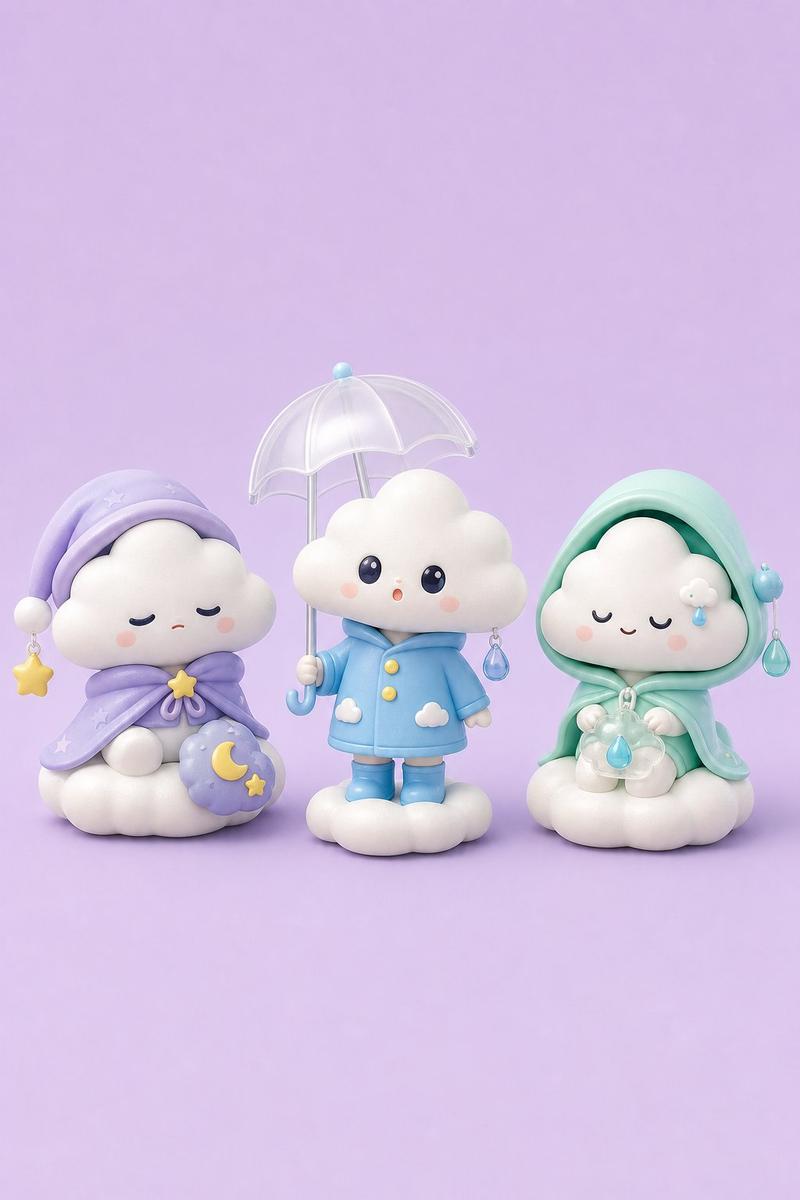
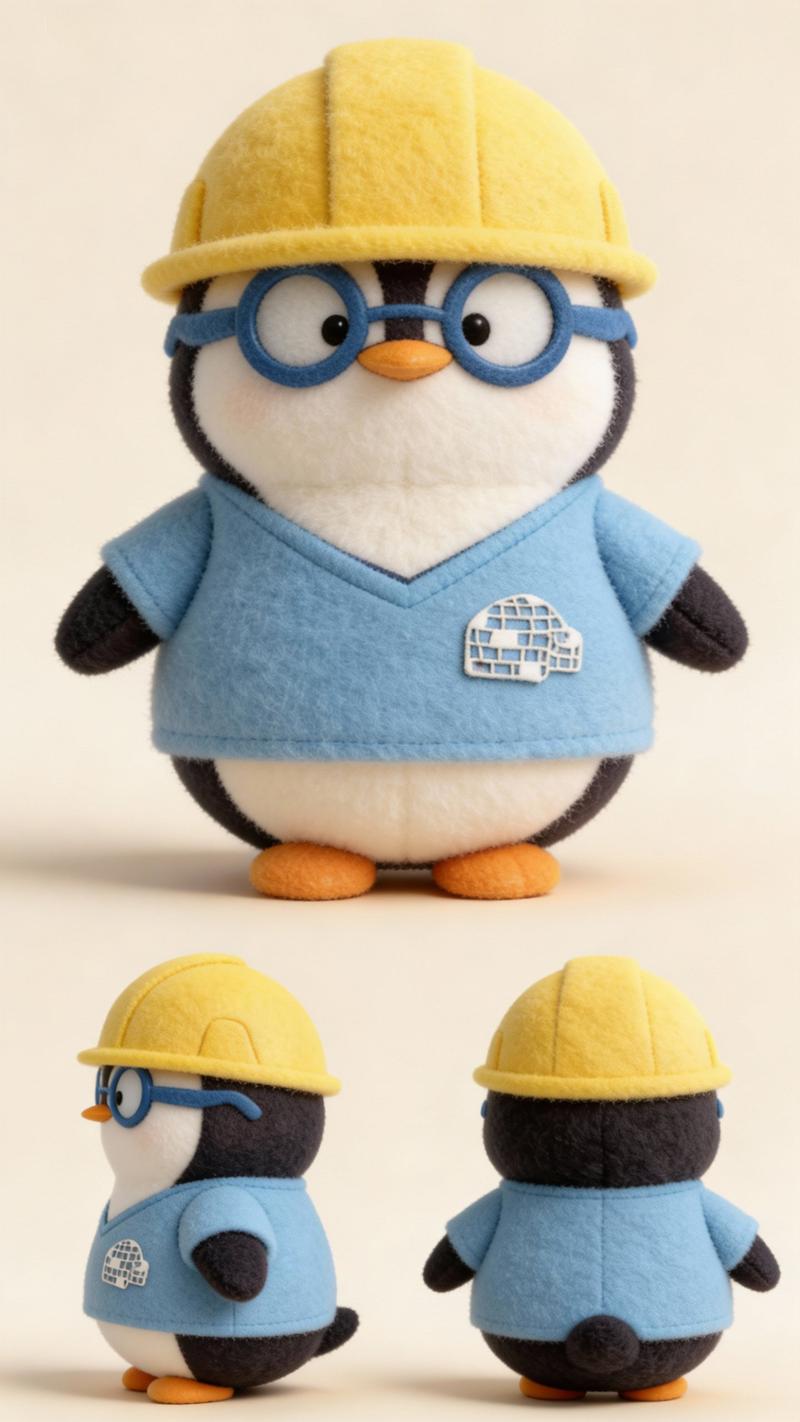
微距棚拍的羊毛毡针毡Q版公仔
Prompt
微距棚拍的羊毛毡针毡Q版公仔【主题】,圆润大头小短腿、闭眼微笑淡腮红,【马卡龙配色】,手作毛毡质感细腻干净;竖版3:4,主体居中全身入镜;大光圈浅景深,背景强烈虚化bokeh,柔和均匀影棚光;无文字无水印无多余元素。
- Category
- Characters & People
- Model
- Nano Banana Pro
- Creator
- @VoxcatAI
- Source ID
- 1889
- Published
- Jan 8, 2026
Views62
14

微距棚拍的羊毛毡针毡Q版公仔【主题】,圆润大头小短腿、闭眼微笑淡腮红,【马卡龙配色】,手作毛毡质感细腻干净;竖版3:4,主体居中全身入镜;大光圈浅景深,背景强烈虚化bokeh,柔和均匀影棚光;无文字无水印无多余元素。
Guide
"微距棚拍的羊毛毡针毡Q版公仔" AI image prompt for Nano Banana Pro (Characters & People). 微距棚拍的羊毛毡针毡Q版公仔【主题】,圆润大头小短腿、闭眼微笑淡腮红,【马卡龙配色】,手作毛毡质感细腻干净;竖版3:4,主体居中全身入镜;大光圈浅景深,背景强烈虚化b…
The full copyable prompt and example visuals above are ready for AI image generation or one-click recreate in Picva.
Step 1
Review the example visuals, category, and full prompt text for "微距棚拍的羊毛毡针毡Q版公仔".
Step 2
Copy the prompt body from this page, or load it directly in Studio.
Step 3
Prefer Nano Banana Pro. If you switch models, keep subject and composition and tweak style terms.
Step 4
Recreate the look in Picva, or export into your workflow for editing and publishing.