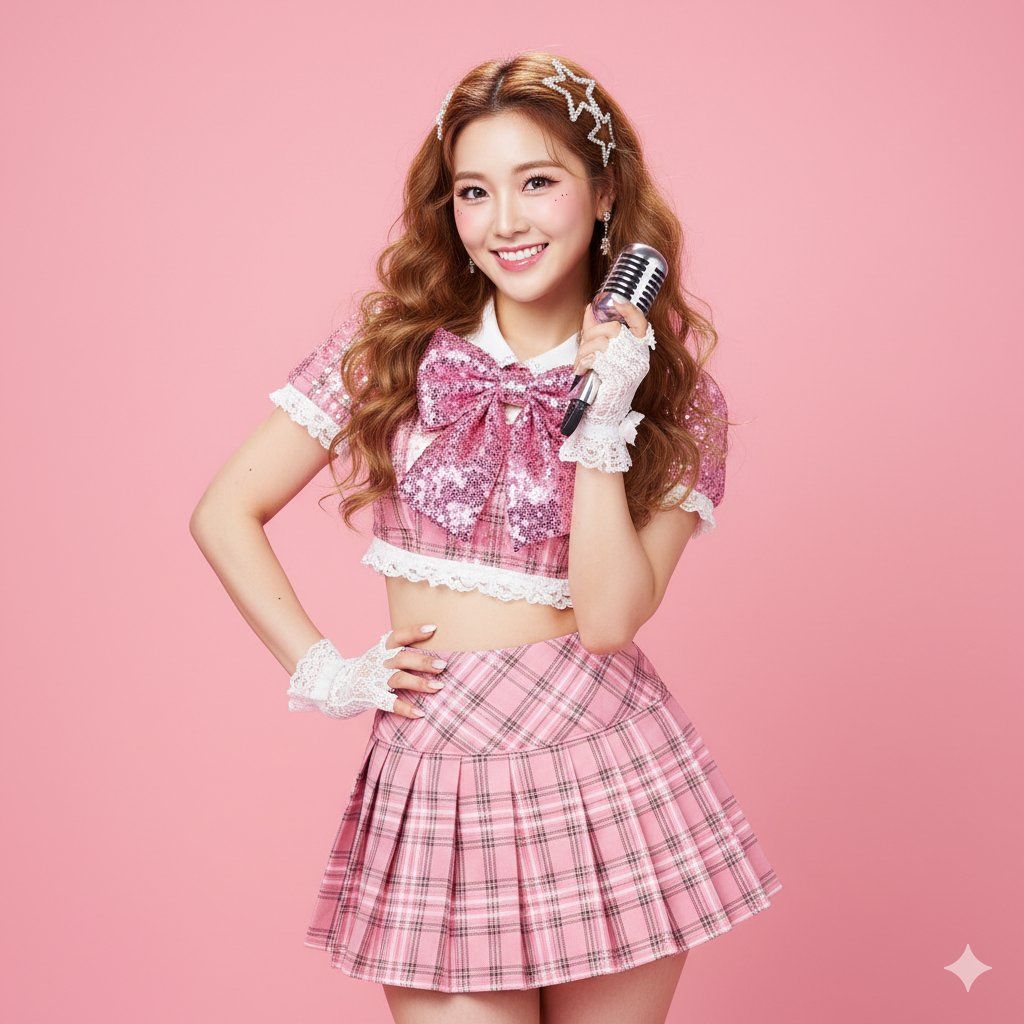
握着复古银色麦克风女生
Prompt
{
"scene": {
    "location": "Bright photo studio",
    "background": "Solid, high-saturation macaroon pink seamless background"
  },
  "subject": {
    "age": "adult",
    "description": "East Asian woman, long curly caramel-colored hair with sparkling gold highlights, confident 'idol' gaze",
    "wardrobe": "Sparkly 'idol' stage outfit: pink plaid pleated skirt, cropped top with white lace trim, large bow on chest, sequin details",
    "accessories": "White lace wrist gloves, sparkly star-shaped hair clips, one hand holding a retro silver microphone (as a prop)",
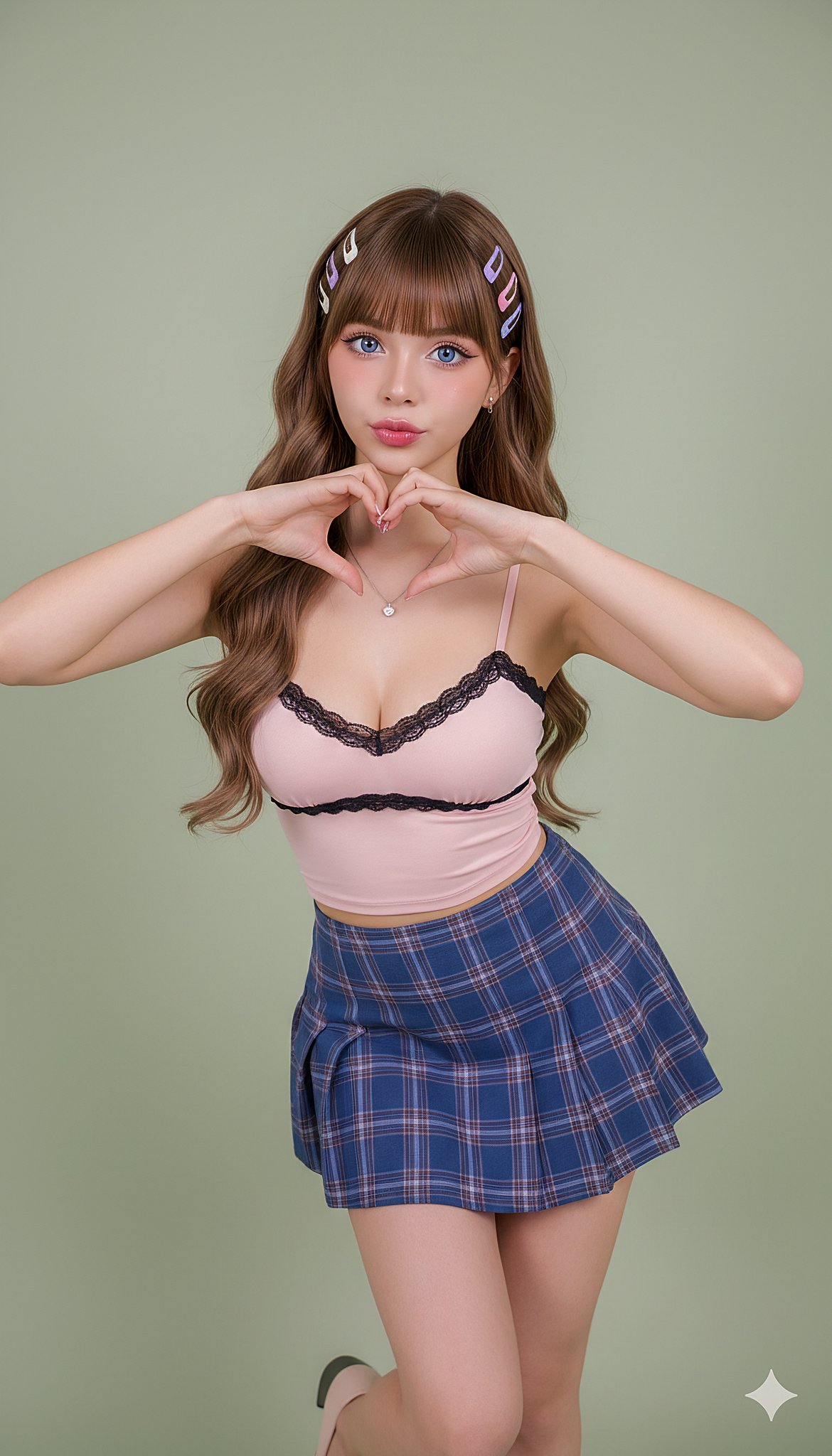
    "pose": "Full body, classic idol pose: one hand on hip, other hand making a heart gesture near cheek, S-curve posture, confident",
    "expression": "Perfect, bright 'professional' smile, sparkling eyes, full of charm",
    "gaze": "Direct to camera (engaging with fans)",
    "body_notes": "realistic adult proportions; natural skin texture"
  },
  "camera": {
    "sensor": "full_frame",
    "focal_length_mm": 70,
    "aperture_f": 3.2,
    "shutter_s": 0.008,
    "iso": 100,
    "white_balance_k": 5200,
    "distance_m": 4.0,
    "camera_height_m": 1.1,
    "framing": "Full body shot, with enough space to show the pose",
    "focus": "eye_detect_AF on nearest eye"
  },
  "lighting": {
    "key": "Large ring flash, creating the iconic ring catchlight",
    "fill": "Two large softboxes on the sides, providing even, high-key 'K-pop' lighting",
    "hair": "Hard light from high-behind to create shiny hair highlights",
    "catchlights": "Clear ring-shaped catchlights",
    "notes": "High-key, bright, no shadows, emphasize sparkly texture of outfit"
  },
  "color_grade": {
    "style": "K-Pop / J-Pop Idol, high-key kawaii",
    "palette": "Bright pink, white, caramel; flawless 'glass skin'",
    "contrast": "Medium, very clean",
    "saturation": "High saturation, vibrant"
  },
  "makeup": {
    "eyes": "Stage makeup: thick false lashes, sparkly liquid eyeshadow, highlighted aegyo-sal",
    "cheeks": "Bright strawberry-pink blush",
    "lips": "High-gloss gradient 'juicy lips'"
  },
  "postprocess": {
    "retouch": "Highly refined skin retouching, but maintain pore texture (not plastic)",
    "clarity": "Enhance clarity on sequins, eyes, lips, and hair highlights",
    "dodge_burn": "Micro dodge on aegyo-sal, nose bridge, and collarbones",
    "vignette": "None, keep background clean"
  },
  "art_direction": {
    "mood": "Sparkly, confident, energetic, sweet idol",
    "keywords": ["idol", "K-Pop", "J-Pop", "stage outfit", "heart gesture", "sparkly"]
  },
  "negative_prompts": [
    "nsfw",
    "underage look",
    "text or logos",
    "plastic doll skin",
    "warped hands or extra fingers",
    "deformed limbs",
    "dark or moody lighting",
    "plain clothing",
    "sad expression"
  ]
}- Category
- Posters & Typography
- Model
- GPT Image 2
- Creator
- @songguoxiansen
- Source ID
- 1157
- Published
- Jan 8, 2026
Views61