20

甜粉少女墙前轻舞微微笑
Enlarge

甜粉少女墙前轻舞微微笑

Prompt
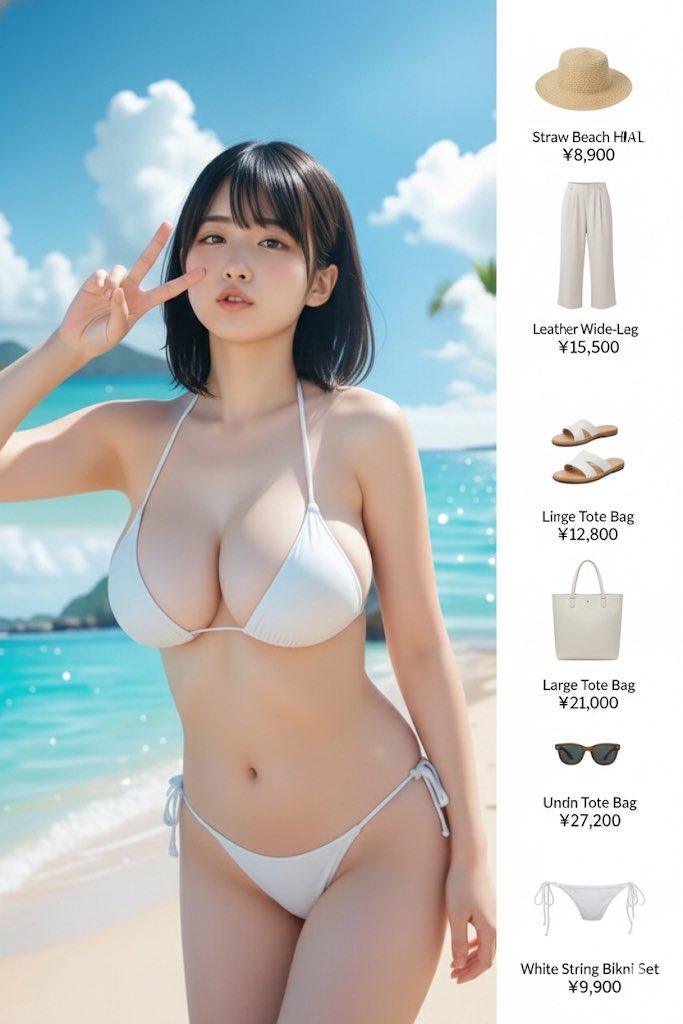
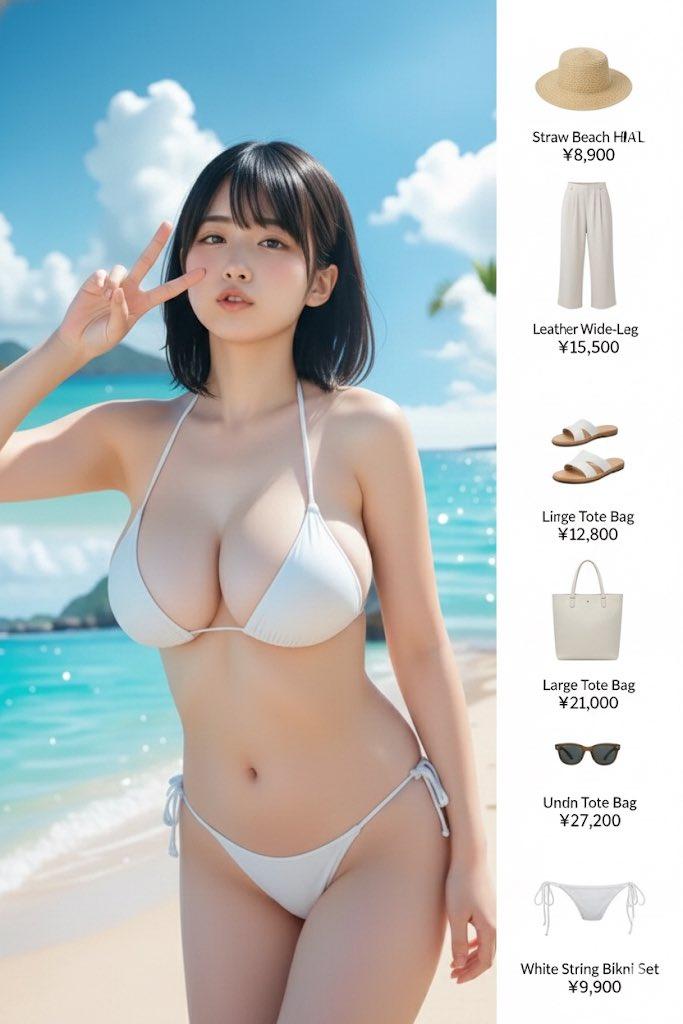
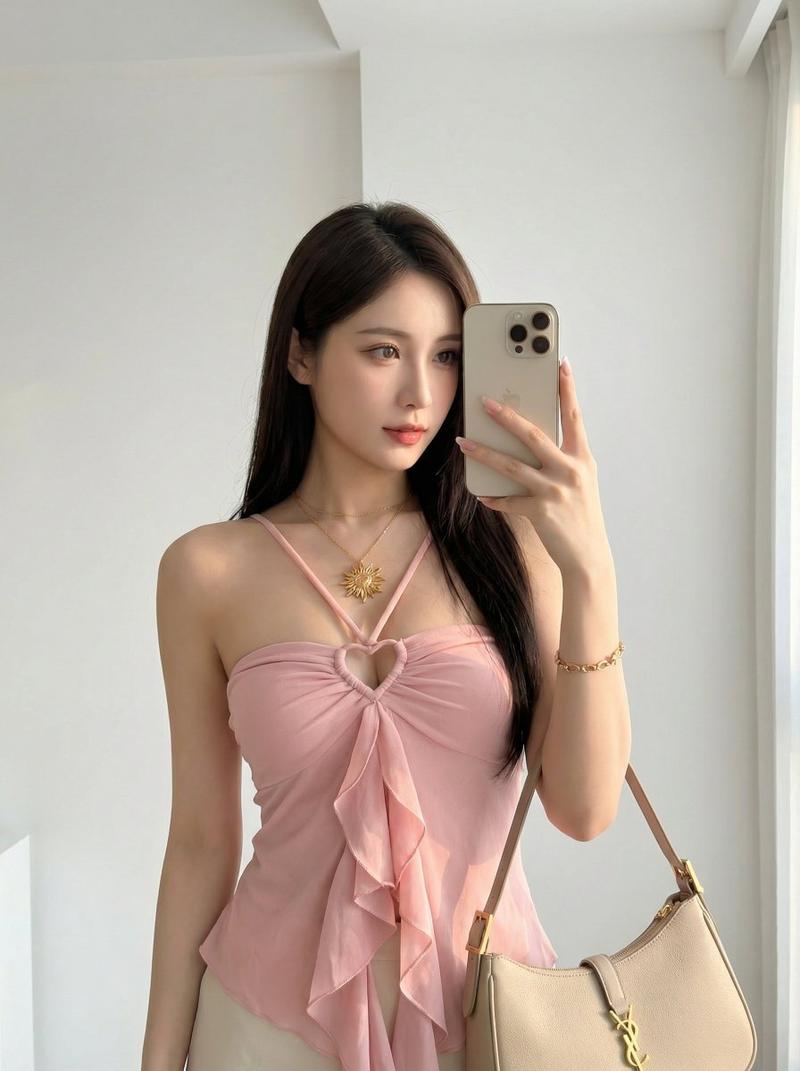
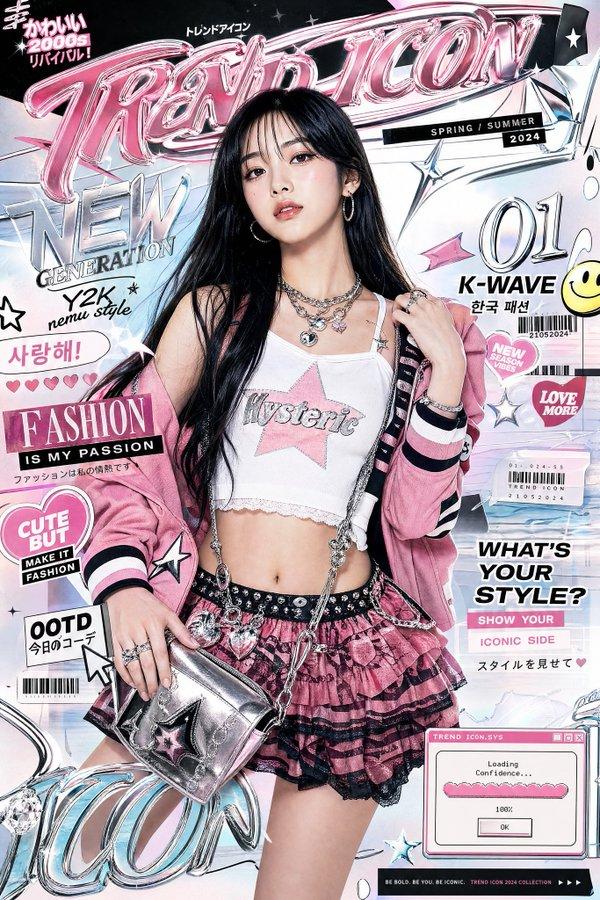
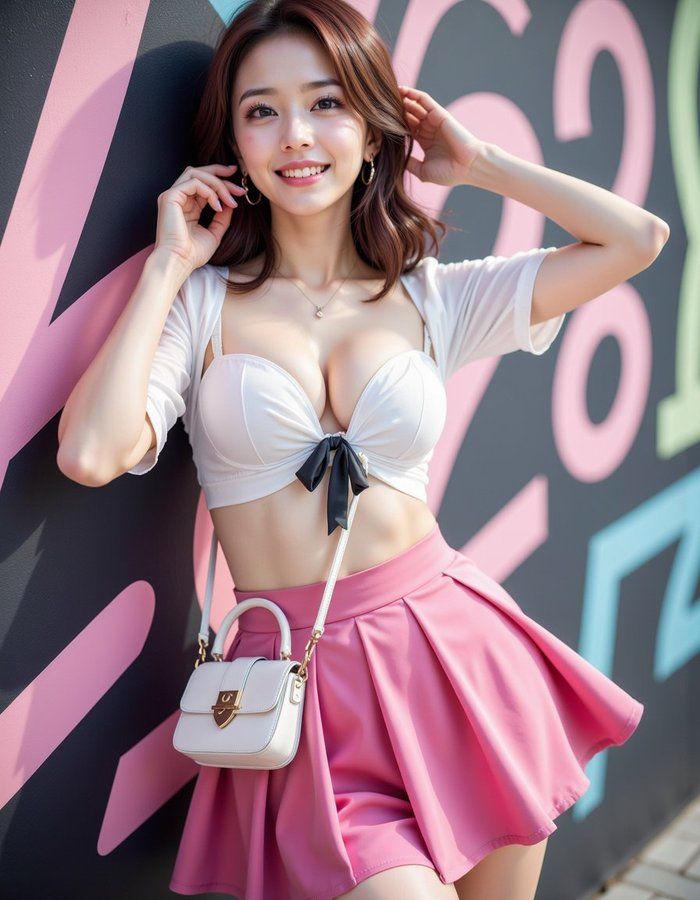
She wears a white blouse with a black ribbon tie and a shocking pink A-line skirt (25cm above the knee). Accessorized with black patent pumps, a hand mirror-shaped bag, and heart-shaped earrings. Leaning against the wall while lightly swaying in a dance motion, she adjusts her hair with her right hand, holds the hand mirror-shaped bag with her left, and smiles gently at the camera with a charming and approachable expression, exuding a girly and friendly atmosphere. The skirt sways naturally, and her posture accentuates her curves. Waist-up angle. The scene is set in front of a monochrome and pink Instagram-worthy wall with colorful graphics and neon accents. Photorealistic live-action photograph, highly detailed, realistic skin texture, natural fabric movement, with a retro film camera-style warm texture.
Category
Photography & Realism
Model
ChatGPT
Views367
Source ID
13748
Published
Apr 30, 2026

Guide

About "甜粉少女墙前轻舞微微笑"

What is this prompt for?

"甜粉少女墙前轻舞微微笑" AI image prompt for ChatGPT (Photography & Realism). 她穿着一件白衬衫,系着黑色丝带领结,搭配一条亮粉色A字裙(膝上25厘米)。配饰包括黑色漆皮高跟鞋、一个手镜形状的包包和心形耳环。她靠在墙上,同时轻轻摇摆跳着舞,右手整理头发,左手拿着手…

The full copyable prompt and example visuals above are ready for AI image generation or one-click recreate in Picva.

How to use this prompt

  1. Step 1

    Open the prompt detail

    Review the example visuals, category, and full prompt text for "甜粉少女墙前轻舞微微笑".

  2. Step 2

    Copy the prompt

    Copy the prompt body from this page, or load it directly in Studio.

  3. Step 3

    Pick a model (ChatGPT)

    Prefer ChatGPT. If you switch models, keep subject and composition and tweak style terms.

  4. Step 4

    Generate and export

    Recreate the look in Picva, or export into your workflow for editing and publishing.

FAQ

What is the "甜粉少女墙前轻舞微微笑" prompt?
It is an AI image-generation prompt for ChatGPT in the Photography & Realism category. This page includes the full prompt text, example visuals, and a one-click recreate path in Picva.
How do I use this prompt to generate an image?
Copy the prompt from this page, or use Generate / Studio. Paste it into a compatible image model, or recreate the look in Picva with optional reference images.
Which model is this prompt for?
This page lists ChatGPT. Most descriptive prompts also transfer to nearby image models such as GPT Image, Flux, or Midjourney with light style tweaks.
Can I use the result commercially?
You can usually copy the prompt for creation, but commercial use of the final image depends on the model terms, reference-image rights, and the generated content. Follow the source author and platform rules.