20

千禧氛围卧室少女的随性抓拍

Prompt
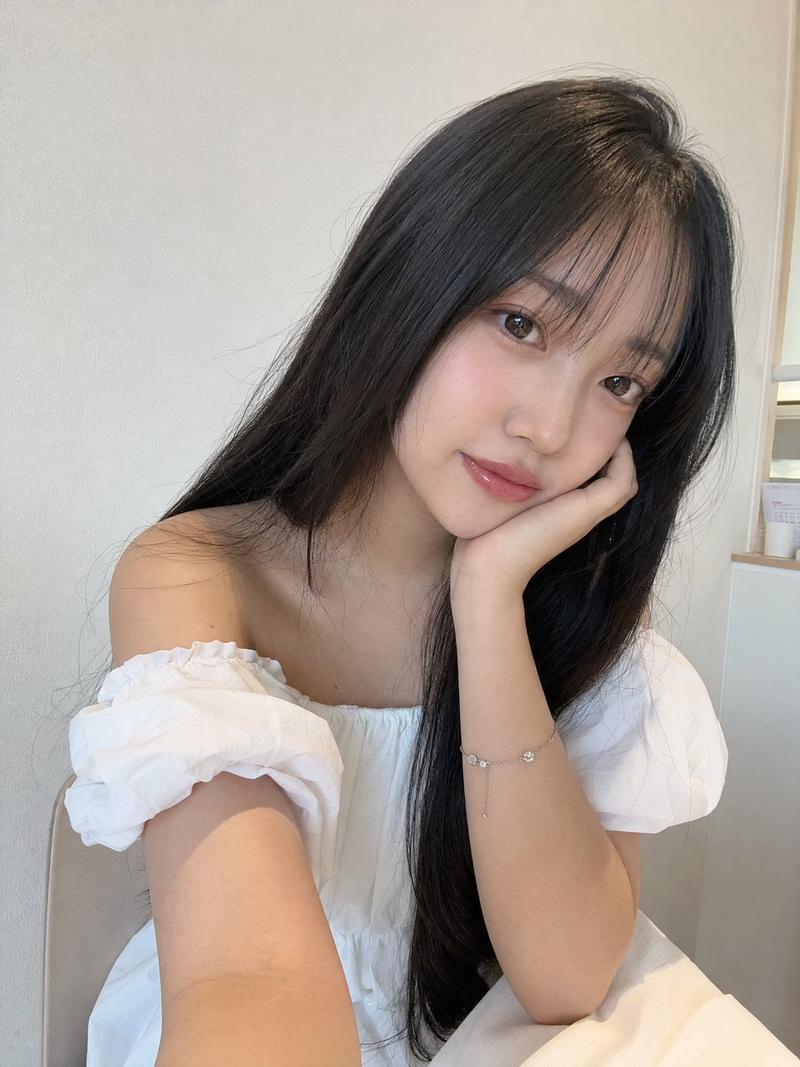
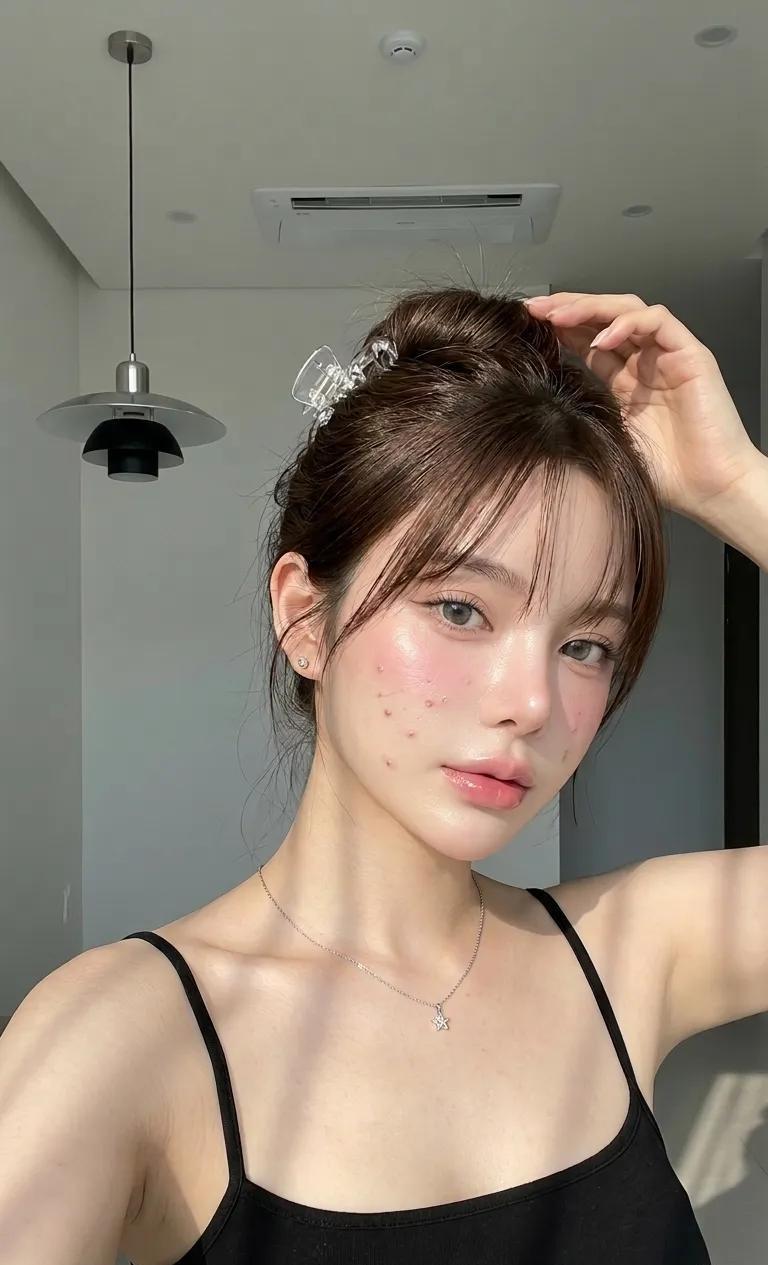
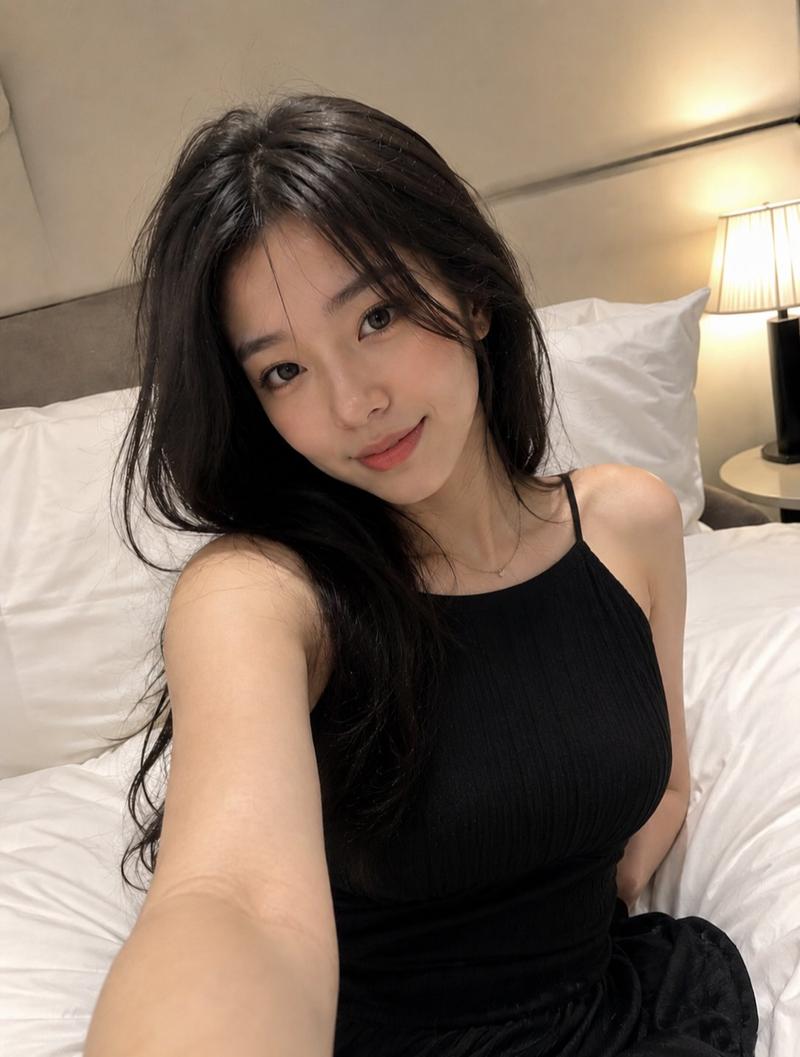
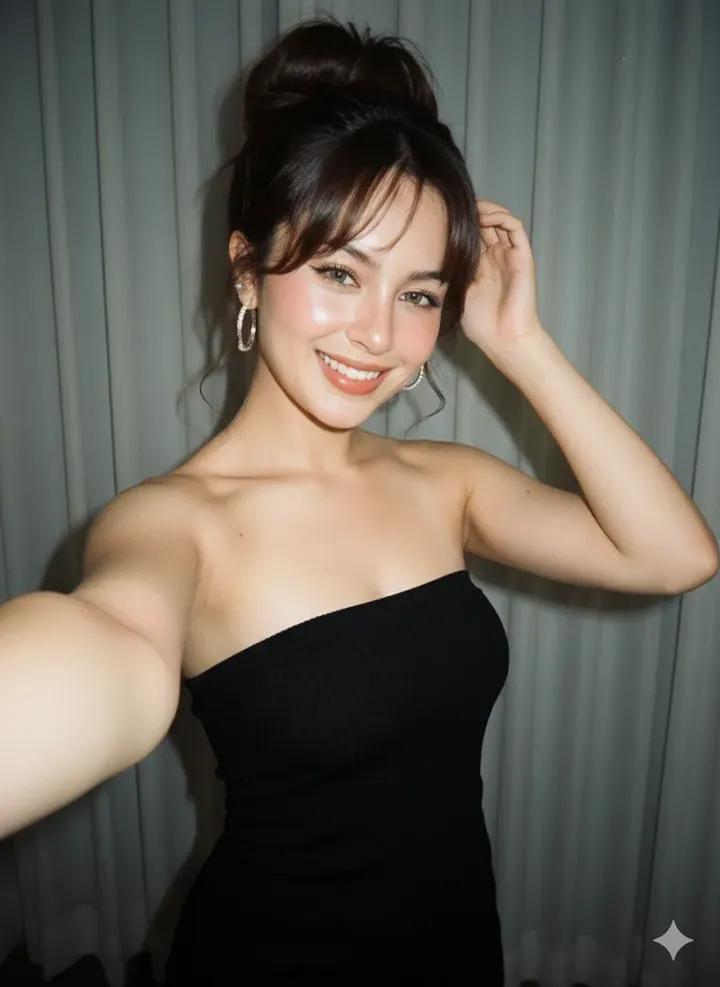
Character face reference image 1. Bedroom scene, full of girlishness. The main subject of the picture is a super high-looking beautiful girl, reasonable winter off-shoulder outfit, a girl with cold white skin, vintage high ponytail with slanted bangs. She has a petite and young figure, she exudes a pure and lustful idol temperament, fair skin, cold white skin, pouting mouth, acting cute, posing, making a cute expression. This is a photo taken with a mediocre iPhone (do not show the phone itself), the image has slight motion blur, snapshot style of a casual shot, candid shot taken inadvertently, slight overexposure, low image quality. Close-up shot, obvious graininess in image quality, Y2K atmosphere filter. High definition, original aspect ratio. Beauty vlog.
Category
Video Prompts
Model
Seedance 2.0
Views197
Source ID
2660
Published
Feb 25, 2026

Guide

About "千禧氛围卧室少女的随性抓拍"

What is this prompt for?

"千禧氛围卧室少女的随性抓拍" AI image prompt for Seedance 2.0 (Video Prompts). 人物面部形象参考图1。 卧室场景,少女感十足 画面的主体是一位超高颜值的美少女,合理冬季露肩穿搭,一位冷白皮的女生复古的高马尾斜刘海。她身材娇小年轻,她散发着纯欲的偶像气质,皮肤白皙冷白…

The full copyable prompt and example visuals above are ready for AI image generation or one-click recreate in Picva.

How to use this prompt

  1. Step 1

    Open the prompt detail

    Review the example visuals, category, and full prompt text for "千禧氛围卧室少女的随性抓拍".

  2. Step 2

    Copy the prompt

    Copy the prompt body from this page, or load it directly in Studio.

  3. Step 3

    Pick a model (Seedance 2.0)

    Prefer Seedance 2.0. If you switch models, keep subject and composition and tweak style terms.

  4. Step 4

    Generate and export

    Recreate the look in Picva, or export into your workflow for editing and publishing.

FAQ

What is the "千禧氛围卧室少女的随性抓拍" prompt?
It is an AI image-generation prompt for Seedance 2.0 in the Video Prompts category. This page includes the full prompt text, example visuals, and a one-click recreate path in Picva.
How do I use this prompt to generate an image?
Copy the prompt from this page, or use Generate / Studio. Paste it into a compatible image model, or recreate the look in Picva with optional reference images.
Which model is this prompt for?
This page lists Seedance 2.0. Most descriptive prompts also transfer to nearby image models such as GPT Image, Flux, or Midjourney with light style tweaks.
Can I use the result commercially?
You can usually copy the prompt for creation, but commercial use of the final image depends on the model terms, reference-image rights, and the generated content. Follow the source author and platform rules.