18

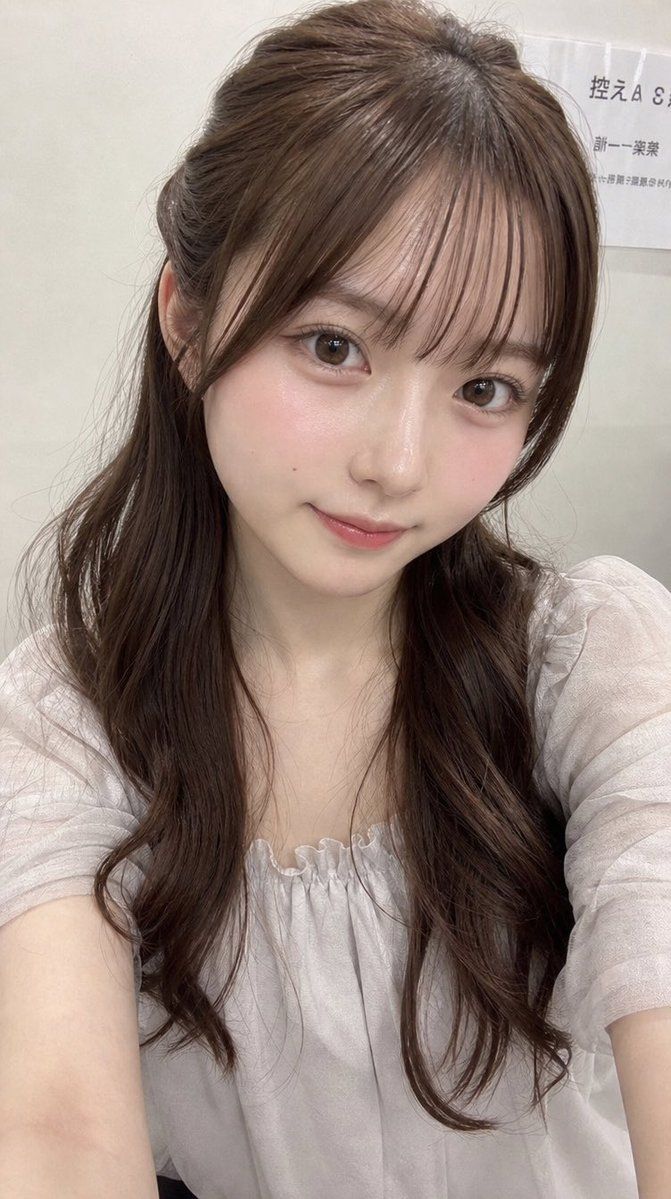
带隐私遮挡的写实自拍
Enlarge

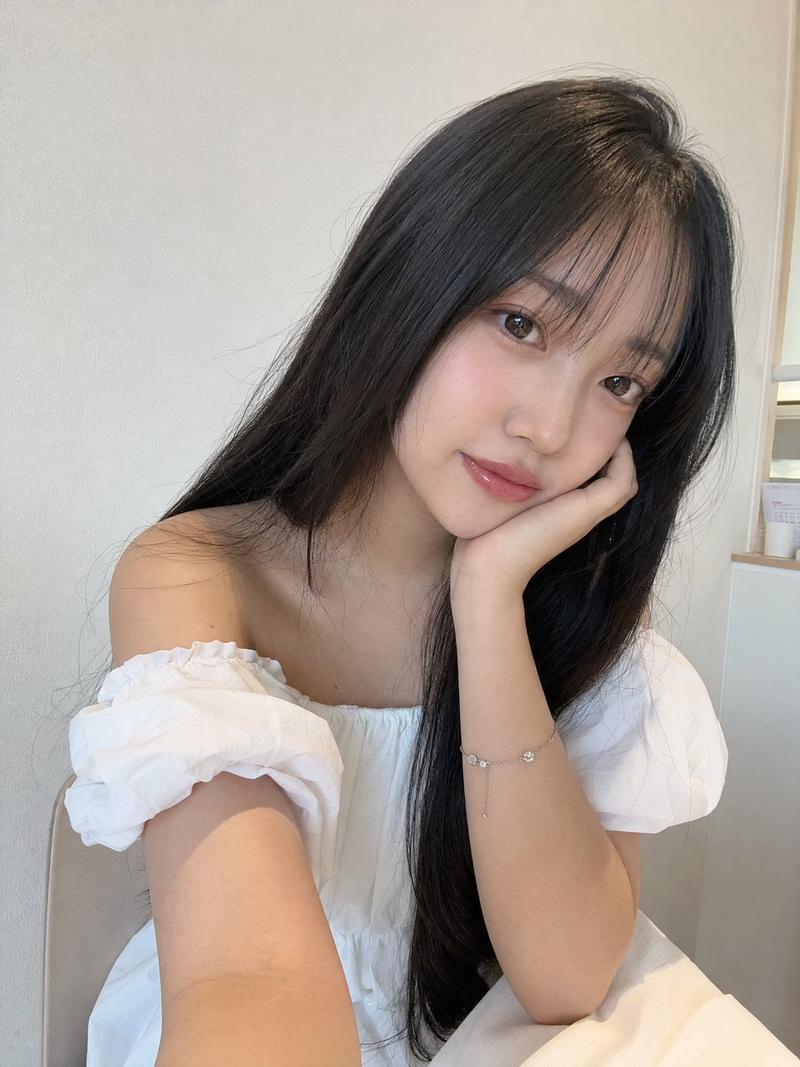
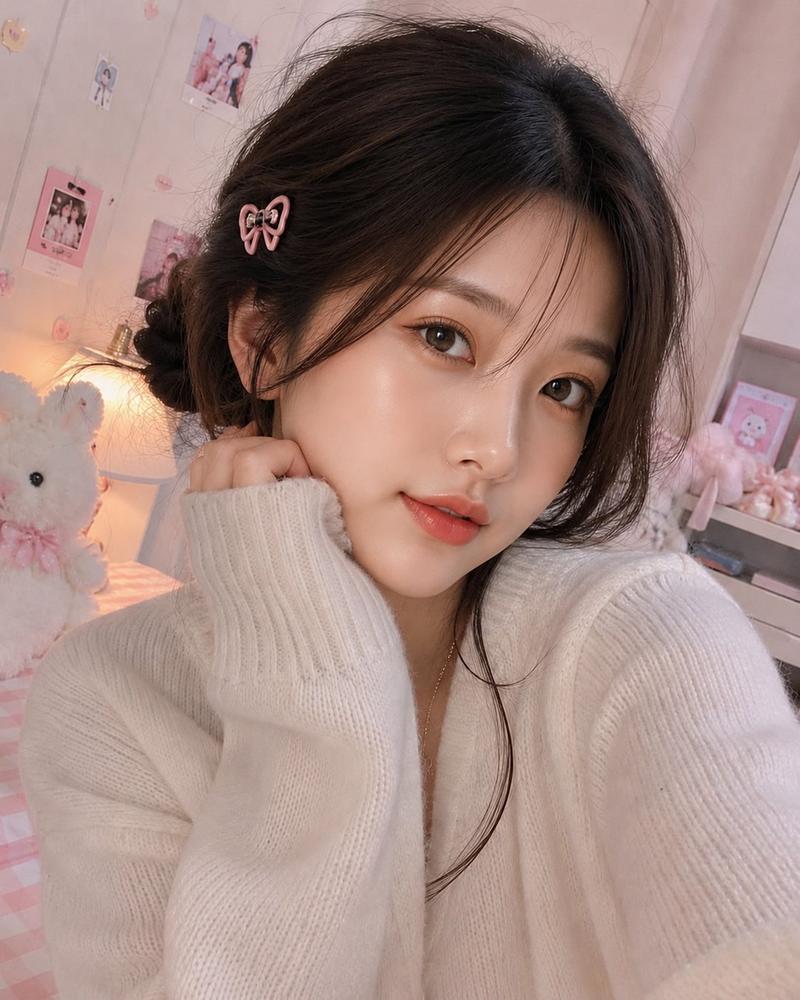
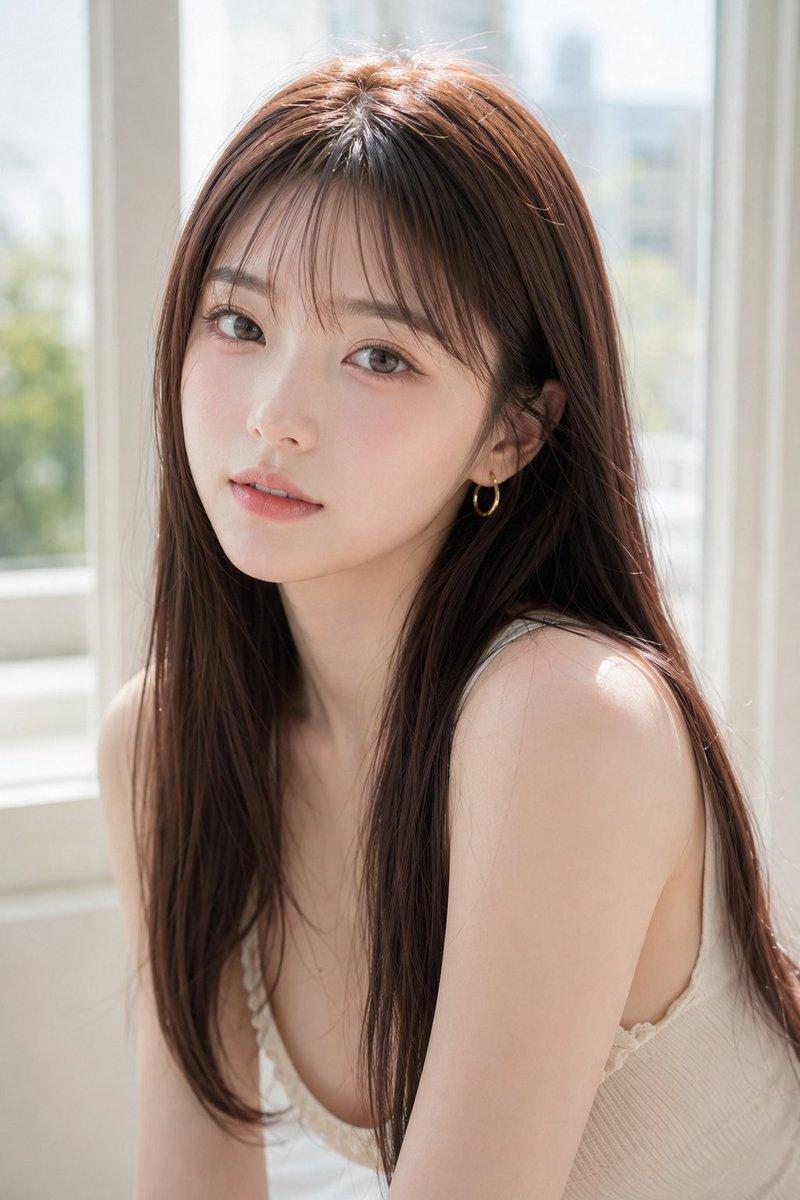
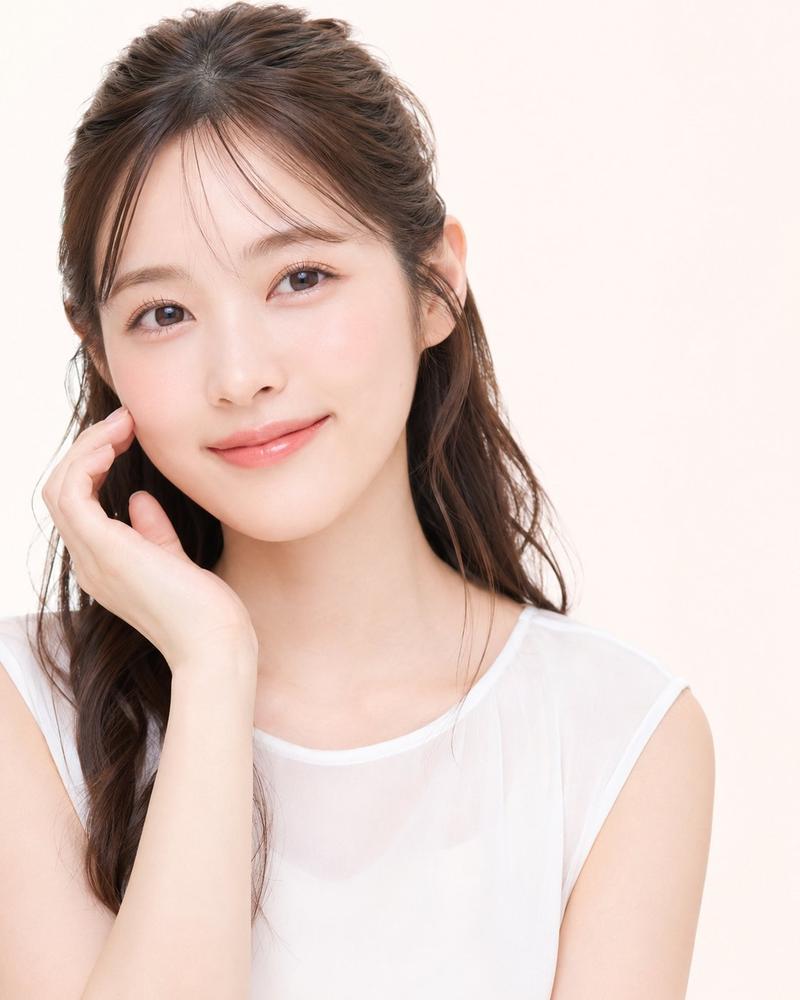
Example images

带隐私遮挡的写实自拍

Prompt
Create a realistic vertical smartphone selfie photo of a young East Asian woman sitting indoors in a softly lit clinic or office waiting-room setting. She is framed from the upper arms to the top of the head, holding the camera slightly above chest level with both arms extending toward the bottom corners. Her face is intentionally covered by one large centered opaque rectangular privacy block in a warm taupe-brown color, spanning from the lower forehead area down to below the mouth and hiding all facial features. She has long dark brown wavy hair with a half-up hairstyle, airy side strands, natural flyaways, and soft bangs parted near the center; the hair falls over both shoulders in loose curls. She wears a sheer light gray-white blouse with translucent puff short sleeves, a gathered ruffled neckline, and delicate thin fabric texture. The background is a plain off-white wall with a small posted paper sign in the upper right containing partial Japanese text, including visible characters like 「控えA…」 and smaller lines beneath, slightly out of focus. Use natural phone-camera realism, indoor ambient lighting, subtle skin texture on neck and arms, shallow depth of field, muted neutral colors, no glamour retouching, no added accessories, no watermark, and keep the image vertical 9:16. Customize: {argument name="hair color" default="dark brown"}, {argument name="blouse color" default="light gray-white"}, {argument name="privacy block color" default="warm taupe-brown"}, {argument name="background setting" default="clinic or office waiting-room"}.
Category
Posters & Typography
Model
GPT Image 2
Creator
kiri
Views11
Source ID
24184
Published
Jun 4, 2026

Guide

About "带隐私遮挡的写实自拍"

What is this prompt for?

"带隐私遮挡的写实自拍" AI image prompt for GPT Image 2 (Posters & Typography). 生成一张写实的室内竖版自拍,画面中是一位留着长卷发的年轻女性,其面部被一个不透明的隐私矩形遮挡。 Copy it on Picva and recreate the look in…

The full copyable prompt and example visuals above are ready for AI image generation or one-click recreate in Picva.

How to use this prompt

  1. Step 1

    Open the prompt detail

    Review the example visuals, category, and full prompt text for "带隐私遮挡的写实自拍".

  2. Step 2

    Copy the prompt

    Copy the prompt body from this page, or load it directly in Studio.

  3. Step 3

    Pick a model (GPT Image 2)

    Prefer GPT Image 2. If you switch models, keep subject and composition and tweak style terms.

  4. Step 4

    Generate and export

    Recreate the look in Picva, or export into your workflow for editing and publishing.

FAQ

What is the "带隐私遮挡的写实自拍" prompt?
It is an AI image-generation prompt for GPT Image 2 in the Posters & Typography category. This page includes the full prompt text, example visuals, and a one-click recreate path in Picva.
How do I use this prompt to generate an image?
Copy the prompt from this page, or use Generate / Studio. Paste it into a compatible image model, or recreate the look in Picva with optional reference images.
Which model is this prompt for?
This page lists GPT Image 2. Most descriptive prompts also transfer to nearby image models such as GPT Image, Flux, or Midjourney with light style tweaks.
Can I use the result commercially?
You can usually copy the prompt for creation, but commercial use of the final image depends on the model terms, reference-image rights, and the generated content. Follow the source author and platform rules.