19

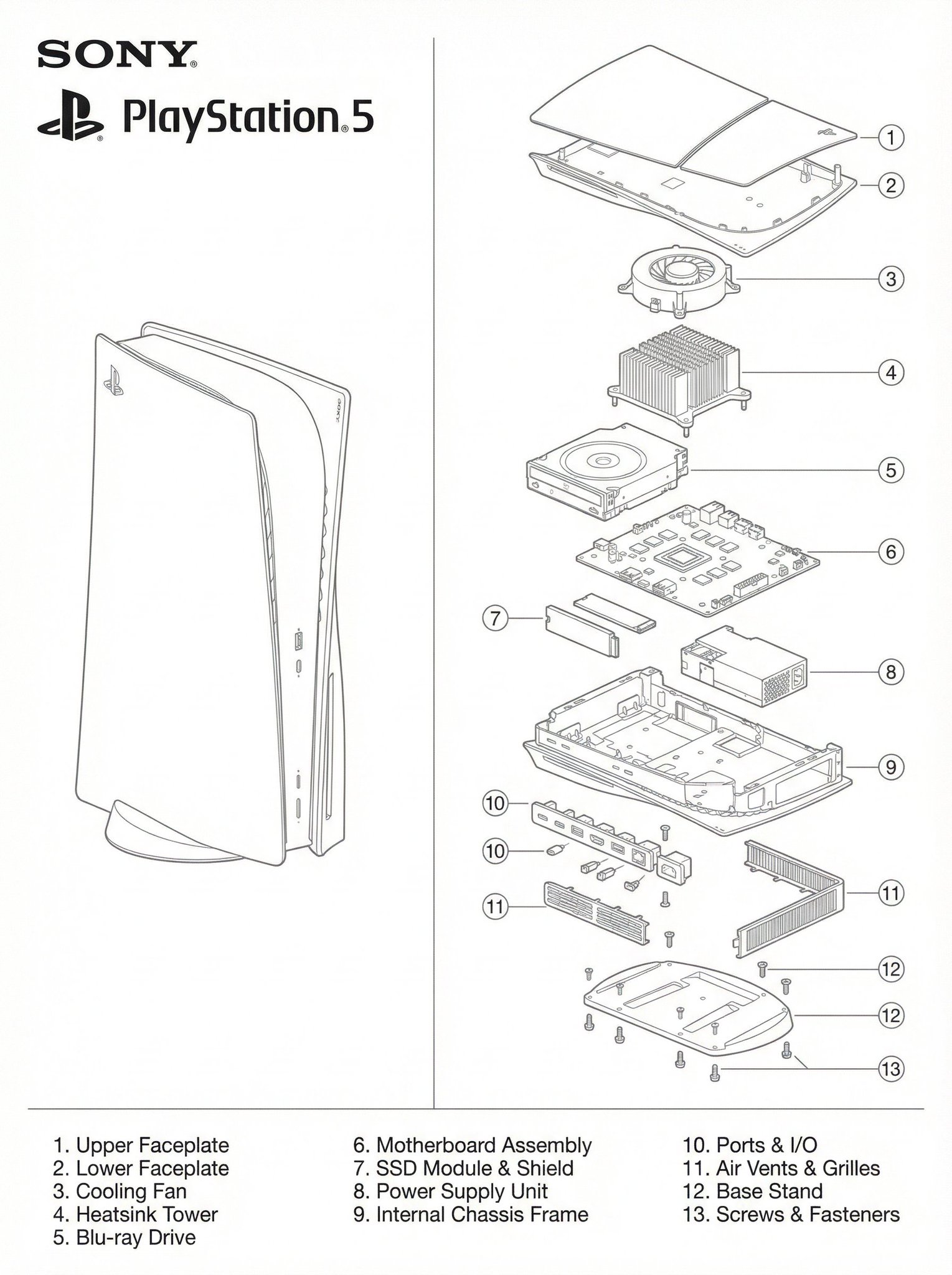
PS5的技术蓝图
Enlarge

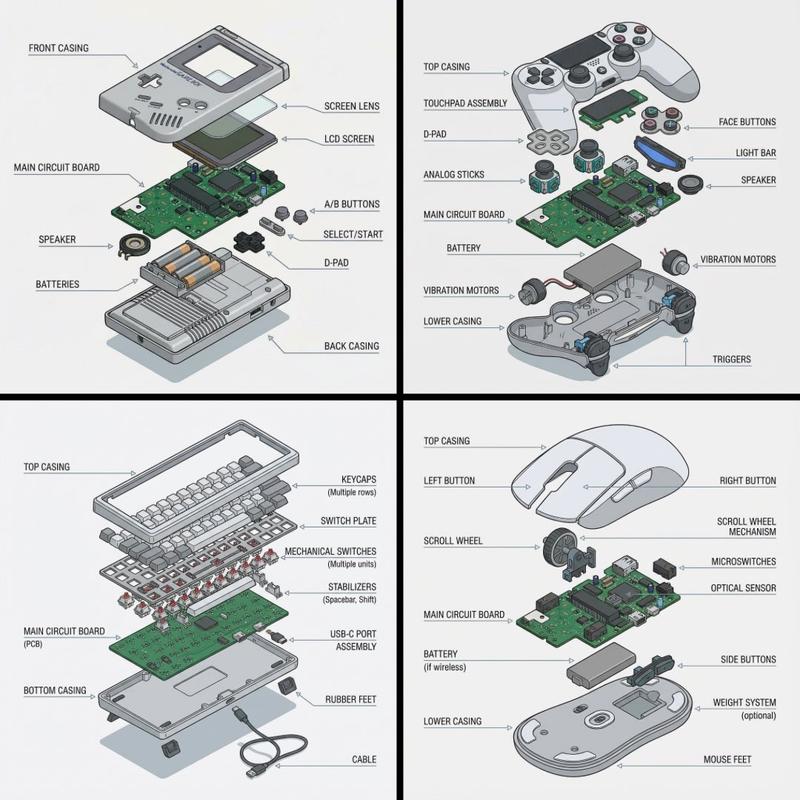
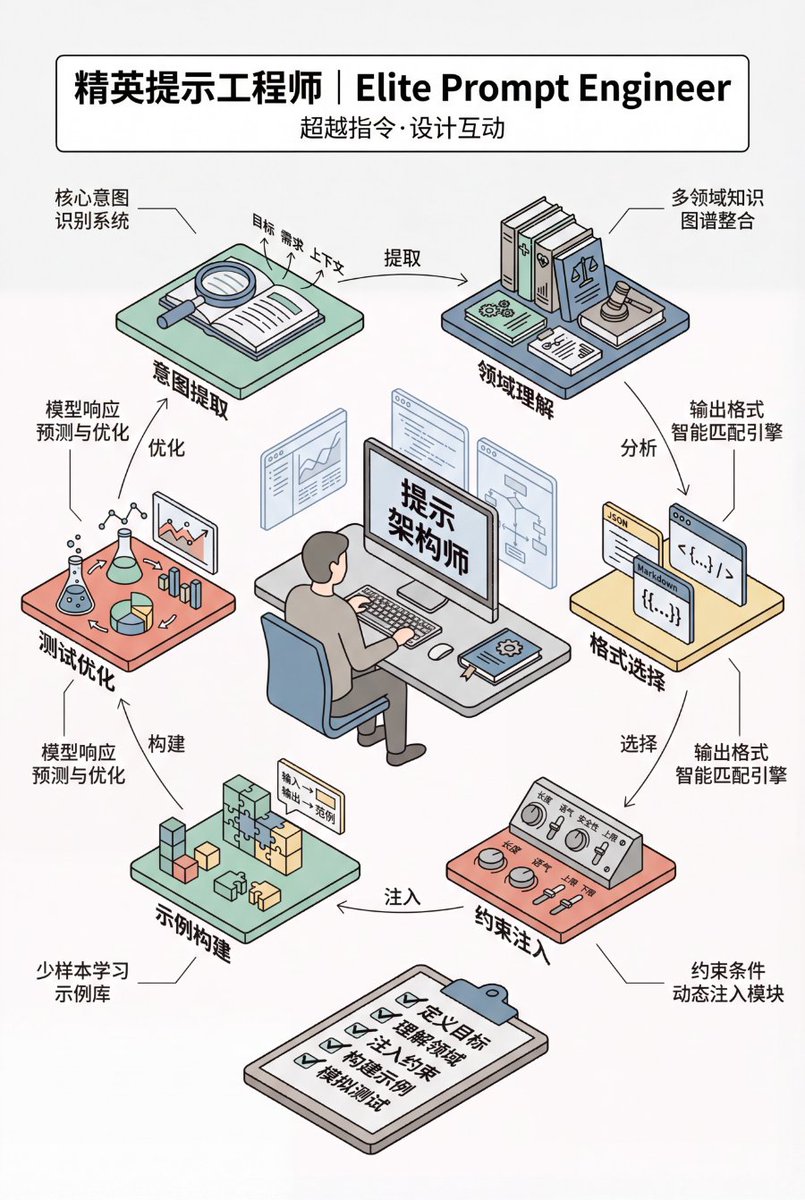
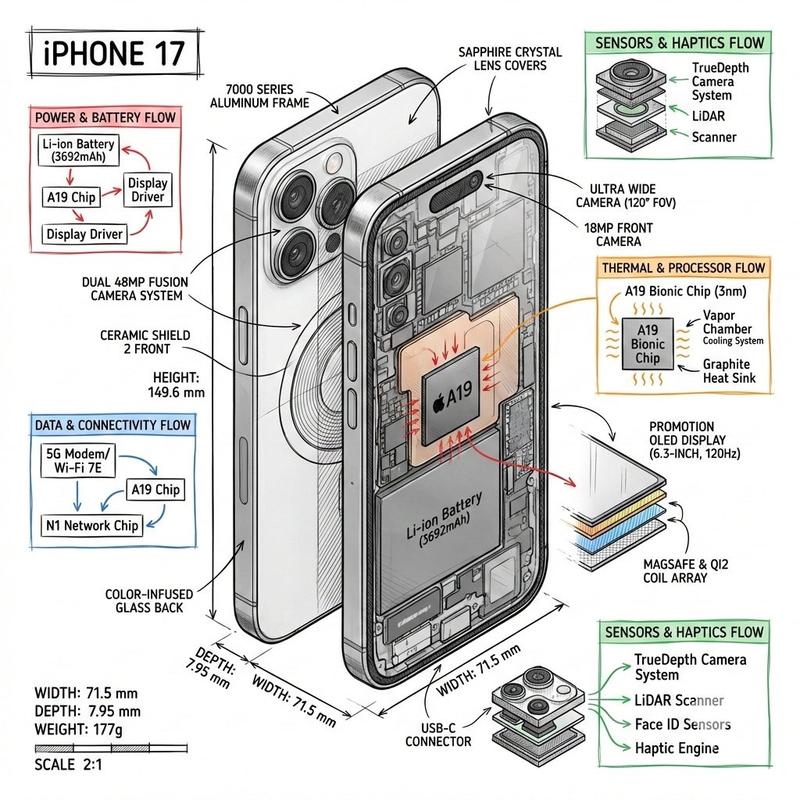
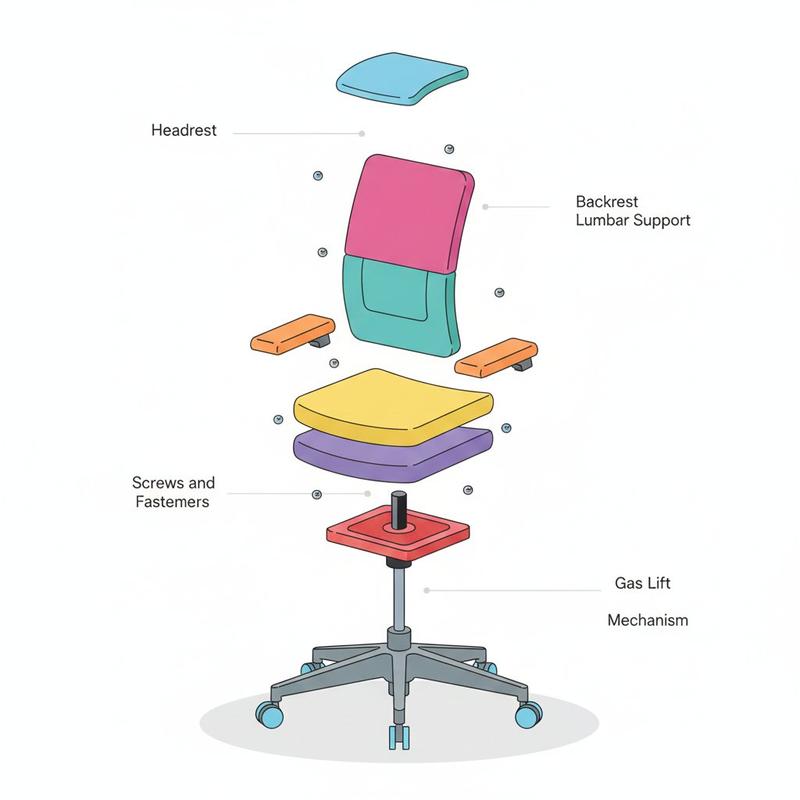
Example images

PS5的技术蓝图

Prompt
A two-panel technical blueprint diagram in clean monochrome line-art, matching the exact layout of the provided PlayStation 1 schematic. On the left side, draw a full, intact Sony PlayStation 5 console in precise thin line-art on a white background. On the right side, draw a highly detailed, vertically exploded-view diagram of the PS5 showing each internal component separated into layers: outer shell panels, faceplates, cooling fan, heatsink tower, Blu-ray drive, motherboard, SSD module, power supply, internal frame, ports, vents, base stand, screws. Use consistent thin grey line-weight with no shading. Add numbered circular labels around each part, and include a matching numbered parts list at the bottom just like the reference blueprint. Place the SONY logo, PlayStation logo, and “PlayStation 5” text in the top left in the exact same position and style as the uploaded reference image. The entire artwork should mirror the composition, spacing, typography, and minimalist engineering-ma
Category
portrait_photography
Model
Nano Banana Pro
Views4
Source ID
55bfa5b7-458f-4aa5-a9e8-5c47f24f3538
Published
Dec 27, 2025

Guide

About "PS5的技术蓝图"

What is this prompt for?

"PS5的技术蓝图" AI image prompt for Nano Banana Pro (portrait_photography). portrait_photography Copy it on Picva and recreate the look in one click.

The full copyable prompt and example visuals above are ready for AI image generation or one-click recreate in Picva.

How to use this prompt

  1. Step 1

    Open the prompt detail

    Review the example visuals, category, and full prompt text for "PS5的技术蓝图".

  2. Step 2

    Copy the prompt

    Copy the prompt body from this page, or load it directly in Studio.

  3. Step 3

    Pick a model (Nano Banana Pro)

    Prefer Nano Banana Pro. If you switch models, keep subject and composition and tweak style terms.

  4. Step 4

    Generate and export

    Recreate the look in Picva, or export into your workflow for editing and publishing.

FAQ

What is the "PS5的技术蓝图" prompt?
It is an AI image-generation prompt for Nano Banana Pro in the portrait_photography category. This page includes the full prompt text, example visuals, and a one-click recreate path in Picva.
How do I use this prompt to generate an image?
Copy the prompt from this page, or use Generate / Studio. Paste it into a compatible image model, or recreate the look in Picva with optional reference images.
Which model is this prompt for?
This page lists Nano Banana Pro. Most descriptive prompts also transfer to nearby image models such as GPT Image, Flux, or Midjourney with light style tweaks.
Can I use the result commercially?
You can usually copy the prompt for creation, but commercial use of the final image depends on the model terms, reference-image rights, and the generated content. Follow the source author and platform rules.