16

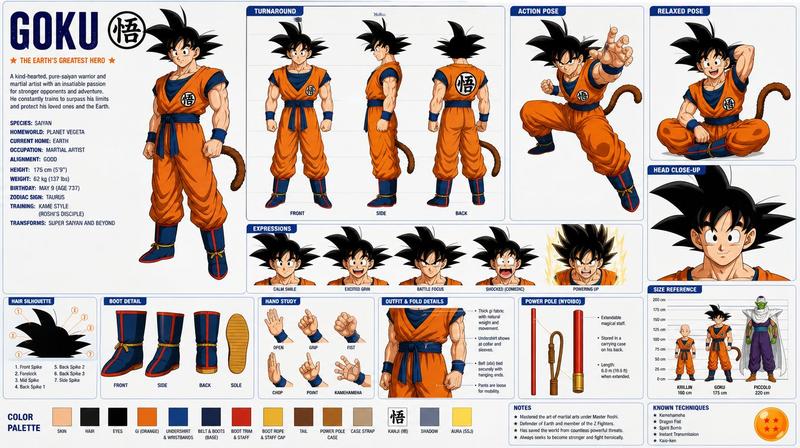
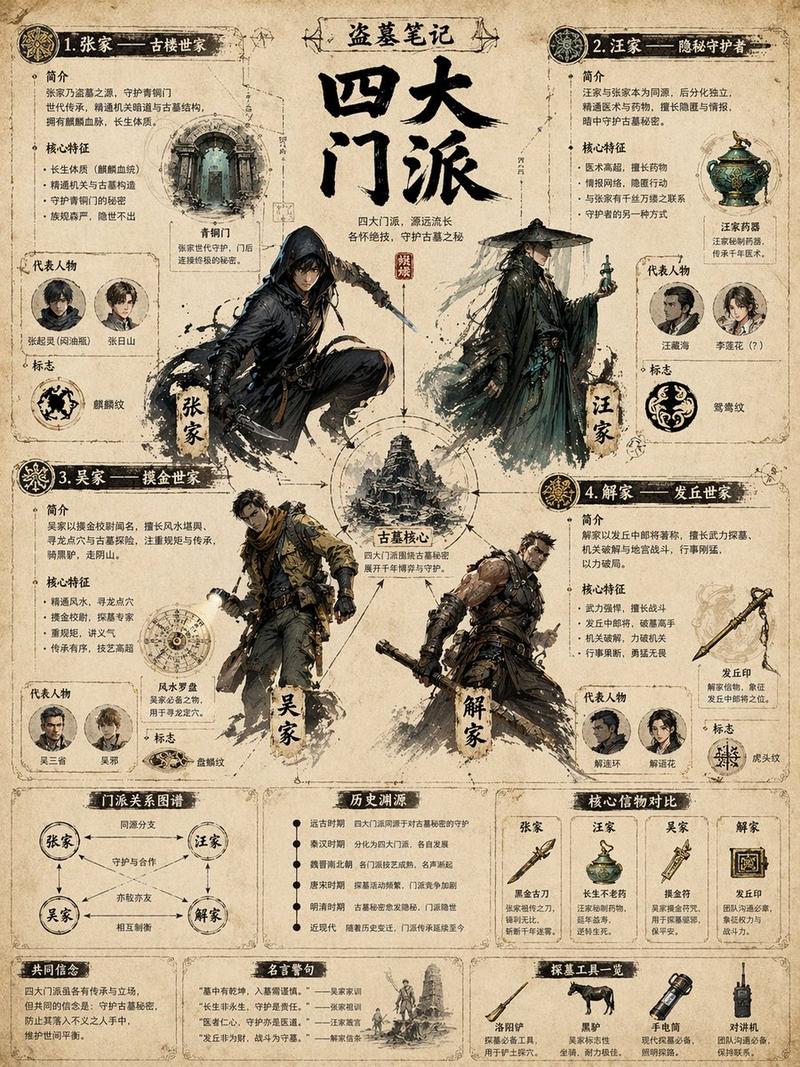
A dynamic character concept sheet showcases a "High-Speed Infiltration Unit" in
Enlarge

A dynamic character concept sheet showcases a "High-Speed Infiltration Unit" in

Prompt
A dynamic character concept sheet showcases a "High-Speed Infiltration Unit" in a mid-air grappling pose, utilizing a clean, tech-wear aesthetic. The central figure wears an oversized off-white hooded tech jacket and charcoal tactical joggers, accented by vibrant safety-orange hardware and cabling. Lighting is flat and illustrative with soft ambient occlusion, emphasizing the matte texture of the synthetic fabrics and the hard-surface sheen of the white and orange grappling launchers. The composition is a structured UI layout, featuring a large action splash on the left balanced by expression headshots, dynamic pose thumbnails, and detailed equipment callouts on the right. High-contrast typography and minimalist UI elements frame the subject against a neutral, off-white studio background.

* **Style:** Modern anime-style character concept art, tech-wear aesthetic
* **Key elements:** Grappling launchers, tactical oversized hoodie, UI layout, expression sheet, technical gear
* **Lighting:** Studio softbox lighting, neutral color temperature, subtle cel-shading
* **Camera:** Orthographic character sheet, multiple angles, wide layout composition
Category
UI & Interfaces
Model
GPT Image 2
Views254
Source ID
3934
Published
May 14, 2026

Guide

About "A dynamic character concept sheet showcases a "High-Speed Infiltration Unit" in "

What is this prompt for?

"A dynamic character concept sheet showcases a "High-Speed Infiltration Unit" in " AI image prompt for GPT Image 2 (UI & Interfaces). A dynamic character conce…

The full copyable prompt and example visuals above are ready for AI image generation or one-click recreate in Picva.

How to use this prompt

  1. Step 1

    Open the prompt detail

    Review the example visuals, category, and full prompt text for "A dynamic character concept sheet showcases a "High-Speed Infiltration Unit" in ".

  2. Step 2

    Copy the prompt

    Copy the prompt body from this page, or load it directly in Studio.

  3. Step 3

    Pick a model (GPT Image 2)

    Prefer GPT Image 2. If you switch models, keep subject and composition and tweak style terms.

  4. Step 4

    Generate and export

    Recreate the look in Picva, or export into your workflow for editing and publishing.

FAQ

What is the "A dynamic character concept sheet showcases a "High-Speed Infiltration Unit" in " prompt?
It is an AI image-generation prompt for GPT Image 2 in the UI & Interfaces category. This page includes the full prompt text, example visuals, and a one-click recreate path in Picva.
How do I use this prompt to generate an image?
Copy the prompt from this page, or use Generate / Studio. Paste it into a compatible image model, or recreate the look in Picva with optional reference images.
Which model is this prompt for?
This page lists GPT Image 2. Most descriptive prompts also transfer to nearby image models such as GPT Image, Flux, or Midjourney with light style tweaks.
Can I use the result commercially?
You can usually copy the prompt for creation, but commercial use of the final image depends on the model terms, reference-image rights, and the generated content. Follow the source author and platform rules.