18

Use the uploaded portrait as the facial reference
Enlarge

Use the uploaded portrait as the facial reference

Prompt
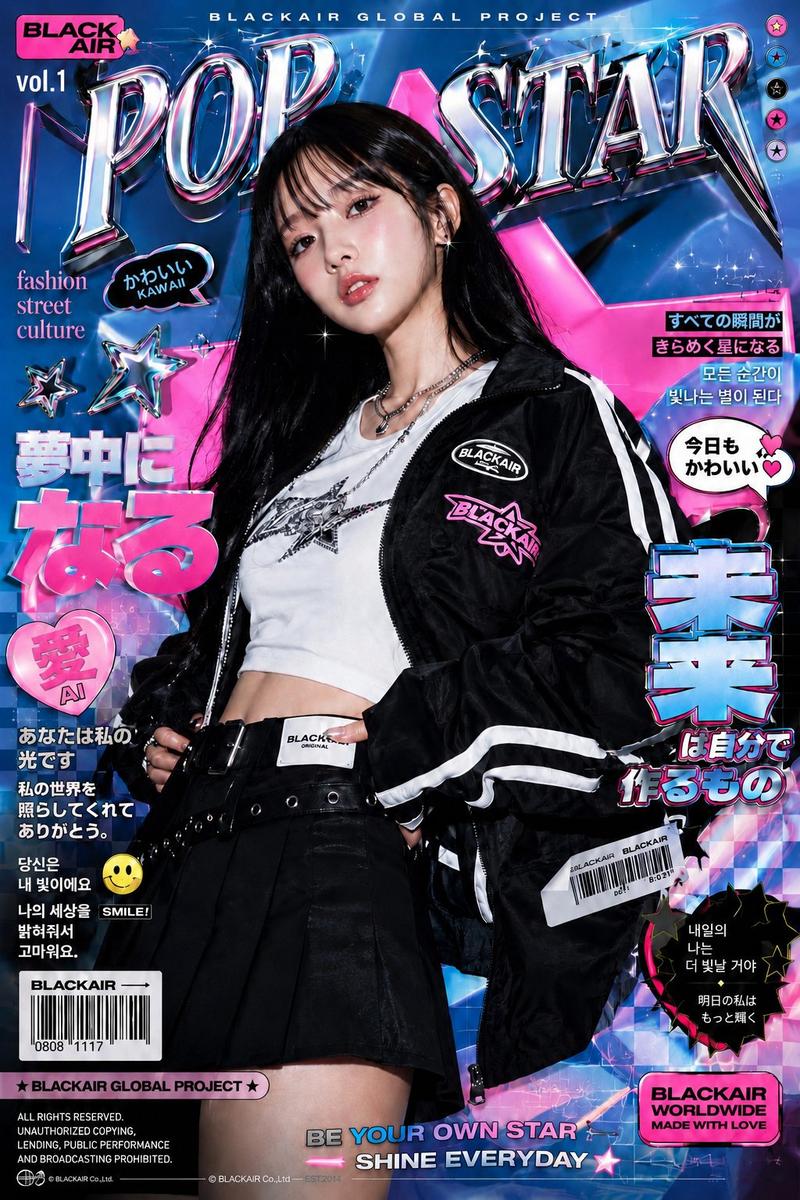
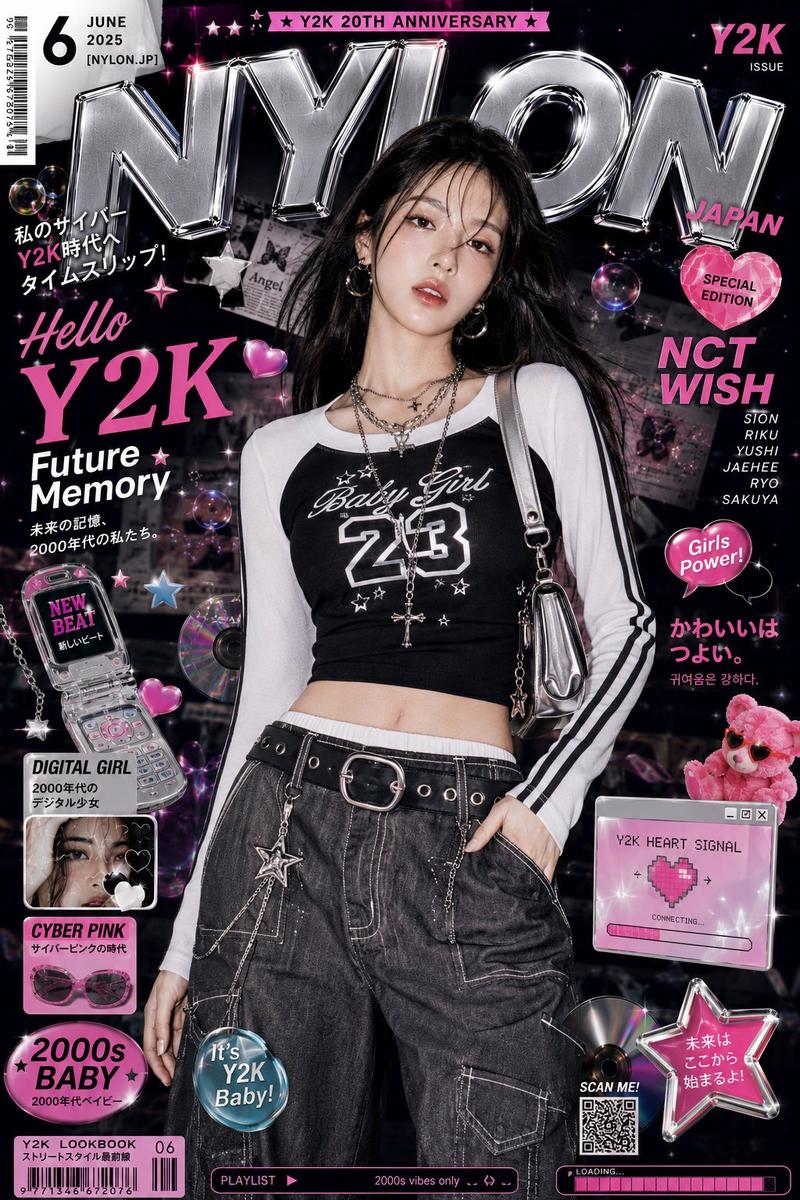
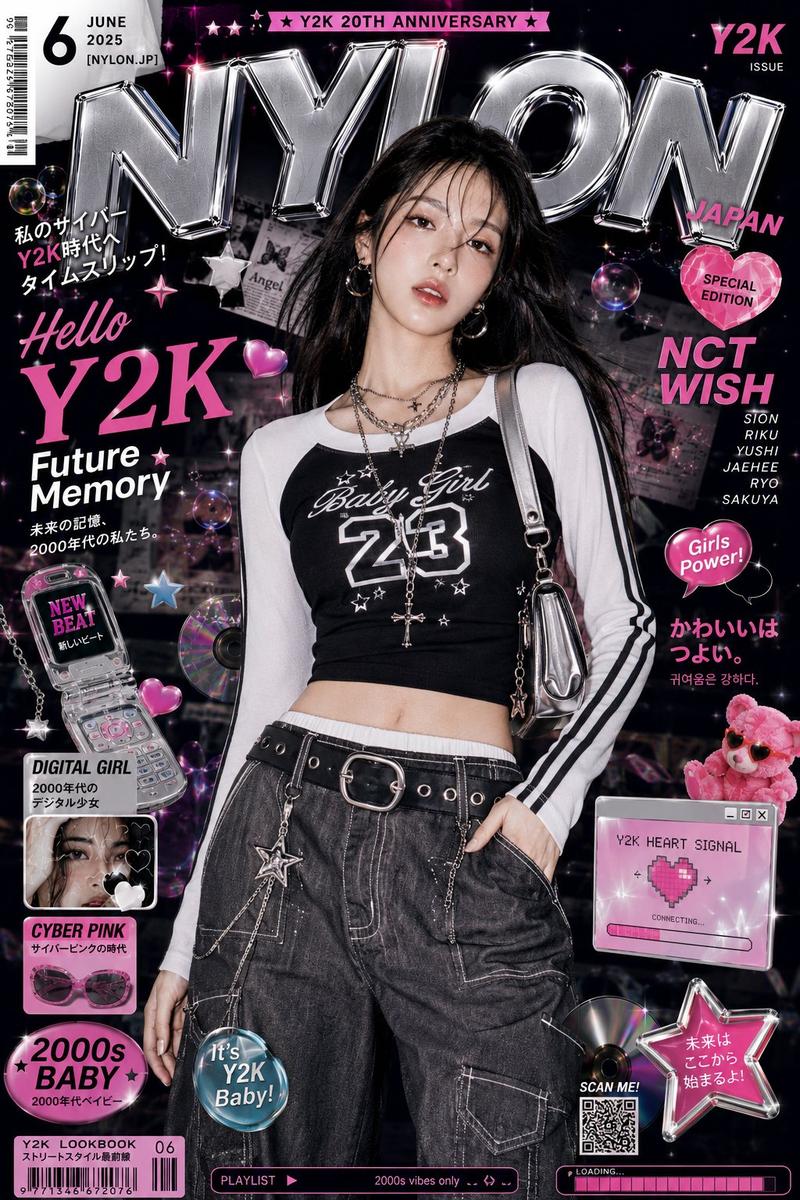
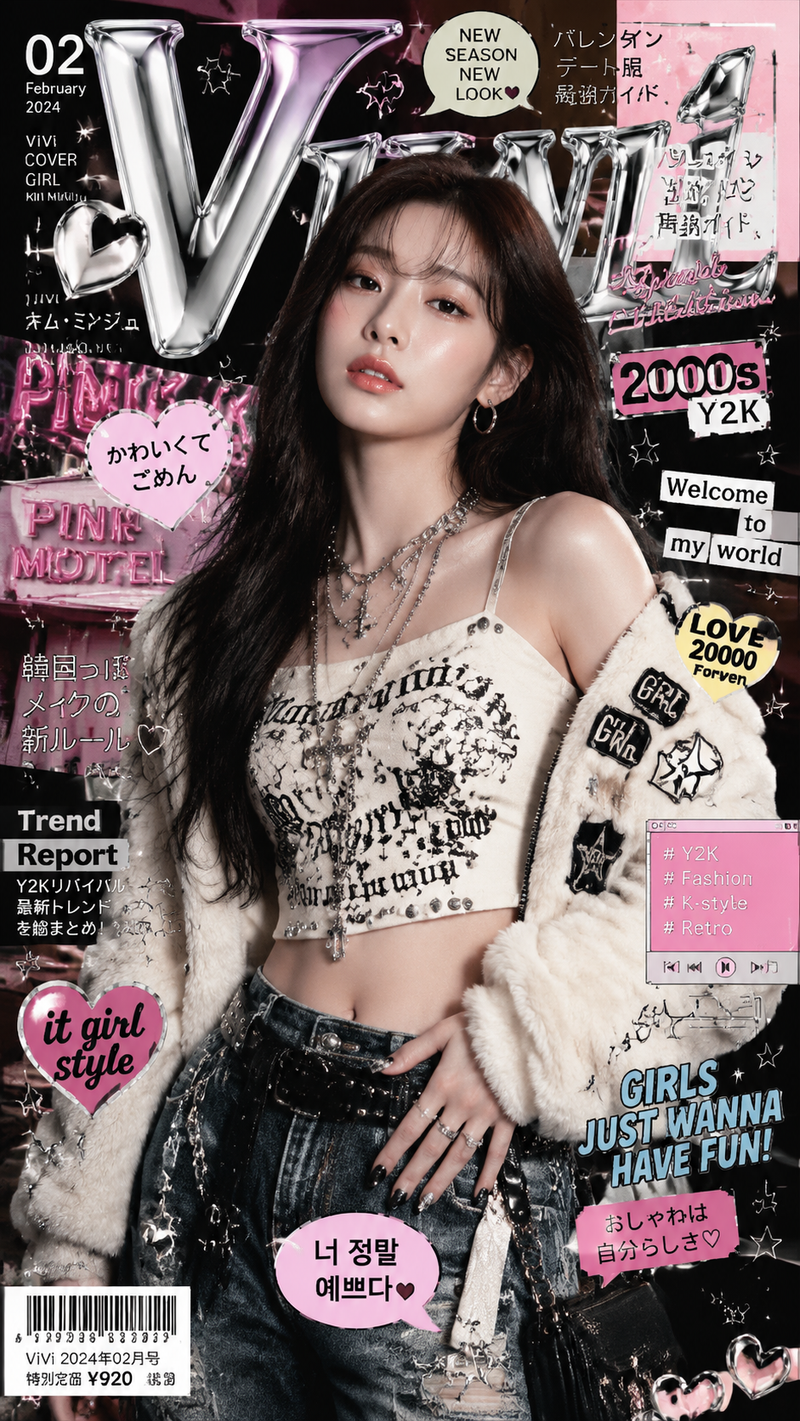
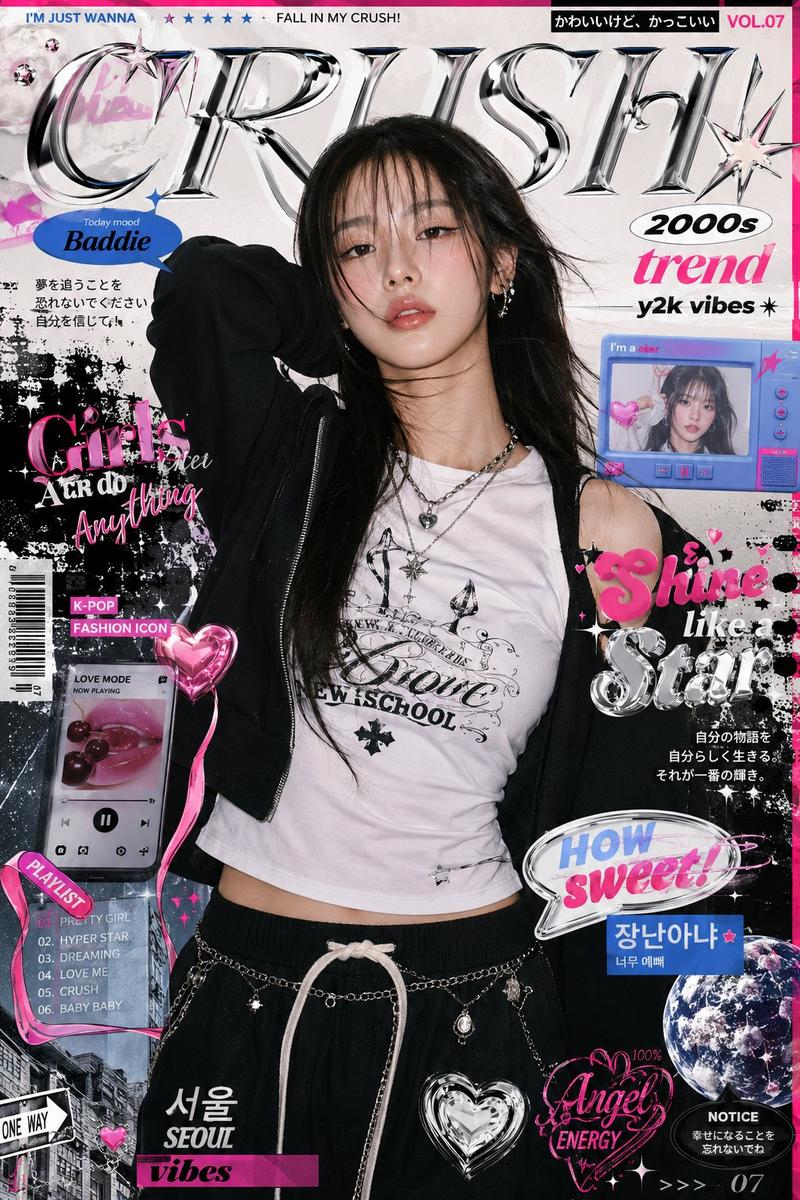
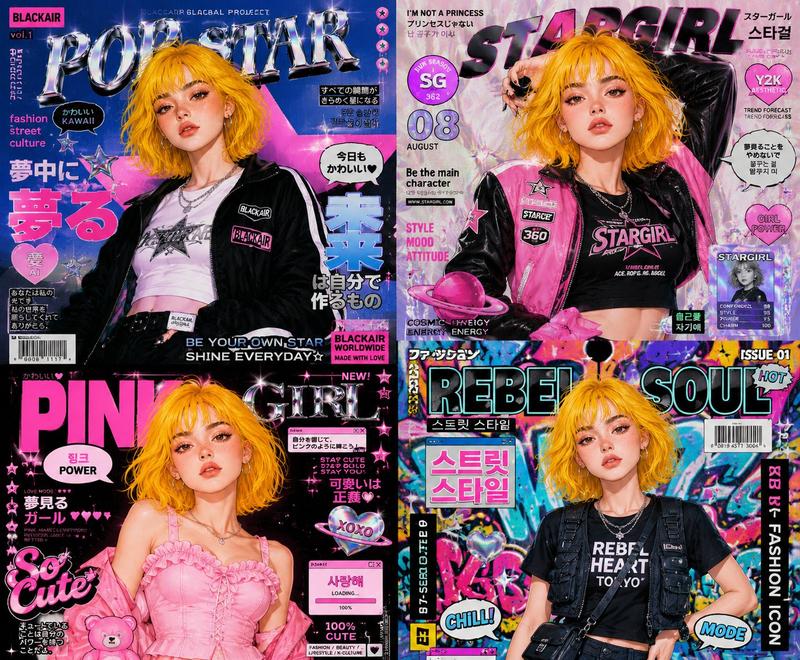
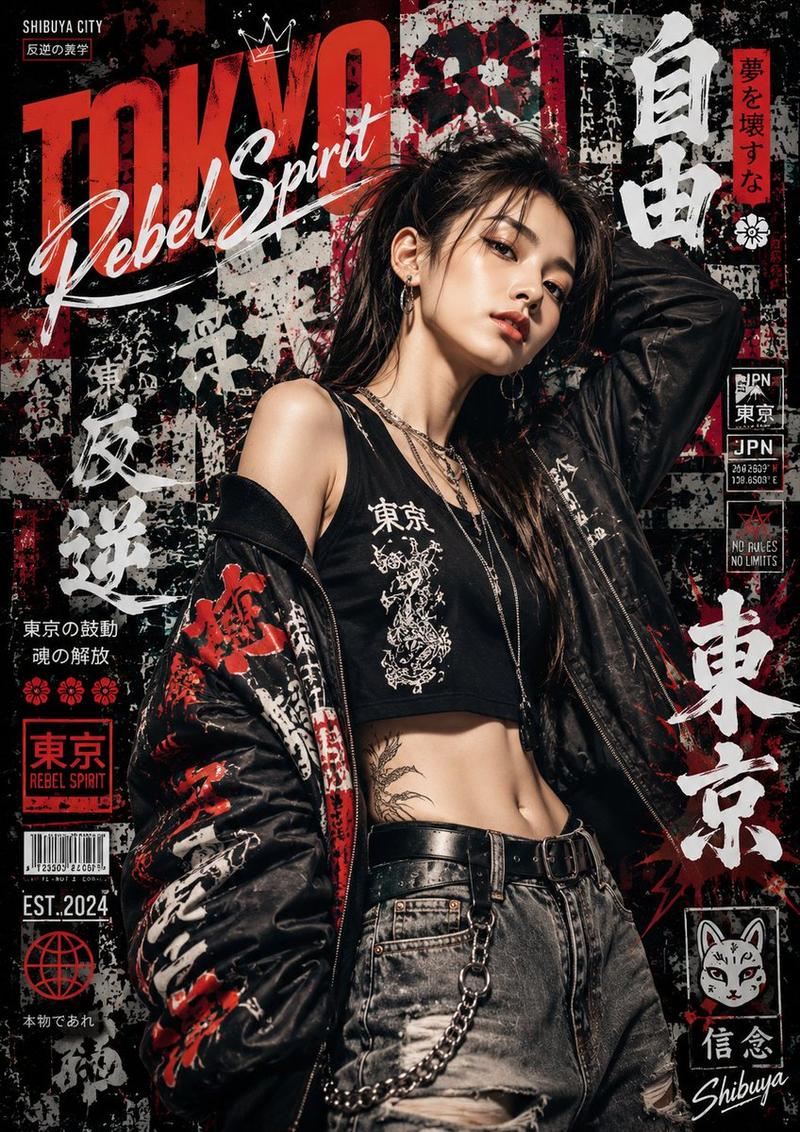
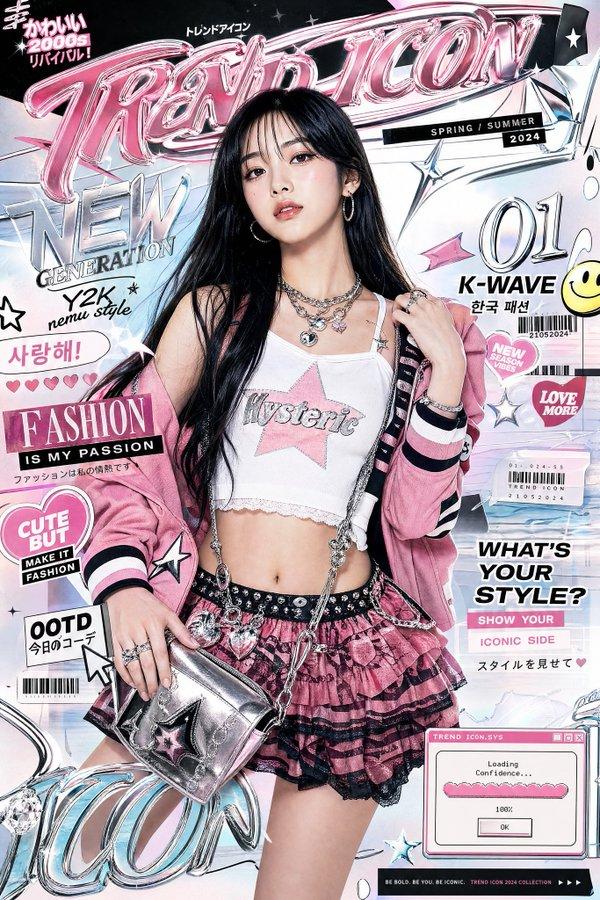
Use the uploaded portrait as the facial reference. Create a high-quality 9:16 character profile poster of Sheena, a 20-year-old trendy girl with a sweet wink and confident cool pose. Keep her recognizable face, soft features, big eyes, and braided hairstyle. Restyle her in fashionable streetwear with layered accessories and chunky sneakers. Add irregular overlapping collage panels showing close-ups of her eyes, hair, face, hands, waist, legs, and shoes, each with different poses and angles. Use premium editorial design, Y2K street fashion, chrome typography, dynamic depth, rich details, and clean English poster text: “SHEENA”, “AGE 20”, “165CM”, “47KG”. Ultra-detailed, sharp, stylish, polished, modern fashion poster

Negative Prompt:
low quality, blurry, distorted face, wrong identity, extra fingers, bad hands, broken anatomy, duplicate body, messy layout, unreadable text, misspelled words, watermark, logo, heavy blur, overexposed, underexposed, plastic skin, AI artifacts, inappropriate outfit, overly revealing clothing, childish body, deformed shoes, bad composition
Category
Posters & Typography
Model
GPT Image 2
Views120
Source ID
40277
Published
Jul 2, 2026

Guide

About "Use the uploaded portrait as the facial reference"

What is this prompt for?

"Use the uploaded portrait as the facial reference" AI image prompt for GPT Image 2 (Posters & Typography). Use the uploaded portrait as the facial reference.…

The full copyable prompt and example visuals above are ready for AI image generation or one-click recreate in Picva.

How to use this prompt

  1. Step 1

    Open the prompt detail

    Review the example visuals, category, and full prompt text for "Use the uploaded portrait as the facial reference".

  2. Step 2

    Copy the prompt

    Copy the prompt body from this page, or load it directly in Studio.

  3. Step 3

    Pick a model (GPT Image 2)

    Prefer GPT Image 2. If you switch models, keep subject and composition and tweak style terms.

  4. Step 4

    Generate and export

    Recreate the look in Picva, or export into your workflow for editing and publishing.

FAQ

What is the "Use the uploaded portrait as the facial reference" prompt?
It is an AI image-generation prompt for GPT Image 2 in the Posters & Typography category. This page includes the full prompt text, example visuals, and a one-click recreate path in Picva.
How do I use this prompt to generate an image?
Copy the prompt from this page, or use Generate / Studio. Paste it into a compatible image model, or recreate the look in Picva with optional reference images.
Which model is this prompt for?
This page lists GPT Image 2. Most descriptive prompts also transfer to nearby image models such as GPT Image, Flux, or Midjourney with light style tweaks.
Can I use the result commercially?
You can usually copy the prompt for creation, but commercial use of the final image depends on the model terms, reference-image rights, and the generated content. Follow the source author and platform rules.