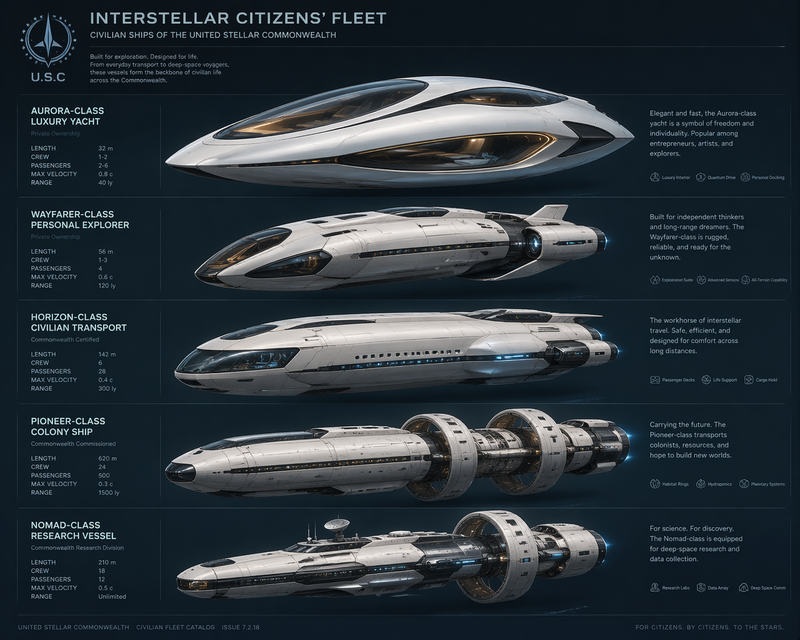
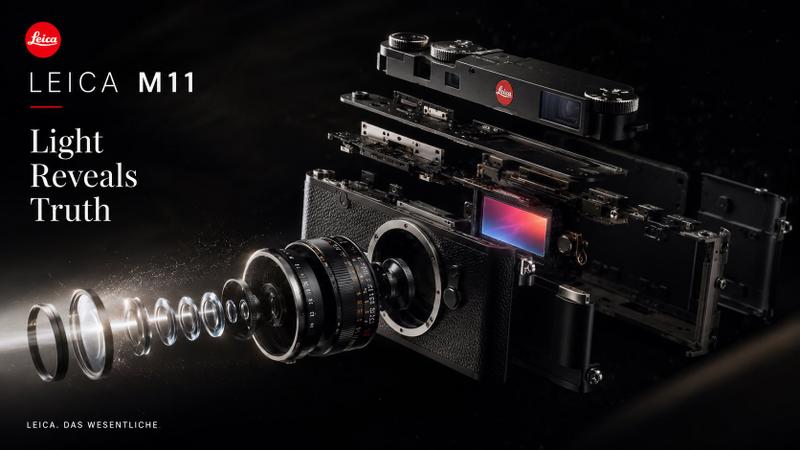
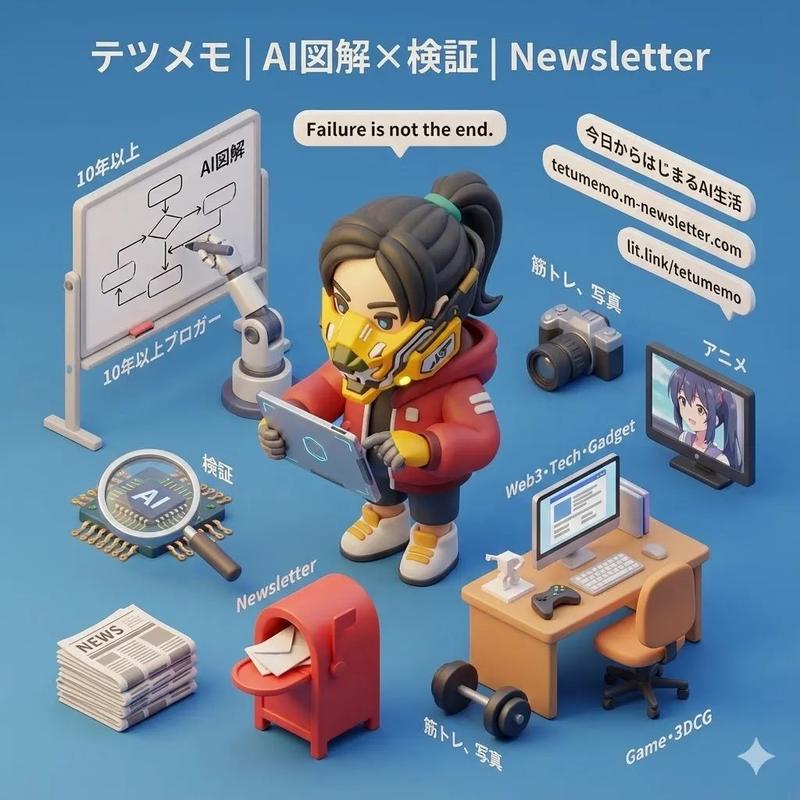
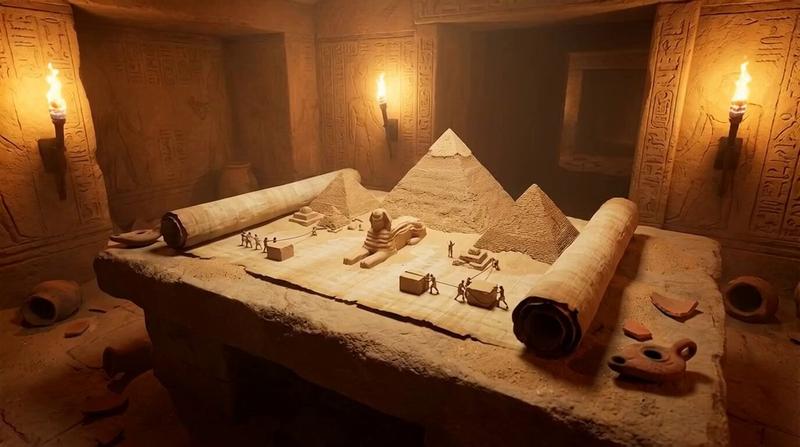
电影{Movie Name}迷你3D场景创作
提示词
3D Miniature Movie by Nano Banana Pro on @GeminiApp https://t.co/KvvfP4oC8o
Prompt:
“Create an exquisite, miniature 3D cartoon-style scene based on the movie {Movie Name}, viewed clearly from a 45° top-down perspective.
Place the most iconic symbol, character, or landmark from {Movie Name} prominently at the center of the scene. Surround it with proportionally-sized props, tiny characters, thematic items, and playful Easter eggs that represent the key moments, emotions, and worldbuilding of the movie.
Render it in Cinema 4D with smooth, rounded modeling, refined PBR materials, and rich textures. Use gentle, realistic lighting with soft shadows to create a warm, inviting atmosphere.
Keep the overall composition clean and minimalist with a solid-color background to focus attention on the main subject.
At the top-center, display the movie title {Movie Name} in a large, clean font, in the language specified by the user. The text should have no background and may subtly overlap parts of the scene for added integration.
Aspect Ratio: {Your aspect ratio, default 1:1}”- 分类
- 插画艺术
- 模型
- Nano Banana Pro
- 来源作者
- aleenaamiir
- 来源 ID
- 3d-miniature-scene-creation-based-on-movie-moviename
浏览量0