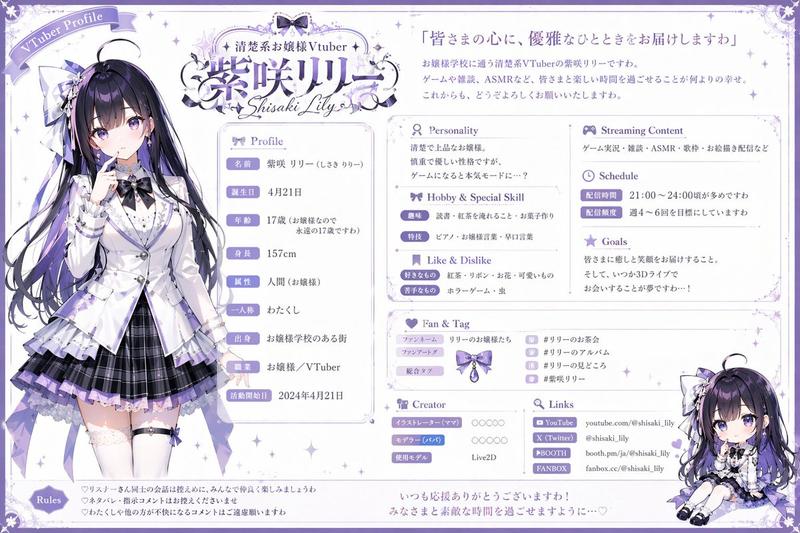
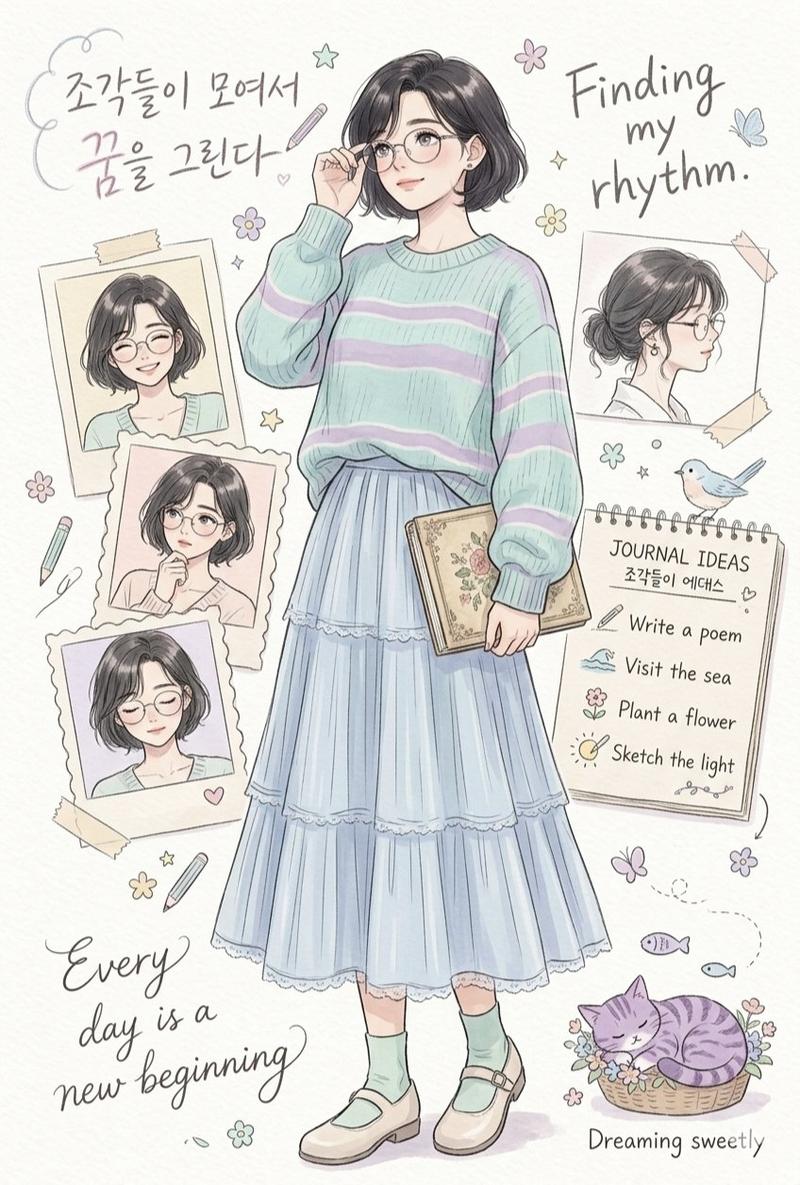
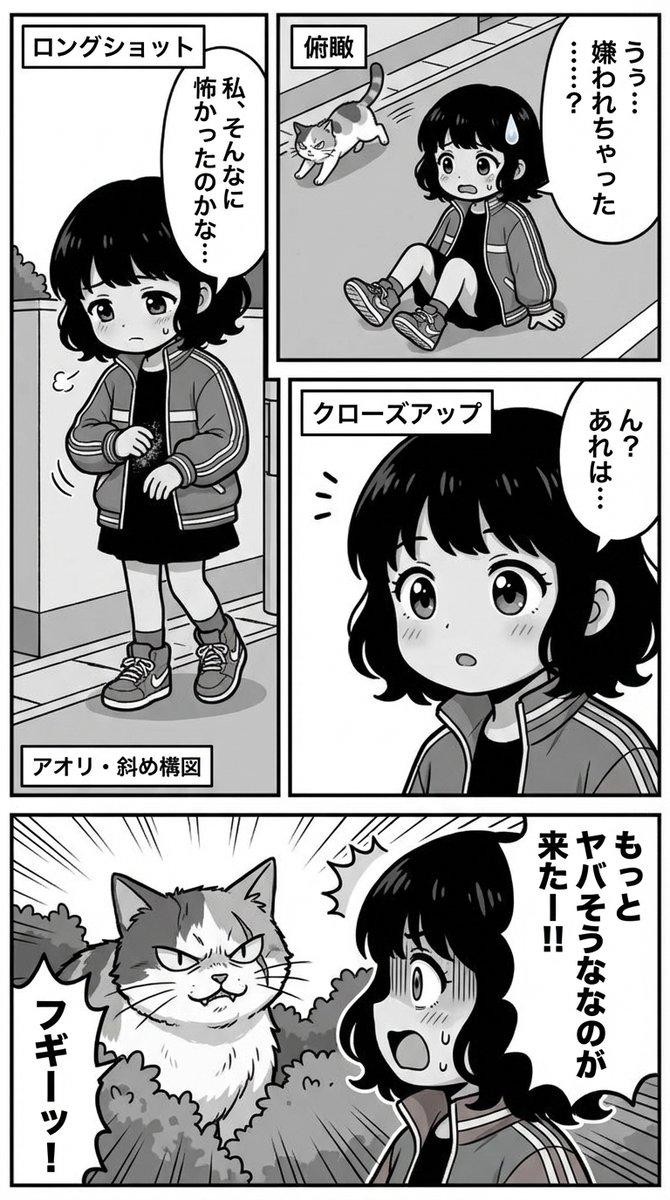
复古像素风 UI 样机
Prompt
{
  "type": "retro monochrome pixel art visual novel interface",
  "style": "1-bit pixel art, black and white, dithered shading, classic Macintosh aesthetic",
  "character": {
    "description": "{argument name=\"character appearance\" default=\"anime girl with a high ponytail wearing a dark dress with a white collar\"}",
    "pose": "standing, hand near chin, thoughtful expression"
  },
  "background": {
    "setting": "room interior",
    "details": [
      "patterned wallpaper with small crosses",
      "framed picture of a night city skyline with a crescent moon",
      "window with curtains",
      "small table with a vase of tulips",
      "rug on the floor"
    ]
  },
  "layout": {
    "top_bar": {
      "left": "{argument name=\"date text\" default=\"Apr 17\"}",
      "center": "{argument name=\"time text\" default=\"21:35\"}",
      "right": "Wi-Fi icon, speaker icon, 31%, battery icon"
    },
    "panels": [
      {
        "position": "mid-left",
        "title": "{argument name=\"status panel title\" default=\"STATUS\"}",
        "count": 6,
        "rows": [
          "smiley face icon with solid progress bar",
          "lightning bolt icon with solid progress bar",
          "fork and knife icon with solid progress bar",
          "dollar sign icon with solid progress bar",
          "clock icon with segmented progress bar",
          "calendar icon with segmented progress bar"
        ]
      },
      {
        "position": "bottom-right",
        "elements": [
          "audio waveform with a central {argument name=\"interaction icon\" default=\"cat face\"} icon",
          "row of 10 hearts, 6 filled and 4 empty"
        ]
      }
    ]
  }
}- Category
- Charts & Infographics
- Model
- GPT Image 2
- Creator
- 南闲
- Source ID
- 13887
- Published
- Apr 17, 2026
Views5